How to Create Website Mockups People Actually Love
Learn how to create website mockups that bridge the gap between idea and reality. Our guide covers tools, principles, and developer handoff.
Build beautiful websites like these in minutes
Use Alpha to create, publish, and manage a fully functional website with ease.





Building a professional website used to mean choosing between a steep learning curve with complex platforms or hiring expensive developers. That entire paradigm is shifting. The emergence of artificial intelligence has introduced a new, faster way to get online, where the best AI website builder can transform a simple text prompt or a link to a site you admire into a fully functional, mobile-optimized website in minutes, not weeks.
This guide is designed to cut through the marketing hype and provide a practical, hands-on comparison of the top 12 AI-powered platforms available today. We move beyond simple feature lists to give you a clear picture of what it's truly like to use these tools. You'll find a detailed analysis of their core AI capabilities, specific use cases, pricing structures, and crucial limitations, ensuring you can choose the right tool to launch your business, project, or portfolio with both speed and confidence.
We'll pay special attention to standout features like URL cloning, natural language editing, and integrated conversion tools that separate the truly innovative builders from the rest. As AI takes center stage, it's also reshaping the very foundations of web development, including the future of Content Management Systems. For each platform reviewed below, you will find direct links, screenshots of the interface, and an honest assessment to help you find the perfect fit for your specific needs, whether you're a solopreneur, a small business owner, or a digital marketer.
1. Alpha
Alpha solidifies its position as a top-tier AI website builder by fundamentally re-engineering the creation process for speed and simplicity. It’s designed for entrepreneurs, startups, and marketers who require a professional, conversion-focused website without the steep learning curve of traditional platforms. The platform’s core philosophy is to eliminate friction, transforming what could be weeks of design and development into a task completed in minutes.
Its most significant differentiator is the AI-powered website cloning feature. Instead of starting with a generic template, you can input the URL of any existing website you admire. Alpha’s AI analyzes the layout, structure, and design elements, then regenerates a fully editable and personalized version for your brand. This unique workflow provides an unparalleled head start, allowing you to build on proven designs rather than starting from a blank canvas. This makes Alpha one of the best AI website builder options for rapid prototyping and launch.
Key Features & User Experience
Alpha’s feature set is built around an intuitive, AI-first user experience. The natural-language editor is a standout capability, letting you make design changes by simply describing what you want in a chat interface. For instance, you can type "change the hero image to a picture of a modern office" or "make all the buttons blue," and the AI executes the command instantly. This conversational approach removes the need to hunt through complex menus and settings.
Other critical features include:
Built-in Lead Capture: Forms are integrated directly, with submissions tracked in a simple dashboard.
SEO Optimization: The AI ensures foundational SEO best practices are implemented from the start.
Real-Time Analytics: A clear dashboard provides immediate insights into visitor traffic and engagement.
Mobile-First Design: All generated sites are automatically responsive and optimized for every screen size.
Pricing and Ideal Use Case
Alpha’s pricing structure is both accessible and transparent, making it suitable for a range of users from hobbyists to established small businesses.
Plan | Price (Monthly) | Key Features |
|---|---|---|
Starter | Free | 1 page, |
Mini | $9 | Custom domain, 2 pages, 100 chat credits |
Basic | $25 | 15 pages, 300 chat credits, CMS (beta) |
This platform is ideal for founders needing a minimum viable product website, marketers launching campaign landing pages, and solopreneurs who want a polished online presence without hiring a designer. While its CMS is still in beta and it lacks deep e-commerce integrations for now, its strengths in speed, AI-driven design, and usability are exceptional. To see how it compares to other tools, Alpha provides a detailed guide on the top AI website builders on their blog.
Pros:
Revolutionary "copy-any-site" workflow saves immense time.
Natural-language editing makes design intuitive for non-designers.
Integrated analytics, forms, and SEO tools are built-in.
Affordable pricing with a functional free tier for testing.
Cons:
The CMS is still in beta, which may be a limitation for content-heavy sites.
Lacks advanced e-commerce or complex backend integrations at present.
Page limits and chat credits on lower-tier plans.
Website: https://www.alpha.page
2. Squarespace – Blueprint AI
Squarespace Blueprint AI represents a powerful evolution for one of the industry's most respected platforms, blending its renowned design prowess with artificial intelligence. Instead of generating a site from a single prompt, Blueprint guides you through a structured, multi-step process. You define your site's purpose, select key pages (like "About" or "Services"), and choose a stylistic "personality" which dictates fonts, colors, and overall mood. This structured approach ensures the AI's output aligns with Squarespace’s high design standards, resulting in a polished, multi-page draft that feels less like a random generation and more like a professionally designed template tailored to your brand.
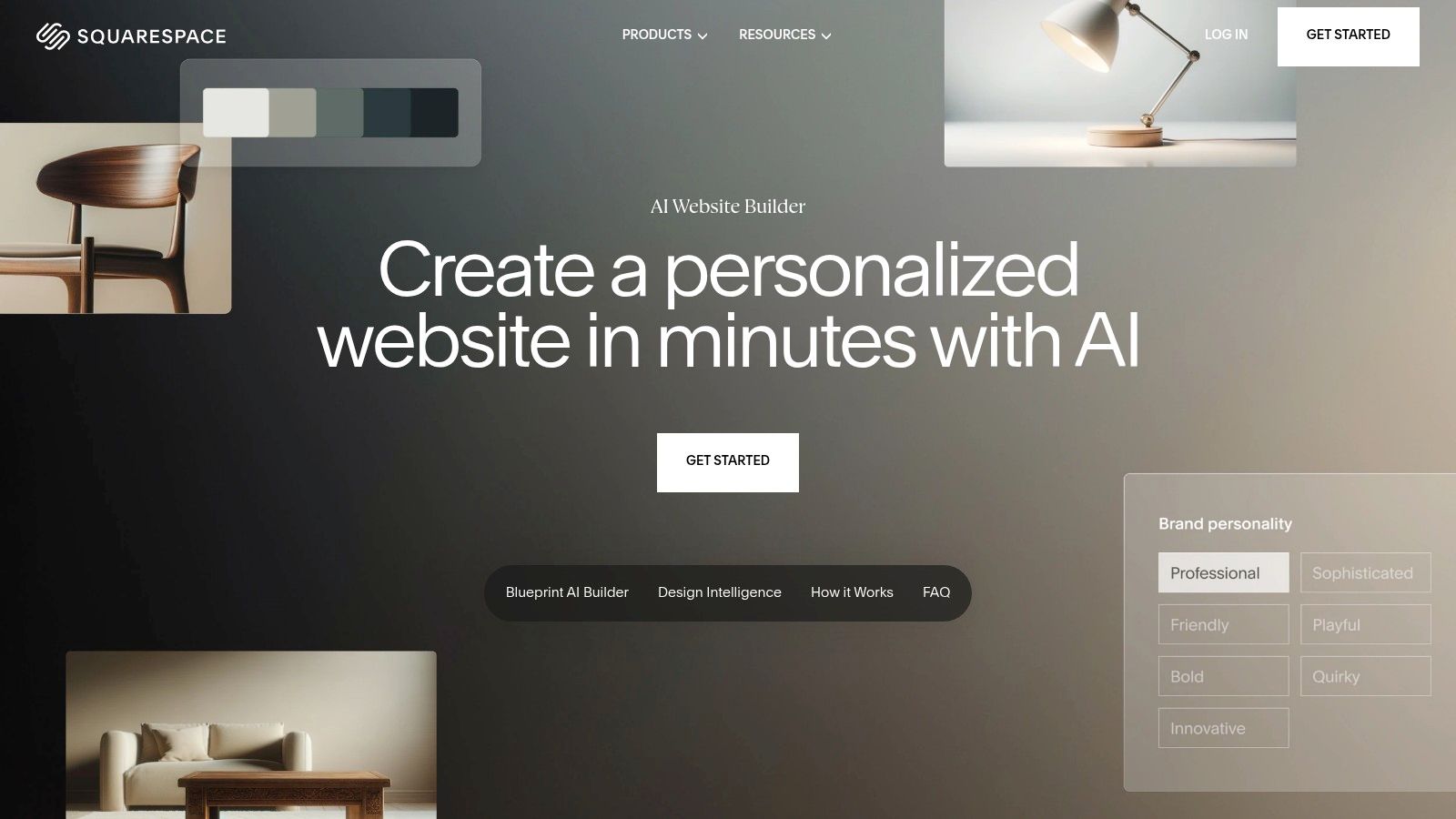
The key differentiator is the seamless handoff. Once the AI generates the initial site with placeholder copy and curated images, it drops you directly into the full, powerful Squarespace editor. This makes it an ideal choice for users who want a significant head start on design but still require the robust, hands-on control to perfect every detail. You gain access to Squarespace’s entire ecosystem, including top-tier ecommerce, scheduling, and marketing tools.
Key Details & Use Case
Best For: Small business owners and entrepreneurs who value premium design and want to leverage a mature, all-in-one platform for commerce and marketing.
Standout Feature: The structured, multi-step AI builder that ensures design quality and a logical site structure before handing off to the full editor.
Pricing: Blueprint AI is included within all standard Squarespace plans. A free trial is available, with paid plans starting at $16 per month (billed annually).
Pros:
Produces exceptionally high-quality, professional designs.
Integrates perfectly with Squarespace’s powerful business tools.
Offers 24/7 award-winning customer support.
Cons:
AI generation process is currently limited to desktop.
Less "free-form" AI creativity compared to prompt-only builders.
Website: https://www.squarespace.com/websites/ai-website-builder
3. Wix – AI Website Builder
Wix takes a conversational, chat-based approach to its AI site creation, positioning itself as one of the fastest ways to get a complete, multi-page website up and running. You start by answering a series of questions about your business or project, and the AI uses your responses to generate a full site draft, complete with tailored copy, images, and relevant business sections. This prompt-driven process makes it an incredibly accessible entry point for beginners who want to build a website with AI.
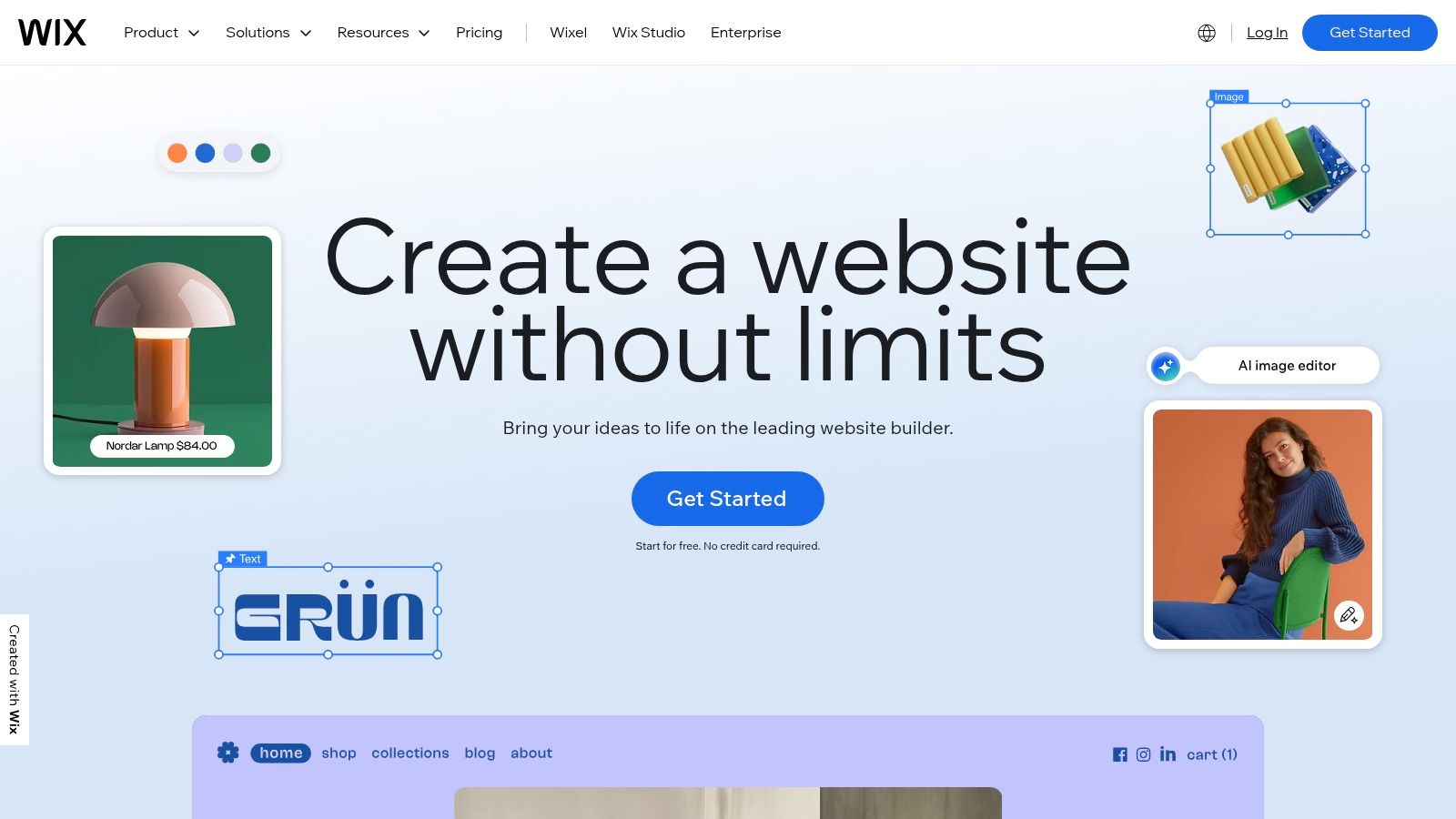
After the initial generation, Wix's AI shines in its iterative capabilities. You can ask it to regenerate the design with a different theme, change the color palette, or swap out the layout with simple text commands. Once you're satisfied with the foundation, the site is handed over to the powerful Wix Editor, giving you granular control over every element. This provides a great balance between automated speed and the deep customization needed to connect with its vast ecosystem of apps and business tools.
Key Details & Use Case
Best For: Beginners and small businesses who want the quickest possible path from idea to a functional website, with the flexibility to add advanced features later.
Standout Feature: The chat-based AI interface that builds a site through a simple Q&A, allowing for easy regeneration and theme adjustments with text prompts.
Pricing: Wix offers a limited free plan. Paid plans that remove Wix ads and add more features start at $17 per month (billed annually).
Pros:
Extremely fast conversational setup gets a site live in minutes.
Seamless integration with Wix’s massive App Market for endless functionality.
Strong built-in business tools for bookings, ecommerce, and events.
Cons:
The pricing and plan structure can be complex to navigate.
Older "Wix ADI" sites are no longer supported, requiring migration to the main editor.
Website: https://www.wix.com/
4. GoDaddy – Airo
GoDaddy’s Airo is an agentic AI experience designed to take you from a simple idea to a full online presence in minutes. It streamlines the entire startup process by bundling domain registration, logo creation, and website generation into a single, cohesive workflow. After you describe your business, Airo suggests and helps you register a domain, then instantly generates a complete, ready-to-publish site using either its proprietary builder or WordPress. The AI also creates professional logos and marketing content like emails and social media posts, making it a powerful launchpad.
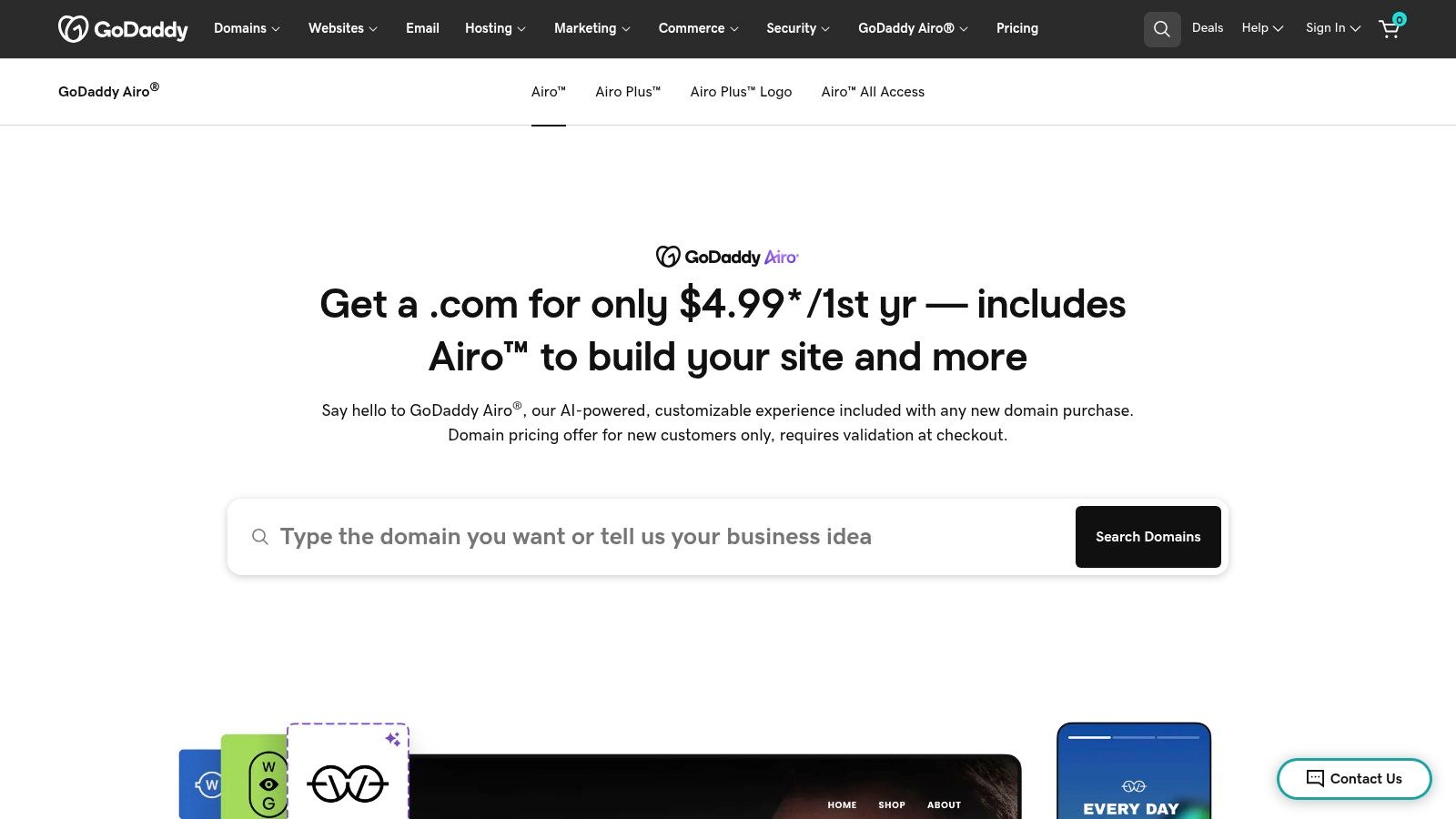
The primary differentiator for Airo is its all-in-one ecosystem approach. It’s not just a site generator; it’s an integrated business creation tool. This makes it the best AI website builder for entrepreneurs who want to minimize complexity and get online as quickly as possible without juggling multiple services. The convenience of having your domain, hosting, website, and initial marketing assets managed under one roof is a significant advantage for those prioritizing speed and simplicity over deep customization.
Key Details & Use Case
Best For: New entrepreneurs and small business owners who need to establish a complete online presence quickly and prefer a single vendor for all essential services.
Standout Feature: The integrated workflow that combines domain search and registration with instant AI generation of a website, logo, and marketing content.
Pricing: Airo's features are integrated into GoDaddy's hosting and Website Builder plans. Website Builder plans start at $10.99 per month (billed annually).
Pros:
Provides a seamless, rapid flow from business idea to a live online presence.
Single vendor solution simplifies management of domain, hosting, and site.
Generates bonus marketing assets like social posts and email copy.
Cons:
Best value is often tied to continued use of the GoDaddy ecosystem.
Advanced customization may require moving into the more complex WordPress editor.
Website: https://www.godaddy.com/airo
5. Hostinger – AI Website Builder
Hostinger enters the market by integrating an accessible AI website builder directly into its popular hosting packages, creating a compelling all-in-one solution for new users. Its prompt-based system allows you to describe your business and desired style, after which the AI generates a complete website draft. The platform extends its AI capabilities beyond initial creation with a suite of integrated tools, including an AI logo maker, AI writer for content, and even an AI heatmap to predict visitor attention, offering significant value from a single dashboard.
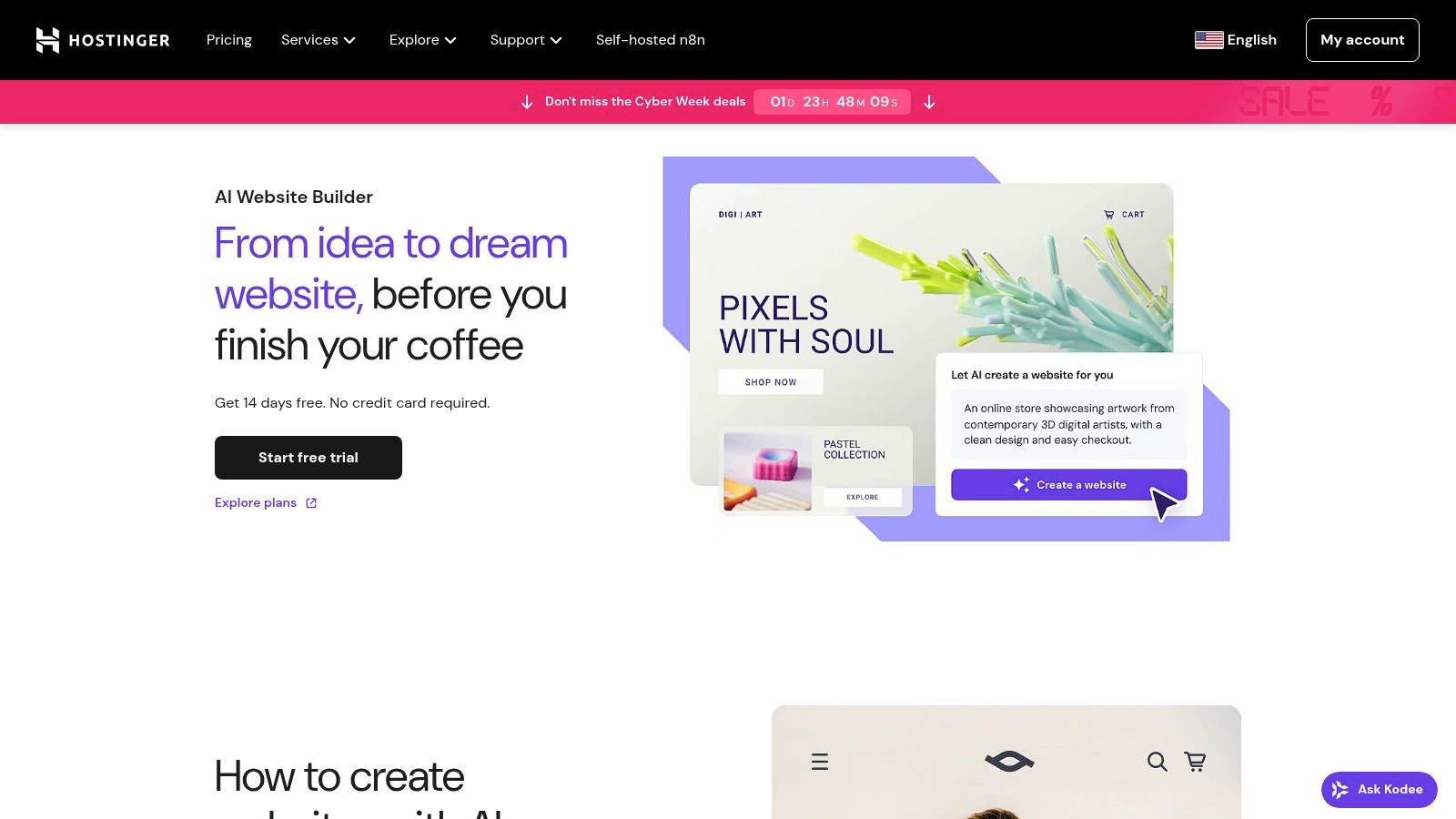
The primary appeal of Hostinger is its combination of simplicity and affordability, especially for those launching their first online presence. After the AI generates your site, you can refine it using a straightforward drag-and-drop editor and choose from over 170 templates. This makes it an excellent starting point for individuals and small businesses who need a functional website quickly without the complexity or higher cost of more advanced platforms. The inclusion of hosting and a free domain for the first year streamlines the entire setup process.
Key Details & Use Case
Best For: Price-conscious beginners, solopreneurs, and small businesses seeking a simple, all-in-one package that bundles a builder with reliable hosting.
Standout Feature: The comprehensive suite of built-in AI tools (logo maker, writer, heatmap) that supports various aspects of building an online presence beyond just site design.
Pricing: The builder is included in the Hostinger Website Builder & Web Hosting plan, with promotional pricing often starting around $2.99 per month, which includes hosting and a free domain.
Pros:
Aggressive long-term promotional pricing makes it highly affordable.
All-in-one solution with hosting and a free domain simplifies setup.
Includes a full suite of helpful AI-powered business tools.
Cons:
The best prices typically require multi-year prepayment, and renewal rates are higher.
Entry-level plans may have limitations, such as a cap on the number of pages.
Website: https://www.hostinger.com/ai-website-builder
6. Webflow – Webflow AI
Webflow AI brings intelligent assistance to what is already one of the most powerful visual development platforms available. Rather than generating a complete site from a single prompt, Webflow's AI tools are integrated directly into its sophisticated editor to accelerate the workflow of designers, developers, and marketing teams. It assists with generating structured page content, writing SEO-optimized metadata, and translating site copy, acting as a smart co-pilot within a professional-grade environment. This approach maintains Webflow's core strength: unparalleled, granular control over design and functionality.
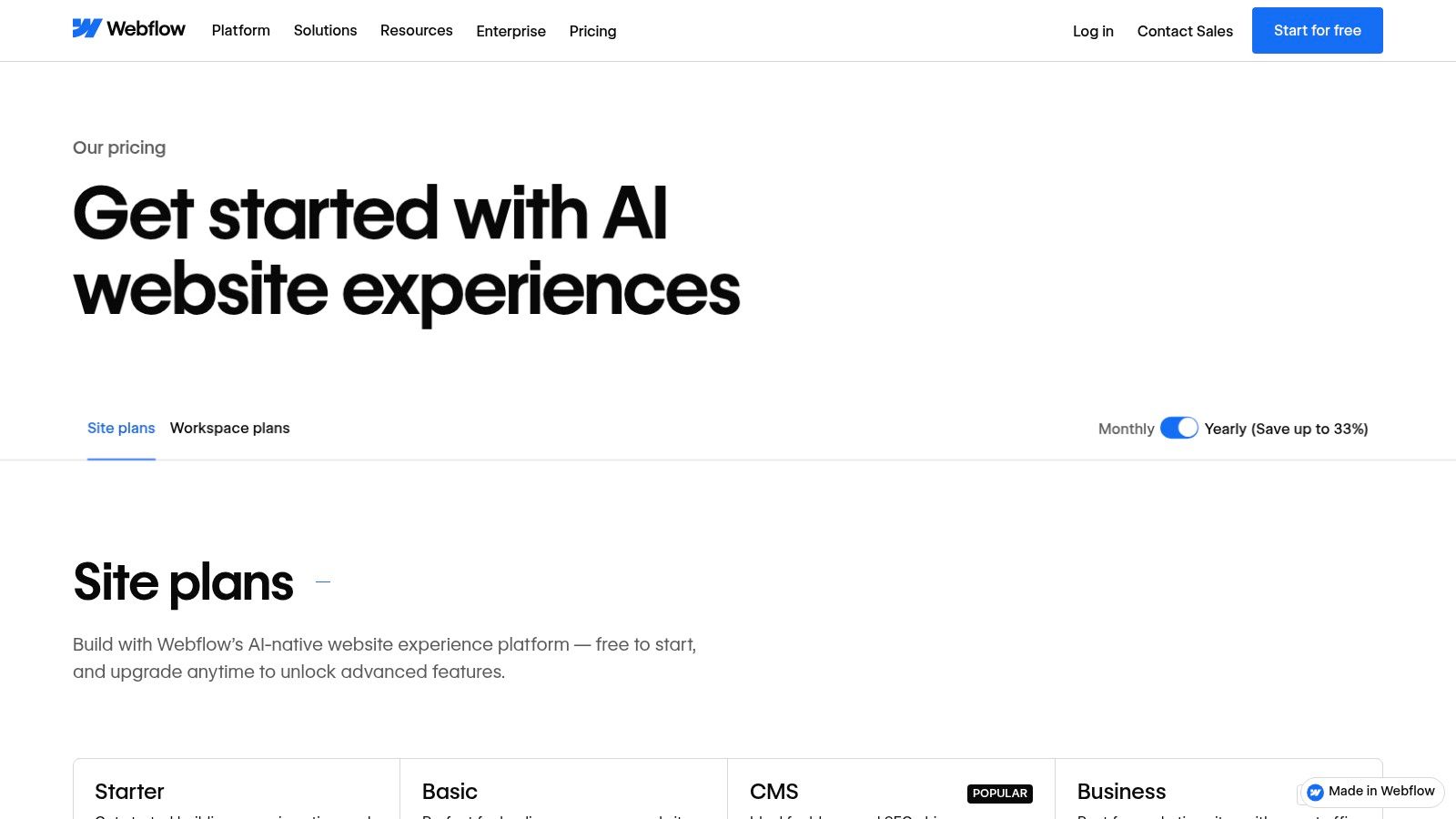
The key differentiator for Webflow AI is its target audience. It is not designed for absolute beginners seeking a one-click solution. Instead, it empowers professionals who already appreciate Webflow's robust CMS, intricate interaction engine, and collaborative tools. The AI serves to streamline complex tasks, such as populating a CMS collection with varied content or optimizing on-page elements for search engines, making it an indispensable tool for building scalable, high-performance marketing and content-heavy websites. This makes it one of the best AI website builder options for teams demanding enterprise-level capabilities.
Key Details & Use Case
Best For: Professional designers, marketing teams, and enterprises that require deep design customization, a powerful CMS, and collaborative workflows.
Standout Feature: AI-assisted content and SEO optimization directly within a high-control, professional-grade visual editor and CMS.
Pricing: Webflow offers a free starter tier. AI features are available on eligible paid plans, which start at $14 per month (billed annually).
Pros:
Powerful design and CMS control for complex marketing sites.
Enterprise-ready options with advanced security and SLAs.
AI features enhance an already professional and powerful workflow.
Cons:
Has a steeper learning curve than simpler drag-and-drop builders.
Some AI and localization capabilities require paid tiers or add-ons.
Website: https://webflow.com/pricing
7. WordPress.com – AI Website Builder
WordPress.com introduces its AI website builder as a conversational, chat-style tool designed to bring the power of the world’s most popular CMS to the AI generation space. You start by describing your business or idea, and the AI engages in a back-and-forth dialogue to refine the concept. It then constructs a complete multi-page website draft, including layout, relevant copy, and stock images, using a specialized "Assembler" theme built for AI flexibility. This approach makes it one of the most interactive and intuitive entry points into the robust WordPress ecosystem.
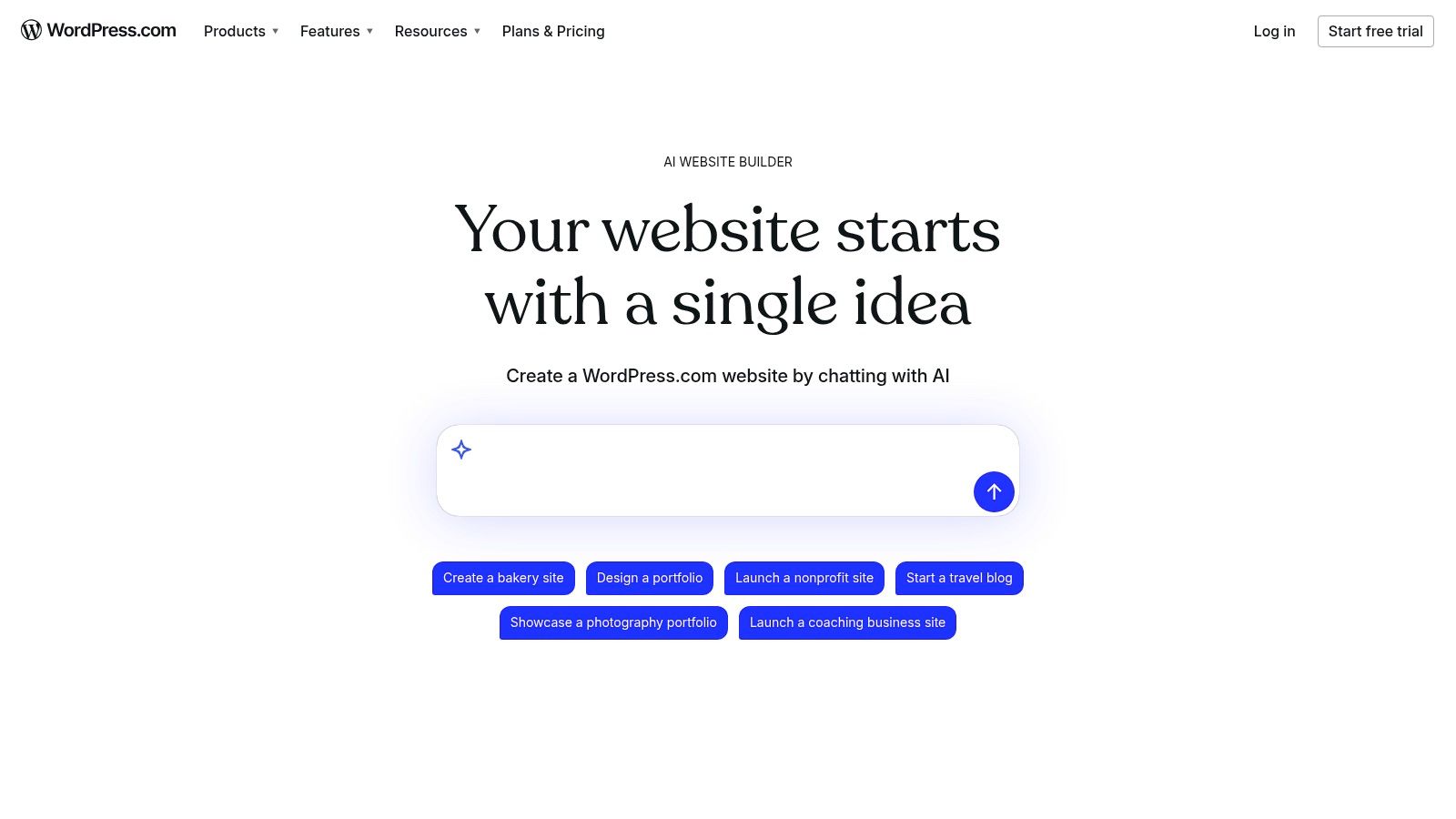
The key advantage is what happens after the initial build. You are placed directly into the familiar WordPress block editor, where you can continue to prompt the AI for changes or take full manual control. This positions it as an ideal solution for users who want a quick, AI-driven starting point but require the long-term scalability and customization that only WordPress can offer. Once your site is drafted, you can add powerful plugins, integrate WooCommerce for commerce, and tap into an unparalleled library of themes and extensions to grow your site without limits.
Key Details & Use Case
Best For: Users who anticipate future growth and want the flexibility of the WordPress platform combined with a fast, conversational AI starting point.
Standout Feature: The chat-style, iterative site creation process that allows for real-time refinement before handing off to the powerful block editor.
Pricing: The AI builder can be used for free to experiment. A paid plan is required to publish the site, starting from the Personal plan at $4 per month (billed annually).
Pros:
Provides an easy on-ramp to the powerful and scalable WordPress ecosystem.
The conversational AI is intuitive and great for refining ideas.
Free to experiment and build your site before committing to a plan.
Cons:
AI does not yet auto-build complex features like ecommerce stores.
The tool is currently focused on creating new sites, not migrating existing ones.
Website: https://wordpress.com/ai-website-builder/
8. Framer – Framer AI
Framer has rapidly become a favorite among startups and marketing teams for its professional design capabilities, and Framer AI extends these strengths by automating the creation process. Users can generate entire landing pages or individual sections simply by typing a descriptive prompt. The AI excels at producing modern, visually polished layouts complete with responsive design, making it a powerful tool for rapid prototyping and launching high-quality marketing sites without extensive design work.
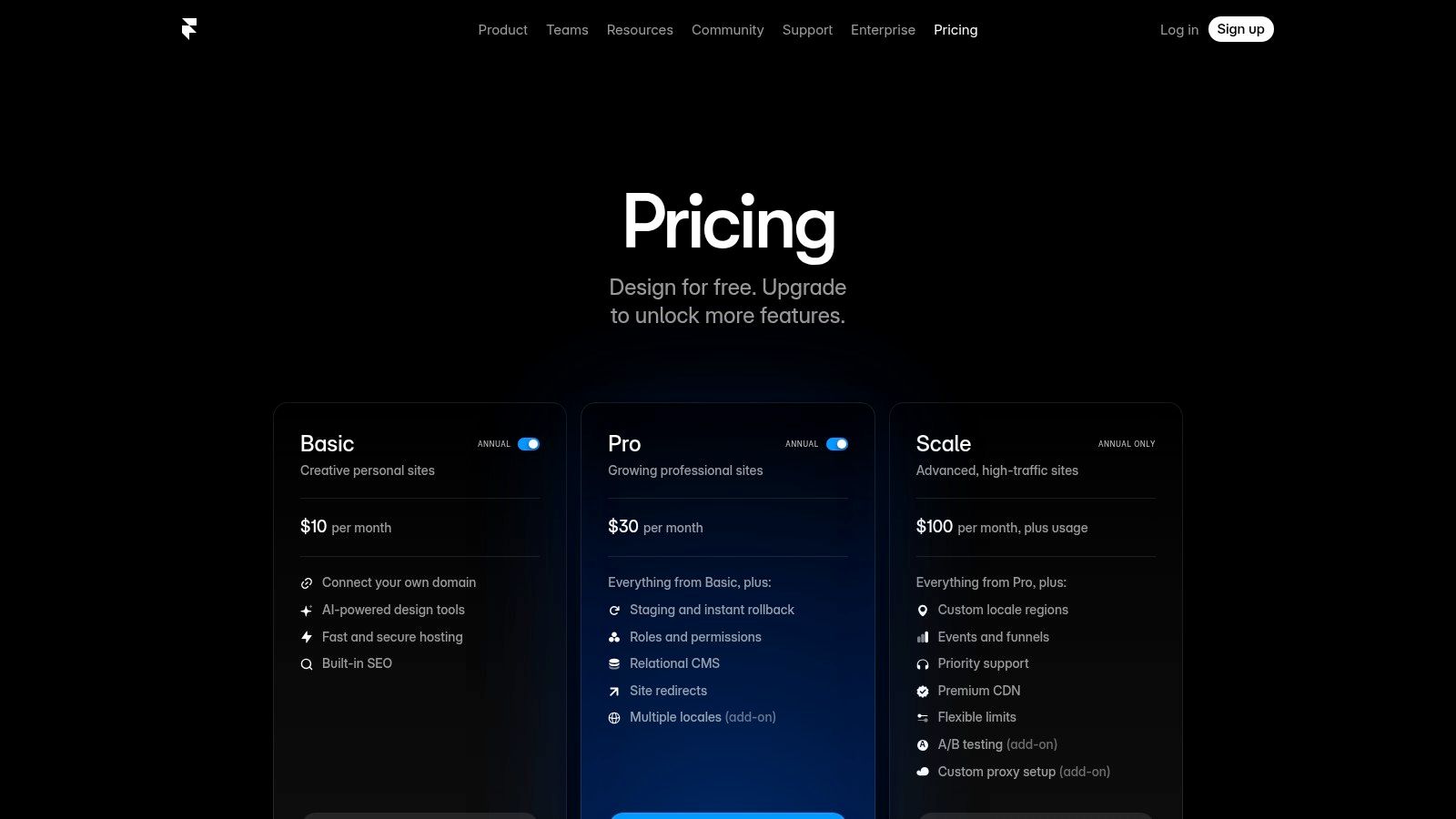
What sets Framer apart is its design-centric environment that feels closer to a tool like Figma than a traditional website builder. After the AI generation, you are placed into a flexible, powerful editor where you can fine-tune every element with precision. Features like built-in CMS, analytics, and instant staging environments make it ideal for professional teams that need to iterate quickly. As a leading platform in its category, you can learn more about its capabilities in this list of the best no-code website builders.
Key Details & Use Case
Best For: Startups, product marketers, and design teams needing to quickly build and deploy high-fidelity, performance-optimized marketing websites.
Standout Feature: The combination of prompt-based AI page generation with a professional-grade, vector-based design editor for ultimate control.
Pricing: A free plan is available for hobby projects. Paid plans with more features and fewer limitations start at $10 per site per month (billed annually).
Pros:
Generates polished, modern visuals perfect for tech and marketing sites.
Offers excellent performance, hosting, and staging features on paid plans.
Combines AI speed with a powerful, flexible design editor.
Cons:
Page and CMS item limits can be restrictive on lower-tier plans.
Advanced features like localization and A/B testing require paid add-ons.
Website: https://www.framer.com/pricing
9. 10Web – AI Builder for WordPress
10Web uniquely bridges the gap between AI-driven speed and the power of the world’s most popular CMS, WordPress. It’s an integrated platform that uses AI to generate a complete, multi-page WordPress website with text and images in minutes. The generated site is then fully editable using a customized Elementor-based drag-and-drop editor, offering a familiar environment for those with WordPress experience. This makes it a strong contender in the best AI website builder category for users who don't want to sacrifice the flexibility and vast plugin ecosystem of WordPress for the convenience of AI.
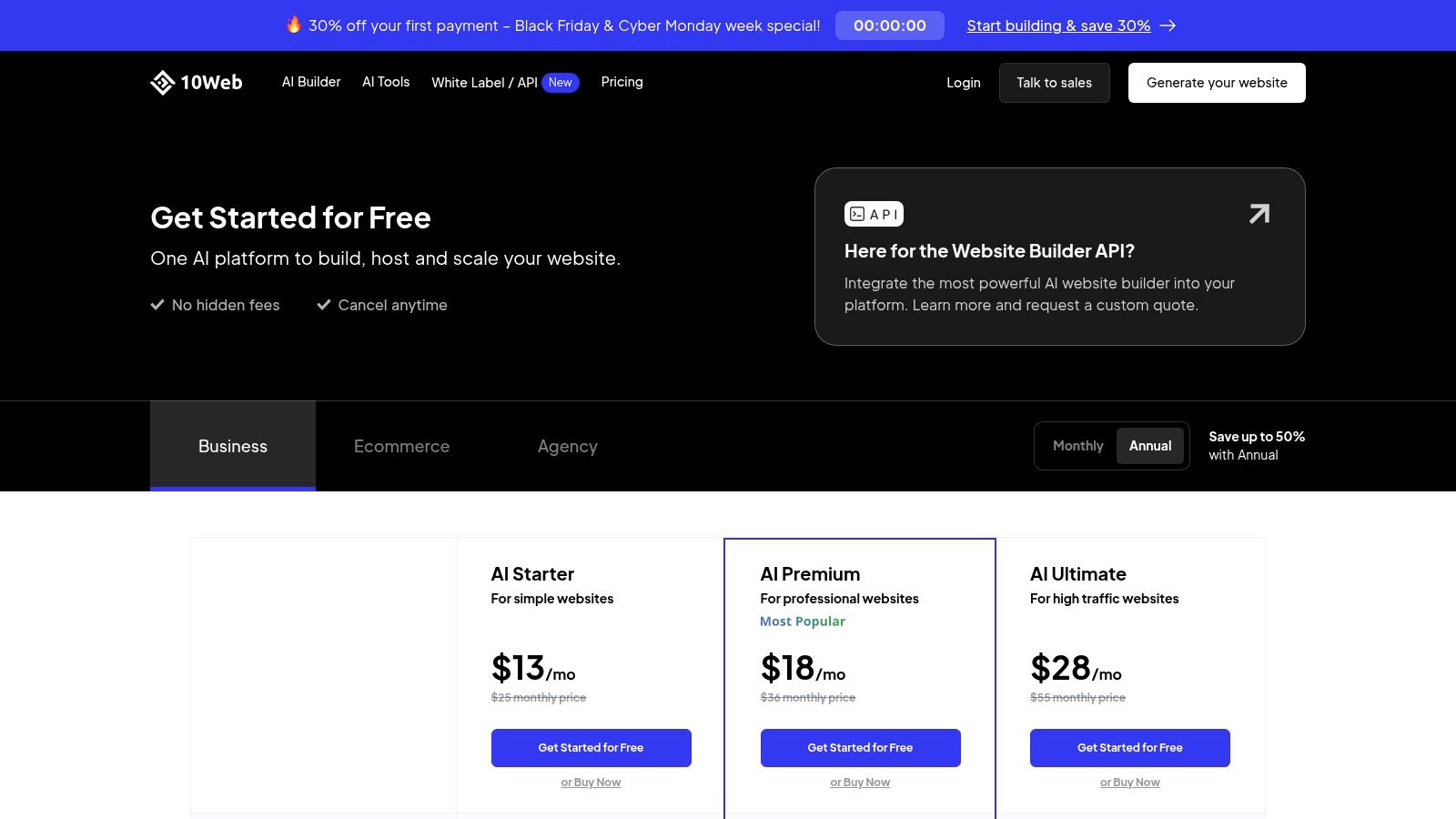
Beyond initial site creation, 10Web is a complete managed hosting solution built on Google Cloud, ensuring high performance and reliability. The platform includes an AI Assistant for generating content directly within the editor, and higher-tier plans even offer unlimited AI image generation. This positions 10Web as a compelling all-in-one solution for agencies, freelancers, and businesses that require the robust functionality of WordPress but want to dramatically accelerate their development workflow with AI.
Key Details & Use Case
Best For: Agencies, freelancers, and businesses who want the power and scalability of WordPress combined with AI-powered creation and high-performance managed hosting.
Standout Feature: The combination of an AI website generator with a full-fledged, Elementor-based WordPress editing environment and managed Google Cloud hosting.
Pricing: Plans start at $10 per month (billed annually) for one website, which includes the AI builder, hosting, and a set amount of AI-generated words and images.
Pros:
Combines rapid AI site creation with the familiar WordPress/Elementor editing experience.
High-performance managed hosting is included in all plans.
Clear, upgradeable tiers for traffic and AI tool limits.
Cons:
Has a steeper learning curve than pure no-code, self-contained builders.
Visitor overage fees may apply on lower tiers if traffic spikes.
Website: https://10web.io/pricing-platform/
10. IONOS – AI Website Builder
IONOS offers a comprehensive, all-in-one package centered around its AI Website Builder, making it an appealing option for users seeking simplicity and value. The process begins with a straightforward brief about your business, from which the AI generates a complete website draft, including relevant text, images, and a suitable color scheme. This approach is designed to get a functional site online with minimal friction, bundling essential services like a domain, SSL certificate, and a professional email address into a single, often heavily discounted, initial package.
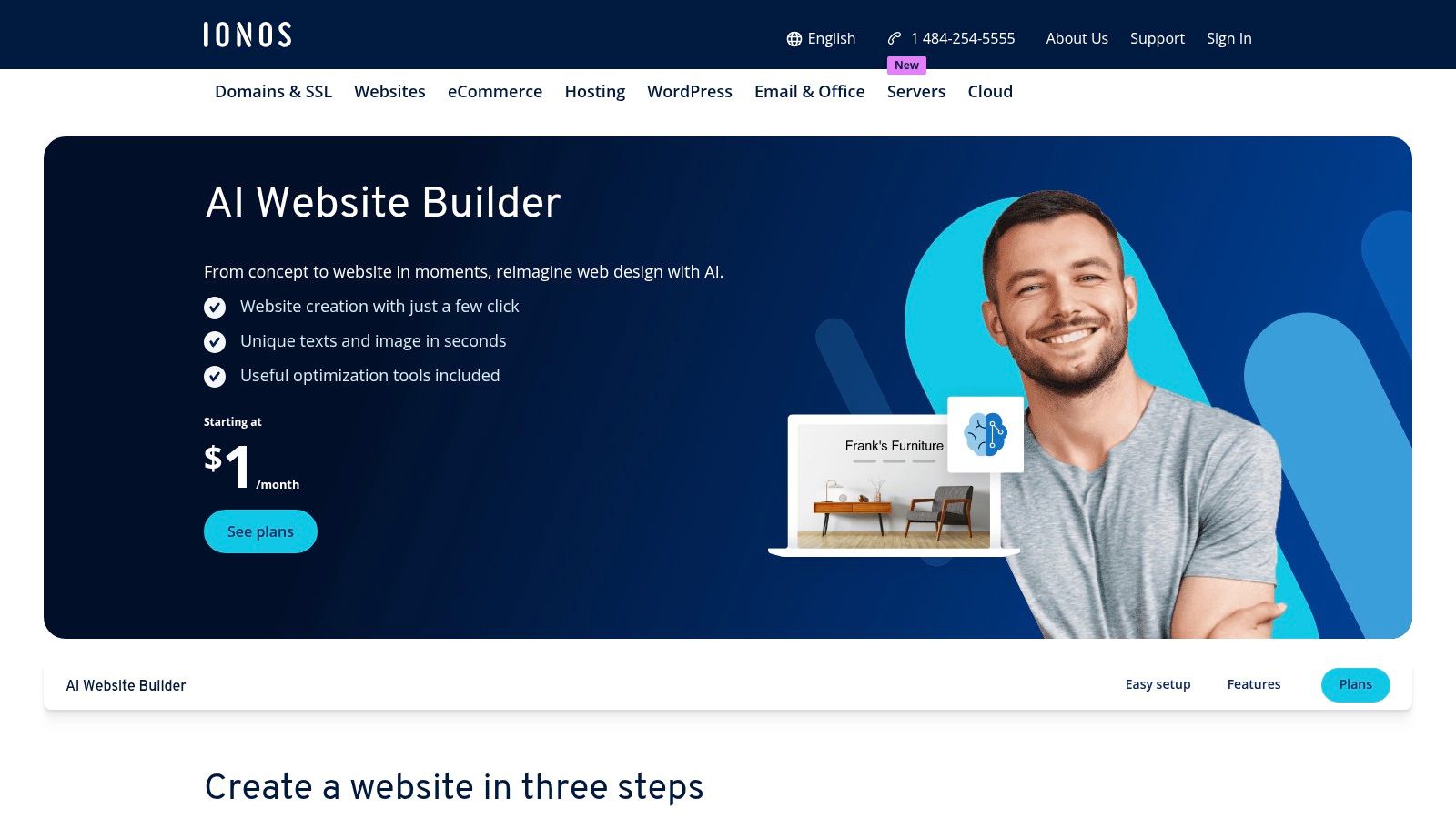
The platform positions itself as a practical starting point rather than a high-end design tool. Once the AI generates the site, you can refine it using the IONOS editor, which is more template-driven than some competitors. The main draw is the incredible value proposition, especially during promotional periods, which provides everything a new business needs to establish a web presence. As your needs grow, you can easily add features like an online store or booking tools, making it a scalable choice for those starting out on a budget.
Key Details & Use Case
Best For: First-time website owners, solopreneurs, and small businesses looking for an affordable, all-inclusive package to get online quickly.
Standout Feature: The bundled value, which frequently includes a free domain, SSL, and professional email, making it one of the most cost-effective entry points.
Pricing: Known for aggressive introductory offers, often starting as low as $1 per month for the first six or twelve months. Standard renewal rates apply afterward.
Pros:
Excellent all-in-one value, bundling domain, SSL, and email.
Frequent and significant promotional pricing for new users.
Includes foundational SEO and analytics tools.
Cons:
Renewal pricing increases significantly after the initial term.
The editor and design system are more rigid and template-based than rivals.
Website: https://www.ionos.com/websites/ai-website-builder
11. Durable – AI Website Builder for Small Businesses
Durable positions itself as more than just a website builder; it's an AI-powered "business-in-a-box" designed for speed and simplicity. Tailored for service-based small businesses and freelancers, Durable generates a complete, functional website with a logo, copy, and images in under a minute from just a few prompts about your business type and location. This rapid generation makes it one of the fastest ways to establish an online presence.
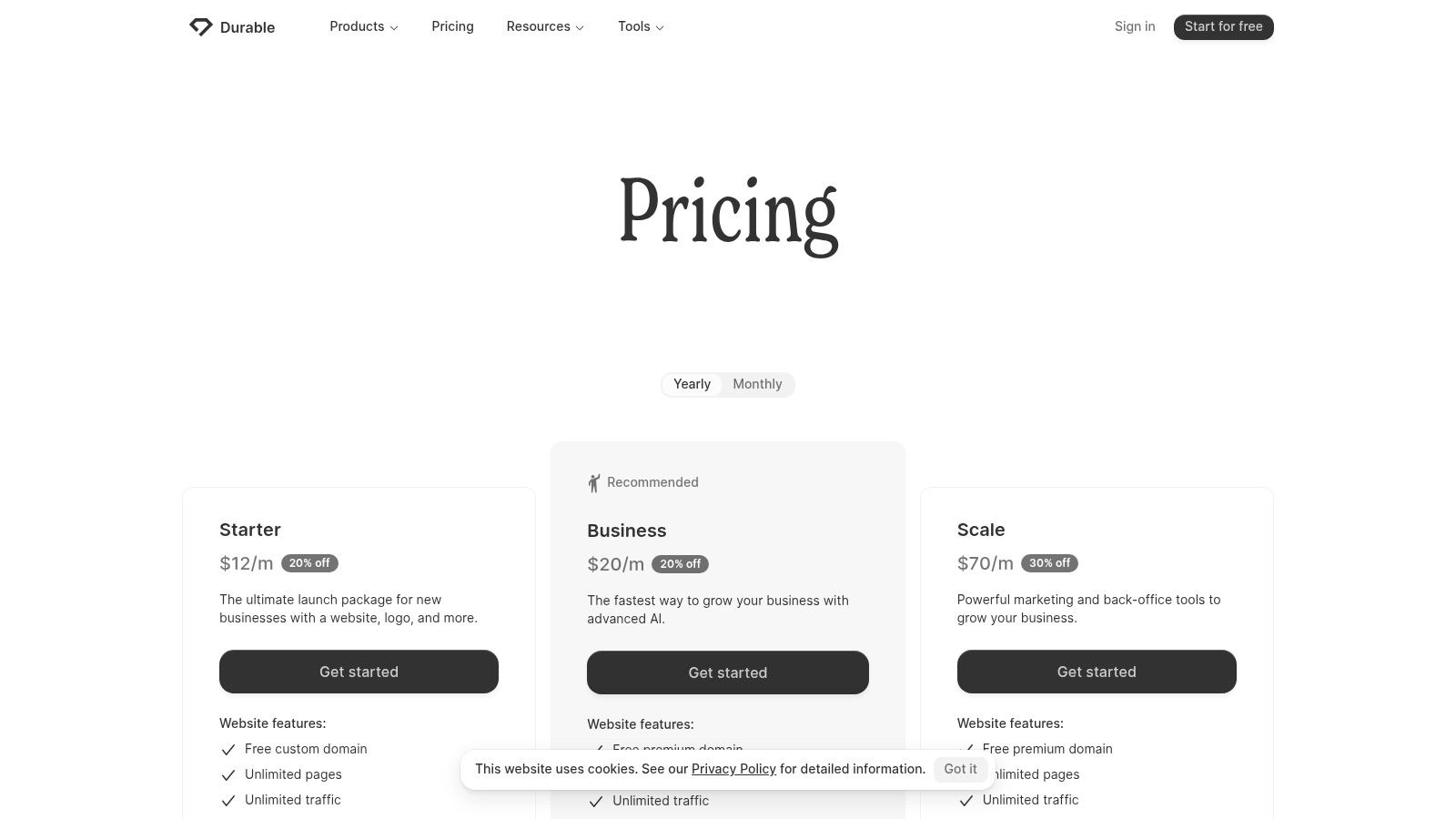
The platform’s key differentiator is its integrated suite of business management tools. Beyond the website, Durable provides a simple CRM to manage contacts, an invoicing system to bill clients, and an AI assistant to help with marketing tasks. This makes it an excellent choice for new entrepreneurs who need an all-in-one solution to get their business off the ground quickly without having to stitch together multiple disparate services. It’s the best AI website builder for those who value speed and integrated business tools over deep customization.
Key Details & Use Case
Best For: Service businesses, local contractors, and freelancers needing a fast, all-in-one platform with integrated CRM and invoicing.
Standout Feature: The integrated "business starter" toolkit that combines a website, CRM, and invoicing tools powered by AI.
Pricing: Durable offers a free trial to build your site. Paid plans with more features start at $12 per month (billed annually).
Pros:
Extremely fast website generation, going from prompt to live in seconds.
All-in-one toolkit includes CRM and invoicing, ideal for new businesses.
Very simple and intuitive editor for quick changes.
Cons:
Limited design customization and fewer advanced features.
Ecommerce capabilities are basic and not suited for product-heavy stores.
Website: https://durable.co/pricing
12. Duda – AI‑Ready Website Platform
Duda is a professional-grade platform designed for web agencies and SaaS companies that need to build high-performing websites at scale. Its AI Assistant streamlines this process, enabling users to generate complete, multi-page websites from a simple business description and structured data. This AI not only creates the foundational layout and design but also populates the site with relevant copy and images, significantly cutting down development time for client projects.
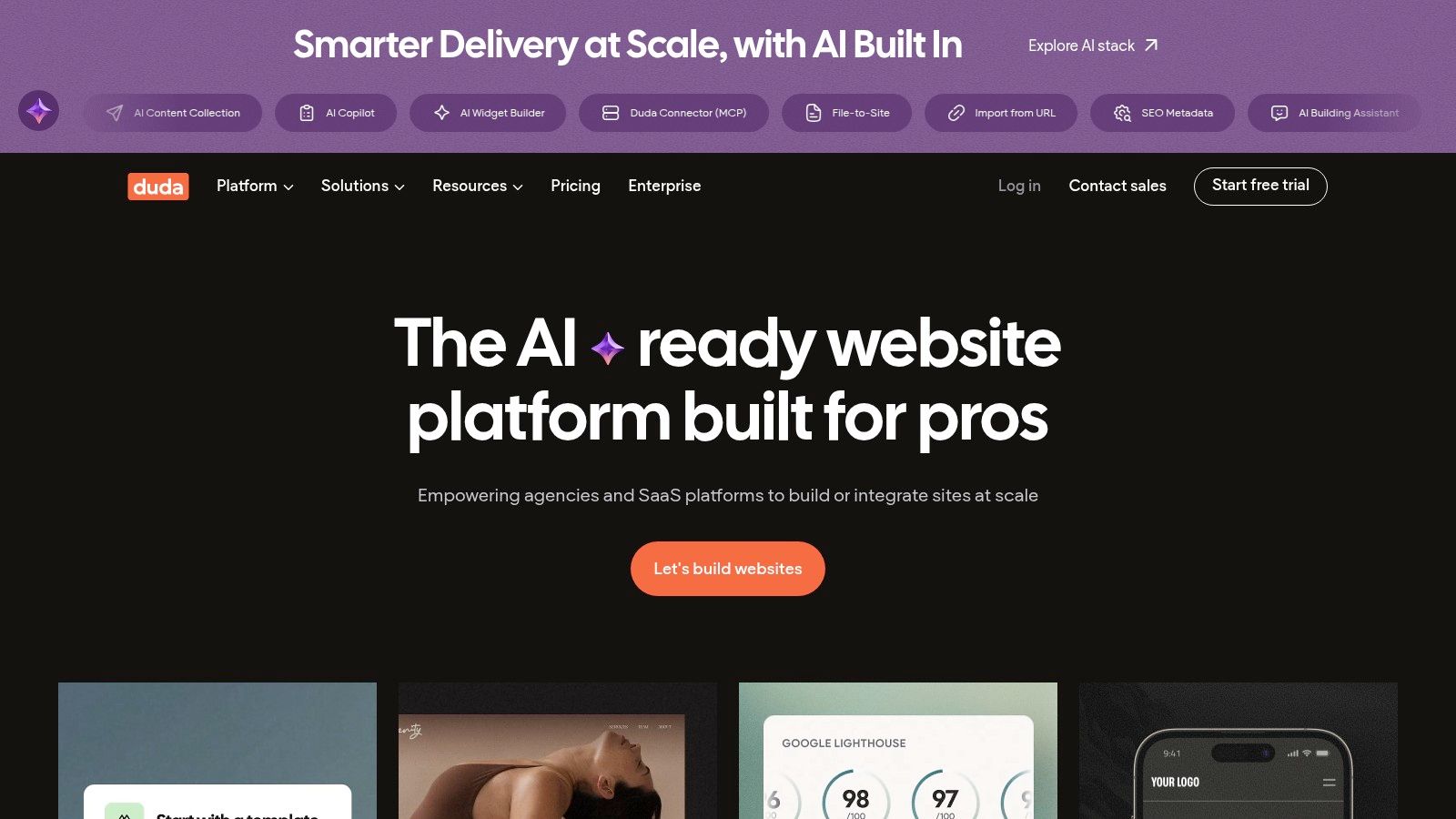
The platform's core strength lies in its agency-centric architecture. Beyond AI generation, Duda offers robust client management tools, user roles and permissions, white-labeling capabilities, and extensive APIs for automation. This makes it a powerful operational hub for businesses managing a large portfolio of websites. The AI acts as an accelerator within this highly efficient, scalable ecosystem, ensuring that even with rapid creation, the final products are optimized for performance, Core Web Vitals, and SEO.
Key Details & Use Case
Best For: Web design agencies, digital marketing firms, and SaaS platforms that need to build and manage numerous client websites efficiently.
Standout Feature: A comprehensive suite of agency tools, including white-labeling, client billing, and site comments, integrated with AI-powered site generation.
Pricing: Agency-focused plans start at $19 per month (billed annually) for one site, with team plans offering more features and scalability.
Pros:
Excellent for building and managing many sites efficiently at scale.
Strong focus on SEO, page speed, and Core Web Vitals for client projects.
Powerful client management and white-labeling features are built-in.
Cons:
Pricing structure is less suitable for individual DIY users or single projects.
AI generation features are still being rolled out, so availability may be staged.
Website: https://www.duda.co/
Top 12 AI Website Builders — Feature & Pricing Comparison
Product | Core features | UX & Quality ★ | Value / Price 💰 | Target & USP ✨👥 |
|---|---|---|---|---|
Alpha 🏆 | URL-to-design cloning; natural-language edits; AI design refinement; forms, SEO, analytics; one-click publish | ★★★★★ — fast, intuitive (strong testimonials) | 💰 Free Starter; Mini $9/mo; Basic $25/mo — affordable tiers | 👥 Founders, solopreneurs, startups; ✨ URL copy + chat/describe edits |
Squarespace – Blueprint AI | AI-start site with AI copy/images; handoff to full editor; ecommerce & marketing tools | ★★★★☆ — polished, design-forward | 💰 Free trial; paid tiers — premium pricing | 👥 Creatives & small businesses; ✨ High-design templates + integrated commerce |
Wix – AI Website Builder | Chat-based site generation; regenerate themes; access to Wix apps & bookings/stores | ★★★★☆ — fast, flexible | 💰 Free plan; multiple paid plans (complex matrix) | 👥 Small businesses & DIYers; ✨ Large app ecosystem |
GoDaddy – Airo | Domain search + AI site generation; AI logo & marketing; WordPress/site options | ★★★☆☆ — very fast, template-driven | 💰 Promo bundles; best value when retaining GoDaddy services | 👥 Users wanting one-vendor convenience; ✨ Domain+hosting+marketing flow |
Hostinger – AI Website Builder | Prompt-based AI builder; hosting + domain; ecommerce support | ★★★★☆ — budget-friendly UX | 💰 Aggressive promos; best value with multi-year deals | 👥 Price-sensitive users; ✨ All-in-one hosting + builder bundle |
Webflow – Webflow AI | AI-assisted page/content generation; robust CMS, interactions & roles | ★★★★☆ — enterprise-grade control | 💰 Free starter; scalable paid plans for teams | 👥 Designers, marketers, teams; ✨ Power + CMS + performance |
WordPress.com – AI Website Builder | Conversational site creation; Assembler theme; continue editing in block editor | ★★★★☆ — flexible, extensible | 💰 Free to experiment; paid to publish/full features | 👥 Users wanting WordPress flexibility; ✨ Plugin/WooCommerce extensibility |
Framer – Framer AI | AI design tools; instant staging/rollback; built-in CMS & analytics | ★★★★☆ — polished visuals, fast iteration | 💰 Clear tiers; strong performance hosting | 👥 Product & marketing teams; ✨ Rapid, high-quality landing pages |
10Web – AI Builder for WordPress | AI site generation; Elementor-based editing; managed Google Cloud hosting | ★★★★☆ — WP familiarity + AI speed | 💰 Managed hosting tiers; upgradeable AI limits | 👥 WordPress users needing managed host; ✨ Elementor + AI + hosting |
IONOS – AI Website Builder | AI text & image generation; SEO tools; templates; add-on store/booking | ★★★☆☆ — template-driven, utilitarian | 💰 Promotional pricing; domain/SSL/email often included | 👥 Users wanting promo-priced all-in-one; ✨ Bundled essentials |
Durable – AI Website Builder | Site + branding generation; lightweight CRM & invoicing; analytics | ★★★★☆ — very fast business focus | 💰 Subscription tiers; all-in-one business starter | 👥 Freelancers & local businesses; ✨ Business toolkit + quick launch |
Duda – AI‑Ready Website Platform | AI Assistant for sites; client management; white‑label & APIs for automation | ★★★★☆ — agency-grade scalability | 💰 Agency-oriented pricing; scalable per-site plans | 👥 Agencies & SaaS providers; ✨ Multisite workflows & white‑labeling |
Making Your Final Choice: Which AI Builder is Right for You?
Navigating the rapidly expanding landscape of AI-powered web development can feel overwhelming, but it also presents an incredible opportunity. As we've explored, the "best ai website builder" isn't a one-size-fits-all answer. Instead, it’s about finding the tool that aligns perfectly with your specific goals, technical comfort level, and the speed at which you need to operate. The choice you make today will shape not just your website's launch, but its ongoing management and growth.
The market is clearly split between two approaches. Established giants like Wix, Squarespace, and GoDaddy are integrating AI as a powerful feature to accelerate the design process within their mature, feature-rich ecosystems. These platforms are excellent for users who want the comfort of a familiar brand and need access to extensive app marketplaces or specific e-commerce functionalities. Their AI acts as a sophisticated starting point, handing you a well-designed draft that you can then refine using their traditional, robust editors.
On the other side, you have AI-native innovators like Alpha and Durable. These platforms are not just adding AI features; they are fundamentally built around an AI-first workflow. They prioritize unprecedented speed and simplicity, aiming to take you from a simple idea to a fully functional, professional website in minutes, not hours or days. Alpha's standout ability to clone a website's design from a URL, for instance, completely reimagines the inspiration and creation process, offering a tangible shortcut for busy entrepreneurs and startups.
How to Choose Your Ideal AI Builder
To make the right decision, you must first define your priorities. Your ideal platform hinges on the answers to a few key questions.
What is your primary goal? Are you a founder needing to validate an idea with a high-quality landing page immediately? An AI-native tool like Alpha is likely your fastest path. Are you building a complex online store with specific inventory management needs? A platform like Wix or an AI-powered WordPress solution like 10Web might be a better fit.
What is your technical skill level? While all these tools are designed for non-coders, their learning curves vary. Tools like Hostinger and IONOS are incredibly straightforward, while platforms like Webflow AI or Framer AI offer a much higher ceiling for customization, catering to designers who want granular control.
How important is speed versus control? If your top priority is launching a professional, conversion-focused site this afternoon, a tool that minimizes manual tweaking is your best bet. If you enjoy the process of fine-tuning every element and have the time to do so, a more traditional builder with AI assistance will give you that creative freedom.
Actionable Next Steps for Implementation
Once you’ve narrowed down your options, the next step is hands-on testing. Every builder on this list offers a free trial or a free plan. Use them strategically. Don't just generate one site; push the AI with different prompts. See how it handles your specific industry terminology and branding. Test the editor to see how intuitive it feels to change colors, fonts, and layouts.
After deploying your site, your work is just beginning. The initial AI build provides a strong foundation, but continuous improvement is what drives results. It's crucial to analyze user behavior and make data-driven adjustments to key pages. To help with this, you can use a structured approach to optimize your landing pages effectively and ensure they are converting visitors into customers.
Ultimately, the rise of the AI website builder is about empowerment. It levels the playing field, allowing anyone with a great idea to establish a credible, professional online presence without the traditional barriers of cost and technical complexity. Choose the tool that removes the most friction from your path, and you'll be well on your way to building something great.
Ready to experience the future of web design? If you’re a startup founder, small business owner, or entrepreneur who values speed and professional results, Alpha was built for you. Stop wrestling with complicated editors and generate a stunning, conversion-optimized website in under a minute using just a text prompt or a link to a site you admire.
Build beautiful websites like these in minutes
Use Alpha to create, publish, and manage a fully functional website with ease.