How to Create Website Mockups People Actually Love
Learn how to create website mockups that bridge the gap between idea and reality. Our guide covers tools, principles, and developer handoff.

EXAMPLES
Build beautiful websites like these in minutes
Use Alpha to create, publish, and manage a fully functional website with ease.





Building a professional, high-performing website used to mean hiring a developer or spending months learning to code. Today, that barrier is gone. The best no code website builders empower entrepreneurs, creators, and businesses to launch stunning websites with intuitive visual editors, powerful AI assistance, and comprehensive, all-in-one platforms.
But with so many options, how do you choose the right one for your specific needs? Whether you're building a simple portfolio, a bustling online store, or a lead-generating business site, the ideal tool depends entirely on your goals, budget, and technical comfort level. This guide cuts through the noise. We provide a detailed analysis of the top 12 platforms, focusing on real-world use cases, honest limitations, and the specific features that set each one apart.
When moving from idea to a live website, the speed and ease of deployment are key. Look for platforms that offer instant application hosting solutions to get your project online quickly and efficiently.
Forget generic marketing fluff; this is a practical resource designed to help you select the perfect tool and bring your vision to life, fast. Inside, you'll find:
In-depth reviews of each builder, including Alpha, Webflow, Wix, and more.
Practical pros and cons based on real user experiences.
Ideal use cases to match the platform to your project type.
Screenshots and direct links to explore each option further.
Our goal is simple: to give you the clarity needed to make a confident decision and start building your website today. Let's dive in.
1. Alpha
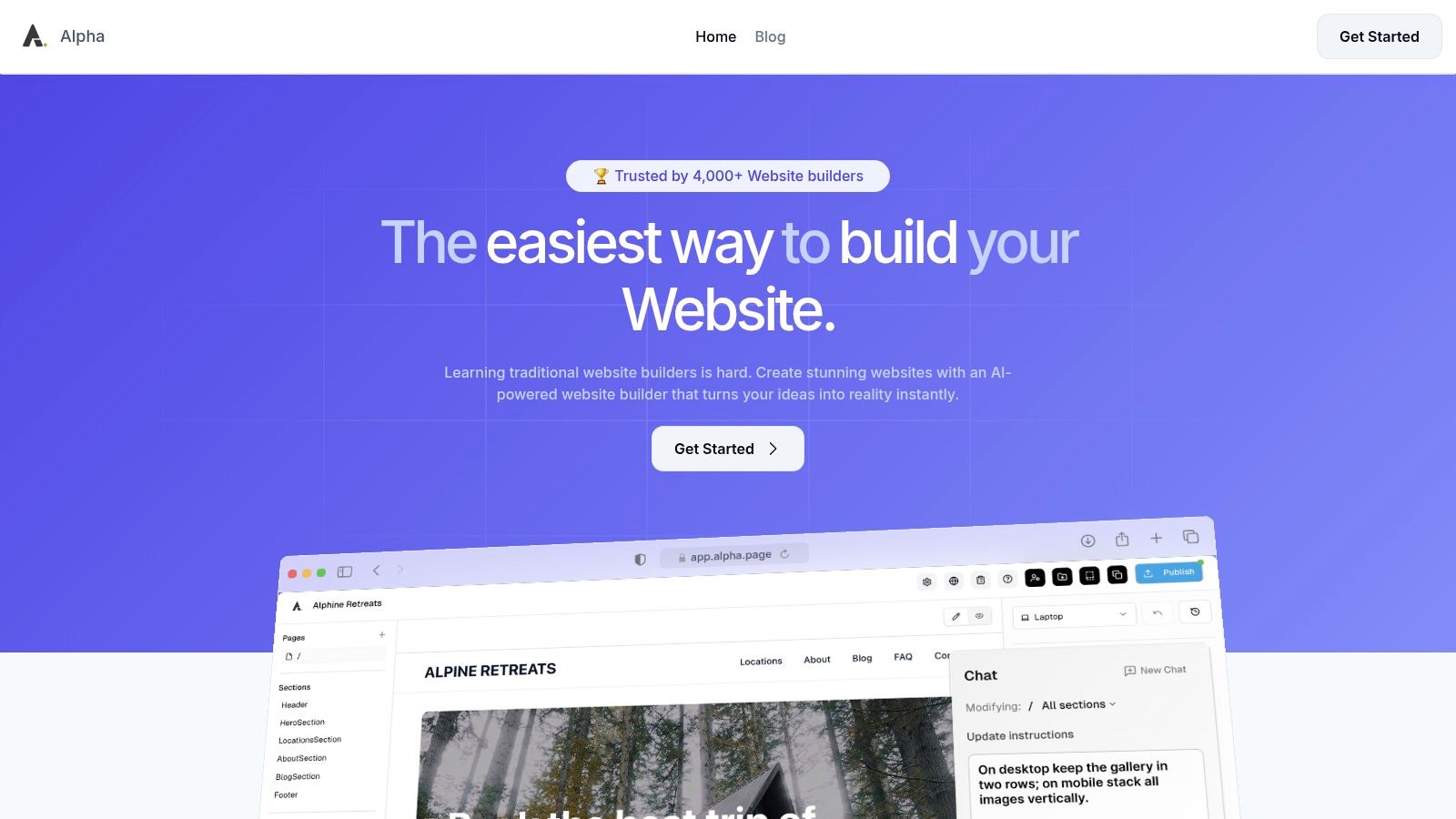
Alpha distinguishes itself as one of the best no-code website builders by leveraging a powerful AI-first approach designed for speed and efficiency. Its core value proposition is transforming a simple idea, or even an existing website, into a fully functional, conversion-optimized site in minutes. This makes it an exceptional tool for entrepreneurs, startups, and solopreneurs who need to establish a professional online presence without a steep learning curve or significant time investment.
The platform's standout feature is its URL-copy capability. You can input the URL of a website you admire, and Alpha’s AI will analyze its structure, layout, and sections, then regenerate a similar design personalized for your brand. This moves beyond simple templates, offering a dynamic and highly customized starting point. From there, its natural-language editor allows you to refine the site by simply describing the changes you want, such as "make this button blue" or "add a three-column section here for our services."
Key Features and Use Cases
Alpha is engineered to remove technical friction entirely. It automatically handles responsive design, ensuring your site looks polished on all devices. Built-in tools like contact forms, lead capture mechanisms, and integrated analytics are included by default, focusing your efforts on growing your business rather than on technical configurations.
Best For: Rapidly launching landing pages, marketing sites, and professional portfolios.
Unique Strength: The URL-copy function is a genuine time-saver, allowing users to replicate effective design patterns from established sites.
Implementation: Publishing is a one-click process, with options to use a free
alpha-ai.pagesubdomain or connect your own custom domain on paid plans.
Pricing and Plans
Alpha offers a tiered pricing structure suitable for various stages of growth.
Starter: Free for one page on an Alpha-branded subdomain.
Mini: $9 per month for a custom domain, two pages, and 100 chat credits.
Basic: $25 per month for up to 15 pages, 300 chat credits, and beta access to CMS features.
Annual subscriptions provide a discount of approximately 20%. The free plan is ideal for testing the platform, while the paid tiers unlock the essential features needed for a professional business website.
Pros and Cons
Pros:
AI-Driven Speed: Generate and launch websites from a text prompt or reference URL in minutes.
Intuitive Editing: Use natural language commands to make design changes, eliminating the need for complex editors.
Conversion-Focused: Includes built-in forms and analytics to track leads and performance.
Effortless Publishing: Go live with a single click, with automatic mobile optimization.
Cons:
Plan Limitations: Lower-tier plans have strict page limits that may require an upgrade as your site grows.
Maturing Feature Set: Advanced capabilities like e-commerce integrations and deep developer customizations are not yet a primary focus.
Website: https://www.alpha.page
2. Webflow
Webflow positions itself as the bridge between simple drag-and-drop builders and custom-coded websites, offering unparalleled design control. It's one of the best no code website builders for designers, agencies, and businesses that need a professional, pixel-perfect website without writing code. Instead of abstracting away the web's foundational principles, Webflow’s visual canvas directly manipulates HTML elements and CSS properties, giving you granular control over every aspect of your site.
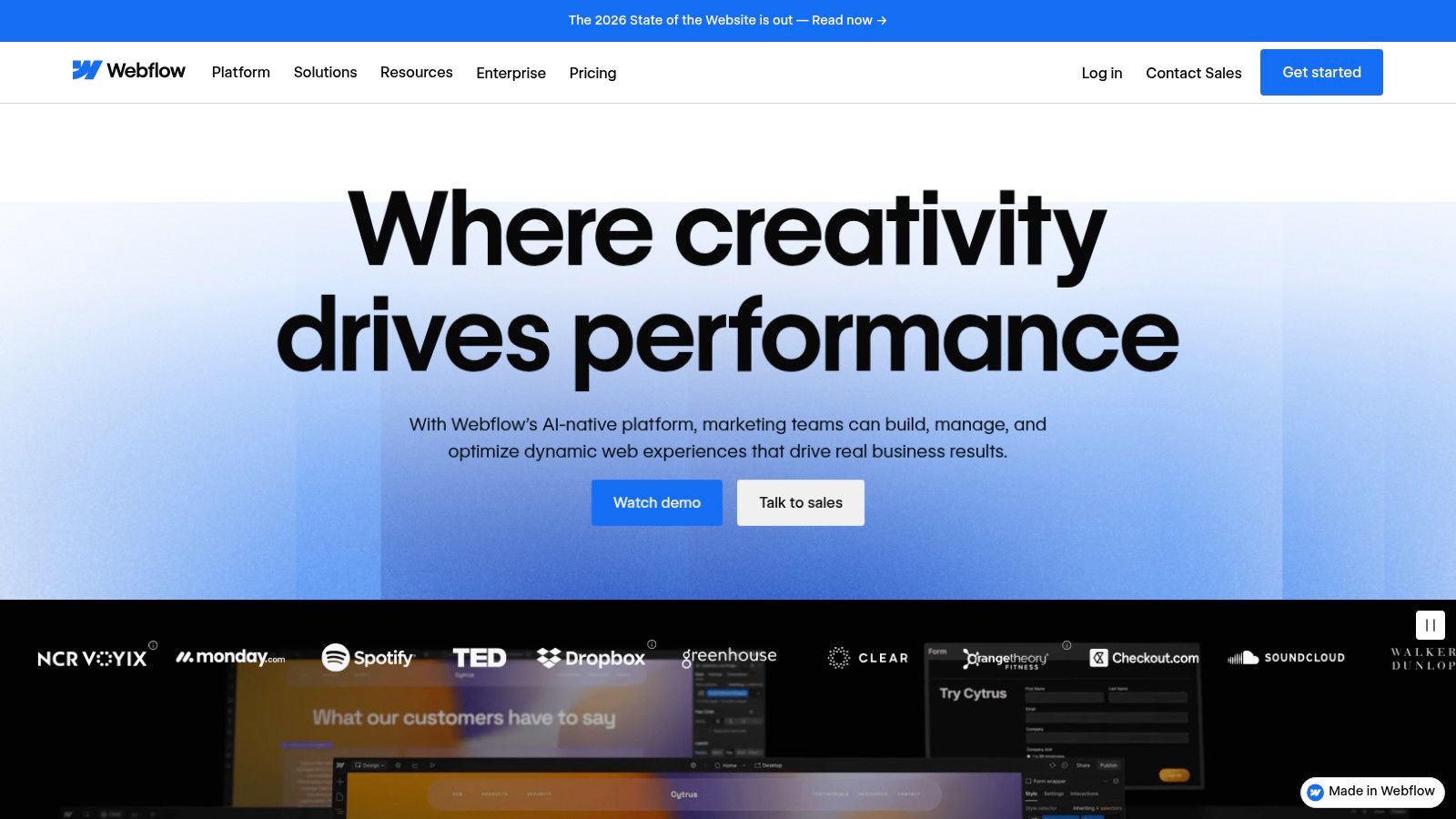
This approach results in clean, production-ready code that search engines love. The platform also includes a powerful built-in CMS for managing dynamic content like blog posts or team members, along with robust e-commerce capabilities.
Key Considerations
While its power is a major advantage, it also introduces a steeper learning curve compared to simpler tools. New users should expect to invest time in Webflow University, its excellent free video tutorial library, to grasp the box model and other core concepts. Applying website design best practices is crucial for leveraging its full potential.
Ideal Use Case: Professional portfolios, marketing sites for startups, and high-end corporate websites.
Pricing: Offers a free plan for learning and staging. Paid site plans start at $14/month (billed annually) for basic sites and scale up for CMS and e-commerce needs. Workspace plans for teams are also available.
Pros:
Pixel-perfect design control and advanced animations.
Outputs clean, semantic code that performs well.
Excellent learning resources and strong community support.
Cons:
Steeper learning curve than most no-code builders.
Plan limits on CMS items and form submissions can be restrictive.
Website: https://webflow.com
3. Wix
Wix has established itself as one of the most popular no-code website builders, renowned for its ease of use and speed. It empowers millions of users, from local businesses to creative professionals, to build a functional online presence quickly using an intuitive drag-and-drop editor or an AI-powered design assistant (Wix ADI) that generates a site based on user responses.
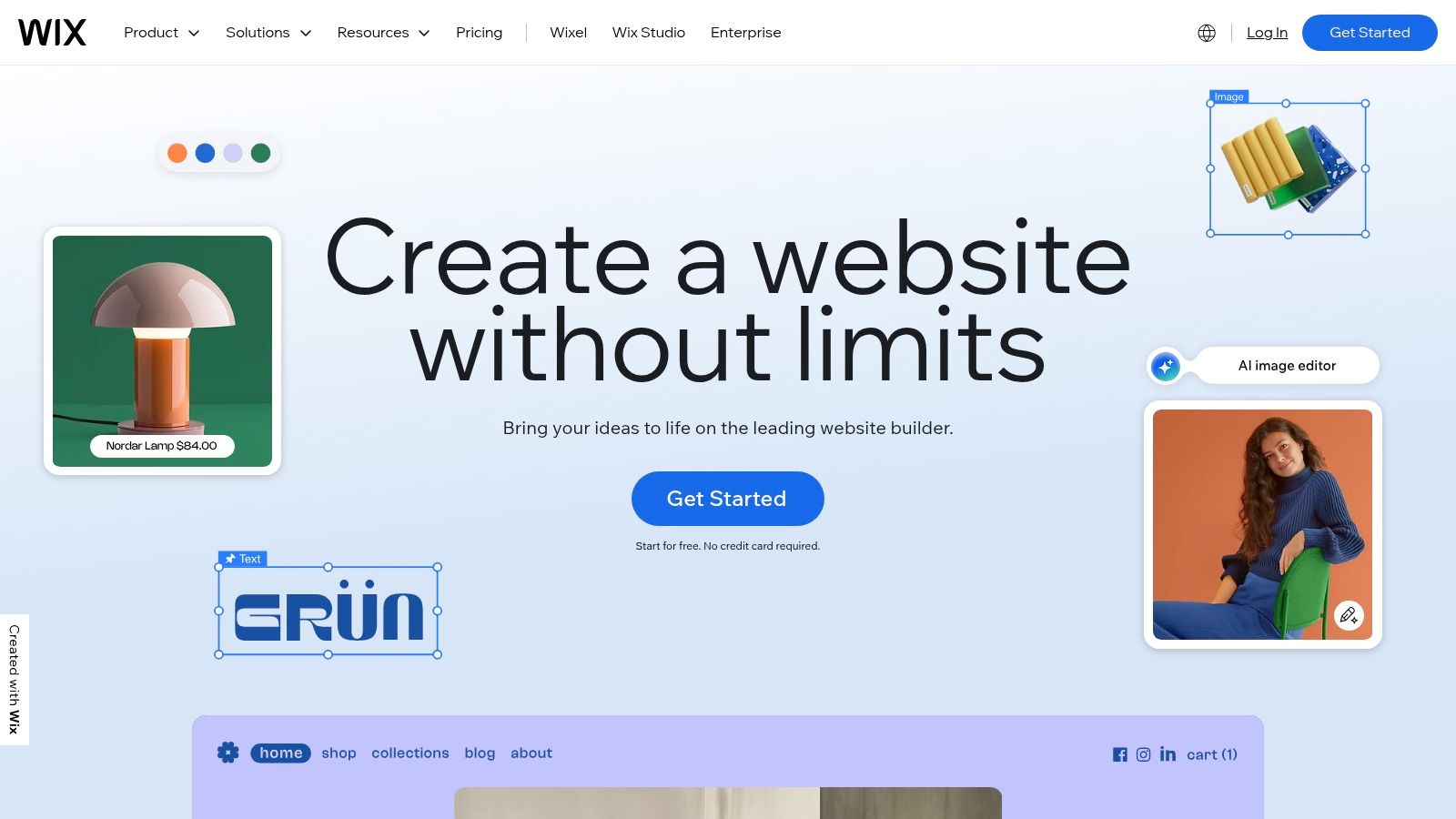
The platform stands out with its massive library of professionally designed templates and the extensive Wix App Market, which offers hundreds of integrations to add features like online bookings, event management, and advanced marketing tools. This ecosystem allows a simple portfolio or blog to evolve into a full-fledged e-commerce store or service-based business hub without migrating platforms.
Key Considerations
Wix prioritizes simplicity, making it an excellent choice for those who want to get online without a technical background. While the classic editor provides significant creative freedom, it doesn't offer the same level of granular CSS control as more developer-focused tools. Its reputation as one of the best website builders for beginners is well-earned, offering a guided and feature-rich experience from the start.
Ideal Use Case: Small businesses, portfolios, blogs, restaurants, and online stores that need a quick, all-in-one solution.
Pricing: Offers a limited free plan with Wix branding. Paid plans start at $17/month (billed annually) for personal use, with business and e-commerce plans scaling up based on features like payment processing and storage.
Pros:
Very beginner-friendly; quick to launch.
Huge template and app selection.
Scales to advanced needs with Wix Studio for agencies.
Cons:
Add-ons and apps can increase the total cost.
Less granular design control than professional tools.
Website: https://www.wix.com
4. Squarespace
Squarespace is a polished, all-in-one platform celebrated for its beautiful, award-winning templates and integrated toolset. It stands out as one of the best no code website builders for creatives, service-based businesses, and online stores that prioritize design aesthetics and simplicity. The platform offers a tightly controlled yet powerful editor, ensuring that every site looks professional and responsive on all devices without any user intervention.
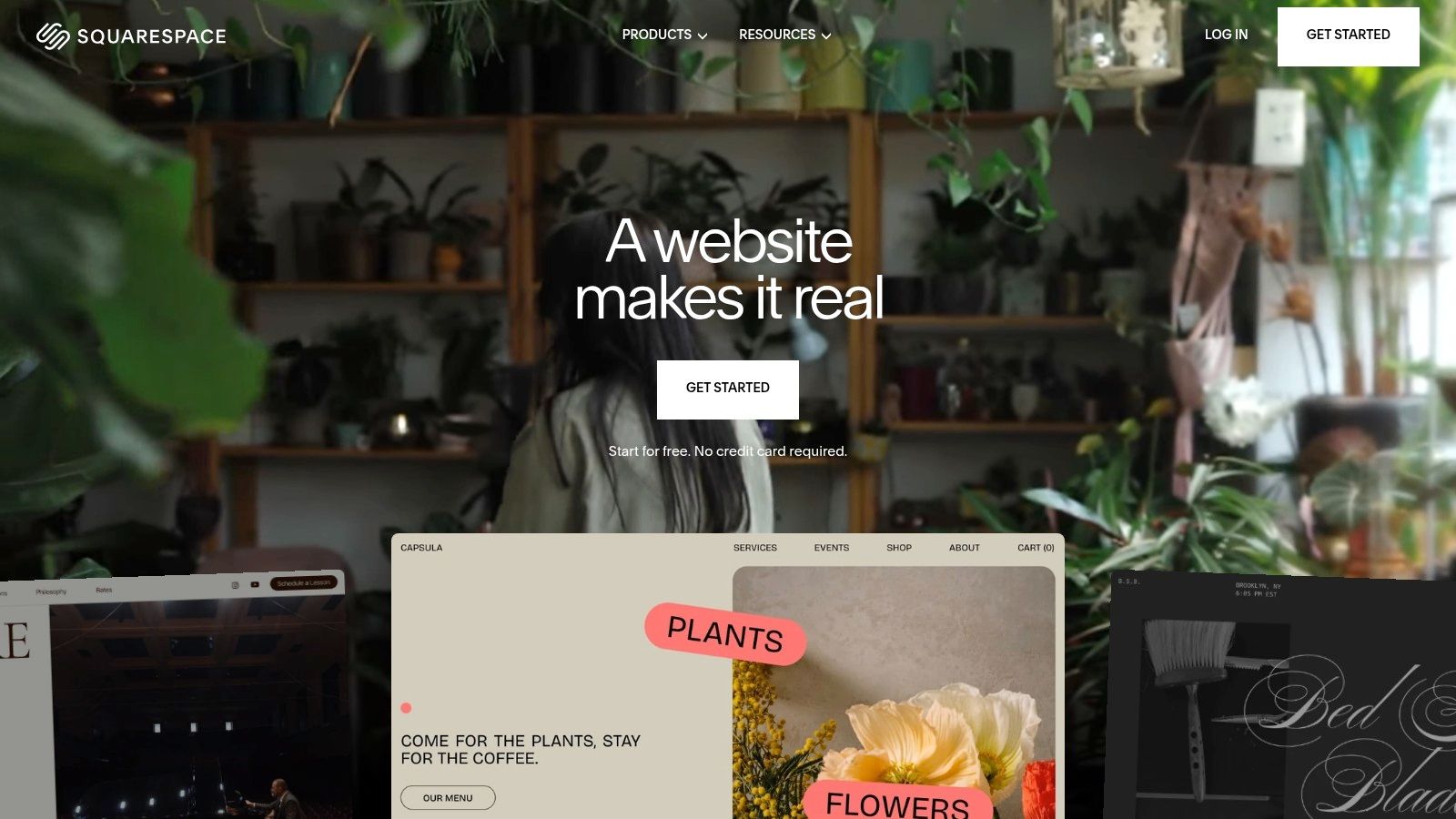
This all-inclusive approach means core functionalities like blogging, e-commerce, appointment scheduling, and email marketing are built directly into the system. This reduces the need for third-party plugins and provides a cohesive user experience from the back end to the front end, making it incredibly efficient for solopreneurs and small teams to manage their entire online presence from a single dashboard.
Key Considerations
Squarespace's strength is its curated environment, which guides users toward creating visually stunning websites quickly. However, this comes at the cost of the deep customization and third-party app ecosystem found in platforms like WordPress or Shopify. The section-based editor is intuitive for beginners but may feel limiting for users who want to stray far from the template's original layout.
Ideal Use Case: Portfolios for photographers and designers, boutique e-commerce stores, and websites for restaurants or consultants.
Pricing: Plans start at $16/month (billed annually) for a personal site and scale up to $49/month for advanced commerce features. All plans include a custom domain for the first year.
Pros:
Consistently beautiful, award-winning templates that are mobile-responsive.
All-in-one feature set includes commerce, blogging, and marketing tools.
Very intuitive and easy to use, enabling fast site creation.
Cons:
Less design flexibility and customization than more advanced builders.
Fewer third-party integrations and apps compared to competitors.
Website: https://www.squarespace.com
5. Shopify
Shopify is the undisputed leader in the e-commerce space, making it one of the best no code website builders for anyone whose primary goal is to sell products online. It provides a comprehensive, all-in-one platform that handles everything from storefront design and product management to secure payments and shipping logistics. Unlike general-purpose builders, Shopify is built from the ground up for commerce, offering a streamlined path to launching a professional and scalable online store.

The platform's true power lies in its robust back-end features and an enormous app ecosystem with over 8,000 integrations. This allows merchants to extend their store's functionality with tools for marketing automation, customer support, and advanced analytics. Shopify also offers integrated point-of-sale (POS) systems, multi-location inventory management, and competitive shipping rates, creating a unified commerce solution.
Key Considerations
While Shopify makes selling online incredibly accessible, its focus is almost entirely on e-commerce. It is less flexible for content-heavy sites like blogs or portfolios where selling is not the main objective. Users should also factor in transaction fees on top of their monthly subscription, although these can be waived by using Shopify Payments. Exploring different website builders for online stores can help you compare these fee structures.
Ideal Use Case: Direct-to-consumer (DTC) brands, dropshipping businesses, and retail stores expanding online.
Pricing: Plans start with Basic at $29/month (billed annually), with Shopify and Advanced tiers offering more features. A high-volume Shopify Plus plan is available for enterprise clients.
Pros:
Fast path to a professional store with minimal setup.
Deep app ecosystem and strong logistics/shipping rates.
Scales from solo sellers to large brands (Plus).
Cons:
App and transaction fees can add up.
Less flexible for non-commerce sites.
Website: https://www.shopify.com
6. Framer
Framer has rapidly emerged as a favorite among designers, positioning itself as a high-performance, design-first platform for creating interactive and motion-rich websites. It excels at translating complex design concepts from tools like Figma directly into live, responsive sites with stunning speed. Framer is one of the best no code website builders for those who want to publish visually polished marketing sites, landing pages, and portfolios without sacrificing performance.
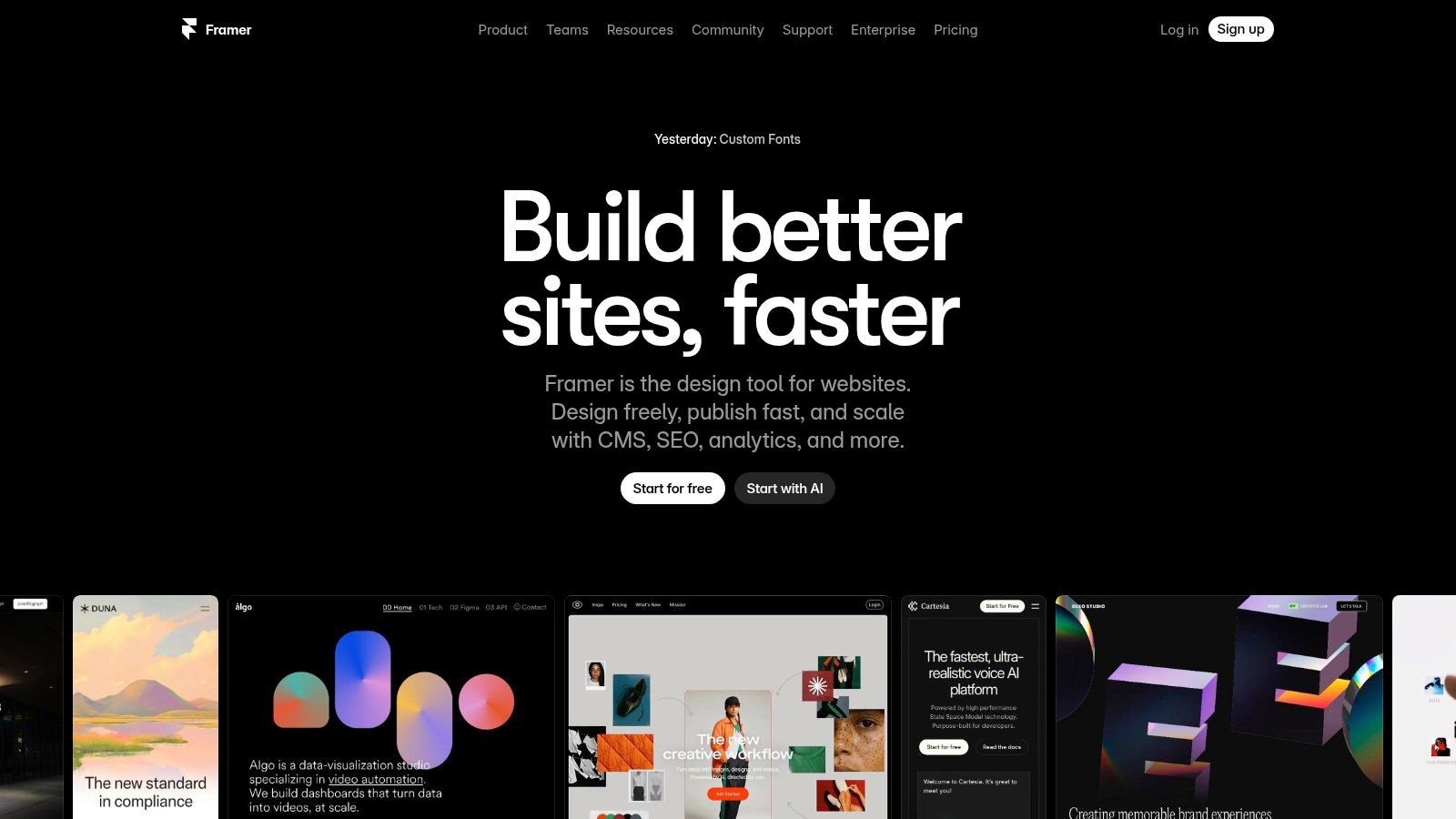
The platform offers an intuitive canvas that feels familiar to UI/UX designers, complete with advanced animation tools, interactive components, and a built-in CMS. Framer sites are known for their fast load times and clean output, which contributes to strong native SEO capabilities. Features like staging environments, version history, and built-in analytics provide a professional workflow for teams and solo creators alike.
Key Considerations
Framer’s strength lies in its design and interaction capabilities, making it ideal for content-driven sites rather than complex, data-heavy applications. While its CMS is robust, businesses with very large e-commerce catalogs might find it less specialized than dedicated platforms. Users should also be mindful of the plan limits, as add-ons for features like localization or additional bandwidth can increase the total cost.
Ideal Use Case: High-fidelity marketing websites, interactive portfolios, and startup landing pages.
Pricing: Provides a free plan for hobby projects. Paid plans start at $10 per site/month (billed annually) for the Mini plan, scaling up for more pages, CMS items, and features like analytics.
Pros:
Designer-friendly canvas with powerful animation and interaction tools.
Excellent performance and fast-loading websites out of the box.
Strong native SEO features and generates clean code.
Simple per-site pricing model with optional add-ons.
Cons:
Page, CMS, and bandwidth limits are tied to specific tiers.
Less suitable for large-scale e-commerce than dedicated platforms.
Website: https://www.framer.com
7. WordPress.com
WordPress.com offers a streamlined, hosted version of the world's most popular content management system, making it one of the best no code website builders for those who want a guided entry into a powerful ecosystem. It simplifies the classic WordPress experience with a no-code block editor, a vast library of themes, and an expanding AI Site Builder that can generate an entire website structure from a simple text prompt.
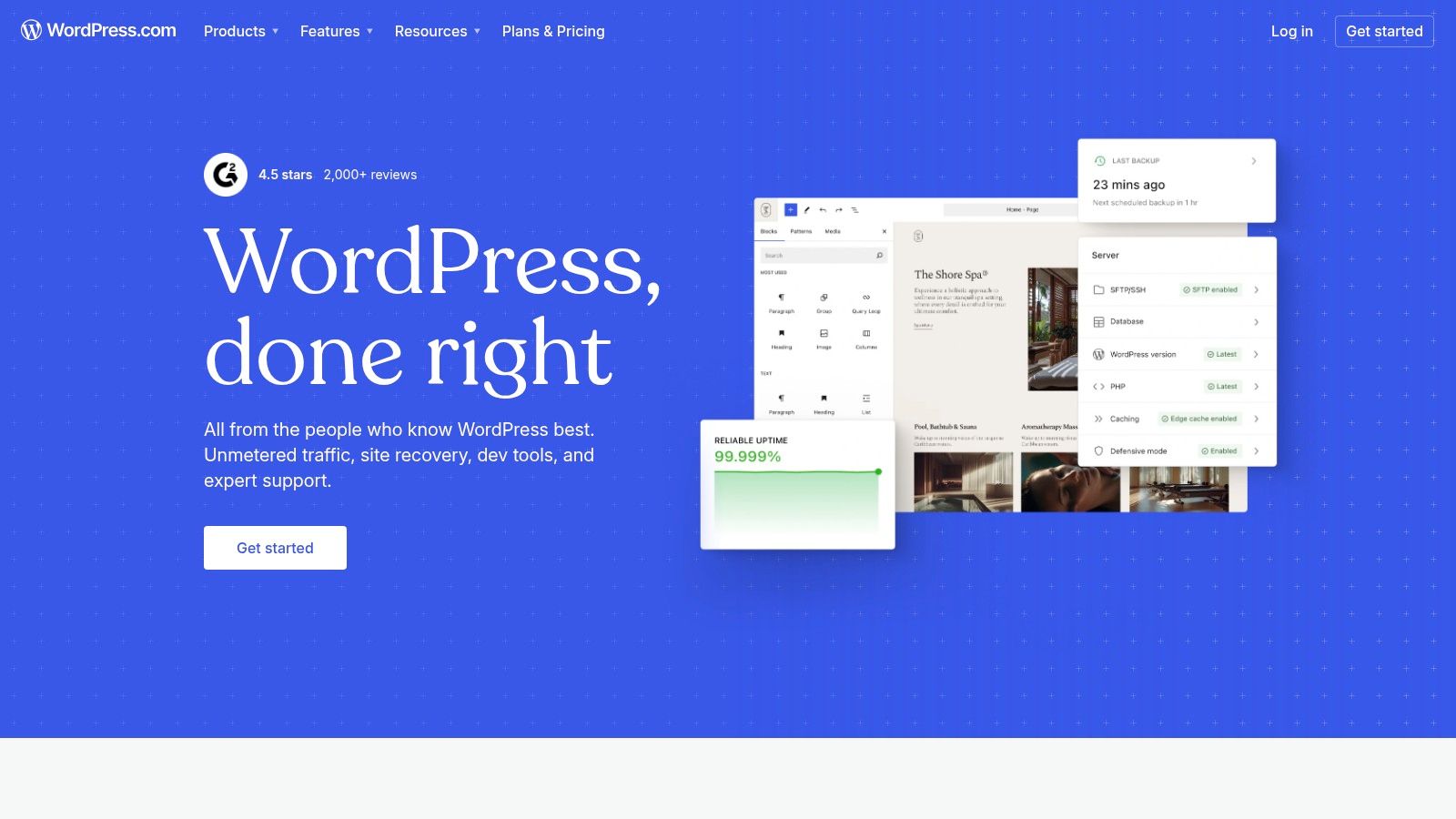
This platform provides a clear upgrade path, allowing users to start with a simple blog or portfolio and scale up to a full-fledged business site or e-commerce store. Unlike its self-hosted counterpart (WordPress.org), WordPress.com handles all the hosting, security, and maintenance, letting you focus solely on creating content and growing your online presence.
Key Considerations
The key difference between WordPress.com plans is access to its famous plugin ecosystem. While lower-tiered plans offer excellent value for straightforward sites, unlocking the ability to install custom plugins and advanced e-commerce functionality through WooCommerce requires upgrading to the Business or Commerce plans. This makes the platform adaptable but means its full power is reserved for higher-paying users.
Ideal Use Case: Bloggers, personal websites, small business portfolios, and users who want a scalable platform that can grow from a simple site into a complex one.
Pricing: Offers a free plan with ads and a WordPress.com subdomain. Paid plans start at $4/month (billed annually) for a personal site, with Business plans that unlock plugins starting at $25/month.
Pros:
Huge ecosystem of themes and plugins available on higher tiers.
Flexible path from a simple blog to an advanced business or e-commerce site.
Strong value at Personal and Premium tiers for standard website needs.
Cons:
Most powerful features and plugin access require more expensive Business or Commerce plans.
E-commerce setup via WooCommerce can require more configuration than all-in-one solutions.
Website: https://wordpress.com
8. Hostinger Website Builder
Hostinger Website Builder (formerly Zyro) is a comprehensive, all-in-one solution that bundles hosting, a domain name, and an intuitive editor into one extremely affordable package. It stands out as one of the best no code website builders for beginners, freelancers, and small businesses seeking maximum value and simplicity. Its user-friendly interface is designed for speed, allowing users to get a professional-looking site online with minimal effort.
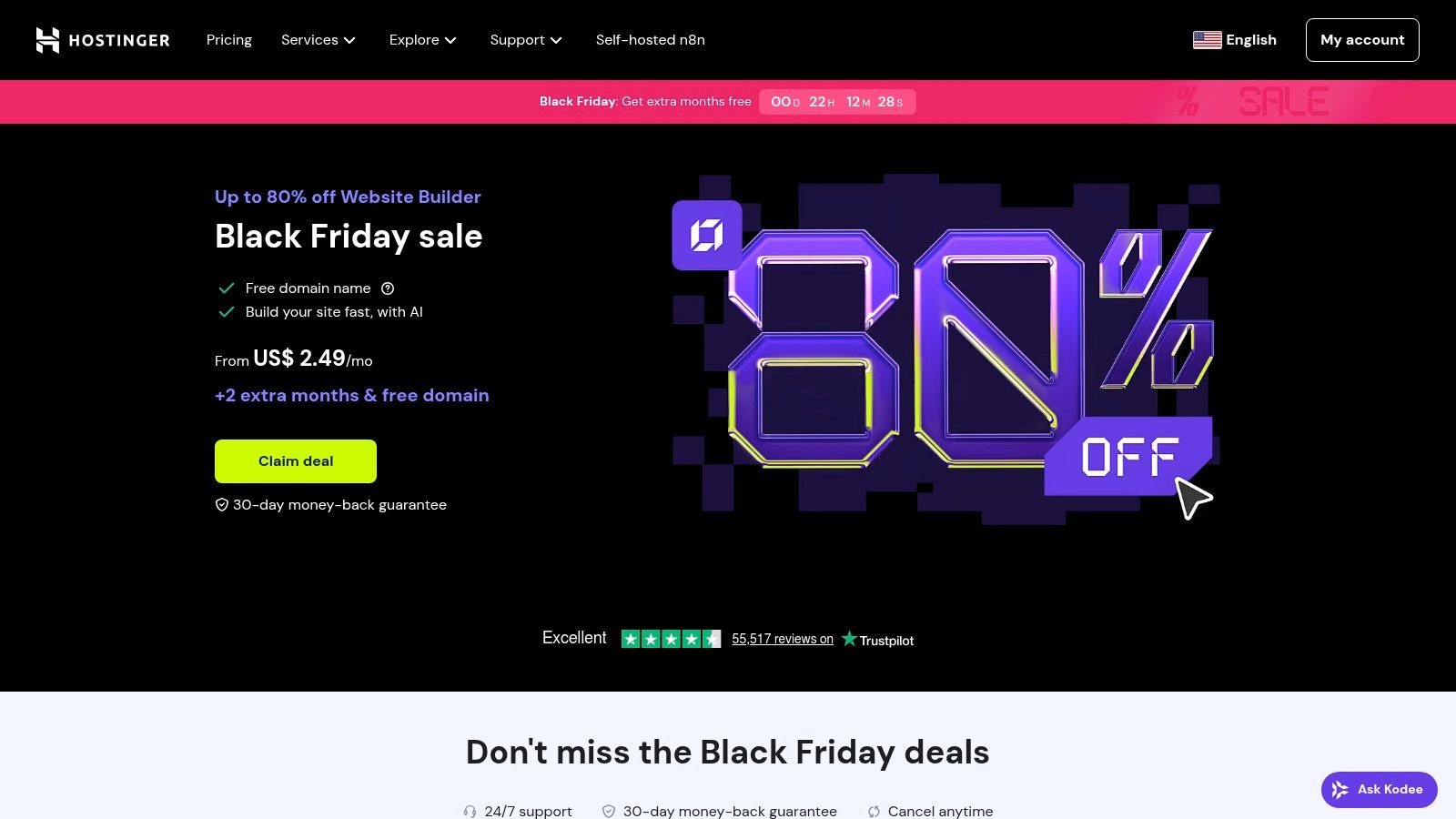
The platform integrates a suite of AI tools, including a website generator, an AI writer for content creation, and a heatmap tool to analyze visitor behavior. It also provides solid e-commerce functionality with a standout feature: 0% transaction fees on sales (payment processor fees still apply). This makes it an attractive choice for those launching their first online store on a tight budget.
Key Considerations
Hostinger’s main appeal is its unparalleled ease of use and low entry cost; it removes nearly all technical barriers to creating a website. However, this simplicity comes at the cost of advanced customization. It lacks the deep design control and extensive third-party integrations found in more complex builders like Webflow or Bubble. It’s built for straightforward projects rather than highly complex, scalable web applications.
Ideal Use Case: Personal portfolios, simple small business sites, and starter e-commerce stores.
Pricing: There is no permanent free plan, but it offers a very low introductory price. The single all-in-one plan often starts at just a few dollars per month and includes a free domain, hosting, email, and SSL.
Pros:
Extremely affordable all-in-one package including hosting.
User-friendly interface with helpful AI tools for quick setup.
0% platform transaction fees for e-commerce plans.
Cons:
Lacks a permanent free plan for long-term testing.
Fewer advanced design customization options and integrations.
Website: https://www.hostinger.com/website-builder
9. Carrd
Carrd has carved out a unique niche by focusing exclusively on creating simple, responsive, one-page sites. It is renowned for its simplicity, speed, and extreme affordability, making it one of the best no code website builders for anyone needing a digital presence quickly and without complexity. The platform is perfect for personal profiles, "link in bio" pages for social media, landing pages for a new product, or a minimalist portfolio.
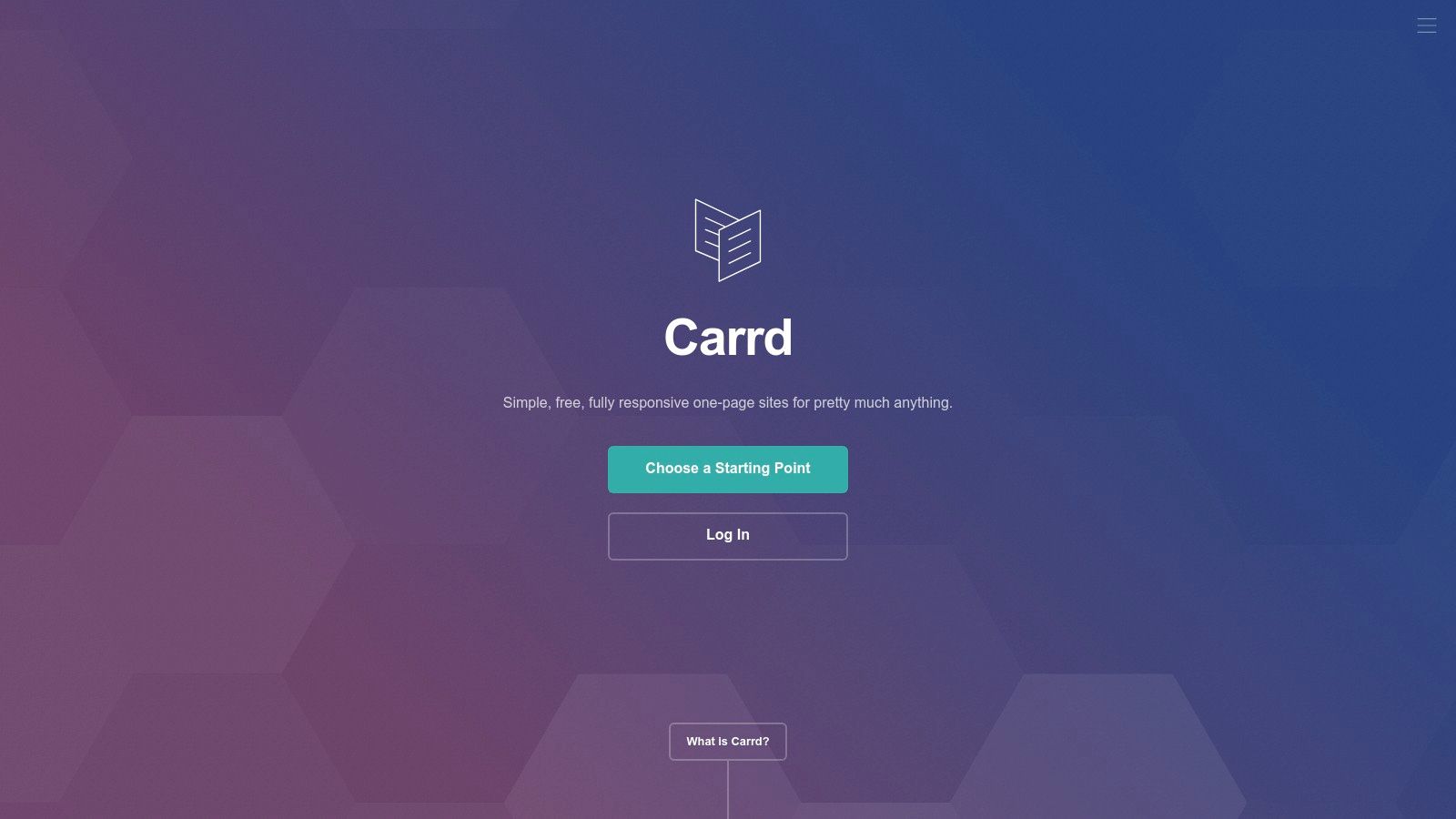
Its builder is incredibly intuitive, allowing users to choose a template and publish a polished, professional-looking single-page site in minutes. While it lacks the multi-page functionality of larger platforms, its strength lies in doing one thing exceptionally well: creating beautiful, lightweight, and fast-loading single-page websites. The focus on a single page ensures a focused user experience and rapid deployment.
Key Considerations
Carrd's primary limitation is its single-page nature. It is not designed for blogs, complex business sites, or extensive online stores. However, for its intended purpose, it is nearly flawless. The learning curve is practically non-existent, and the Pro plans unlock valuable features like custom domains, forms, widgets from services like Stripe and Gumroad, and the ability to remove Carrd's branding.
Ideal Use Case: Personal profiles, "link in bio" pages, simple portfolios, and landing pages for specific campaigns or products.
Pricing: A generous free plan allows for up to three sites. Pro plans are exceptionally affordable, starting at just $19 per year for features like custom domains, more sites, and no branding.
Pros:
Ultra-low cost and virtually no learning curve.
Extremely fast for creating and publishing focused, single-page sites.
Produces clean, minimalist, and highly responsive outputs.
Cons:
Strictly limited to one-page websites.
Not suitable for content-heavy sites, blogs, or complex e-commerce.
Website: https://carrd.co
10. Tilda
Tilda is a design-centric, block-based website builder that empowers users to create visually striking websites with a focus on typography and storytelling. It's an excellent choice for landing pages, editorial content, and portfolios where aesthetics are paramount. Tilda's core strength lies in its library of over 550 pre-designed, responsive blocks that can be quickly assembled to create a polished page.
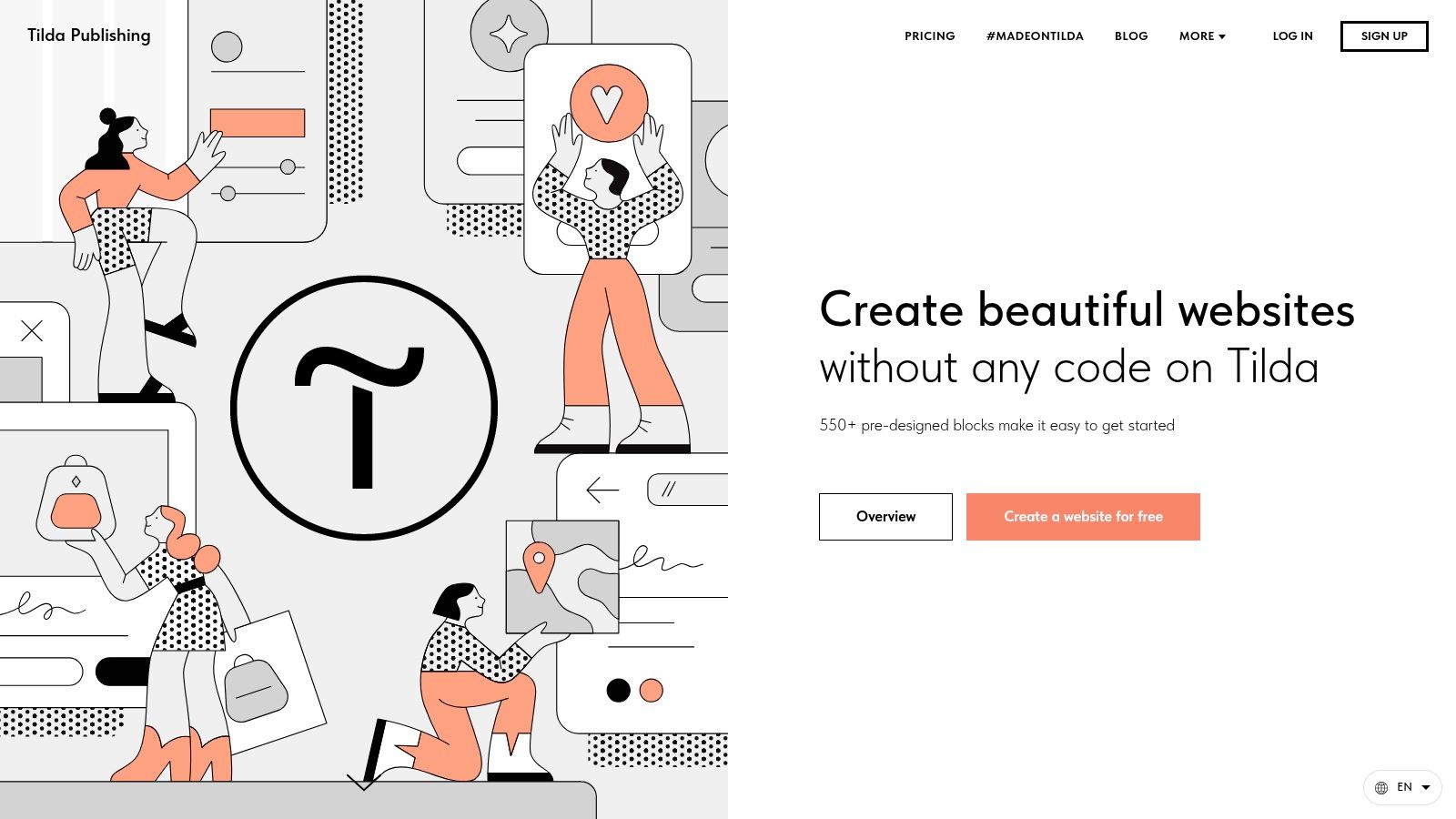
For those who need more creative freedom, the platform offers a "Zero Block" editor. This feature provides a blank canvas for crafting completely custom designs, moving beyond the standard block system. Tilda also includes built-in tools for e-commerce, forms, and basic CRM, making it a versatile tool for small businesses and creators.
Key Considerations
Tilda strikes a balance between ease of use and design flexibility, making it one of the more accessible yet powerful best no code website builders. While its drag-and-drop block system is intuitive for beginners, mastering the Zero Block editor allows for truly unique layouts. A key differentiator for developers or businesses planning for future growth is the code export feature available on Business plans, which prevents platform lock-in.
Ideal Use Case: Content-rich blogs, portfolios, event pages, and small online stores.
Pricing: Offers a free plan for one website. Paid plans start at $10/month (billed annually) for Personal plans, unlocking more features and a custom domain. The Business plan is $20/month.
Pros:
Elegant and professional pre-designed blocks speed up development.
Zero Block editor offers advanced design customization.
Code export feature provides flexibility and portability.
Cons:
The template and third-party app ecosystem is smaller than competitors like Wix.
E-commerce capabilities are more suited for simple stores than large-scale operations.
Website: https://tilda.cc
11. Dorik
Dorik is a modern no-code builder gaining traction for its powerful agency-focused features and exceptional value. It offers a flexible platform that combines a simple drag-and-drop interface with an AI site generator, a native CMS, and built-in membership functionalities, making it a versatile choice. For freelancers and agencies, its white-label options are a major differentiator, allowing them to provide clients with a branded dashboard and manage billing seamlessly.
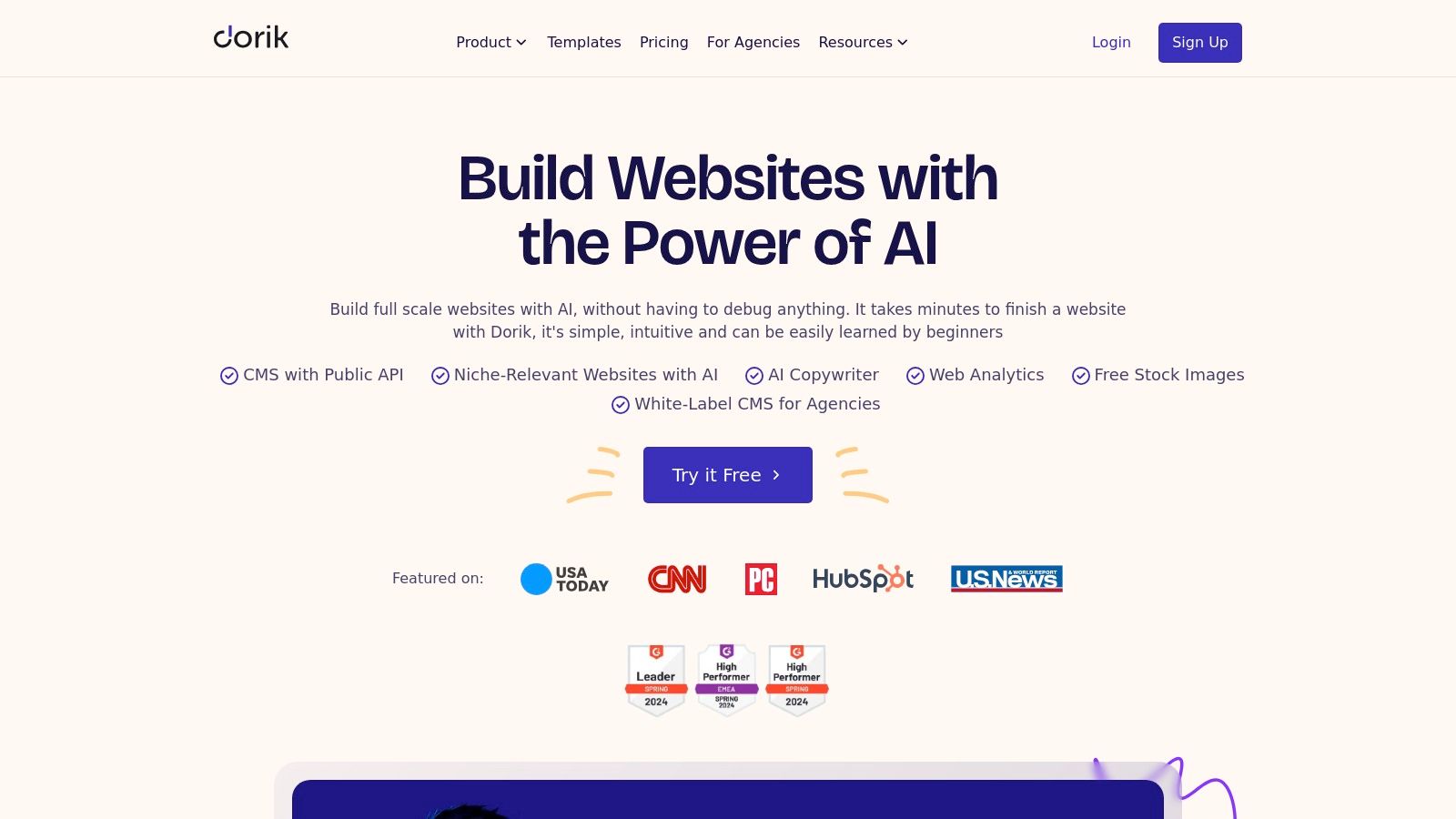
The platform aims to be an all-in-one solution, providing unlimited storage and bandwidth on all paid plans, which is a significant cost-saver. Unlike many competitors that lock you into their ecosystem, Dorik also allows for code export, giving users full ownership and flexibility over their final product. Its combination of user-friendliness and advanced agency tools makes it a strong contender among the best no code website builders.
Key Considerations
While Dorik is incredibly powerful for its price point, its template library and integration ecosystem are still growing compared to more established platforms like Webflow or Squarespace. Its native e-commerce capabilities are also more basic, often requiring third-party integrations for more complex store setups. However, its lifetime deal options present a compelling financial advantage for long-term projects.
Ideal Use Case: Freelancers building client sites, agencies needing a white-label solution, and businesses creating membership or content-driven websites.
Pricing: Offers a free plan. Paid plans start at $15/month (billed annually), with various tiers for personal and agency use. Unique lifetime pricing options are also frequently available.
Pros:
Strong value for agencies with multi-domain, white-label, and client billing features.
Simple, intuitive builder with fast, reliable hosting included.
Lifetime pricing options significantly reduce long-term operational costs.
Cons:
Smaller ecosystem and template library than industry leaders.
E-commerce relies on integrations rather than deep native features.
Website: https://dorik.com
12. GoDaddy Website Builder
GoDaddy Website Builder is designed for speed and simplicity, making it an excellent choice for small business owners who need to get online quickly without a technical background. It uses an AI-powered system to generate a starter site based on your industry and goals, which you can then customize using a straightforward, section-based editor. The platform’s main strength lies in its all-in-one approach, bundling essential business tools directly into the dashboard.
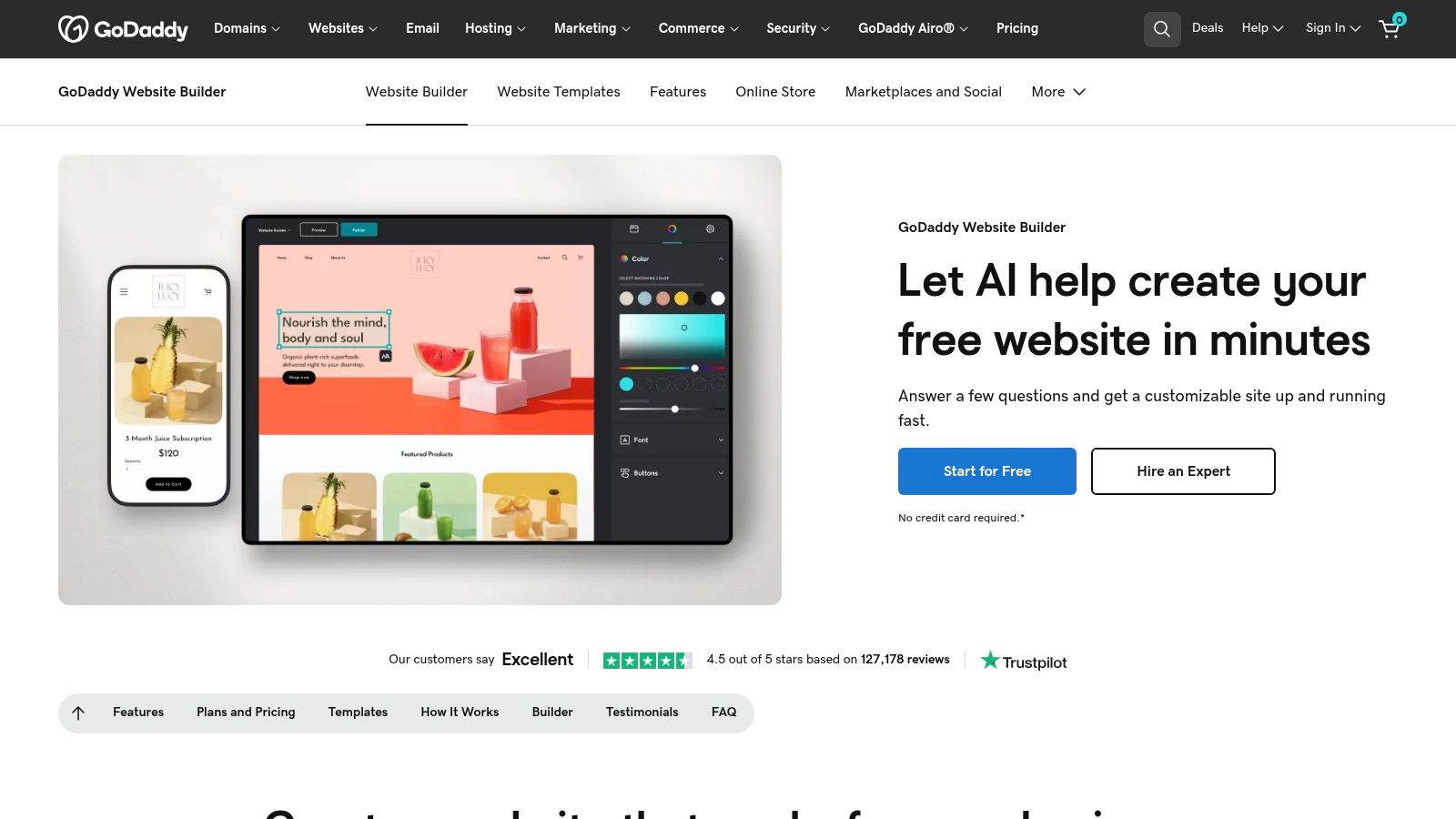
Beyond the website itself, GoDaddy integrates email marketing, social media posting, and a basic CRM to help you manage customer relationships from a single hub. For those selling products, its commerce plan facilitates listings on your site and syncs with major marketplaces like Amazon and Etsy. This integrated ecosystem makes it one of the best no code website builders for entrepreneurs seeking a fast launch and simplified marketing.
Key Considerations
The builder prioritizes ease of use and speed over granular design control. While you can customize sections, colors, and fonts, you won't find the pixel-perfect freedom offered by platforms like Webflow. It's a trade-off that works well for its target audience but may frustrate designers or businesses with very specific branding requirements. The 24/7 support is a significant benefit for users who may need assistance at any time.
Ideal Use Case: Service-based small businesses, local shops, and solopreneurs needing a professional online presence with minimal fuss.
Pricing: Offers a free plan with GoDaddy branding. Paid plans start at around $10.99/month (billed annually) and increase for e-commerce and advanced marketing features.
Pros:
Extremely quick to publish a working site using AI guidance.
Simple, bundled marketing tools (email, social, CRM).
Strong domain and hosting integrations within the GoDaddy ecosystem.
Cons:
Less design flexibility than designer-centric tools.
Feature depth trails competitors for complex or highly custom websites.
Website: https://www.godaddy.com/websites/website-builder
Top 12 No-Code Website Builders Comparison
Product | Core features | UX / Quality (★) | 💰 Value / Price | 👥 Target audience | ✨ Unique selling point |
|---|---|---|---|---|---|
Alpha 🏆 | AI design, URL-import, natural‑language editor, SEO, forms, analytics, mobile‑first | ★★★★★ | 💰 Free starter; paid $9–$25/mo (annual ≈20% off) | 👥 Entrepreneurs, startups, solopreneurs, small teams | ✨ URL-to-design copying + NL edits; conversion-focused layouts |
Webflow | Visual designer, CMS, ecommerce, global hosting | ★★★★☆ | 💰 Free trial; site plans from ~$14+/mo (CMS/ecom higher) | 👥 Designers, agencies, startups | ✨ Pixel-level control & production-ready export |
Wix | Drag-and-drop, AI site creation, app market, ecommerce | ★★★★☆ | 💰 Free plan; paid from ~$16+/mo (apps may add cost) | 👥 Small businesses, freelancers, beginners | ✨ Huge template & apps ecosystem |
Squarespace | Award-winning templates, blogging, email campaigns, ecommerce | ★★★★☆ | 💰 Paid from ~$16+/mo — all-in-one stack | 👥 Creators, boutiques, small businesses | ✨ Polished templates + integrated commerce |
Shopify | Storefront, checkout, payments, POS, apps, inventory | ★★★★☆ | 💰 Plans from $29+/mo; apps & transaction fees may apply | 👥 Merchants, ecommerce-first businesses | ✨ Commerce-first platform with deep app ecosystem |
Framer | Visual canvas, advanced interactions, CMS, staging/rollback | ★★★★☆ | 💰 Paid from ~$6–$15+/mo per site | 👥 Designers, interaction-focused sites | ✨ Advanced motion/interaction tools |
WordPress.com | No-code builder, themes, AI site builder; plugins on higher tiers | ★★★★☆ | 💰 Free → Paid tiers; Business/Commerce for plugins/WooCommerce | 👥 Bloggers → advanced sites, scalable businesses | ✨ Massive plugin & theme ecosystem |
Hostinger Website Builder | AI site generator, hosting, domain, ecommerce, AI writer | ★★★☆☆ | 💰 Very low entry; hosting+domain bundles (~$2–$9/mo) | 👥 First-time site owners, freelancers, small stores | ✨ Budget bundle (hosting+domain) with simple AI tools |
Carrd | One-page builder, premium templates, forms & embeds | ★★★★☆ | 💰 Ultra-low cost; Pro plans billed annually (very affordable) | 👥 Landing pages, link-in-bio, minimal portfolios | ✨ Rapid one-page publishing with tiny footprint |
Tilda | Block-based editor, Zero Block, ecommerce, code export | ★★★★☆ | 💰 Paid plans; competitive for multi-site projects | 👥 Designers, editorial sites, small shops | ✨ 550+ pre-designed blocks + code export |
Dorik | AI generator, native CMS, white-label, memberships | ★★★☆☆ | 💰 Affordable subscriptions; lifetime one-time options | 👥 Freelancers, agencies, client work | ✨ White-label dashboard & lifetime pricing options |
GoDaddy Website Builder | AI-guided setup, marketing tools, commerce, 24/7 support | ★★★☆☆ | 💰 Paid plans with domain/hosting bundling | 👥 Small business owners seeking speed | ✨ Fast guided launch + integrated marketing bundle |
Choosing Your No-Code Builder: It's About Speed, Scale, and Your Specific Goal
Navigating the landscape of the best no code website builders can feel overwhelming, but the journey to finding the perfect fit is simpler when you focus on your unique objective. As we've explored, the term "best" is entirely subjective. It hinges on a crucial balance between your project's complexity, your timeline for launching, and your long-term scalability needs. The ideal platform isn't just about features; it's about finding an environment that empowers you to build, iterate, and grow without hitting a functional ceiling.
The core takeaway from our deep dive is this: your primary goal dictates your tool. A solopreneur needing a sleek, single-page portfolio has vastly different requirements than a startup building a complex e-commerce empire. One requires speed and simplicity, while the other demands robust inventory management and payment gateway integrations. This distinction is the most important factor in your decision-making process.
Matching the Builder to Your Business Case
Let's distill the choices down to their core strengths to help guide your next step. Think of these platforms as specialized instruments, each tuned for a specific performance.
For Maximum Speed and AI-Powered Launch: If your priority is transforming an idea into a functional, conversion-optimized website in the shortest possible time, an AI-first builder like Alpha is unparalleled. It’s built for entrepreneurs and marketers who value velocity and data-driven design without a steep learning curve.
For Unmatched Design Control and Customization: For designers, agencies, and anyone who needs granular control over every pixel and interaction, Webflow and Framer stand out. These platforms offer immense creative freedom but come with a higher learning curve, rewarding those who invest the time to master their capabilities.
For Dedicated E-commerce at Scale: If your business is centered around selling products online, Shopify is the undisputed industry standard. Its ecosystem of apps, secure payment processing, and comprehensive inventory management tools are specifically designed to support and scale retail operations.
For All-in-One Simplicity and Ease of Use: For small businesses, bloggers, and service professionals who need a reliable, user-friendly solution, Wix, Squarespace, and Hostinger Website Builder offer a fantastic balance. They provide beautiful templates and intuitive drag-and-drop editors that make getting online straightforward and hassle-free.
Actionable Steps to Your Final Decision
Before you commit your time and resources, it's vital to put these tools to the test. Theory is one thing, but hands-on experience is everything.
Define Your "Must-Haves": Make a short, non-negotiable list of features. Do you need a blog, an appointment scheduler, a members-only area, or specific third-party integrations? Use this list to quickly eliminate builders that don't meet your core requirements.
Utilize Free Trials: Nearly every platform on our list offers a free trial or a free plan. Sign up for your top two or three choices. Spend an hour with each, building a simple landing page or homepage. This is the best way to gauge how intuitive the editor feels for you.
Assess the Support Ecosystem: Look beyond the features. Does the platform have a vibrant community forum, detailed documentation, or responsive customer support? When you inevitably run into a question, a strong support system is invaluable.
Ultimately, the best no code website builders are the ones that feel less like a tool and more like a partner in your digital journey. They should reduce friction, not create it. Your choice will shape not just your website's launch but its entire lifecycle of updates, redesigns, and growth. Choose the platform that aligns with your vision and empowers you to bring it to life with confidence and clarity.
Ready to skip the learning curve and launch a beautiful, high-performing website in hours, not weeks? Alpha leverages AI to build your entire site from a simple prompt or a reference URL, optimizing every element for conversion. Experience the future of web creation by visiting Alpha to generate your new website today.
EXAMPLES
Build beautiful websites like these in minutes
Use Alpha to create, publish, and manage a fully functional website with ease.