






How to Create Website Mockups People Actually Love
Learn how to create website mockups that bridge the gap between idea and reality. Our guide covers tools, principles, and developer handoff.
Build beautiful websites like these in minutes
Use Alpha to create, publish, and manage a fully functional website with ease.
Picking the best drag and drop website builder really boils down to what you need to accomplish. While top players like Wix, Squarespace, and Alpha consistently stand out, they each serve very different masters. The goal isn't just to build a website; it's to build your website, and these tools give you the power to do it without touching a line of code.
Choosing Your Ideal Drag and Drop Website Builder
Finding the right builder can feel like a chore with so many options shouting for your attention. But the "best" one is simply the one that fits your project like a glove. This guide is here to help you cut through the marketing fluff and make a clear-headed decision.
We'll look at the big names and who they're really for—whether you're a small business needing powerful marketing tools or a creative who needs a visually stunning portfolio. We'll also dive into the new AI-powered platforms that are completely changing how websites get made.
Understanding the Builder Landscape
The market has a few giants, and each has carved out its own territory. Wix, for example, is a massive force, holding a 45% market share among website builder platforms. Its secret? An all-in-one package that gives small businesses and individuals everything they need—hosting, templates, and a super intuitive editor—right out of the box. You can get a deeper look at these market dynamics in this in-depth global market report.
Then you have Squarespace, the go-to for anyone who prioritizes aesthetics. Its beautifully curated templates are a favorite among artists, designers, and photographers. And on the cutting edge are newcomers like Alpha, which use advanced AI to automate and simplify huge chunks of the design process. If you're just starting out, our guide on the best website builders for beginners offers some great foundational advice.
Choosing the right tool starts with understanding your own goals and how each platform is built to meet them.
This kind of decision-making framework—weighing your needs against a platform's strengths—is key. Top builders make complex features feel simple, but their core philosophies differ. To give you a quick starting point, here’s how the leading options stack up at a glance.
Top Drag and Drop Builders at a Glance
This table provides a quick snapshot of the leading builders, helping you see where each one shines. Think of it as a cheat sheet to narrow down your options before diving into the details.
Builder | Best For | Key Differentiator | Starting Price |
|---|---|---|---|
Alpha | Innovators & Startups | Generative AI & URL Import | Custom |
Wix | Small Businesses | App Marketplace & Flexibility | $16/month |
Squarespace | Creative Professionals | Award-Winning Templates | $16/month |
WordPress.com | Bloggers & Scalability | Ultimate Control & Plugins | $4/month |
As you can see, the "best" choice is highly situational. A blogger who needs room to grow will have very different priorities than a startup that wants to generate a site with AI and hit the ground running. Keep your own goals front and center as we explore these builders in more detail.
What Really Matters When Comparing Website Builders
Forget the flashy marketing. The real difference between the best drag and drop website builders comes down to a handful of core features that will make or break your experience and your website's success. It’s not about which builder has the longest feature list, but which one actually helps you achieve your goals without a massive headache.
Let's cut through the noise and get into what truly sets these platforms apart. We'll look at how they handle ease of use, design freedom, AI features, and pricing so you can see which one is the right fit for you.
Ease of Use: Structured vs. Free-Form Editors
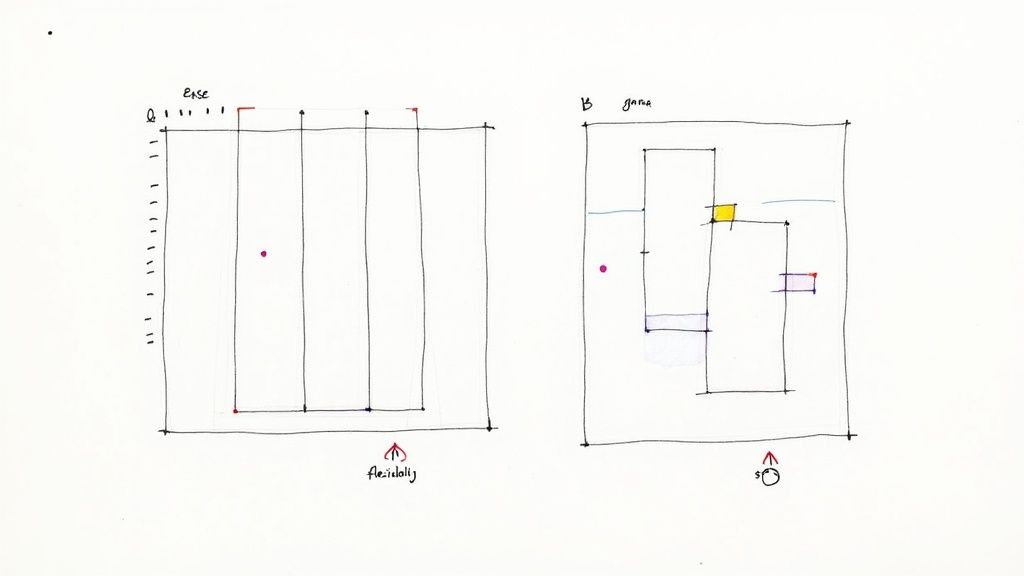
The term "drag and drop" sounds simple, but it means very different things depending on the platform. The biggest divide is between structured editors that hold your hand and free-form editors that give you an open canvas. This single choice dictates how you'll build everything.
A structured editor, like the one Squarespace uses, keeps all your elements locked into a neat grid. This is fantastic for beginners because it provides guardrails, making it hard to mess up the alignment and ensuring a clean layout. The downside? It can feel restrictive if you want to nudge an image just a few pixels to the left.
On the other hand, a free-form editor like Wix's is a blank slate—you can literally drag anything anywhere. This gives you ultimate creative freedom but also comes with a much steeper learning curve. Without a grid, it's surprisingly easy to end up with a design that looks chaotic or falls apart on different screen sizes.
Key Takeaway: It all comes down to your personality. Go for a structured editor if you want a guided, foolproof process. Choose a free-form one if you crave total creative control, but be ready for the extra work it requires.
Design Flexibility: Templates vs. True Customization
How much freedom do you really have to make a site your own? Design flexibility isn't just about swapping out colors. It's about the tension between being stuck inside a pre-made template and having the power to build something truly unique.
Squarespace is famous for its gorgeous, award-winning templates that look incredible from the get-go. But that polish comes at a price—you're often limited to the customization options built into that specific template. It's a great choice if you trust the designer's eye and just want to get a professional-looking site live quickly.
Then you have platforms like Alpha, which flip the script entirely. Instead of starting with a template, you can use AI to generate a unique design from scratch or even import the layout of any existing website. This gives you a one-of-a-kind foundation that you can then edit with simple text descriptions. As you compare platforms, always check how they handle responsive design and mobile website optimization strategies, since a poor mobile experience is no longer an option.
AI-Powered Tools: From Assistant to Architect
Artificial intelligence is popping up everywhere, but how it's used varies wildly. Some builders use it as a simple helper, while others have made it the core of the entire building experience.
Basic AI Assistance: Most builders now offer an AI content writer to help you draft a headline or a paragraph. It’s a nice little tool for beating writer's block, but it doesn’t really change how you design the site.
Advanced AI Generation: This is where things get interesting. A tool like Alpha uses generative AI to build the entire website for you based on a simple prompt or a URL you provide. Here, the AI acts more like a design partner, creating the structure, layout, and even initial content in seconds.
AI-Powered Optimization: We're also starting to see AI that helps after you launch, suggesting layout tweaks to boost conversions or pointing out SEO opportunities.
Pricing and Scalability: Watching Out for Hidden Costs
Finally, don't just look at the monthly price tag. The true cost of a website builder is often hidden in the details. You need to understand the entire pricing model and whether the platform can grow with you. Sneaky costs can pop up as transaction fees on sales, charges for essential plugins, or huge price hikes when you need to upgrade.
Scalability is just as important. The builder that’s perfect for your launch might crumble under heavy traffic or fail to support the features you need in a year. For example, a slow site will kill your conversions and search rankings. You can find out more on how to improve website loading speed in our guide. Make sure the platform you pick has a clear path for growth that won’t force you into a costly and painful migration later on.
A Detailed Analysis of Leading Builders
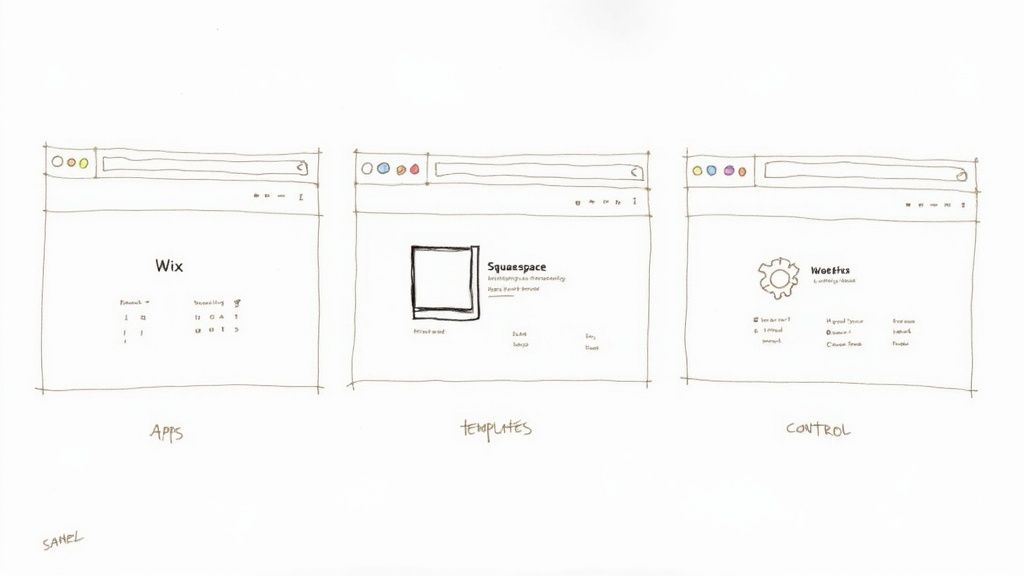
When you're looking for the best drag and drop website builders, the conversation almost always narrows down to a few major players. On the surface, they might seem to offer similar features, but their core philosophies and who they're built for create very different experiences. Let's move past the marketing checklists and get into how Wix, Squarespace, and WordPress (paired with a builder like Elementor) actually perform in the real world.
Ultimately, the best choice is less about the platform and more about your project. What gives one person total creative freedom might feel like a frustrating technical puzzle to someone else who just wants a beautiful site, fast.
Wix: The All-in-One Powerhouse
Wix is the builder most people have heard of, and for good reason. It’s a true "what you see is what you get" (WYSIWYG) editor, giving you almost complete control to drag and drop elements anywhere on the canvas.
This pixel-perfect freedom is both its biggest selling point and its potential downfall. If you're a designer obsessed with nudging an image exactly 5 pixels to the left, you'll love it. If you're new to web design, this same freedom can quickly lead to a jumbled layout and a mobile view that’s a complete mess if you aren’t careful.
But where Wix really pulls ahead is its massive App Market. With over 500 apps, you can bolt on nearly any function you can think of—from a sophisticated booking system for your salon to a full-fledged event management tool for your non-profit.
Scenario: A Local Service Business
Let’s say you run a local plumbing company. You need more than just a simple "about us" page; you need a tool that helps run your business. With Wix, you can:
Use Wix Bookings to let clients schedule appointments directly on the site.
Create detailed quote request forms with Wix Forms.
Manage email campaigns and customer relationships with Ascend by Wix.
This all-in-one ecosystem makes Wix a workhorse for small businesses that don't want the headache of juggling a dozen different software subscriptions.
Squarespace: The Curated Design Experience
If Wix is a bustling metropolis of features, Squarespace is a minimalist art gallery. The entire platform is built around its stunning, award-winning templates that give you a professional-looking site from the moment you start. The goal here isn't endless customization; it's about achieving a high-end, polished look with minimal fuss.
Squarespace operates on a structured, section-based editor. You can’t just drag things wherever you want—elements must snap into place within a predefined grid. While that might sound restrictive, it acts as a brilliant design safety net, making it genuinely difficult to create an ugly website.
This approach means that mobile responsiveness is baked in from the start. You don't have to spend hours tweaking your site for different screen sizes; Squarespace handles it for you.
Key Differentiator: Squarespace's entire philosophy is design-first. It deliberately trades some customization for a guaranteed beautiful result, making it the perfect fit for anyone who values premium aesthetics over granular control.
Scenario: An Artist's Portfolio
Imagine a photographer or graphic designer who needs a place to showcase their work. Their only goal is to make their portfolio look as compelling as possible. Squarespace is the obvious choice.
Its templates are built for high-impact visuals, emphasizing beautiful typography and full-bleed imagery.
The built-in portfolio features make creating stunning, professional galleries a breeze.
The streamlined editor lets them focus on what matters—their art—not on technical web design tweaks.
For creatives, Squarespace gets out of the way and lets their work shine.
WordPress with Elementor: The Path to Ultimate Control
Unlike Wix and Squarespace, which are self-contained platforms, WordPress is an open-source content management system (CMS) that you install on your own hosting. This is a crucial distinction—it means you own everything, from your data to the underlying code. When you combine this with a powerful drag-and-drop builder like Elementor, you get a tool that is both user-friendly and incredibly flexible.
The numbers speak for themselves. WordPress powers an incredible 43.3% of all websites and holds a 62.7% share of the CMS market. Elementor has become the builder of choice within that ecosystem, now running on over 18 million active websites. You can dig into these stats and more on Elementor's blog, which breaks down the most popular website builders.
Of course, with great power comes great responsibility. You're in charge of your own hosting, security, and updates, which presents a steeper learning curve than the hand-holding provided by Wix or Squarespace.
Scenario: A Growing Content-Heavy Blog
Think of a blogger with ambitions to build a large media brand. They envision a site with thousands of articles, multiple authors, and custom ad placements. This is where the WordPress/Elementor combo is unbeatable.
Scalability: With the right hosting, WordPress can handle enormous amounts of content and traffic without slowing down.
Flexibility: The WordPress ecosystem has over 59,000 plugins. If you can dream up a feature—like a members-only content area or a complex ad management system—there’s almost certainly a plugin for it.
Ownership: The site is 100% yours. You can move it to any web host, anytime, without being locked into a proprietary platform.
For anyone building a long-term digital asset and who is comfortable with a little more hands-on management, WordPress with Elementor offers true, limitless freedom.
How AI Is Reshaping Website Creation
Artificial intelligence in website building is no longer just a marketing gimmick. It's now a real co-pilot, fundamentally changing how the best drag and drop website builders work and what you can accomplish with them. We've moved past AI that just spits out a paragraph of text; today, it’s automating complex design and development tasks that used to take hours of painstaking manual work.
This shift isn't uniform, though. You can think of it as a spectrum of AI integration. On one end, you have builders with basic AI text generators. They’re handy for getting past writer's block or drafting a quick product description, but they don't really change the building process. You're still the one manually designing the layout, picking colors, and structuring every page.
At the far other end, you find platforms using generative AI to construct an entire website from scratch. These tools can turn a simple text prompt into a fully functional, multi-page site in a matter of minutes.
From Simple Assistants to Intelligent Partners
The real magic of AI is its ability to take over the complex, often frustrating parts of website creation. Instead of just helping with a bit of content, advanced AI is becoming a dynamic design partner, introducing capabilities that were once unheard of in a no-code tool.
For instance, some platforms can now analyze the layout, branding, and structure of any existing website just by looking at its URL. The AI then rebuilds that design for you, essentially creating a custom template based on a site you already like. This alone can save countless hours of trying to manually mimic a look you love.
Another huge leap forward is descriptive editing. Forget digging through menus to change a font size or tweak button colors. You can now just type a command like, "Make all the buttons on this page dark blue and change the headline font to something more modern." The AI understands what you want and makes the change instantly.
The New AI Paradigm: Advanced AI doesn't just give you suggestions; it actively participates in the building and editing process. It lowers the technical barrier so much that your focus can shift from how to build the site to what you want the site to achieve.
Comparing AI Approaches Across Builders
It’s important to know that not all "AI" is the same. Different builders have very different philosophies on how to use it, and figuring out those differences is key to picking the right tool for your project.
AI as an Onboarding Tool: Many traditional builders use AI just for the initial setup. You might answer a few questions about your business, and it will generate a basic template with some pre-filled text. It's a decent starting point, but that's usually where the AI's job ends.
AI as a Content Enhancer: Other platforms focus their AI on content. This means generating text, suggesting images, and even helping with SEO metadata. These tools are embedded in the editor to help you while you build everything else manually.
AI as a Generative Core: A handful of builders, like Alpha, have put generative AI at the absolute heart of their product. Here, AI isn’t just an add-on; it's the main engine that builds, designs, and refines the entire site based on your commands.
For a deeper look at how these tools compare, our guide to the best AI website builders breaks it all down. This level of AI integration is more than just assistance; it's a truly collaborative experience where you direct the AI to bring your vision to life. If you're looking to really lean into this, you might want to explore resources on how to master AI content creation for your business. This approach effectively turns you from a manual builder into a creative director.
Making the Right Choice for Your Project
Picking the best drag-and-drop website builder isn't about finding a single "best" tool for everyone. It's about finding the right tool for you. The perfect platform depends entirely on your project, your comfort with technology, and what you hope to achieve down the road.
Forget generic advice. To help you make a smart decision, I'm going to break down the top choices based on who they're truly built for. By matching your needs to a specific platform's strengths, you can choose a builder that will actually help you succeed.
For Creative Professionals and Portfolios
If you're a photographer, designer, or artist, your website is your portfolio. You need a platform where visual polish isn't just an option—it's the entire point. Your work has to be front and center, presented in a clean, sophisticated way.
Our Recommendation: Squarespace
Squarespace has long been the go-to for creatives, and for good reason. Its award-winning templates are modern, minimalist, and designed to make high-quality images and bold typography pop. The editor is more structured than others, which acts as a helpful guide, ensuring that even if you're not a web designer, your site will look like it was built by one.
For Small Business Owners Needing Tools
When you're running a business, your website can't just be a pretty face. It needs to be a workhorse—a central hub for booking, marketing, sales, and customer management. The last thing you need is a dozen different tools that don't talk to each other.
Our Recommendation: Wix
This is where Wix truly shines. Its massive App Market offers hundreds of integrations for everything from online scheduling and event management to sophisticated contact forms. With Wix, you can manage nearly every aspect of your business right from your website's dashboard, which saves a ton of time and headaches.
For Bloggers and Content-Heavy Sites
If you're building a site around content and you're planning for serious growth, you need a platform that won't hold you back. The priority here is total control, ownership of your content, and the freedom to add any feature you can dream of as your audience grows.
Our Recommendation: WordPress with Elementor
This combination gives you the best of both worlds: raw power and user-friendly design. WordPress is the undisputed champion of content management, built to handle thousands of articles and huge spikes in traffic. When you add a builder like Elementor, you get the intuitive drag-and-drop experience without ever sacrificing the limitless potential of the WordPress ecosystem, which includes over 59,000 plugins.
For Early Adopters and Innovators
Are you someone who wants to work smarter, not harder? If the idea of an AI co-pilot that can fast-track the design process and handle the grunt work sounds exciting, then a generative AI builder is exactly what you're looking for.
Our Recommendation: Alpha
Alpha is built from the ground up for people who want to get professional results, fast.
What sets it apart is its ability to generate a complete, unique website design from just a URL or a simple text description. This instantly clears the "blank page" hurdle. Plus, its descriptive editing feature—where you literally tell the AI what to change—is a game-changer for making quick adjustments without touching a single setting.
This quick decision tree can help you see if an AI builder is the right move for you.

The key takeaway is that AI can help with both the visual design and the actual writing, depending on where you need the most help.
Your Questions, Answered
Jumping into the world of website builders can bring up a lot of questions. Before you pick a platform and invest your time, you need clear answers. Let’s tackle some of the most common things people ask so you can move forward with confidence.
We'll get into whether these tools can build a "real" professional site, who actually owns your website, and if all this AI talk is just hype.
Can I Build a Truly Professional Website with a Drag-and-Drop Editor?
Absolutely. The old idea that website builders are just for hobby blogs is long gone. Today's top platforms give you access to stunning, professionally designed templates and all the customization tools you need to create a site that looks like it cost a fortune to build.
The trick is finding a builder that fits your vision. While you might not get the same microscopic control as you would with custom code, you can launch a polished, high-performing website in a tiny fraction of the time and for a fraction of the cost. You can get a premium-looking site up and running without ever touching a line of code.
Who Actually Owns My Website?
This is a really important point to understand. When you use an all-in-one builder like Wix or Squarespace, you own all of your content—the words, the photos, the data. But you're essentially renting the platform and infrastructure your site is built on.
What that means in practice is you can't just download your site's design and features and move them over to a different web host.
Ownership vs. Convenience: It's a trade-off. Hosted builders are incredibly convenient because they handle all the technical headaches for you. On the other hand, a self-hosted option like WordPress gives you total ownership of every file and the freedom to move your site wherever you want, but you're on the hook for all the maintenance and security.
Are the AI Features in Website Builders Genuinely Useful?
AI has quickly evolved from a fun gimmick to a serious time-saver in web design. The first wave of AI tools was pretty simple, usually just asking a few questions to help you pick a template and get started.
But today's AI is much more like a real design assistant. These tools can seriously speed things up by:
Generating a completely unique website layout from a simple text description.
Grabbing the design from an existing URL to use as a launchpad for your own site.
Writing relevant text and finding suitable images for you automatically.
Letting you edit with plain English commands, like typing "make the header background black."
They aren't a must-have for everyone, but these AI capabilities make it so much easier for non-technical folks to get started. They can drastically cut down on design and content creation time, letting you focus on your business instead of the nuts and bolts of building a website.
Can I Just Switch Builders If I Don't Like the One I Chose?
Moving from one hosted drag-and-drop builder to another isn't as simple as flipping a switch. Because each platform uses its own unique technology, you can't directly export your site from one and import it into another.
If you decide to make a move, you'll have to manually rebuild your site on the new platform. That means recreating the design, setting up the pages, and moving all your text and images over. It can be a pain, but it's also a great chance to refresh your site's look and feel based on everything you've learned.
Ready to stop wrestling with complicated editors and let AI do the heavy lifting? Alpha generates a stunning, professional website for you in minutes. Just provide a prompt or a URL, and watch your vision come to life. Get started with Alpha today!
Build beautiful websites like these in minutes
Use Alpha to create, publish, and manage a fully functional website with ease.