How to Create Website Mockups People Actually Love
Learn how to create website mockups that bridge the gap between idea and reality. Our guide covers tools, principles, and developer handoff.
Build beautiful websites like these in minutes
Use Alpha to create, publish, and manage a fully functional website with ease.





Let's be honest, the idea of building a website can feel completely overwhelming. For a long time, it meant either learning to code yourself or sinking a small fortune into hiring a web developer. Thankfully, that's all in the past. Today, the absolute easiest and fastest way to get online is with an AI-powered website builder.
These platforms are a total game-changer. You can literally generate a professional, multi-page website in minutes just by telling the AI a little bit about your business. It's like having a designer and a developer on call, ready to bring your vision to life instantly.
Why Building a Website Has Never Been Easier
If the thought of website creation brings up feelings of dread—too technical, too expensive, too time-consuming—it's time for a major mindset shift. Artificial intelligence has fundamentally changed the game, tearing down the old barriers and putting powerful, professional tools right at your fingertips.
This isn't just a small step forward; it's a complete democratization of web design. Entrepreneurs and small business owners can now build a solid online presence without writing a single line of code or needing a design degree.
The Power of Modern Tools
What does this actually mean for you? It boils down to three huge wins: incredible speed, serious affordability, and surprisingly high quality. Forget the weeks or months of back-and-forth with a traditional web agency. With an AI builder, you can have a fully functional website up and running in less time than it takes to watch a movie.
This speed is more than just a convenience. It means you can launch your business idea, start testing your market, and attract your first customers almost immediately.
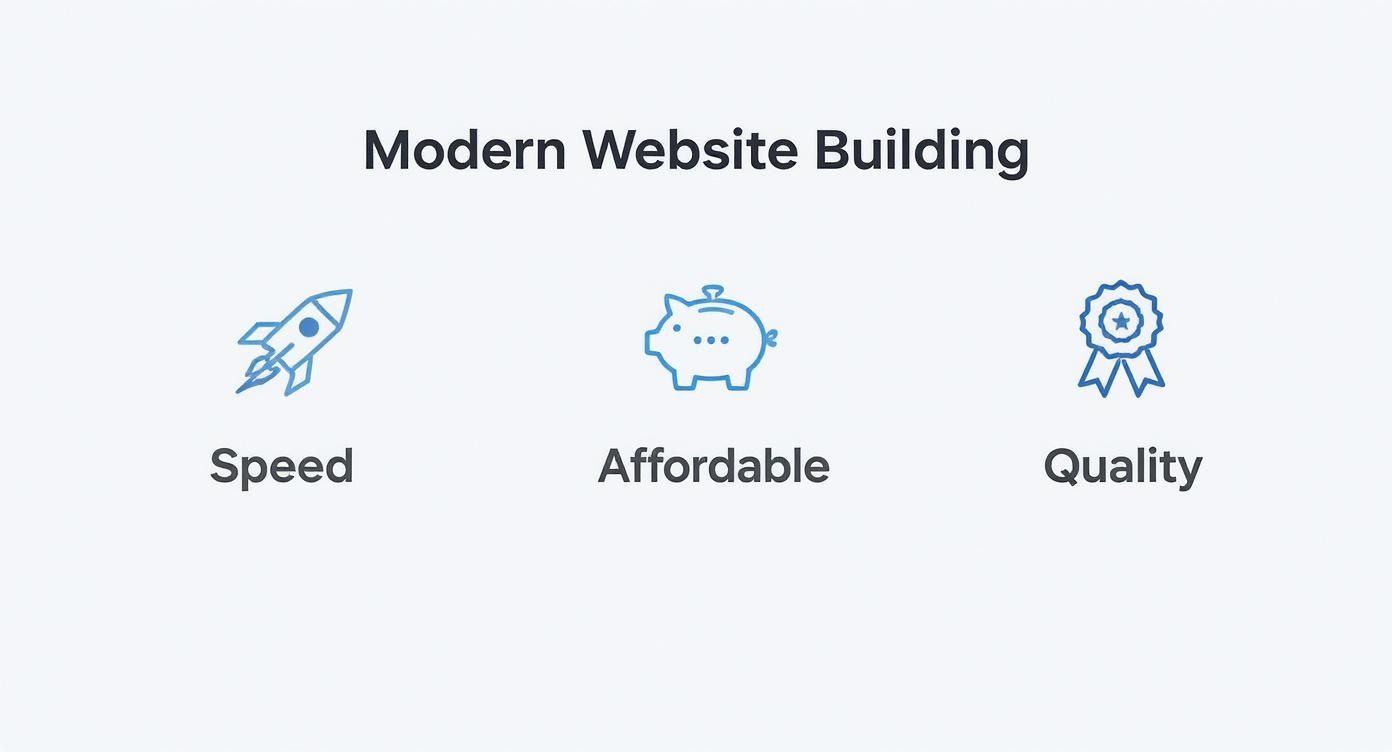
The combination of getting online fast, keeping costs down, and still ending up with a polished, professional-looking site is what makes this approach so compelling for business owners.
Democratizing a Web Presence for Everyone
The shift toward easy-to-use web tools isn't just a niche trend; it's a massive movement. The global website builder market is on track to hit around $2.3 billion in 2025. That explosive growth is driven by people just like you who are looking for straightforward solutions to build a website that looks and performs great without the headache.
Here's a quick look at how the old way of doing things stacks up against the new AI-powered approach.
Traditional vs AI Website Building
Factor | Traditional Web Development | AI Website Builder |
|---|---|---|
Time | Weeks or months | Minutes to hours |
Cost | Thousands of dollars | Low monthly subscription |
Skill Level | Requires coding & design expertise | None required; user-friendly |
Flexibility | High (but complex to change) | Easy to update and modify |
Launch Speed | Slow and methodical | Nearly instantaneous |
The contrast is pretty stark. What used to be a major project is now a simple, achievable task you can tackle in an afternoon.
The real breakthrough here isn't just about making website creation easier. It's about empowering entrepreneurs to build high-performing, conversion-focused online assets without needing to be a tech guru. This truly levels the playing field for small businesses everywhere.
In this guide, we're going to walk through exactly how to do it. We'll skip the jargon and focus on practical, actionable steps to build a site that not only looks fantastic but actually helps grow your business. If you're curious about which platforms lead the pack, check out our review of the best no-code website builders.
Laying the Groundwork for Your AI-Built Website
It's tempting to jump right into an AI website builder and watch the magic unfold. I get it. But trust me, a little prep work up front saves a ton of headaches and revision time later. Think of it like cooking: you wouldn't start throwing ingredients in a pan without a recipe. We're just gathering our ingredients first.
This isn't about having perfectly polished, final-version content. It’s about having the raw materials ready so the AI can nail the first draft and create something that truly feels like your business from the get-go.
Start with one simple question: What is the single most important thing you want this website to do? Is it to book appointments? Sell your handmade candles? Or maybe just show off your amazing photography portfolio? Pinpointing that main goal is crucial, as it tells the AI what to emphasize, from the layout to the call-to-action buttons.
Get Your Brand Essentials in a Row
Before you even open the builder, pull together your core brand assets. Having these ready to go is the secret to a smooth, fast process. It ensures the AI’s creation aligns with your brand identity instead of spitting out a generic template.
Here’s your quick pre-flight checklist:
Your Logo: Grab a high-resolution version. This is the visual anchor for your entire site.
Brand Colors: Figure out the specific color codes for your brand (HEX codes like
#2A4B8Dare ideal). Consistency here is what makes a site look sharp and professional.Basic Business Info: Your business name, a punchy tagline, and contact information. If you have a physical location, get that address ready too.
A Few Good Photos: Pick out some high-quality images that represent your work—your products, your team in action, or your workspace.
With just these few items, the AI has what it needs to generate a site that looks and feels like it was custom-made for you. If you need a hand tightening these up, our guide on small business branding tips has some great pointers.
Nailing Down Your Domain Name
Your domain name is your digital address—it's how people find you online. A good one is short, memorable, easy to spell, and says something about your brand. If you're stuck, you can even get some creative sparks from tools like an AI business name generator.
With over 252,000 new websites popping up every single day, a unique and memorable domain is more critical than ever. Taking the time to pick the right one really sets the foundation for your brand’s online presence.
As of early 2025, there are roughly 1.13 billion websites out there, though only about 200 million are actively kept up. That massive number just goes to show how easy it's become to get online, largely thanks to platforms that have torn down the old technical barriers.
How to Generate Your Website in Minutes
Alright, this is where the fun starts. With your brand basics in hand, you're about to see just how quickly an AI website builder can spin up a fully-functional, multi-page website draft. Honestly, it happens so fast it almost feels like you're cheating.
Forget staring at a blank screen or getting bogged down in complicated design software. The process with a modern AI builder kicks off with a few simple questions, almost like a conversation. You'll enter your company name, a quick description of what you do, and who you're trying to reach—the same stuff you just figured out in the planning stage.
From Simple Prompts to a Full Website
Once you feed it those core details, the AI gets to work. It’s not just grabbing a random template. Instead, it processes your input to get a feel for your industry, your goals, and your brand's personality. In about a minute, it spits out a complete site structure, usually with a homepage, an "About Us" section, a services page, and a contact form already in place.
The AI even writes the first draft of your headlines and body copy, picks out some surprisingly relevant stock images, and arranges everything in a layout that guides visitors toward your main goal. It’s an incredibly solid foundation, and it’s built in less time than it takes to make a cup of coffee.
This is a great example from 10Web's AI builder. The initial screen is clean and simple, just asking for basic business details to get the ball rolling.
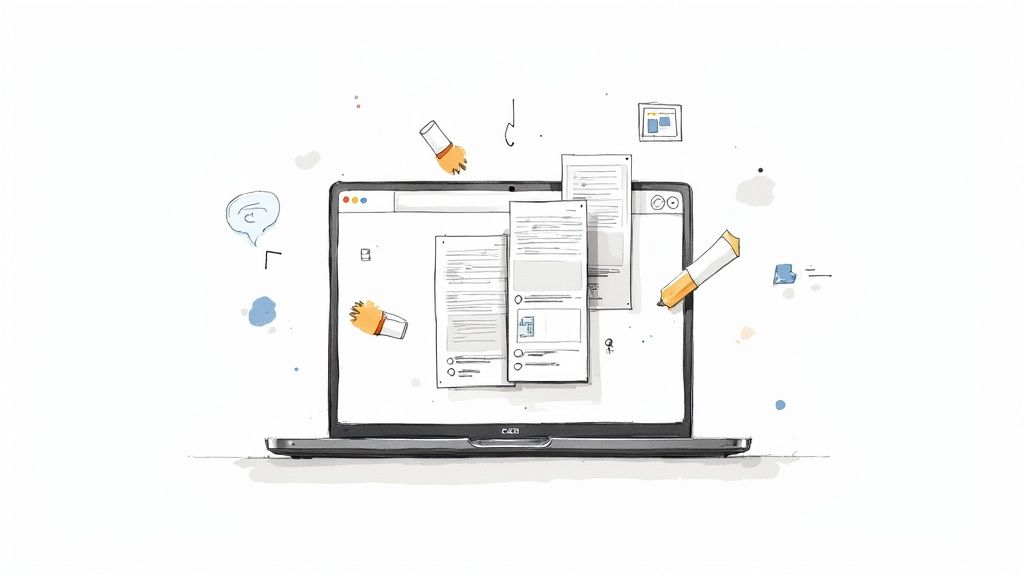
It’s pretty clear you don't need to be a tech wizard for this. You just need to know how to talk about your own business.
Leveraging Existing Content with URL Import
Now, here’s a feature that I think is a total game-changer, especially if you already have some kind of online footprint: importing from a URL.
If you have an old website, an active social media profile, or even just a competitor's site that you really like the feel of, you can use it as a starting point. It usually works like this:
You provide a URL. This could be your outdated website, your business Instagram profile, or a competitor’s page.
The AI does the heavy lifting. It scans the page to understand the layout, colors, fonts, and content structure.
It imports the style and content. The AI then pulls over your brand colors, typography, images, and text, applying it all to the new website it's building for you.
Think about a local coffee shop with a great Instagram feed. They can just plug in their profile URL, and the AI will grab their logo, photos of lattes and pastries, and even the business info from their bio to populate the new site. Instantly, the generated website feels familiar and on-brand, saving a ton of time on manual uploads and tweaks.
This import feature is more than just a copy-paste job; it's an intelligent adaptation. The AI actually understands the context of what it’s importing and fits it into a professional layout designed to get you results.
This whole process strips away the technical hurdles that used to make building a website feel so daunting. You can easily create a website that looks polished and professional without writing a single line of code or having any design background. The job shifts from building from scratch to simply refining a really strong first draft—which is exactly where we’re heading next.
Customizing Your AI-Generated Design
The AI has done the heavy lifting, giving you a surprisingly solid first draft in just a few minutes. That's a huge head start. But this is where you, the business owner, step in to take it from "good" to "great." A functional website is one thing; a memorable brand experience is another. This is your chance to inject your personality and make the site undeniably yours.
Don't worry, you don't need to be a designer or learn to code. Modern AI builders have incredibly intuitive drag-and-drop editors. Seriously, if you can move a file on your computer, you have all the skills you need. We're not rebuilding anything from the ground up—we're just polishing the foundation the AI has already laid.
Making High-Impact Changes with Ease
First things first: let's get rid of those generic stock photos. This is the quickest way to make a site feel authentic. If you run a local bakery, swap out the placeholder images with high-res shots of your actual bread and pastries. If you're a consultant, add a professional headshot and maybe a photo of you leading a workshop. This simple change alone makes a world of difference.
Next up is the copy. The AI-generated text is a fantastic starting point, but it's crucial to infuse it with your unique voice and expertise. This is another area where the AI can be your co-pilot, not just the architect.
Nail the Headlines: Not happy with a headline? Ask the AI to brainstorm five new versions. Keep going until one perfectly captures what you do.
Tune the Tone: Is the text too formal? Too casual? Highlight a paragraph and ask the AI to rewrite it with a more professional or persuasive tone.
Clarify Your Message: Make sure your service descriptions are crystal clear. An AI assistant is great for simplifying complex jargon into language that actually sells.

Aligning the Design with Your Brand Identity
With your own photos and words in place, it's time to dial in the visuals to match your brand. A cohesive look is what builds trust and makes you recognizable. The best part? Most AI builders have a global styling panel. This means you can change a color or font in one place, and it updates across the entire site instantly. No more tedious, page-by-page edits.
Here’s what to adjust:
Color Palette: Try uploading your logo. Many tools will intelligently pull your brand colors and suggest a matching palette. Or, you can just plug in your specific hex codes for a perfect match.
Typography: The fonts you choose say a lot about your brand. A clean, modern sans-serif might be perfect for a tech startup, while a classic serif could better suit a law firm.
The goal here isn’t to tear apart the AI's design. It's about making smart, strategic tweaks. You're layering your brand's unique personality onto the strong, conversion-focused layout the AI has already built.
If you like to plan things out visually before making changes, our guide on how to create website mockups has some great strategies. And for those who want to get really creative with custom graphics, exploring artificial intelligence drawing tools for design can open up some amazing possibilities.
This whole process is what truly helps you easily create a website that doesn’t just look good, but feels authentic. It’s the perfect blend of AI speed and your personal touch.
Putting Your New Website to Work
https://www.youtube.com/embed/xsVTqzratPs
Alright, the design is locked in, your content is looking sharp, and the site is a genuine reflection of your brand. But a beautiful website that just sits there is like a fancy car with no engine. Now, we're going to pop the hood and connect the components that turn it into a lead-generating, data-gathering machine for your business.
This is the final, crucial step where we add the functional horsepower. We'll make sure your site doesn't just look pretty, but actively works for you from the second you go live.
Don't Make It Hard for People to Pay You
First things first: you absolutely need a way for potential customers to reach out. Tucking an email address into the footer and hoping for the best just doesn't cut it anymore. A clear, easy-to-use contact form is non-negotiable.
Thankfully, AI builders make this a breeze. You can literally just drag a pre-made form block onto your contact page, and you’re pretty much done. I always recommend customizing the fields to get the exact information you need—maybe a name, email, and a quick message is enough, or perhaps you need their phone number or project type.
The best part? Every submission lands directly in your inbox. No more lost emails or missed opportunities. A good form is the simplest bridge you can build between a curious visitor and a new client.
Know Your Numbers: A Quick Look at Analytics
So, how do you know if your website is actually doing anything? You have to look at the data. Integrating analytics is like flipping the lights on in a dark room; you can suddenly see who's visiting, where they came from, and what they're actually doing on your site.
Most AI builders have built-in analytics or offer simple, one-click integrations with tools like Google Analytics. You don’t need to be a data scientist, just keep an eye on a few key numbers:
Visitor Count: Are people showing up?
Traffic Sources: How did they find you? (e.g., Google, social media, a direct link)
Popular Pages: What content is grabbing the most attention?
Time on Page: Are they sticking around or bouncing immediately?
This information is pure gold. It tells you exactly what's resonating with your audience so you can double down on what works.
SEO Basics Without the Headache
I know "SEO" can sound like a scary, technical term, but AI builders handle almost all the heavy lifting behind the scenes. Your job is much simpler: just give Google a few clear signposts about what each page is about.
You can usually find these settings right inside your page editor. Focus on these three things:
Page Title (or Title Tag): This is the main headline that shows up in Google search results and on the browser tab. Keep it clear, descriptive, and try to include your main keyword.
Meta Description: This is the little blurb of text under the title in the search results. Write a quick, compelling sentence or two that makes someone want to click.
Image Alt Text: Just a simple description of what's in an image. It's great for accessibility and helps search engines understand your visual content.
Nailing these fundamentals is a huge first step toward getting found by the right people online.
Think of your website as a new employee. It needs clear instructions to do its job well. SEO settings, contact forms, and analytics are those instructions—they tell your site how to generate leads, report back on performance, and get promoted by Google.
One Last Check Before You Launch
Before you pop the champagne, you have to test everything. A slow or broken website is a business killer. Consider this: by 2025, about 88.5% of users will simply leave a site if it doesn't load quickly. And with over 61% of all web traffic now coming from mobile devices, your site must be flawless on a phone.
The payoff for getting this right is huge. A page that loads in just one second can see a conversion rate nearly 40% higher than a slower one. You can dig into more of these performance stats over at EmailVendorSelection.com.
So, do a final run-through. Open the site on your phone, a tablet, and your desktop computer. Click every single button. Fill out your own contact form to make sure it works. Check every link. This final polish ensures that when you easily create a website, you're launching an experience that's professional, seamless, and ready to get to work.
Got Questions About AI Website Builders?
As you start looking into building a website with an AI assistant, a few practical questions are bound to come up. It's smart to get a handle on the costs, what these tools can actually do, and who owns what before you jump in. Let’s tackle some of the most common ones I hear from business owners.
How Much Does an AI Builder Actually Cost?
This is usually the first question, and the answer is one of the biggest perks: they're incredibly affordable. Most of the best AI website builders have free plans or trials, so you can play around and see what you think without spending a dime.
When you're ready for more, paid plans generally run between $10 and $50 a month. That's a tiny fraction of what you'd pay a web developer. Better yet, that monthly fee almost always includes your hosting, a domain name for the first year, and customer support, so you're not getting hit with surprise bills.
Can I Actually Sell Products on a Site Built by AI?
You absolutely can. Modern AI builders are designed for business, which means e-commerce is usually built right in. You can add your products, keep track of inventory, and hook up trusted payment systems like Stripe or PayPal without needing to be a tech wizard.
It’s a complete solution for anyone who wants to start selling online without the headache of managing complicated plugins or separate systems.
The real magic is how everything works together. You're not just getting a pretty website; you're getting a fully functional online store that can take payments right away. It's one of the fastest ways to get your business making money.
What If I Already Own a Domain Name?
No problem at all. If you've already bought a domain from a registrar like GoDaddy or Namecheap, you can easily connect it to your new AI-built site.
The platform will give you a simple walkthrough to guide you through pointing your domain to their servers. It sounds technical, but it’s usually just a couple of clicks and takes only a few minutes. You get to keep the domain your customers already know and love.
Will My Website Just Look Like a Generic Template?
That's a valid worry, but the answer is a hard no. While the AI gives you a fantastic starting point, it's not the final product. You get full control over the creative side.
You can tweak everything—the layout, the fonts, the color scheme, all the images. The AI is like a brilliant assistant that builds the foundation for you, saving you dozens of hours of grunt work. You're the creative director who comes in to put your brand’s unique stamp on everything. The end result is a site that feels completely yours, not like a cookie-cutter copy.
Ready to build a website that stands out without the complexity? At Alpha, we make it simple. Our AI-powered platform lets you generate a stunning, conversion-focused website in minutes. Just describe what you want, and let our AI handle the rest. Start building your dream website today at https://www.alpha.page.
Build beautiful websites like these in minutes
Use Alpha to create, publish, and manage a fully functional website with ease.