How to Create Website Mockups People Actually Love
Learn how to create website mockups that bridge the gap between idea and reality. Our guide covers tools, principles, and developer handoff.

Build beautiful websites like these in minutes
Use Alpha to create, publish, and manage a fully functional website with ease.





Need your website live before tomorrow? An AI-fueled builder or a plug-and-play template that handles design, hosting, and mobile tweaks will get you there faster than you think. I’ve seen AI-powered builders take a blank canvas to a working site in under two hours, with almost no manual effort.
Overview Of Fast Build Methods
In practice, builders fall into three camps—each tailored to different skill sets, budgets, and content goals.
Turnkey AI Builders: They handle everything from layout to starter copy in minutes.
Prebuilt Templates: Drag, drop, tweak—perfect when you need structure and speed.
Low-Code CMS Stacks: Great for hands-on control and custom features, if you don’t mind a longer setup.
Here’s how a Wix drag-and-drop editor looks when you’re building fast:
You can see visible section blocks and clear menu options that accelerate your initial layout assembly.
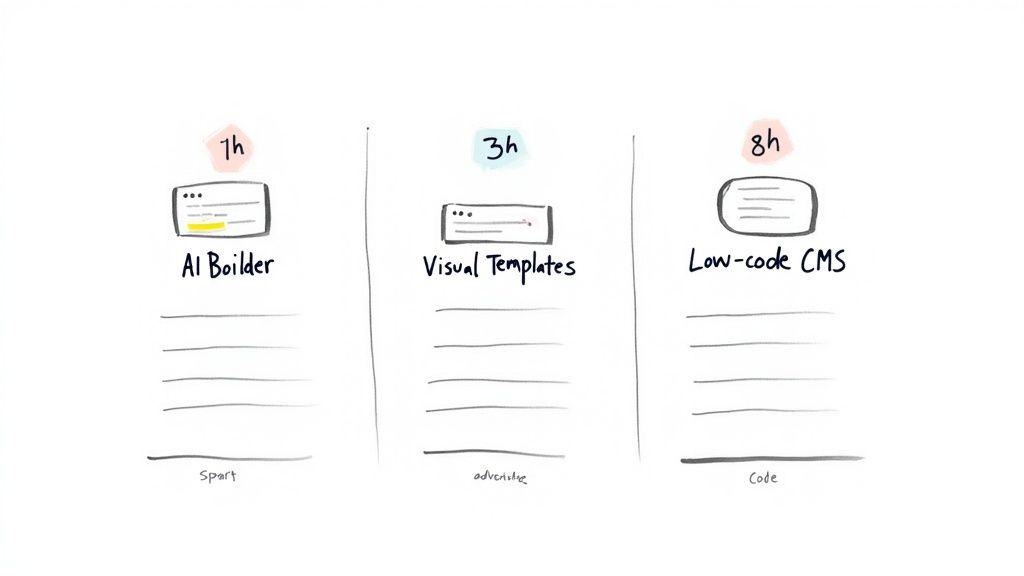
Comparison Of Fast Build Methods
Below is a quick side-by-side to help you decide which approach matches your timeline and project scope.
Method | Average Time to Live | Key Advantage |
|---|---|---|
AI Builders | 1–2 hours | Automated design and copy |
Templates | 2–4 hours | Structured layouts, minimal setup |
Low-Code CMS | 10–20 hours | More control and customization |
Whether you need a lightning-fast launch or deeper customization, this comparison highlights the trade-offs.
When To Use Fast Build Methods
Turnkey AI Builders shine for solopreneurs who need a lean, rapid rollout.
Prebuilt Templates suit small businesses with basic catalogs and minimal tweaking.
Low-Code CMS Stacks fit agencies planning multiple pages and bespoke features.
AI and mobile-first trends are pushing build speeds even higher. Between 2023 and 2025, strategies shifted heavily toward AI-assisted site generation and mobile-first tools, slashing human build time. Learn more from Mordor Intelligence.
You might find deeper tips in our guide on using AI to build a website for step-by-step insights.
Key Takeaway You can get a fully functional, conversion-focused site live in hours by matching your needs to the right fast-build approach.
For example, a solo consultant spun up a personal portfolio in just 75 minutes using an AI builder. Choosing the right path saves hours and keeps your branding consistent. Weigh speed against flexibility, consider your content volume and technical comfort, and you’ll launch without compromise.
Choosing The Best Build Method
Balancing speed and customization early on prevents wasted hours and budget. Three main routes tend to power quick site launches: hosted drag-and-drop platforms, low-code CMS setups with visual editors, and full custom development.
Here’s a snapshot to help you align launch time with your team’s skill set:
Method | Typical Launch Time | Ideal For |
|---|---|---|
Hosted | 2–8 hours | Small shops |
CMS + Visual | 10–40 hours | Agencies |
Custom Dev | 80+ hours | Enterprises |
With this table as your compass, let’s dive into each option with real-world timelines and examples.
Hosted Drag And Drop Builders
Hosted solutions bundle hosting, templates, SSL and SEO tools in one place. For example, a small artisan shop went live in 4 hours on a drag-and-drop platform and paid a fixed $300 subscription. The owner added 12 products without writing a single line of code.
Pros include:
All-in-one setup and support
Beginner-friendly interface
Predictable monthly fees
Cms Plus Visual Editors
Many agencies pair WordPress with a visual page builder for faster turnaround. A local digital firm put together a blog and shop site in 30 hours, compared to roughly 150 developer hours if coded from scratch.
Fact: Low-code CMS plus visual editors let teams build small e-commerce or content sites in 10–40 hours instead of 80–200 developer hours. Read the full research about low-code builders on Elementor.
Key benefits:
Deep plugin ecosystem
Flexible templates and custom CSS
Full ownership of data and assets
For instance, swapping a product card across 15 pages took just 10 minutes thanks to global widgets.
Custom Development
When you need unique features, custom code is the way to go. One tech startup invested 120 hours in development, spending over $10,000, and now keeps a developer on retainer for updates.
Highlights:
Unlimited design and feature control
Optimized performance and security
Custom integrations
On the downside, it’s best suited for complex user flows. A fintech team built an investor dashboard in 200 hours, gaining detailed analytics and robust encryption.
Key Insight
Choosing the right method hinges on matching your timeline, budget and technical comfort level.
Quick Method Checklist
Use the questions below to zero in on the fastest path:
Time Constraints: Do you need a site up in hours, days or weeks?
Content Complexity: Are you launching a simple brochure or a multi-page store?
Budget Limits: Will you opt for a fixed subscription or variable developer costs?
This quick comparison helps your project stay on track without overshooting deadlines. Double-check hosting uptime and support hours before you commit.
Launching With AI Powered Templates
Spinning up a site using AI suggestions shrinks your timeline from days to mere minutes. In practice, you’ll sign up, point your domain, pick a template and let the AI draft starter copy—all within a single sprint.
Here’s how the clock breaks down:
3–5 minutes: Account setup—register, verify email.
5–7 minutes: Domain connection—adjust DNS records.
2–3 minutes: Template selection—from AI-curated layouts.
10–15 minutes: Content generation—auto-create headings, descriptions and images.
5–10 minutes: Layout review—tweak sections and blocks.
Refining AI Output
AI rarely nails your brand voice on the first try. Expect to iterate—usually 3–4 prompt iterations, spending about 2–3 minutes each. This back-and-forth guarantees the copy feels authentic.
“Starting with generic AI defaults is fine, but small tweaks make your site stand out,” says a solopreneur who went live in under two hours.
For instance, an independent coach had her “About” page drafted in 8 minutes. Two swift edits later, the text reflected her personality perfectly.
Injecting Your Brand Assets
A template without your logos, fonts and colors still looks generic. Swap in your brand palette, upload custom imagery and watch the design transform.
This step takes around 5 minutes, yet it elevates a stock layout into something unmistakably yours. One freelancer reported adding a hero banner and updating the footer logo in just 4 minutes.
Check out our guide on digital marketing website templates for deeper advice and examples.
Infographic Introduction The following infographic visualizes how hosted, CMS and custom methods compare in a horizontal process flow.
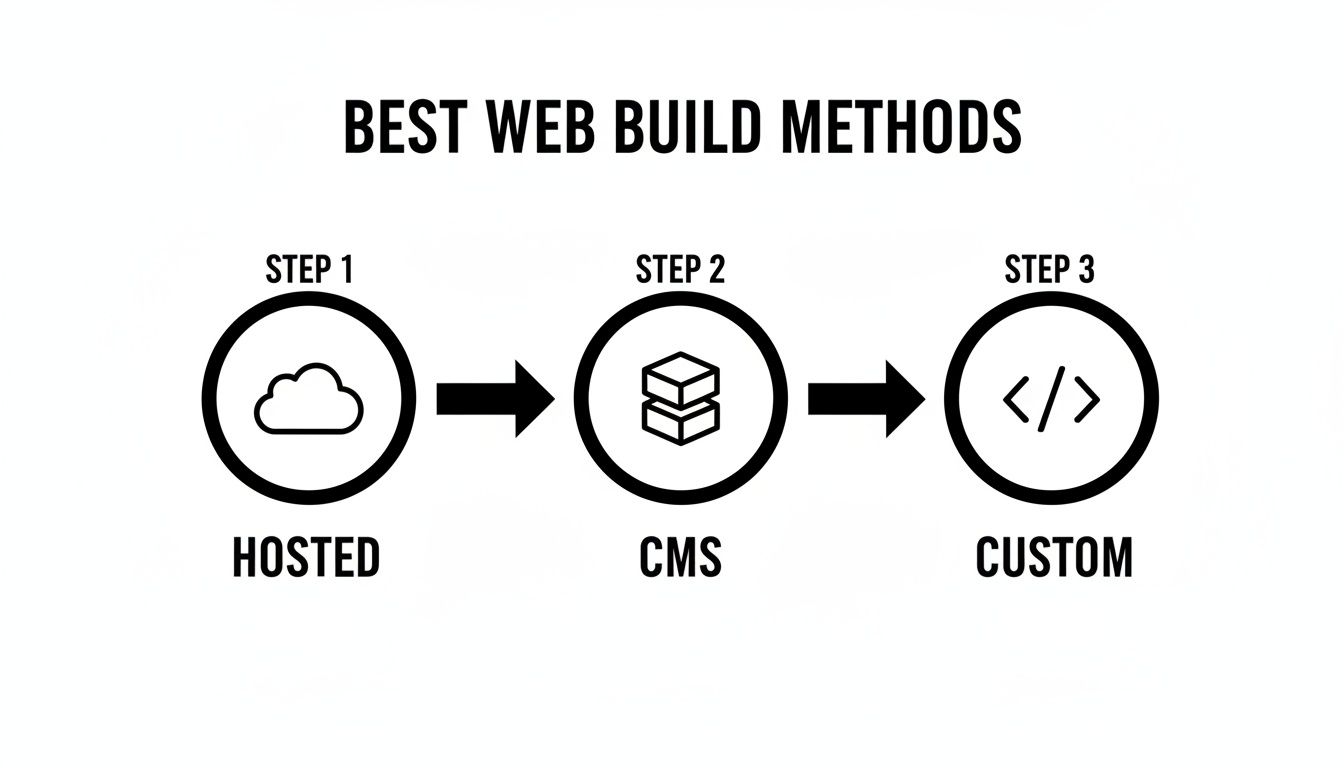
The chart highlights that hosted builders lead with the fewest steps and quickest time to live.
Hosted platforms drastically reduce setup complexity and accelerate launch.
By bundling hosting, templates, SSL and SEO defaults into one smooth workflow, you can spin up a simple site in 2–8 hours.
For more data, see Website Builder Statistics.
Following this playbook, you’ll launch a conversion-focused site in under two hours—while still owning every detail.
Solopreneur Case Study
Designer Alex needed a portfolio live fast. He tapped AI templates to draft copy, updated brand colors, tested mobile views and hit publish—all in 90 minutes.
His takeaway? A few targeted adjustments can deliver a polished site that’s ready for prospects or clients right away.
Filling Your Site With Content Efficiently
Once your layout is set, it’s time to populate pages with crisp copy, eye-catching visuals, and clear calls to action. Every page should serve a purpose and follow the same design language.
Batch CSV Imports let you map columns to fields and import 50+ products in minutes
The SEO Text Generator crafts headings and meta descriptions—without keyword stuffing
A simple Sitemap Blueprint outlines page hierarchy before you start writing
In one case, a design firm uploaded 120 product listings—complete with images and branded descriptions—in under 20 minutes. It’s proof that a high-volume site can go live almost instantly when you nail your content flow.
Mapping Your Sitemap Early
Getting page relationships down on paper keeps you from missing spots or creating duplicates. Jot out your homepage, service pages, and blog sections so your import never skips a beat.
This early blueprint also guides navigation menus and internal linking. That way, your SEO value gets shared correctly and visitors always find what they need.
“Structuring content before creation cut our setup time by 40%,” recalls a project manager who knocked out 30 pages in an afternoon.
Don’t overlook existing assets. Turning a whitepaper into a series of blog posts or converting webinar transcripts into an FAQ saves fresh-writing time.
Define reusable styling blocks for headers, CTAs, and testimonials. Consistent components mean less design tinkering and faster page builds.
Agency Workflow Examples
Recently, an agency polished off 45 pages in just four hours by leaning on global style settings and placeholder content.
Reusable blocks handled bulk formatting while a single header update rolled out everywhere at once. The result? A uniform brand feel with minimal effort.
Prep a Content Sheet with page titles, URLs, and image filenames
Define a Style Guide covering colors, fonts, buttons, and spacing
Import & Sync via CSV plus global blocks for text and images
Review & Tweak—spot-check pages and adjust responsive layouts
Content Population Checklist
Keep this list on hand to confirm every page hits the mark:
Page Title & Meta: Unique titles and descriptions for SEO
Header Hierarchy: Logical H1–H3 structure
CTA Placement: Buttons above the fold on priority pages
Image Alt Text: Descriptive attributes for accessibility
Link Audit: Verify internal and external links aren’t returning 404s
Use this checklist each time you add content to maintain speed and quality.
Read also our guide on crafting effective website copy for SEO and engagement at How to Write Website Copy.
Working through these tactics, you can turn raw content into a polished site by day’s end. It proves that content population is one of the fastest, most crucial steps in a rapid website launch.
Ensuring Mobile Optimization And Final Checks
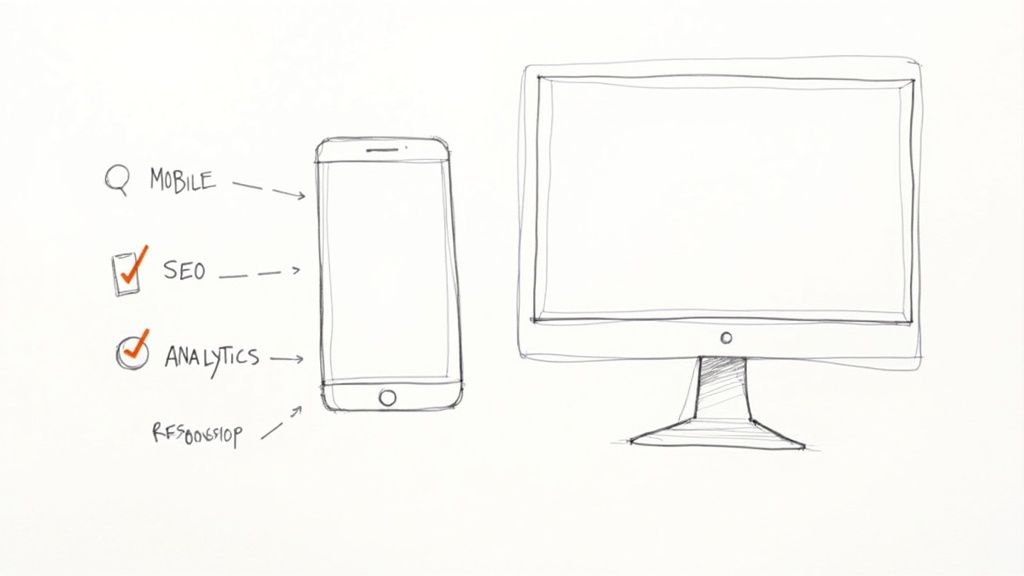
More than 55% of global web traffic now comes from phones and tablets. Skipping a responsive check risks a broken experience for most visitors.
Alpha’s mobile preview tool slashes your testing time, showing real-time breakpoints so you can tweak layouts at 320px, 768px, and 1024px without guessing.
Responsive Testing Shortcuts
Start with core viewports—320px (mobile), 768px (tablet), and 1024px (desktop)—to catch layout issues early.
Alpha automatically resizes images using built-in AI tools, so you avoid manual exports.
Lazy loading and asset minification are on by default, boosting load speed out of the box.
Free scanners like Lighthouse or GTmetrix reveal bottlenecks in under a minute.
Check tap targets and spacing to make buttons and links touch-friendly.
Use Alpha’s responsive editor to adjust padding, font sizes, and icons on the fly.
“I launched in under an hour thanks to the mobile preview—cut two days of manual QA,” says designer Mei Chen.
When everything looks good, run a quick audit before you flip the switch. Don’t skip the SSL check—your visitors should see that secure padlock immediately.
Launch Checklist
Activate your SSL certificate to secure data and build trust.
Add SEO metadata—custom titles, descriptions, and image tags—for better visibility.
Integrate analytics by pasting your tracking code in the header.
Submit your XML sitemap to Google Search Console and Bing Webmaster Tools.
Test all forms and CTAs to confirm submissions land in your inbox.
One creator shaved testing from three days to 45 minutes by leaning on Alpha’s mobile preview and audit tools. This method covers performance, usability, and SEO in under an hour.
Comparing Manual QA To Alpha Workflows
Task | Manual Time | Alpha Automated |
|---|---|---|
Breakpoint testing | 4 hours | 5 minutes |
Image resizing | 2 hours | 2 minutes |
Performance audit | 30 minutes | 1 minute |
Final launch reviews | 1 hour | 5 minutes |
Final Optimizations
Enable prefetching for key assets to speed up time to interactive. A CDN can serve scripts and images from the nearest edge node.
Minify CSS and JS further with Terser or CSSNano.
Test on real devices or emulators to catch quirks before they reach users.
Pro Tip Use breakpoints in Alpha’s editor to bookmark custom layouts per device.
Make sure every image has descriptive alt text for accessibility. Validate color contrast with free tools to guarantee readability on small screens.
Use a 4 by 3 aspect ratio for hero images to avoid awkward cropping on mobile.
Enable pinch-to-zoom on maps or embedded media components.
Small fixes on mobile can boost conversion by 20%.
These final touches usually take under 15 minutes but pay off in engagement and revenue.
Common Pitfalls And Fixes
Even the best emulators miss tiny viewport bugs. A quick manual tap test on key links will catch misaligned hotspots.
Plugin conflicts can break mobile menus—disable anything non-essential and retest.
Custom CSS without breakpoints may introduce horizontal scroll; add
overflow-x: hiddento the body.Forgetting to update your robots.txt can block crawlers; double-check it allows indexing.
Spending a few extra minutes on these fixes prevents regressions after launch. Nail this final review, and you’ll hit “publish” with confidence—your site is ready to go live today.
Avoiding Common Pitfalls And Quick Fixes
Launch days can be unpredictable. Even a tiny oversight—like a stray 404 link or a mismatched heading style—has a knack for popping up at the worst moment.
A handful of habits keeps these hiccups from derailing your timeline:
Plugin Conflicts: Disable one plugin at a time, then reload the site to spot the culprit.
Unwanted Updates: Roll back instantly with your backup snapshot—no need to wrestle with code.
Style Inconsistencies: Peek at your global CSS variables to realign fonts and colors in one swoop.
Theme Cache Issues: Clear caches or turn off minification temporarily to see your true styles.
When something breaks, a quick revert usually beats hours of deep debugging. And by testing every tweak in a staging environment, you’ll catch most issues before they ever touch production.
Developers often say that backups are your best friend when you push features fast.
Additional Mobile Layout Fixes
Mobile quirks can derail an otherwise smooth experience. I always test on real phones and emulators—it’s the fastest way to spot overflow or scaling glitches.
Issue | Fix |
|---|---|
Horizontal Scroll | Add |
Image Scaling | Use responsive |
SEO often gets squeezed out in rapid builds. Missing meta descriptions or forgotten alt tags can tank your search rankings overnight. A quick run with Lighthouse flags most of these in minutes.
Key Insight: Backups and staging environments can cut rework by 60% when launching under tight deadlines.
Keep your SEO healthy with this short checklist:
Schedule daily crawls with your SEO tool.
Monitor server logs for 404 errors.
Set up uptime alerts and error notifications.
Review Google Search Console for index issues.
Test email notifications to ensure contact forms function.
These quick fixes let you maintain full speed without sacrificing quality. Catch the small stuff early so no visitor ever lands on a broken page.
Common Questions About Fast Site Builds
Rapid launches often bring up practical concerns. This FAQ cuts to the heart of what you need, drawing on hands-on workflows to match your team size, deadlines and security requirements.
Best Build Method For Solo Teams Racing The Clock
If you’re a one-person operation, a hosted AI builder can take you from zero to live in under 2 hours. Here’s how it breaks down:
AI Templates for instant layouts and copy generation
Drag-And-Drop Tools with ready-made sections and styling
Low-Code CMS when you need light customization without heavy coding
This mix hits the sweet spot between speed and control—perfect for publishing by lunch. Remember, though, AI templates give you a head start, not a finished masterpiece.
Customization Limits With AI
How far can you push AI designs? You’ll typically be able to tweak fonts, colors and spacing. But any deep layout overhaul will call for some manual editing.
"Basic AI outputs are a springboard, not a finished canvas."
Expect to jump into a low-code editor or add a few custom CSS rules after the initial build.
Security Trade-Offs With Hosted Solutions
Using a managed platform involves a few trade-offs:
Limited server access and custom firewall configurations
Automatic SSL is standard, but plugin-level controls depend on your plan
Backups and staging environments may incur extra fees or setup time
Still, you’ll often save hours compared to spinning up your own server.
Edge Cases That Slow Rapid Launches
Certain integrations can stretch your timeline:
Custom e-commerce checkout flows (a boutique shop spent 6 hours testing Stripe webhooks)
Multi-language site setups with translation logic
Complex forms or API calls needing dedicated staging and QA windows
These scenarios usually require extra testing and fine-tuning.
Pre-Launch Checklist
Before hitting publish, run this quick audit:
Title tags and meta descriptions
Image alt text and file names
Broken-link scan
Mobile preview on actual devices
A five-minute sweep can catch the most common slip-ups.
Get started with Alpha by visiting Alpha and spin up your site at record speed today.
Build beautiful websites like these in minutes
Use Alpha to create, publish, and manage a fully functional website with ease.