





How to Create Website Mockups People Actually Love
Learn how to create website mockups that bridge the gap between idea and reality. Our guide covers tools, principles, and developer handoff.
Build beautiful websites like these in minutes
Use Alpha to create, publish, and manage a fully functional website with ease.
Think of your meta description as your webpage's 155-character elevator pitch on Google. It's the "mini-ad" that shows up right under your title in the search results. While it's not a direct ranking factor anymore, a killer meta description is one of the most powerful tools you have for boosting clicks, which absolutely signals to Google that your page is a high-value result.
Why Meta Descriptions Still Pack a Punch in SEO
Let’s get one common misconception out of the way: Google doesn't actually use the keywords in your meta description to rank your pages. So, why bother? Because its indirect impact on your search performance is huge.
The search results page is like a digital storefront. Your title tag is the sign above the door, but the meta description is the compelling window display that makes people want to walk inside. A great description grabs a searcher's attention and convinces them your page has the answer they're looking for.
This all comes down to understanding Click-Through Rate (CTR). A high CTR is a strong signal to Google that users are finding your result more relevant than others. Over time, this can genuinely improve your rankings. This is a fundamental concept in modern search engine optimization.
The Reality of Google Rewrites
Now, for the part that drives every SEO pro a little crazy: Google often ignores your carefully written meta description and creates its own. In fact, studies show Google rewrites them somewhere around 60-70% of the time. This isn't random, though. It usually happens for a few specific reasons:
The description is missing entirely. A surprising 25% of top-ranking pages don't have a meta description, which forces Google's hand.
It doesn't align with the user's search. Google is obsessed with search intent. If it thinks a snippet from your page content is a better match for a specific query, it won't hesitate to use that instead.
It’s just too long. Many descriptions get cut off, which looks sloppy. Recent data shows that nearly 41% of top-ranking pages have truncated meta descriptions, which neuters their impact.
Here's a visual of where your meta description appears on the search results page, making that critical first impression on potential visitors.
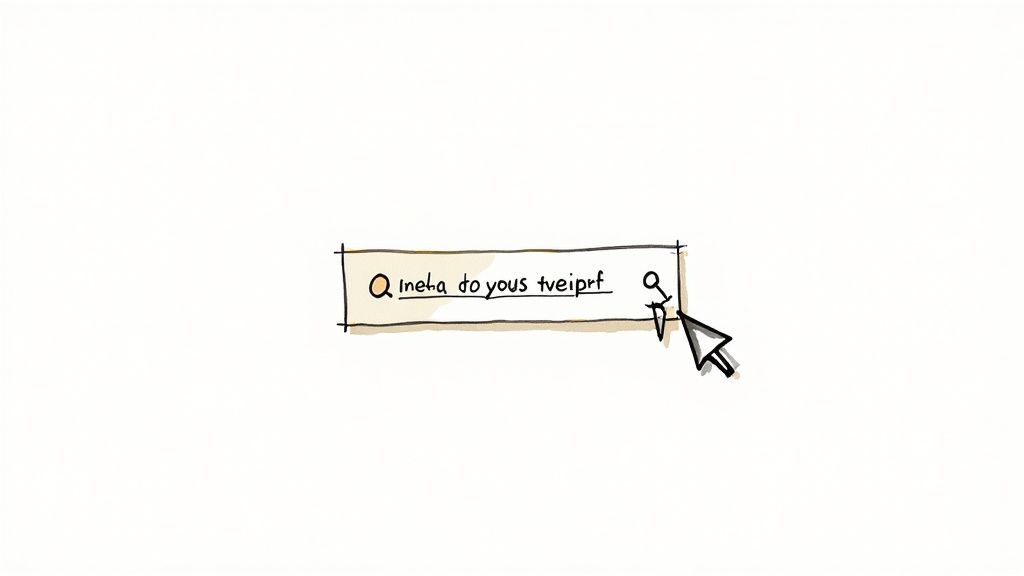
This is precisely where all your effort pays off—that small space under the title where users make a split-second decision on whether to click your link or a competitor's.
The key takeaway is this: writing a strong, relevant meta description gives you the best possible chance to control your message. Even if Google rewrites it for some queries, a well-written original will be used often enough to make a significant impact on your traffic. It's about influencing the outcome, not controlling it completely.
The Anatomy of a High-Performing Meta Description
So, what’s the secret sauce that separates a meta description that gets ignored from one that becomes a total click-magnet? It’s not just about cramming keywords into 160 characters. A truly great description is a tiny, powerful piece of ad copy that answers a searcher’s most important question: “Why should I click this link?”
Think of it less like a dry summary and more like a compelling preview. It’s your one shot to connect with someone on the search results page, promising them that your content is exactly what they’ve been looking for.
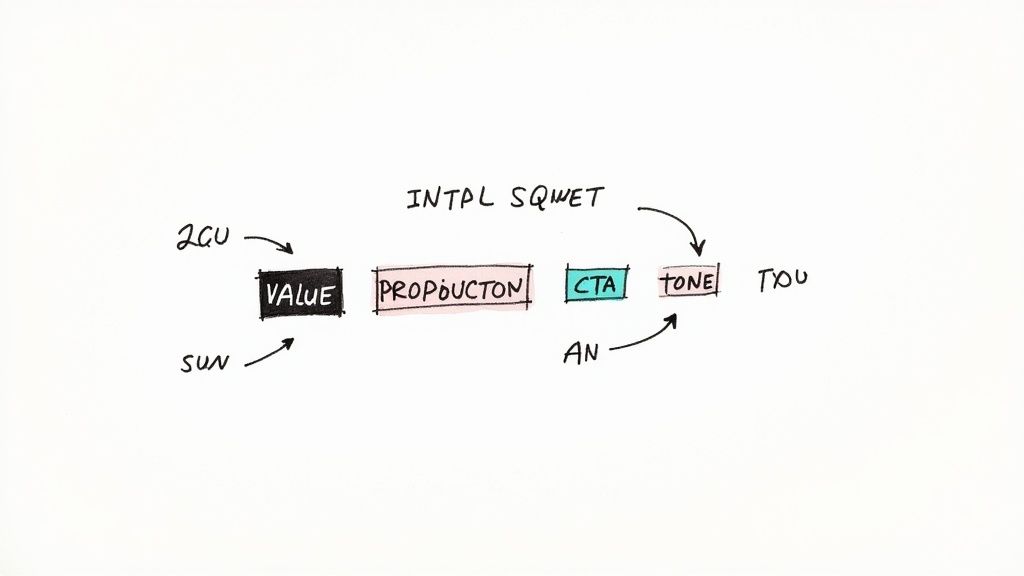
To consistently write descriptions that work, you need to understand the core components that go into them. I’ve broken them down into a simple table to show how each piece contributes to the final result.
Core Components of an Effective Meta Description
Component | Best Practice | Why It Matters |
|---|---|---|
Value Proposition | Lead with a clear benefit or solution. | Immediately answers the searcher's "What's in it for me?" and hooks them in. |
Keyword | Include the primary keyword naturally. | Google often bolds the search term, making your result visually stand out. |
Active Voice | Use direct, engaging verbs. | Creates a more personal and persuasive tone that speaks directly to the reader. |
Call-to-Action (CTA) | End with a clear invitation. | Guides the user on what to do next and encourages them to click. |
By making sure each of these elements is present, you’re not just writing a summary—you’re engineering a reason for someone to visit your page over the competition’s. Let's dig into how to execute each of these pieces perfectly.
Crafting a Clear Value Proposition
First things first: you have to communicate the benefit, and you have to do it fast. Someone is searching because they have a problem or a question, and your meta description needs to scream, "The answer is right here!"
Forget vague, fluffy statements. Instead of "This article discusses how to write meta descriptions for SEO," get specific and promise a real outcome. Try something like, "Learn to write meta descriptions that actually drive clicks with actionable tips, real-world examples, and proven templates." The second version makes a clear promise.
Pro Tip: Lead with the value. Start your description by immediately highlighting the main solution you're providing. It’s the best way to grab a user's attention and assure them they’ve found what they’re looking for.
Strategic Keyword Placement
While Google has said meta descriptions aren't a direct ranking factor, placing your primary keyword is still a must-do. Why? Because when a user’s search query matches words in your description, Google highlights them in bold.
This simple visual cue is incredibly powerful. It makes your listing pop on the results page and instantly validates its relevance to the searcher.
Integrate it naturally: Weave your main keyword, like "how to write meta descriptions for SEO," into the sentence as early as you can without it sounding forced.
Don't overdo it: Keyword stuffing is a relic of the past. Shoving the keyword in multiple times just looks spammy and can turn people off. One well-placed mention is all you need.
The Power of an Active Voice and CTA
The tone you use makes all the difference. Writing in an active voice is far more direct and engaging. It makes it feel like you’re having a conversation with the reader, not just describing a webpage.
Then, you need to combine that with a clear Call-to-Action (CTA). A CTA isn’t about a hard sell; it’s a gentle nudge. Simple invitations like "Discover the steps," "Explore our guide," or "Find your solution" can make a huge difference in your click-through rate.
Let’s see it in action.
Before (Passive & Vague): "Meta descriptions for SEO are covered in this article. The best practices are listed and mistakes are shown."
After (Active & Compelling): "Ready to write meta descriptions that boost your SEO? Discover our step-by-step guide with proven examples and learn the common mistakes to avoid. Get more clicks now!"
See the difference? The second version is energetic, offers clear value, and tells the user exactly what to do next. That's how you get the click.
Crafting Compelling Copy That Earns the Click
Nailing the right length and keyword placement is the science, but writing copy that actually connects with a human? That’s the art. A meta description can check all the technical boxes and still be completely useless if it's boring. Your job is to create a compelling preview that makes someone want to click.
Think about the person behind the search. What problem are they trying to solve right now? What’s their pain point? Your copy needs to speak directly to that need, offering a glimmer of hope and a clear path to the solution waiting on your page.
This focus on the human element really pays off. One study found that pages with well-written meta titles and descriptions see an 8.9% higher click-through rate than those with generic, uninspired snippets. When you remember how much traffic comes from organic search, you realize this tiny piece of text is a massive opportunity to attract qualified visitors without spending a dime.
Match Your Tone to User Intent
The tone of your description sets an immediate expectation for the user. Is your page a super-detailed, data-heavy guide, or is it a quick-start checklist? The language you choose should reflect what’s on the other side of the click.
If there’s a mismatch, people will bounce. They’ll feel like they’ve been misled.
For a B2B service page: Keep it professional. Focus on solutions and ROI with words like "optimize," "integrate," and "drive growth."
For an e-commerce product: You need to spark desire. Use sensory words and highlight tangible benefits like "free shipping" or "limited edition."
For a blog post: Your goal is to create curiosity and promise real value. Try phrases like "Discover the secrets" or "Learn the exact steps."
When you align the tone with the content, you attract visitors who are genuinely interested in what you have to offer. That's the first step in building trust. If you want to dig deeper into this, our guide on how to write website copy is a great resource for creating a consistent brand voice.
A great meta description is a 30-second elevator pitch for your page. It quickly tells the user what’s in it for them and promises that your content will deliver.
Crafting a Natural Call to Action
Every solid meta description needs a gentle nudge at the end—a call to action (CTA) that feels like the obvious next step. Please, avoid the old, pushy commands like "Click Here!" They just come across as spammy and outdated.
Instead, go for inviting, action-oriented phrases that fit the context of the page.
Here are a few alternatives that work much better:
Informational guide: Explore the complete guide.
Product category: Shop the new collection.
Free tool: Get your free analysis now.
Service page: Schedule a free consultation.
This small tweak transforms your description from a passive summary into an active invitation. After all, the whole point of writing a great meta description is boosting your SEO CTR, and a strong CTA is one of the best ways to get that click. It’s the final piece of the puzzle that makes your result the most appealing one on the page.
Using AI Tools to Make Your Life Easier
Let's be realistic. Writing a unique meta description for hundreds—or even thousands—of pages by hand is a soul-crushing task. This is where AI tools can be a game-changer, helping you get solid first drafts in minutes, not hours.
The trick is to treat AI as a very capable assistant, not as a replacement for your own brain. Tools like ChatGPT or Claude are fantastic for getting the ball rolling, but they need your input to nail your brand’s voice and actually connect with what a searcher is looking for.
This isn't just a niche trend; it's becoming standard practice. Recent stats show that 37% of SEO pros are already using AI for meta titles and descriptions, and 60% of marketers rely on it for briefs and new ideas. It's a clear shift toward smarter, faster workflows. If you're curious, you can find more insights on these SEO statistics and see where the industry is heading.
How to Write AI Prompts That Actually Work
The quality of what you get out of an AI tool is a direct reflection of what you put in. A vague, lazy prompt will give you a generic, uninspired result. To get something useful, you have to feed it the right details.
A good prompt should always include:
The page content: Don't make the AI guess. Paste in the full text or a very detailed summary.
The primary keyword: Be specific (e.g., "how to write meta descriptions for SEO").
Your target audience: Who are you talking to? (e.g., "beginner bloggers and small business owners").
Your brand voice: Describe your tone (e.g., "friendly, encouraging, and professional").
A clear call-to-action: What do you want them to do? (e.g., "Tell them to click and read the full guide").
Giving the AI this much context is the difference between a bland, cookie-cutter description and a draft that actually sounds like you. This principle applies to more than just metas; it's a core part of using AI to build a website, where clear instructions always lead to better outcomes.
The Final, Crucial Human Touch
No matter how sophisticated the AI gets, that final review is non-negotiable. An AI can’t grasp the emotional triggers, competitive nuances, or subtle messaging that you can. It just doesn't have that real-world experience.
Always review and refine every single AI-generated description. This is where you separate robotic copy from a message that genuinely makes someone want to click. Your expertise is the secret sauce.
This is your chance to inject more personality, sharpen the value proposition, or make the CTA a little more punchy. Hunt down any repetitive words or clunky sentences. This human oversight is what ensures your descriptions aren't just optimized for search engines but are actually written for the people who will be reading them. You're combining the speed of a machine with the strategic mind of an expert.
Don't Make These Common Meta Description Mistakes
Even the best of us can slip into bad habits that kill click-through rates. Learning what not to do when writing a meta description is just as crucial as learning the best practices. Think of this as a quick-reference guide to spotting and fixing the common traps that might be sabotaging your content's performance.
Some of these slip-ups are subtle, but they can have a massive impact on both user experience and your CTR. By learning to spot them on your own site, you can make quick, meaningful changes that drive more of the right kind of traffic.
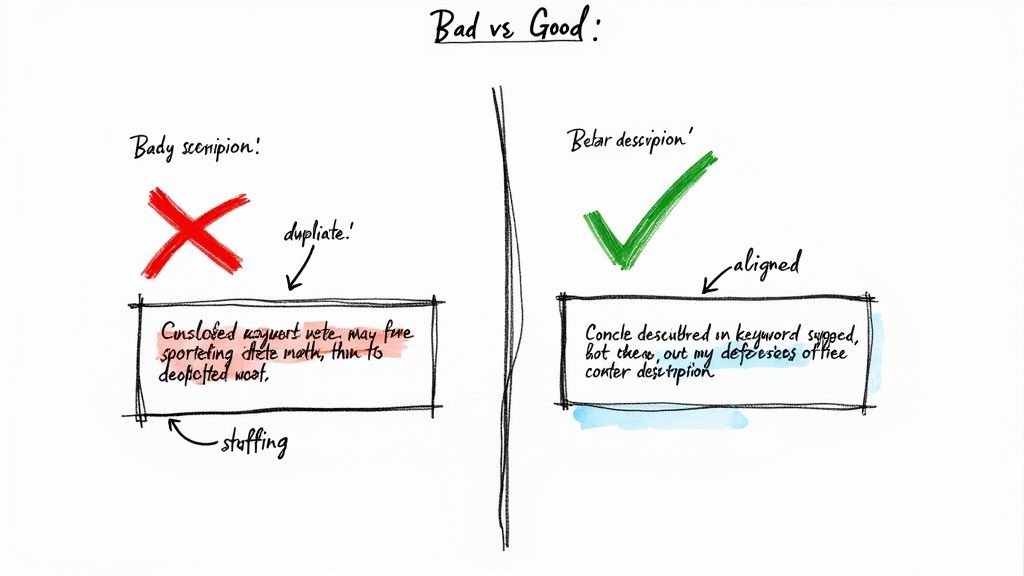
Keyword Stuffing
This is the classic, old-school SEO mistake, and it’s a surefire way to look spammy. Keyword stuffing is when you try to jam your target keyword and every possible variation into the description over and over again. It’s painful to read, offers no real value, and instantly turns off potential visitors.
Let's look at an example.
What Not to Do: "Looking for running shoes? Our best running shoes are the perfect running shoes for runners. Buy running shoes today and experience the best running shoe comfort."
What to Do Instead: "Find your perfect pair of running shoes for any terrain. Explore our collection of lightweight, durable, and comfortable footwear. Enjoy free shipping on all orders!"
See the difference? The second version uses the keyword naturally but focuses on what the searcher actually cares about: benefits, features, and a compelling offer.
The Content Mismatch
This one is a real trust-breaker. A content mismatch happens when your meta description promises something the page doesn't deliver. It's the ultimate bait-and-switch, and it’s a one-way ticket to a sky-high bounce rate. You might get the click, but that visitor is going to leave just as fast as they came.
Google's main job is to satisfy user intent. If your description misleads someone into clicking, you're not just frustrating a potential customer—you're signaling to search engines that your page provides a poor user experience.
Imagine clicking a link that promises a "Free Ebook Download" only to be hit with a hard-sell landing page and no freebie in sight. That user is gone, and they probably won't be back. Your description must be an honest preview of what's on the page.
Duplicate Descriptions
Using the same meta description on multiple pages is a massive missed opportunity. Every single page on your website serves a unique purpose, and its description should reflect that. Duplicates just create confusion for search engines and give users no compelling reason to choose one page over another in the search results.
If you’re looking at a site with hundreds or thousands of pages, this can feel overwhelming. Don't panic. Just prioritize.
Start with your Homepage—it's your digital front door.
Next, tackle your top Service or Product Pages. These are your money pages.
Finally, optimize your high-traffic blog posts to capitalize on the content that’s already winning.
Honestly, it’s better to have no meta description at all than to use a duplicate one. If you leave it blank, Google will pull a snippet from the page's content. It may not be perfect, but it will be far more relevant than a generic, copied-and-pasted description.
To help you put all this into practice, here’s a quick-glance table comparing these common errors with the right way to approach them.
Common Mistakes vs. Best Practices
Common Mistake | Example of Mistake | Correct Approach | Example of Correction |
|---|---|---|---|
Keyword Stuffing | We sell affordable coffee machines. Our coffee machines are the best coffee machines for your home coffee machine needs. | Weave the keyword in naturally once, then focus on unique benefits, features, and a clear call-to-action. | Discover your perfect home coffee machine. We offer top-rated, affordable brewers with a 2-year warranty. Shop now for free shipping! |
Content Mismatch | A description for a product page that says, "Read our complete 2024 guide to choosing a camera," leading to a page with only a "Buy Now" button. | Ensure the description accurately reflects the content, format, and intent of the landing page. | Find the perfect vlogging camera. Compare top brands like Sony and Canon, read customer reviews, and get expert advice. Buy today! |
Duplicate Descriptions | Using "Your Name | The Best Local Plumber for All Your Needs" on the homepage, service pages, and contact page. | Write a unique, specific description for every important page that highlights its unique value proposition. |
By keeping these best practices in mind and actively avoiding the common mistakes, you’ll write meta descriptions that not only please search engines but, more importantly, attract and convert the right kind of visitors.
Got Questions About Meta Descriptions? We’ve Got Answers.
Even after you’ve got the basics down, a few questions always seem to pop up when you're in the middle of writing meta descriptions. Let's tackle the most common ones I hear from clients and in workshops.
Think of this as your quick-reference guide for those tricky little details.
What's the Real Deal on Meta Description Length?
Google doesn’t give us a strict rule, but the industry consensus and my own experience point to a clear sweet spot. You should aim for under 160 characters for desktop and keep it tighter, around 120 characters, for mobile users.
This isn't about hitting an exact number. It's about making sure your message doesn't get cut off with an ugly "..." right when you're about to make your point. The goal is to land a complete, compelling thought within that character real estate.
What Happens If I Just Don't Write One?
If you skip writing a meta description, Google won't just leave a blank space. It’ll grab a snippet of text from your page that its algorithm thinks best matches what the person searched for.
While that's better than nothing, it's a huge missed opportunity. Those auto-generated snippets are almost never as persuasive or clear as something you'd write yourself. You’re essentially letting an algorithm write your ad copy, and you lose control over that crucial first impression in the search results.
By not writing your own meta description, you're letting an algorithm be your copywriter. It might be relevant, but it's rarely as compelling as a description written with clear user intent in mind.
Does Every Single Page Need a Unique Meta Description?
Yes. One hundred percent, yes. Think of this as non-negotiable for solid SEO. Every page on your website serves a unique purpose, and its meta description needs to reflect that. Slapping the same description on multiple pages is a recipe for confusing both search engines and potential visitors.
Duplicate descriptions just look lazy in the search results and make it impossible for a user to tell your pages apart. If you've got a massive site, don't panic. Just prioritize.
Start with your most critical pages: your homepage, core service pages, and top product pages.
Next, tackle your highest-traffic blog posts and key content pieces.
From there, you can work your way through the rest of the site over time.
How Can I Tell If My Meta Descriptions Are Actually Working?
The one metric that matters most here is your click-through rate (CTR) from organic search. The best place to find this goldmine of data is in your Google Search Console account.
Head over to the 'Performance' report. There, you can drill down and see the CTR for individual pages and the search queries that bring people to them. When you rewrite a meta description, make a note of the date. Then, keep an eye on that page's CTR for the next few weeks. If you see a meaningful lift in clicks for relevant terms, you’ll know your new description is hitting the mark.
Ready to stop wrestling with complicated tools and start building a website that truly represents your brand? Alpha uses AI to help you create a stunning, professional website in hours, not weeks. Just describe what you want or share a link to a site you love, and let our AI handle the design.
Build beautiful websites like these in minutes
Use Alpha to create, publish, and manage a fully functional website with ease.