How to Create Website Mockups People Actually Love
Learn how to create website mockups that bridge the gap between idea and reality. Our guide covers tools, principles, and developer handoff.
EXAMPLES
Build beautiful websites like these in minutes
Use Alpha to create, publish, and manage a fully functional website with ease.





Choosing the right website layout is more than an aesthetic choice; it’s a strategic decision that guides visitors toward a specific goal. A well-structured design creates a clear path, tells a compelling brand story, and ultimately, drives conversions. But starting with a blank canvas can be daunting. The sheer number of possibilities often leads to decision paralysis, preventing you from building a site that truly performs.
This is where a deep dive into proven web design layout examples becomes essential. We've curated a list of standout designs from leading marketplaces, theme stores, and educational platforms to provide clear, actionable inspiration. Instead of just showing you pretty pictures, we will dissect the underlying strategy of each layout.
You'll get a detailed breakdown of what makes them effective, from their visual hierarchy and user flow to the specific conversion-focused tactics they employ. Each example includes screenshots, direct links, and actionable takeaways you can apply directly to your own projects. Whether you are launching a new venture or refining an existing site, this guide provides the strategic insights needed to build a layout that not only looks great but also delivers measurable results.
1. Alpha: The AI-Powered Layout Generator
Alpha introduces a revolutionary approach to creating effective web design layout examples by reversing the traditional design process. Instead of starting from a blank canvas, Alpha empowers users to leverage existing success. You simply provide the URL of a website you admire, and its AI analyzes the structure, content hierarchy, and flow to generate a new, fully editable layout based on that proven framework.
This method is exceptionally powerful for entrepreneurs and marketers who need to quickly prototype landing pages or websites optimized for conversions. It essentially automates competitive analysis, translating a competitor's successful structure into a foundational wireframe for your own project.
Strategic Analysis
Alpha's core strength lies in its ability to deconstruct and replicate conversion-focused designs. The AI consistently prioritizes key elements that drive action, making it a valuable tool for anyone focused on results.
Layout Tactic: Alpha's "URL-to-Layout" generation is its standout feature. It saves countless hours of manual wireframing by reverse-engineering the architecture of high-performing sites. This turns inspiration into an immediate, actionable starting point.
Conversion Focus: The layouts generated by Alpha almost always feature a prominent hero section with a single, clear call-to-action (CTA). This is typically followed by dedicated blocks for social proof (testimonials, logos) and feature-benefit explanations, a classic direct-response formula baked directly into the tool.
Behind the Scenes: What makes Alpha truly unique is its natural language processing (NLP) interface. After generating the initial layout, you can refine it with simple commands like "Make the hero background dark grey" or "Change this section to a three-column grid," allowing for rapid, code-free iterations.
Actionable Takeaway
Use a competitor's or industry leader's website as a foundational reference for your own layout. Don't copy it verbatim, but analyze its flow: How does it present its value proposition? Where are the CTAs placed? Tools like Alpha automate this, but you can do it manually by screenshotting and annotating a site's structure before you build.
You can explore its capabilities at Alpha's official website.
2. ThemeForest (Envato Market)
ThemeForest stands as a colossal marketplace, offering tens of thousands of pre-built web design layout examples for nearly every platform imaginable, from WordPress to Webflow. Instead of designing from scratch, users can purchase a professionally designed template and customize it to fit their brand, dramatically reducing development time and costs compared to bespoke design work.
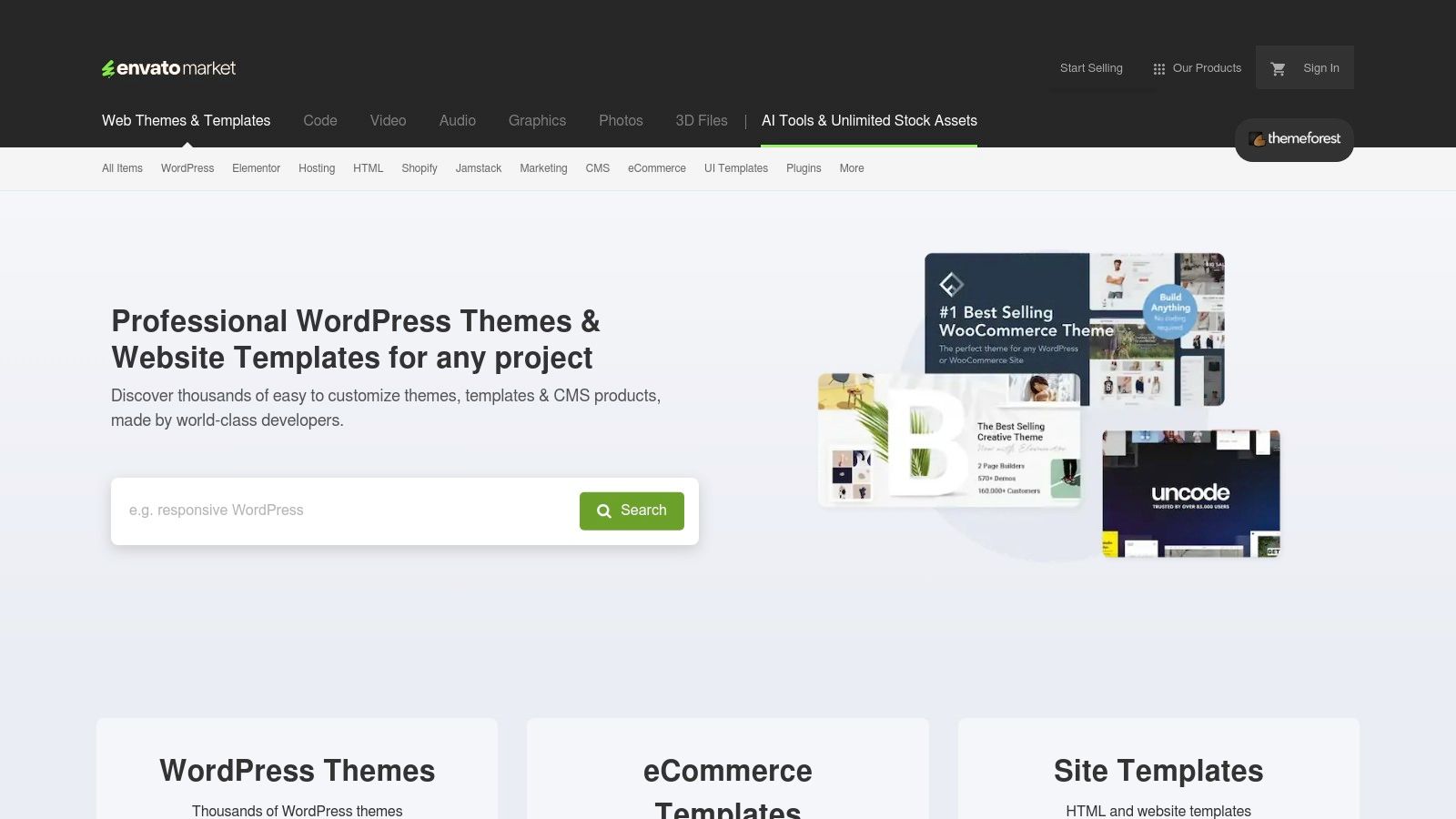
This approach is ideal for small businesses, freelancers, and startups who need a high-quality, feature-rich website on a budget. The sheer volume of options ensures that no matter the niche, a suitable and modern layout is likely available, complete with clear licensing terms and optional author support for a set period.
Strategic Analysis
ThemeForest’s primary value proposition is its vast selection and affordability, providing an accessible entry point to professional web design. It democratizes access to layouts that would otherwise require significant investment.
Layout Tactic: The platform's strength is "pattern-based selection." You can browse thousands of proven layouts categorized by industry (e.g., e-commerce, portfolio, corporate) and find a structure that already works for your business model. This eliminates guesswork and provides a solid foundation built on established design patterns.
Conversion Focus: Many popular themes are explicitly designed for conversion, featuring built-in modules for lead generation forms, pricing tables, testimonial sliders, and prominent CTA buttons. Top-selling authors often incorporate A/B testing feedback and market trends into their designs, offering a competitive edge out of the box.
Behind the Scenes: A key aspect of ThemeForest is its ecosystem. Each theme comes with documentation, and many authors offer 6-12 months of dedicated support. This is crucial for non-developers who may need help with initial setup or troubleshooting. However, quality can vary, making it essential to check an author's ratings, sales history, and user comments before purchasing.
Actionable Takeaway
Leverage a marketplace like ThemeForest to find a high-quality, pre-vetted layout that aligns with your industry's best practices. Before buying, thoroughly review the live preview, check the comments for common issues, and verify its last update date to ensure it’s well-maintained and uses modern code standards.
You can browse the extensive collection at ThemeForest's official website.
3. Webflow Templates (Official Marketplace)
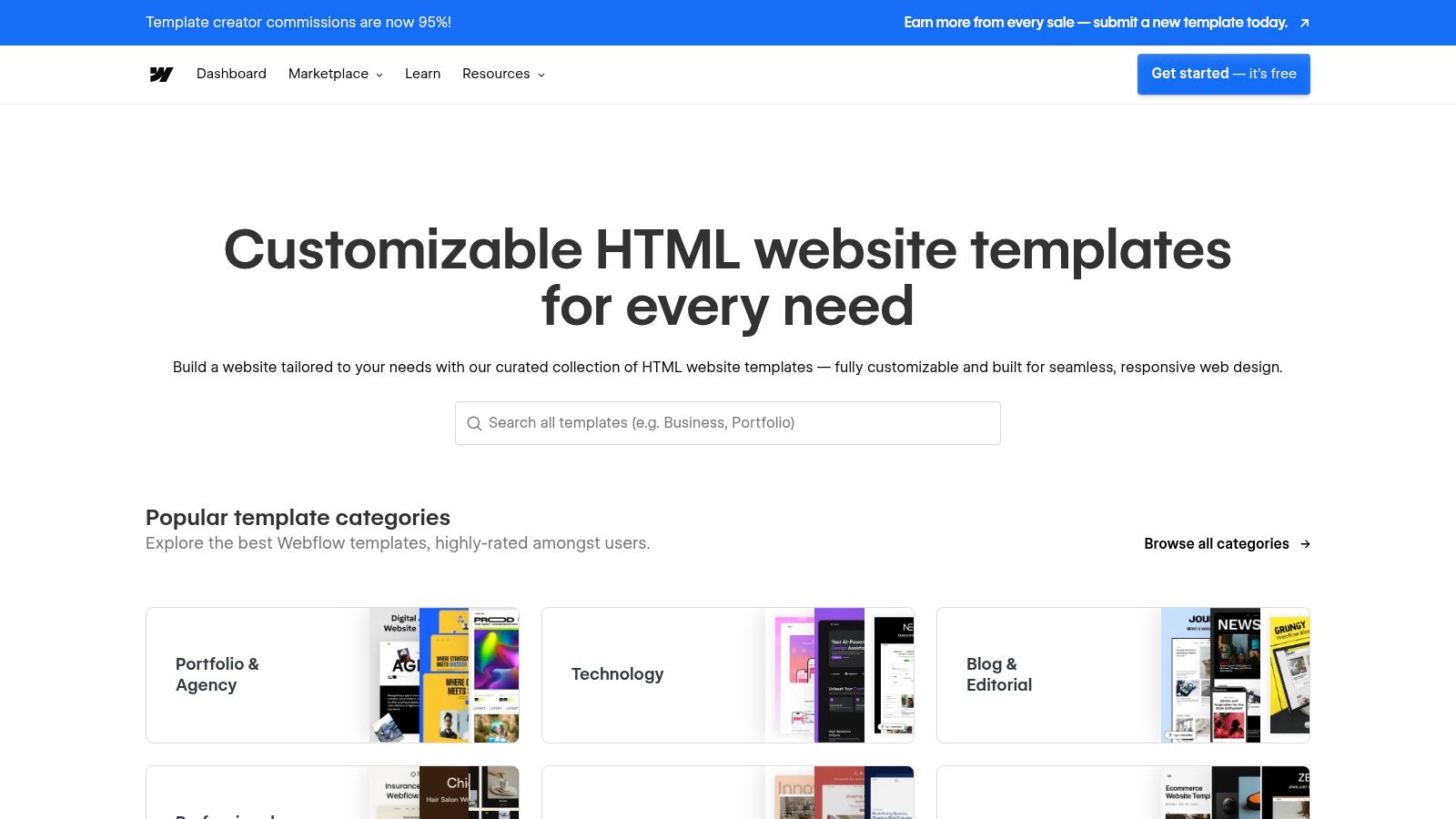
The official Webflow Templates marketplace offers a masterclass in modern web design layout examples by providing professionally built, cloneable sites. Instead of starting from scratch, designers and entrepreneurs can filter through a vast catalog of free and premium templates, finding structures perfectly suited for their industry, from SaaS landing pages to sophisticated e-commerce stores.
This approach is invaluable for learning advanced techniques like CSS Grid and responsive flexbox layouts. By dissecting these pre-built templates directly within the Webflow Designer, users can see exactly how complex, dynamic, and animated sections are constructed, accelerating their learning curve and production speed simultaneously.
Strategic Analysis
Webflow's marketplace excels by bridging the gap between inspiration and implementation. It provides high-quality, production-ready layouts that are both functional and educational, making it a go-to resource for anyone building on the platform.
Layout Tactic: The "Clone and Learn" model is its defining feature. Users can instantly load a template into their own Webflow account, providing direct access to the underlying structure. This hands-on method is one of the most effective ways to understand and replicate modern, responsive layout patterns.
Conversion Focus: Many premium templates are explicitly designed for conversion, featuring well-defined hero sections, logical content flows for benefit-driven storytelling, and strategically placed CTAs. The marketplace's rating and review system helps surface the templates that perform best in the wild. If you're looking for more inspiration, you can see another great example of a website layout that prioritizes user engagement.
Behind the Scenes: What makes this marketplace powerful is its direct integration with the Webflow ecosystem. Each template is built natively for the platform, ensuring seamless use of Webflow's CMS, e-commerce, and animation tools without the compatibility issues common with third-party themes on other platforms.
Actionable Takeaway
Use a high-quality template not just as a final design, but as an educational tool. Before you change anything, spend time in the Webflow Designer's Navigator panel to deconstruct its structure. Analyze how the designer used grids, containers, and combo classes to achieve the layout. This reverse-engineering process will teach you replicable skills far more valuable than the template itself.
Explore the collection at the Webflow Templates official website.
4. Shopify Theme Store: The Ecommerce Blueprint
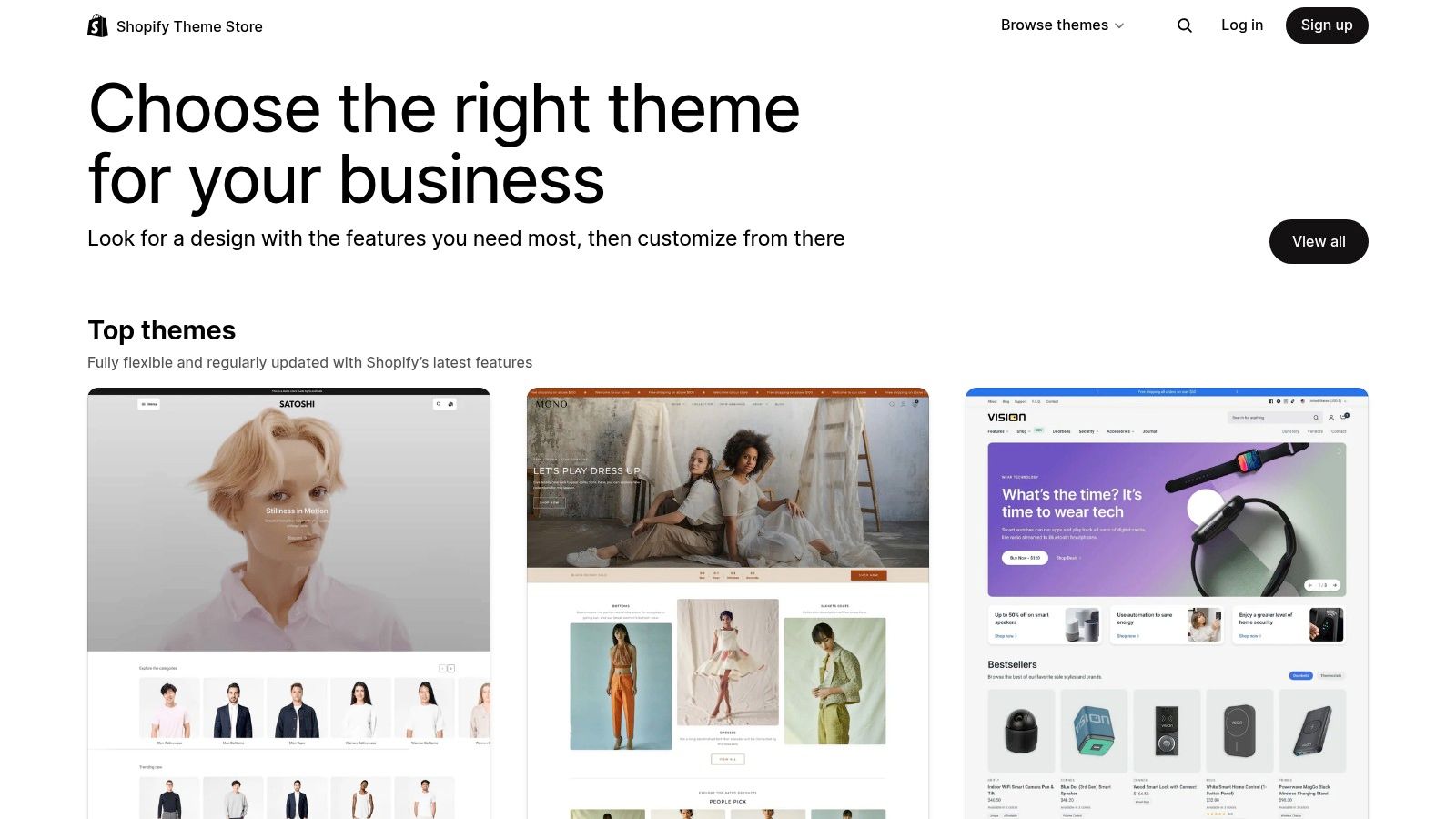
The Shopify Theme Store serves as an essential library of vetted web design layout examples specifically engineered for ecommerce. Instead of providing a tool, it offers a curated marketplace of high-performance templates that showcase best practices for online retail. Each theme is a masterclass in conversion-focused design, from product grids and detail pages to checkout funnels.
This platform is invaluable for entrepreneurs and brands aiming to build a high-functioning online store without starting from scratch. By browsing the live demos, you can see exactly how different layouts handle navigation, product discovery, and user engagement, providing a reliable blueprint for your own store. For those looking to leverage these optimized layouts, a practical guide on how to build a Shopify store in the UK covers the essential steps from planning to launch.
Strategic Analysis
The strength of the Shopify Theme Store lies in its strict quality control and deep integration with the Shopify platform. Every theme is reviewed for performance, mobile responsiveness, and compatibility, ensuring a reliable foundation. These themes are built on a deep understanding of what drives online sales.
Layout Tactic: Shopify themes master the "Collection-to-Product" user flow. They utilize sophisticated filtering, high-resolution product grids, and quick-view options to reduce friction and guide users from browsing to purchasing. Mega menus are also common for stores with large inventories.
Conversion Focus: The Product Detail Page (PDP) is the heart of every theme. Layouts consistently prioritize large product imagery, clear pricing, prominent "Add to Cart" buttons, and trust-building elements like reviews and security badges directly below the fold. Cross-sell and upsell sections are almost always integrated.
Behind the Scenes: Each theme is built with Shopify's Liquid templating language and is designed to work seamlessly with the platform's ecosystem of apps. This ensures long-term compatibility and access to powerful features like Shopify Payments and integrated analytics without custom coding. Many themes also incorporate responsive design best practices from the ground up.
Actionable Takeaway
Use Shopify's theme demos as a reference library for ecommerce best practices, even if you aren't using Shopify. Analyze how different themes handle product filtering, mega-menu navigation, and the layout of product pages. Note the placement of CTAs, trust signals, and user reviews to inform your own ecommerce design strategy.
You can browse the collection at the Shopify Theme Store.
5. Squarespace Templates (Official)
Squarespace provides a masterclass in professional, pre-built web design layout examples through its official template gallery. Instead of starting from scratch, designers and entrepreneurs can study or adopt these polished, mobile-optimized frameworks that excel in showcasing content through clean typography, ample white space, and logical user flow.
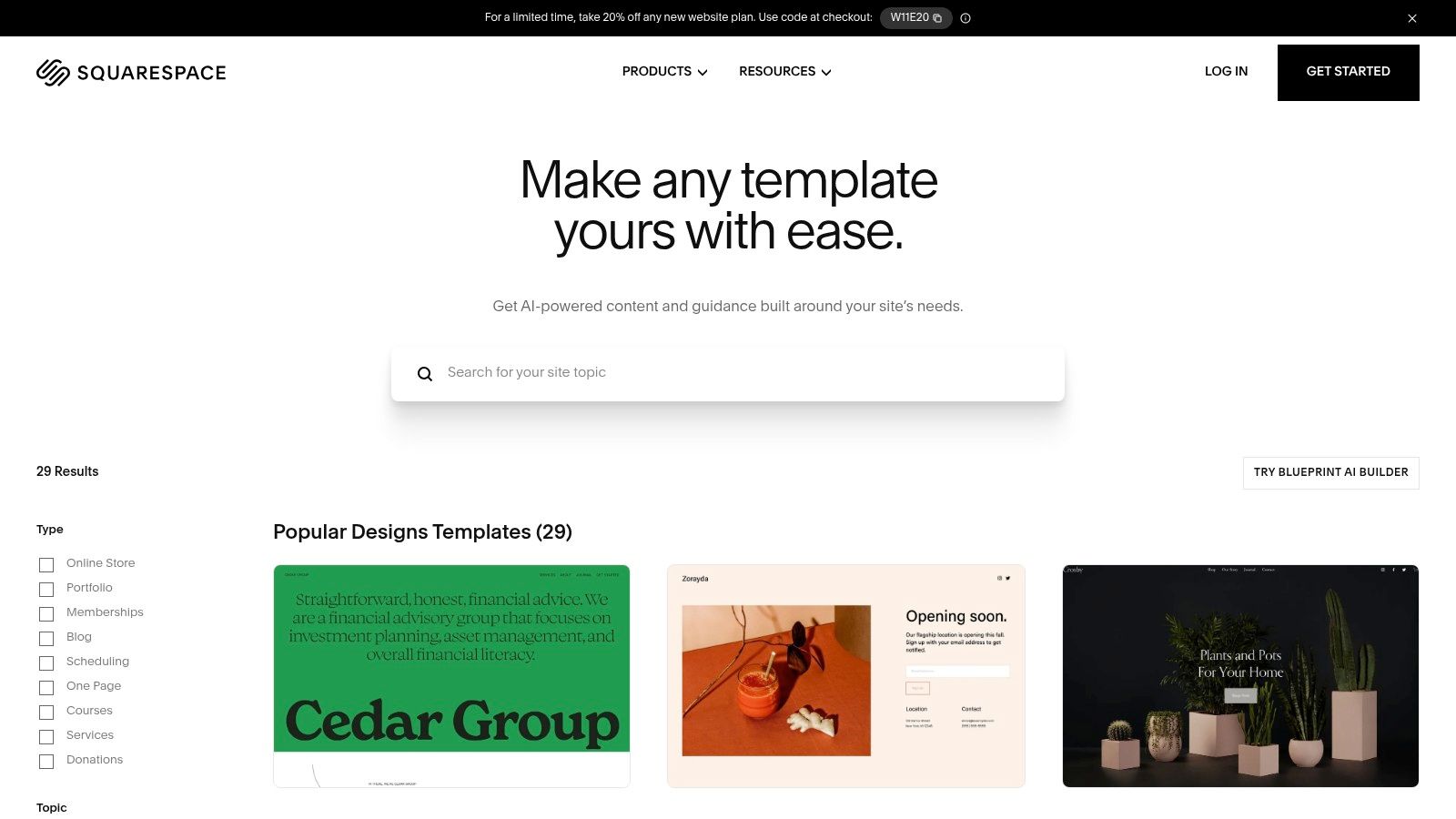
The platform is ideal for those who value aesthetic consistency and speed to launch, especially for portfolios, blogs, and minimalist e-commerce sites. Its templates, included with all Squarespace plans, serve as powerful learning tools for understanding effective content hierarchy and section-based design patterns that guide visitor attention.
Strategic Analysis
Squarespace’s strength lies in its curated, design-first approach, ensuring that even non-coders can build a website that feels professionally structured. The platform bakes in best practices for visual balance and responsiveness.
Layout Tactic: The templates are built on a highly structured, section-based editor. This modular system forces a disciplined approach to layout design, using common patterns like full-width hero images, asymmetrical grids for services, and minimalist card-based layouts for portfolios and blogs.
Conversion Focus: Most templates prioritize clear, above-the-fold value propositions with a single, prominent CTA button. The layouts naturally guide users through a story, from introduction (hero) to evidence (galleries, testimonials) and finally to action (contact forms, purchase buttons), creating a seamless conversion path.
Behind the Scenes: Squarespace's newer "Blueprint" AI feature takes this a step further by generating custom layouts based on user-provided needs and style preferences. This offers a middle ground between a fixed template and a completely blank slate, while ensuring the foundational design principles remain intact. Beyond structural layouts, attention to visual details is paramount; exploring options for brand color customization in web design can significantly impact user perception and overall aesthetic, much like in Squarespace templates.
Actionable Takeaway
Analyze how Squarespace templates use spacing and typography to create a sense of calm and professionalism. Don't just look at the elements on the page; study the "empty" space between them. Replicate this generous use of margins and padding in your own designs to improve readability and give your content room to breathe, making your site feel more high-end and trustworthy.
You can browse the collection at the Squarespace Template Gallery.
6. Creative Market (Templates & Themes)
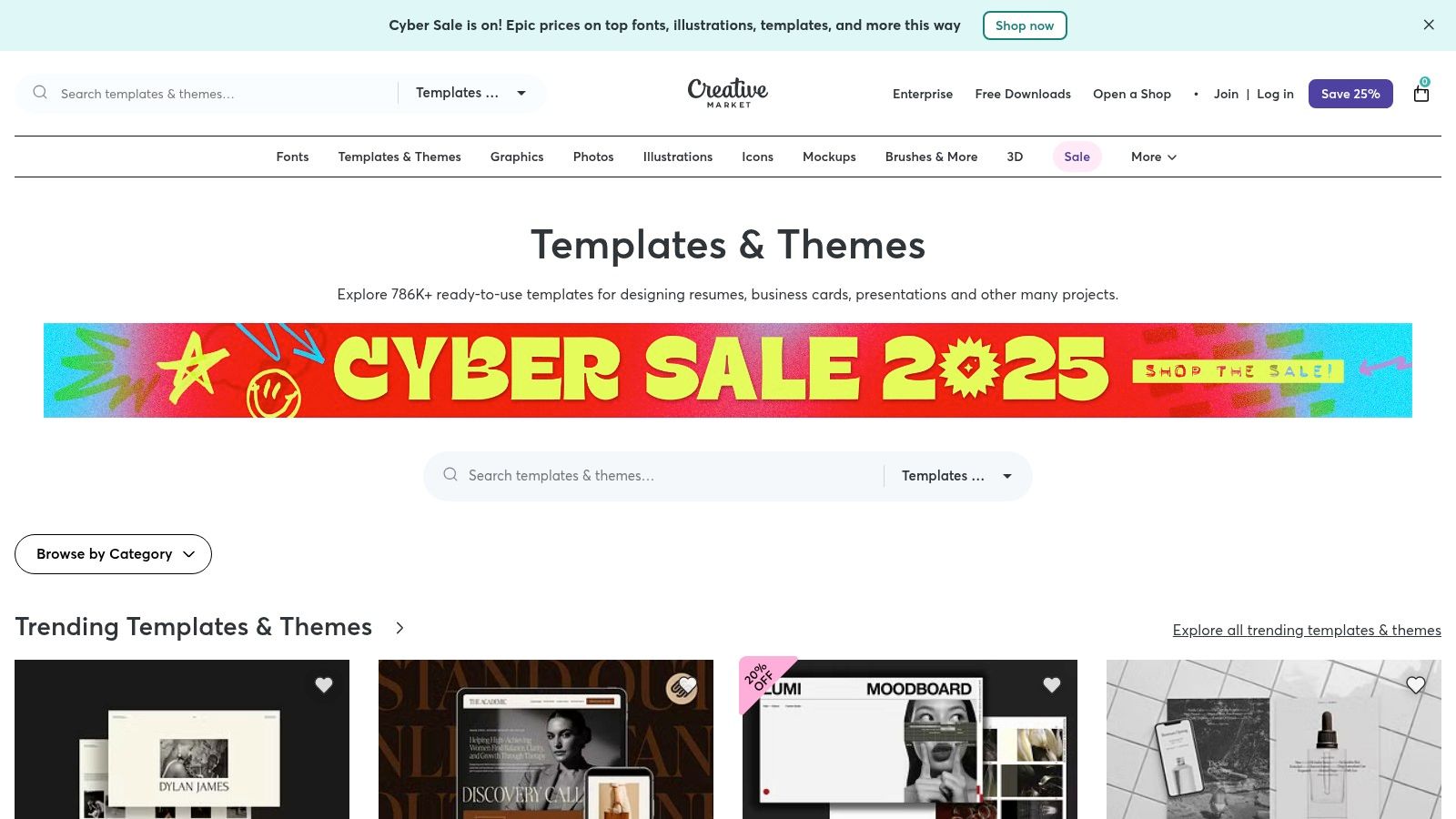
Creative Market serves as a vast digital marketplace where designers can find pre-made web design layout examples in the form of themes, templates, and UI kits. Instead of offering a single tool, it provides a library of assets from independent creators, allowing users to purchase foundational layouts for platforms like WordPress, Shopify, and Figma, or even raw HTML/Bootstrap files.
This approach is ideal for developers and designers looking for a significant head start on projects without being locked into a subscription. It’s a source of both direct inspiration and ready-to-deploy assets, making it a flexible resource for building out a site based on a proven, professionally designed structure.
Strategic Analysis
The value of Creative Market lies in its diversity and one-off purchase model, which contrasts with subscription-based template services. It empowers users to buy exactly what they need, when they need it, from a massive, ever-growing catalog.
Layout Tactic: The platform's strength is its "asset-based" approach. You can find everything from comprehensive multi-page themes to smaller, specialized UI kits for components like dashboards or pricing tables. This allows you to mix and match or simply purchase a complete solution.
Conversion Focus: Many templates are explicitly designed for conversion. Look for themes tagged for "landing pages," "e-commerce," or "portfolios." These often follow established best practices, such as clear visual hierarchies, above-the-fold CTAs, and dedicated sections for social proof and testimonials.
Behind the Scenes: The ecosystem is fueled by independent creators, which means quality and style vary. The key to effective use is leveraging the platform’s filters and carefully reviewing seller ratings, comments, and live previews before purchasing. The licensing tiers (Personal, Commercial, Extended Commercial) provide clear usage rights, which is critical for professional projects.
Actionable Takeaway
Use a marketplace like Creative Market not just to buy templates, but also for initial research. Analyze the layouts of the best-selling themes in your niche. These popular designs often reflect current trends and user expectations, providing valuable free insight into what structures are performing well right now.
You can browse the available templates at the Creative Market website.
7. Smashing Magazine Books (Design/Frontend Patterns)
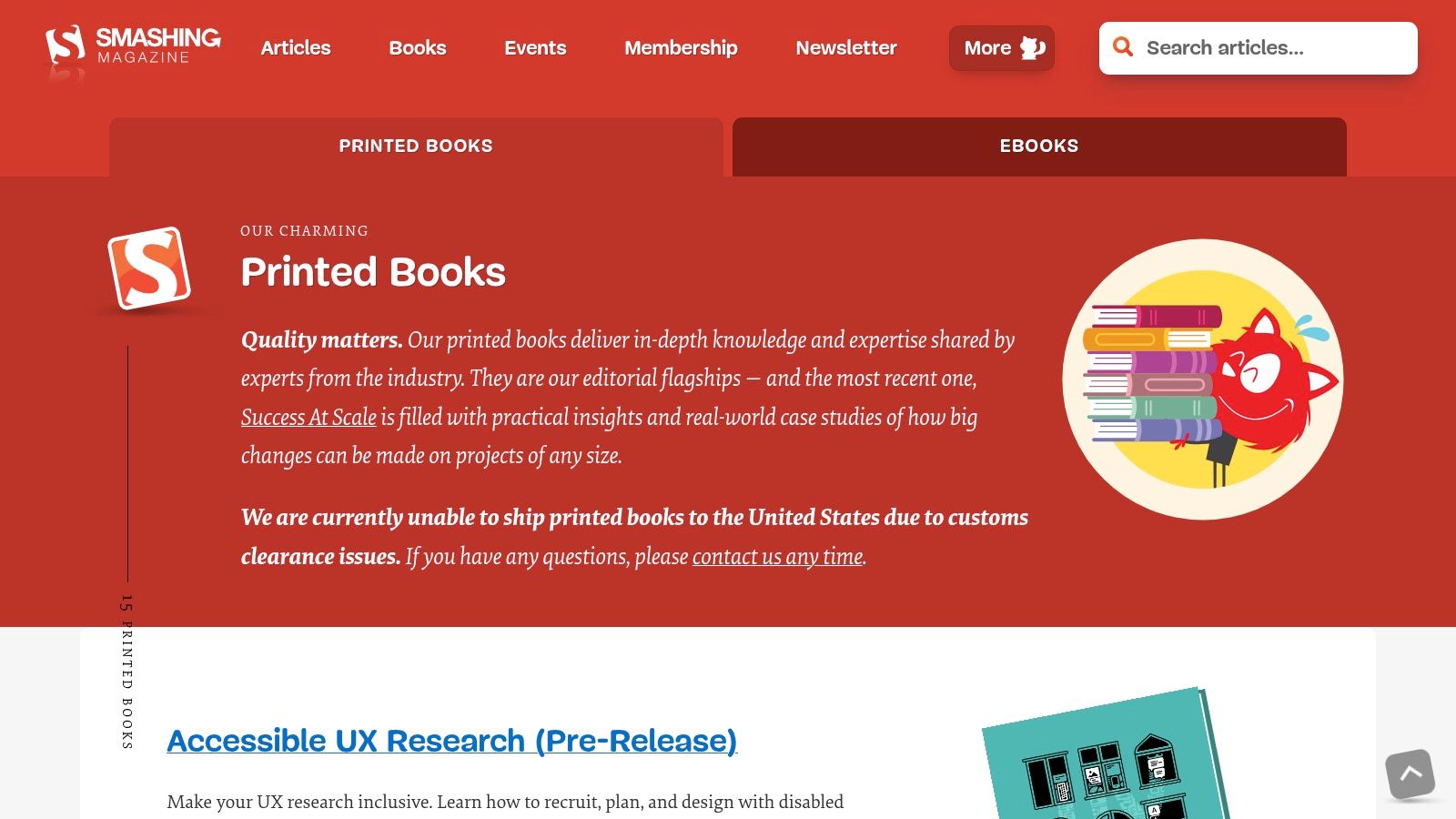
While not a direct layout generator, Smashing Magazine’s collection of printed books offers a deep dive into the foundational principles behind great web design layout examples. Instead of providing templates, these resources teach you the why and how of effective structure, empowering you to create robust and responsive layouts from scratch, regardless of the tool you use.
This approach is invaluable for designers and developers who want to move beyond imitation and truly understand the mechanics of grid systems, responsive patterns, and user-centric design. Their publications, authored by industry veterans, are packed with annotated examples, real-world case studies, and timeless best practices.
Strategic Analysis
Smashing Magazine's strength lies in providing evergreen knowledge that underpins modern web design. By focusing on principles over platforms, it equips readers with versatile skills.
Layout Tactic: The books champion a "pattern library" mindset. They teach you to think in terms of reusable components and systems (like cards, heroes, and navigation) rather than monolithic pages. This modular approach is fundamental to creating scalable and maintainable websites.
Conversion Focus: Many titles dedicate significant attention to accessibility and performance, two critical factors that directly impact user experience and, consequently, conversion rates. A fast, accessible site keeps users engaged and is a core tenet of their educational philosophy, aligning with many website design best practices.
Behind the Scenes: What makes this resource unique is its community-vetted authority. Each book is the result of extensive research, writing, and editing by recognized experts in the frontend and design communities. You are not just buying a book; you are investing in a curated collection of proven industry wisdom, often including DRM-free eBook versions for convenience.
Actionable Takeaway
Invest in understanding foundational layout principles before choosing a tool. Pick up a book on responsive design or pattern libraries. Deconstruct its examples to understand how grids, flexbox, and breakpoints work together. This knowledge will make you more effective whether you're using a visual builder or writing code, as you'll know why a layout choice works.
You can explore their collection at the Smashing Magazine Books official website.
7-Marketplace Web Design Layout Comparison
Item | Implementation Complexity 🔄 | Resource Requirements ⚡ | Expected Outcomes ⭐ | Ideal Use Cases 💡 | Key Advantages 📊 |
|---|---|---|---|---|---|
Alpha | Low — AI automates design & edits (minimal manual setup) | Minimal skills; low cost tiers (Free / $9 / $25); limited advanced CMS | High for small sites and lead capture ⭐⭐⭐⭐ | Entrepreneurs, startups, solopreneurs needing fast, conversion-ready sites | AI-driven design, URL import, one-click publish, built-in analytics |
ThemeForest (Envato Market) | Moderate — download + customize; quality varies by author | One-off purchase costs; may require developer time to polish | Variable — depends on theme/author (quality ranges) ⭐⭐–⭐⭐⭐⭐ | Cost-sensitive projects needing many platform options and variety | Massive selection, clear licensing, generally lower cost than bespoke |
Webflow Templates (Official) | Low–Moderate — plug into Webflow Designer; some learning curve | Template cost + Webflow hosting; Webflow design skills helpful | High design quality and modern patterns ⭐⭐⭐⭐ | Teams using Webflow who want fast, editable launches and learning templates | Curated quality, direct Designer integration, responsive Grid structures |
Shopify Theme Store | Low — themes vetted and integrated; commerce setup needed | Paid themes + Shopify subscription; ecommerce configuration required | High for ecommerce reliability and performance ⭐⭐⭐⭐ | Online stores on Shopify requiring robust commerce UX and scalability | Vetted themes, tight Shopify feature integration, demo stores |
Squarespace Templates (Official) | Low — included templates; limited granular control | Squarespace subscription; minimal technical skills | Polished, consistent results for content and portfolios ⭐⭐⭐⭐ | Portfolios, blogs, small stores, non-coders wanting fast launches | Polished typography/spacing, fast setup, integrated hosting & support |
Creative Market (Templates & Themes) | Moderate — assets vary (full themes to UI kits); customization needed | One-off purchases; may need dev/design work; support varies | Good for assets and inspiration; quality varies by seller ⭐⭐⭐ | Designers needing blocks, UI kits, or single-use templates without subscription | Flexible licensing, one-off buys, wide mix of full themes and small kits |
Smashing Magazine Books | High — conceptual learning then manual implementation | Purchase books (print/ebook); substantial time and dev/design effort | Strong long-term mastery and robust pattern application ⭐⭐⭐⭐ | Teams/individuals learning foundations, responsive patterns, accessibility | Deep, timeless guidance, practical examples and pattern libraries |
From Inspiration to Implementation: Your Next Steps
We've journeyed through a diverse collection of platforms and resources, dissecting a wide array of web design layout examples. From the bespoke templates on Webflow and Shopify to the vast creative libraries of ThemeForest and Creative Market, a core principle remains constant: exceptional layouts are born from a blend of strategic intent and creative execution. They are more than just visually appealing arrangements; they are carefully engineered systems designed to guide user behavior and achieve specific business objectives.
The most critical takeaway is to shift your mindset from passive observation to active analysis. Instead of just admiring a layout, deconstruct it. Ask the crucial questions: Why is the call to action placed there? How does the grid system direct my attention? What user journey is this layout facilitating? This analytical approach transforms inspiration into a powerful, replicable strategy.
Synthesizing the Key Layout Principles
As you move forward, keep these foundational insights at the forefront of your design process. The examples we explored consistently demonstrated the power of a few key elements:
Visual Hierarchy: The best layouts immediately communicate what is most important. Through strategic use of size, color, and placement, they create a clear path for the user's eye to follow, ensuring key information and calls to action are never missed.
Strategic Use of Space: Negative space isn't empty space; it's an active design element. The layouts that feel clean, modern, and easy to navigate use whitespace intentionally to reduce cognitive load, improve readability, and create a sense of premium quality.
Conversion-Centric Design: Every element, from the hero section to the footer, should have a purpose. Effective layouts are built with conversion in mind, strategically placing forms, buttons, and trust signals to seamlessly move a visitor from prospect to customer.
Choosing Your Path Forward: Tools and Tactics
Your next step is to translate these web design layout examples into a functional website for your own brand. The right tool depends entirely on your specific needs, technical comfort level, and business goals.
For e-commerce entrepreneurs, the Shopify Theme Store provides a robust, sales-optimized foundation. If you desire maximum creative control and are willing to invest time in learning a powerful platform, Webflow offers unparalleled flexibility. For those seeking a balance of ease-of-use and beautiful design, Squarespace remains a top contender.
However, if your primary goal is to rapidly test ideas, validate a concept, or launch a professional landing page without getting bogged down in the design process, a new generation of AI-powered tools offers a compelling alternative. This is where you can leverage the strategic analysis we've discussed most effectively. By identifying a layout that already works for a successful business, you can use it as a proven foundation.
This approach minimizes guesswork and allows you to start with a structure that is already optimized for user engagement. You can then focus your energy on what matters most: your brand's unique messaging, compelling copy, and high-quality visuals.
Ready to turn your analysis of effective web design layout examples into a tangible, high-converting landing page in minutes? Alpha uses AI to generate a complete, customizable website from any reference URL you provide. Stop starting from scratch and begin with a proven layout by visiting Alpha to build your site today.
EXAMPLES
Build beautiful websites like these in minutes
Use Alpha to create, publish, and manage a fully functional website with ease.