How to Create Website Mockups People Actually Love
Learn how to create website mockups that bridge the gap between idea and reality. Our guide covers tools, principles, and developer handoff.
Build beautiful websites like these in minutes
Use Alpha to create, publish, and manage a fully functional website with ease.





You've meticulously designed your website, perhaps even using a powerful platform like Alpha to launch it quickly. Your analytics dashboard shows traffic, bounce rates, and page views, but it’s missing the most critical piece of the puzzle: the why. Why are users ignoring your primary call-to-action? Why do they abandon their carts? What crucial information are they looking for but failing to find? These are the questions that quantitative data alone cannot answer.
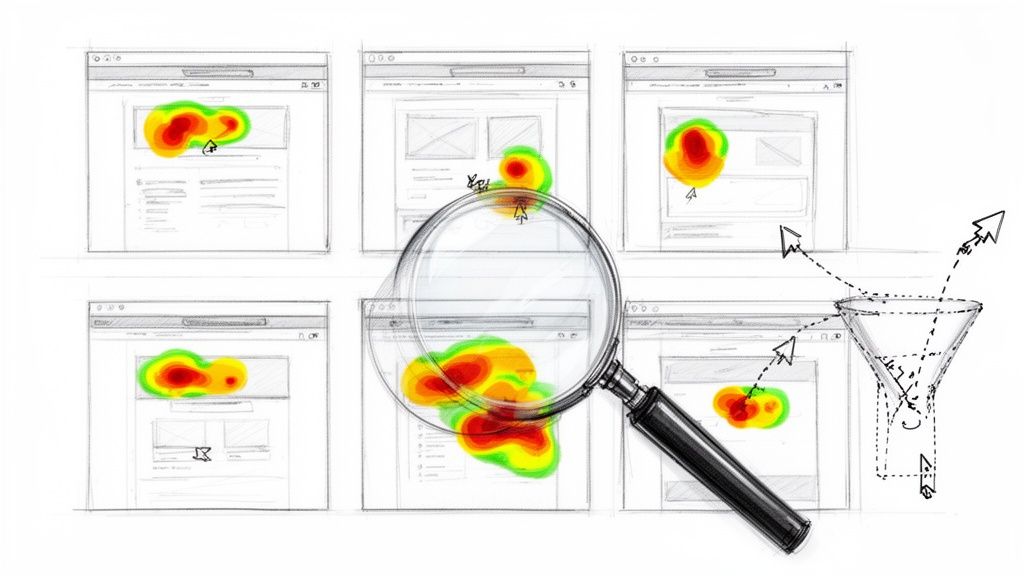
This is precisely the problem that website heat mapping tools are designed to solve. They move beyond abstract numbers to provide a visual, intuitive representation of user behavior. You can see exactly where visitors click, how far they scroll, and which elements capture their attention. It’s like looking over their shoulder as they navigate your site, revealing friction points and opportunities for improvement that would otherwise remain invisible. This direct insight is the key to effective conversion rate optimization (CRO) and creating a user experience that truly resonates.
This guide cuts through the marketing noise to deliver a comprehensive analysis of the top 12 website heat mapping tools available today. We’ll break down key features, pricing, and practical use cases for each platform, from industry leaders to powerful free alternatives. Each entry includes screenshots and direct links to help you make an informed decision quickly. For those seeking a deeper dive into the foundational concepts of visual analytics, you might find additional resources at Heatmap.com. Our goal is to equip you with the knowledge to choose the right tool, implement it effectively, and start turning user behavior into measurable business growth.
1. Hotjar
Hotjar is a comprehensive behavior analytics platform that has become a go-to for teams looking to understand user behavior without a steep learning curve. It bundles multiple tools into one suite, making it one of the most popular and effective website heat mapping tools for startups and established businesses alike. Its key differentiator is a remarkably generous free plan and an interface that prioritizes clarity, allowing users to gain insights quickly.
This platform excels at visualizing where users click, move, and scroll, but its true power lies in connecting this data to session recordings and user feedback. By combining these elements, you can move beyond what is happening to understand why. For instance, a heatmap might show users aren't clicking a key CTA; a session replay can then reveal they are getting distracted by another page element. This direct feedback loop is crucial for validating your design choices and is a core part of improving your site's overall user experience. You can find more information on this topic in our guide covering user experience design fundamentals.
Key Details & Features
Feature | Details |
|---|---|
Pricing | Free "Observe Basic" plan with unlimited heatmaps and 35 daily sessions. Paid plans start at $32/month. |
Best For | Startups, SMBs, and marketing teams needing an all-in-one tool without a large budget. |
Key Features | Heatmaps (click, move, scroll), session replays, conversion funnels, feedback widgets, surveys. |
Integrations | Google Analytics, Mixpanel, Jira, Slack, HubSpot, and more. |
Pros:
Generous Free Plan: The free tier offers unlimited heatmaps, a feature many competitors charge for.
Ease of Use: Setup is incredibly fast, often taking just a few minutes to install the tracking code.
All-in-One Solution: Combines quantitative and qualitative data tools in one place.
Cons:
Scalable Pricing: Costs can increase significantly with high traffic volumes.
Limited Advanced Analysis: Deep segmentation and data filtering are more robust in higher-tier plans or specialized tools.
You can get started at https://www.hotjar.com.
2. Crazy Egg
Crazy Egg is one of the original players in the visual analytics space, offering a streamlined set of tools focused on simplicity and actionable insights. It provides a straightforward approach to behavior analysis, making it a strong choice for small businesses and marketers who need to understand user engagement without getting lost in complex data. Its key differentiator is the "Confetti" report, a unique type of click map that segments clicks by referral source, search terms, and other attributes.
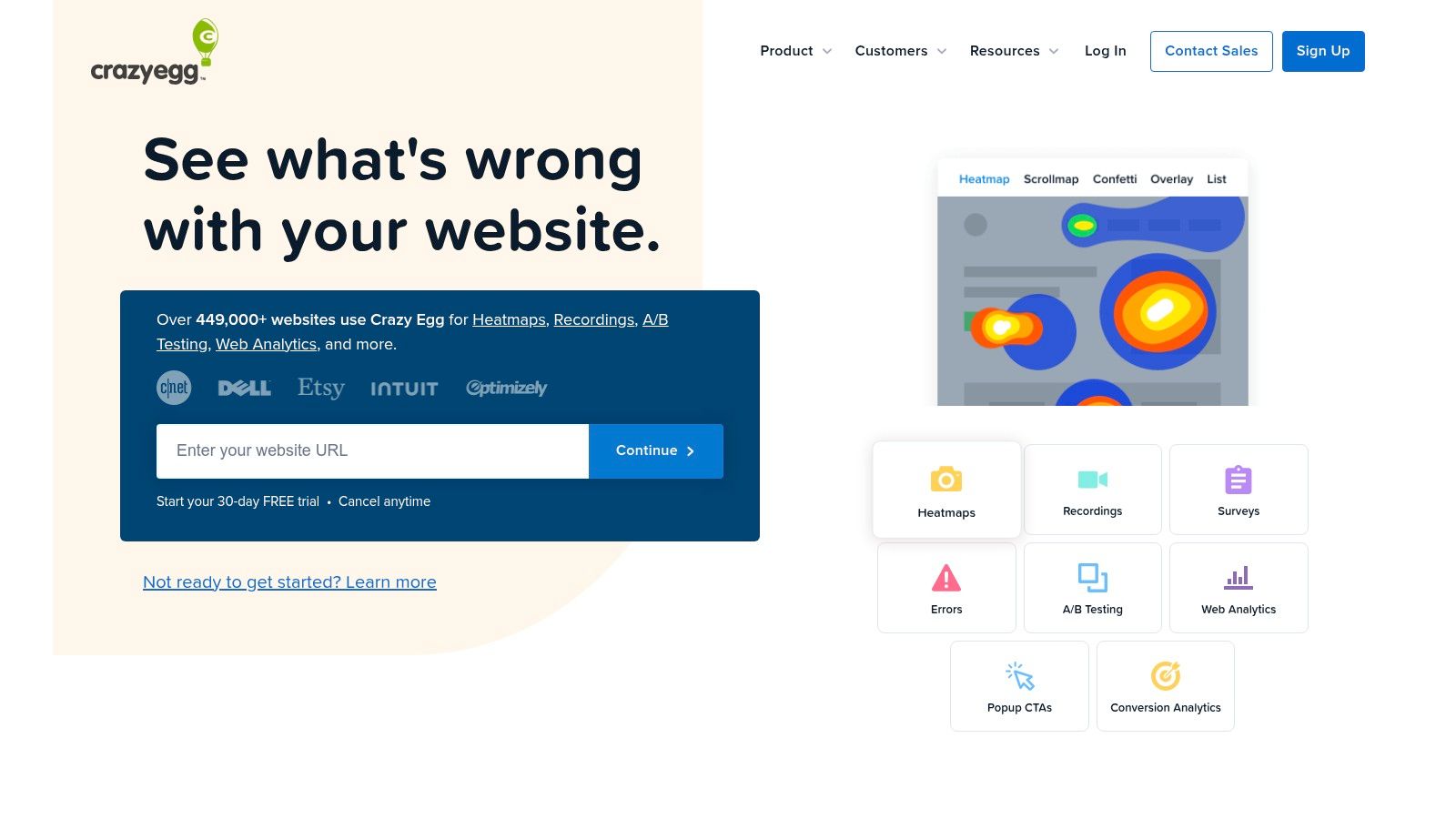
The platform is designed to quickly answer critical questions about your website: Where are users clicking? How far down the page do they scroll before leaving? Which elements are getting the most attention? By combining its classic heatmap reports with session recordings and basic A/B testing, Crazy Egg provides the necessary tools to identify friction points and test potential solutions. This makes it an effective platform for those just beginning their optimization journey. You can learn more about this process in our guide on conversion rate optimization strategies.
Key Details & Features
Feature | Details |
|---|---|
Pricing | Plans start at $29/month (billed annually). All plans include a 30-day free trial. |
Best For | SMBs, bloggers, and marketing teams looking for a user-friendly tool to get started with visual analytics. |
Key Features | Heatmaps (click, scroll, confetti), session recordings, A/B testing, error tracking, surveys. |
Integrations | Shopify, WordPress, Google Tag Manager, Squarespace, and more. |
Pros:
Simple Setup and Reporting: The interface is clean and easy to navigate, with reports that are simple to understand.
30-Day Free Trial: Offers a generous trial period to fully evaluate the platform's capabilities.
Unique Confetti Report: Provides deeper insights into click behavior by segmenting user data.
Cons:
Annual Billing: Many plans require an annual commitment for the best pricing.
Feature Quotas: Heatmap snapshots and session recording limits vary significantly by pricing tier.
You can get started at https://www.crazyegg.com.
3. Microsoft Clarity
Microsoft Clarity is a powerful and entirely free behavior analytics tool from a name you can trust. Its core value proposition is simple: provide essential user behavior insights, including heatmaps and session recordings, with absolutely no traffic limits or hidden costs. This makes it one of the most accessible and valuable website heat mapping tools for anyone, from individual bloggers to large enterprises, looking to understand user interactions without a budget commitment.

The platform's standout feature is its automatic heatmap generation for every page on your site, removing the need for manual setup. Clarity also excels at identifying "frustration signals" like rage clicks and dead clicks, immediately pointing you to areas of poor user experience. Its seamless integration with Google Analytics allows you to connect behavior data (the "why") with your existing traffic metrics (the "what"), creating a more complete picture of your site's performance. For more on this, check out our guide on what website analytics can reveal.
Key Details & Features
Feature | Details |
|---|---|
Pricing | Completely free with no traffic limits or paid tiers. |
Best For | Budget-conscious teams, startups, and anyone needing a powerful, free alternative to paid analytics suites. |
Key Features | Automatic heatmaps (click, scroll, area), session recordings, frustration signals (rage clicks, dead clicks), GDPR/CCPA compliance. |
Integrations | Google Analytics, Google Optimize, Adobe Analytics. |
Pros:
100% Free: No caps on traffic, sessions, or heatmaps, which is an unparalleled offer in the market.
Fast Implementation: Setup is quick with a simple tracking code, and it integrates directly with many platforms.
Privacy-Focused: Designed to be compliant with major privacy regulations like GDPR and CCPA.
Cons:
Fewer CRO Features: Lacks A/B testing, surveys, and feedback widgets found in comprehensive suites.
Limited Support: As a free product, dedicated support is more limited compared to premium tools.
You can get started at https://clarity.microsoft.com.
4. Mouseflow
Mouseflow is a powerful behavior analytics platform that offers a comprehensive suite of conversion rate optimization (CRO) tools. It distinguishes itself with features like friction detection and form analytics, making it one of the most insightful website heat mapping tools for identifying specific user frustrations. This focus on "friction" helps teams pinpoint exactly where users struggle, hesitate, or encounter errors, providing actionable data that goes beyond standard click and scroll maps.
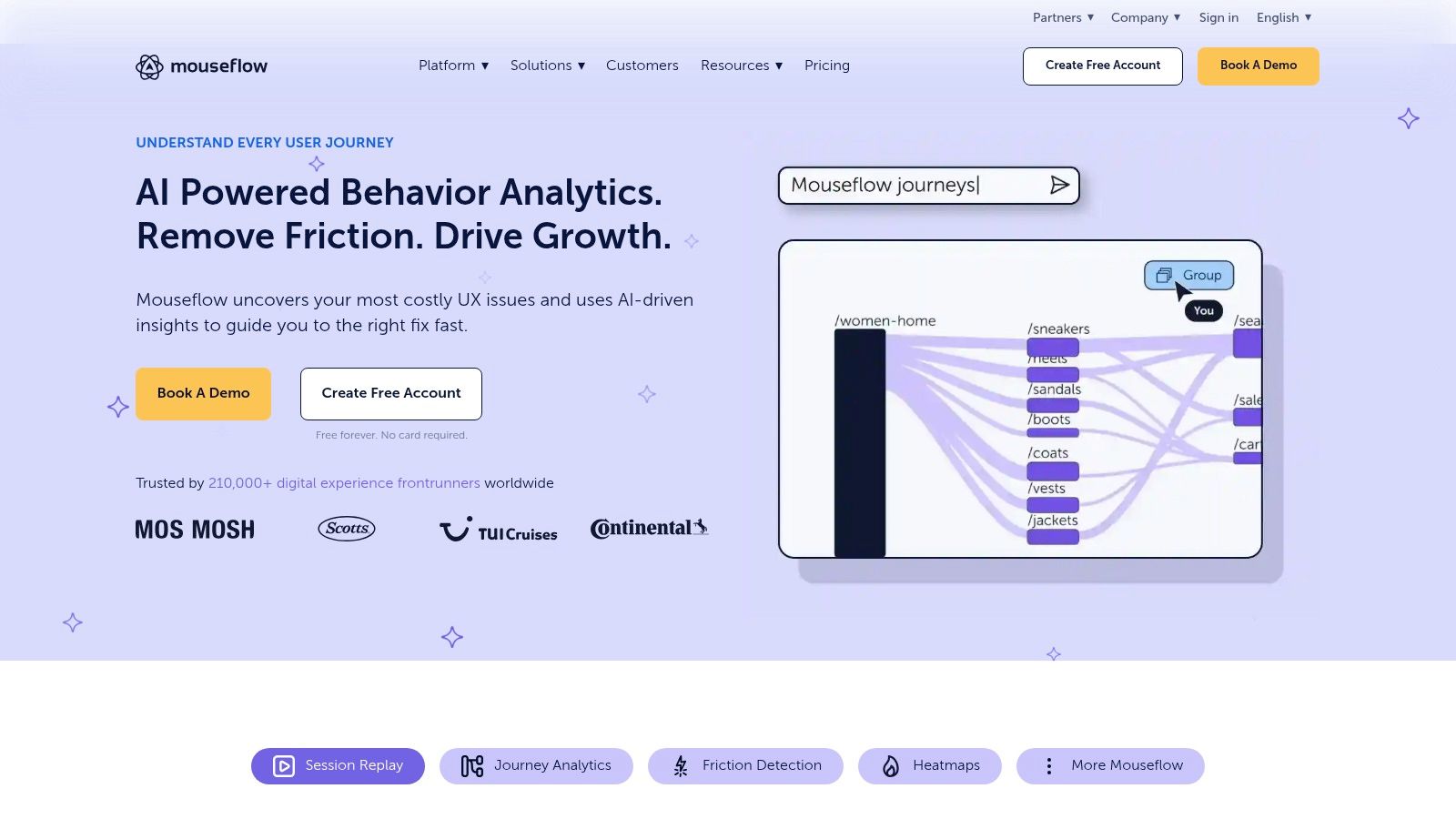
The platform is particularly effective for optimizing high-stakes user flows like checkout processes or sign-up forms. For instance, its form analytics can reveal which fields cause the most drop-offs, take the longest to fill, or result in errors. By combining this with heatmaps and session replays, you can visualize the entire journey and understand the context behind user abandonment. This detailed level of analysis helps you make targeted improvements that can directly impact conversion rates and reduce user friction across your site.
Key Details & Features
Feature | Details |
|---|---|
Pricing | Free plan with 500 recordings/month. Paid plans start at $24/month. |
Best For | CRO specialists, UX/UI designers, and SMBs focused on optimizing forms and funnels. |
Key Features | Heatmaps (click, scroll, move, attention), session replay, conversion funnels, form analytics, friction scores. |
Integrations | Shopify, WordPress, Google Analytics, HubSpot, Salesforce, Slack, and more. |
Pros:
Friction Detection: Automatically identifies user struggles like rage clicks and javascript errors.
In-Depth Form Analytics: Provides detailed insights into form performance and abandonment.
Comprehensive Toolset: A well-rounded platform for a full CRO and UX analysis workflow.
Cons:
Session-Based Limits: The free and lower-tier plans have recording limits that high-traffic sites may exceed quickly.
Learning Curve: Leveraging its more advanced features requires some initial learning and exploration.
You can get started at https://mouseflow.com.
5. Lucky Orange
Lucky Orange positions itself as a conversion optimization suite, combining several key analytics tools into one accessible platform. It is a powerful option among website heat mapping tools for small businesses and e-commerce sites looking to quickly diagnose usability issues. Its standout feature is bundling live chat with heatmaps and session recordings, allowing you to engage with a confused visitor in real-time right when you spot them struggling.
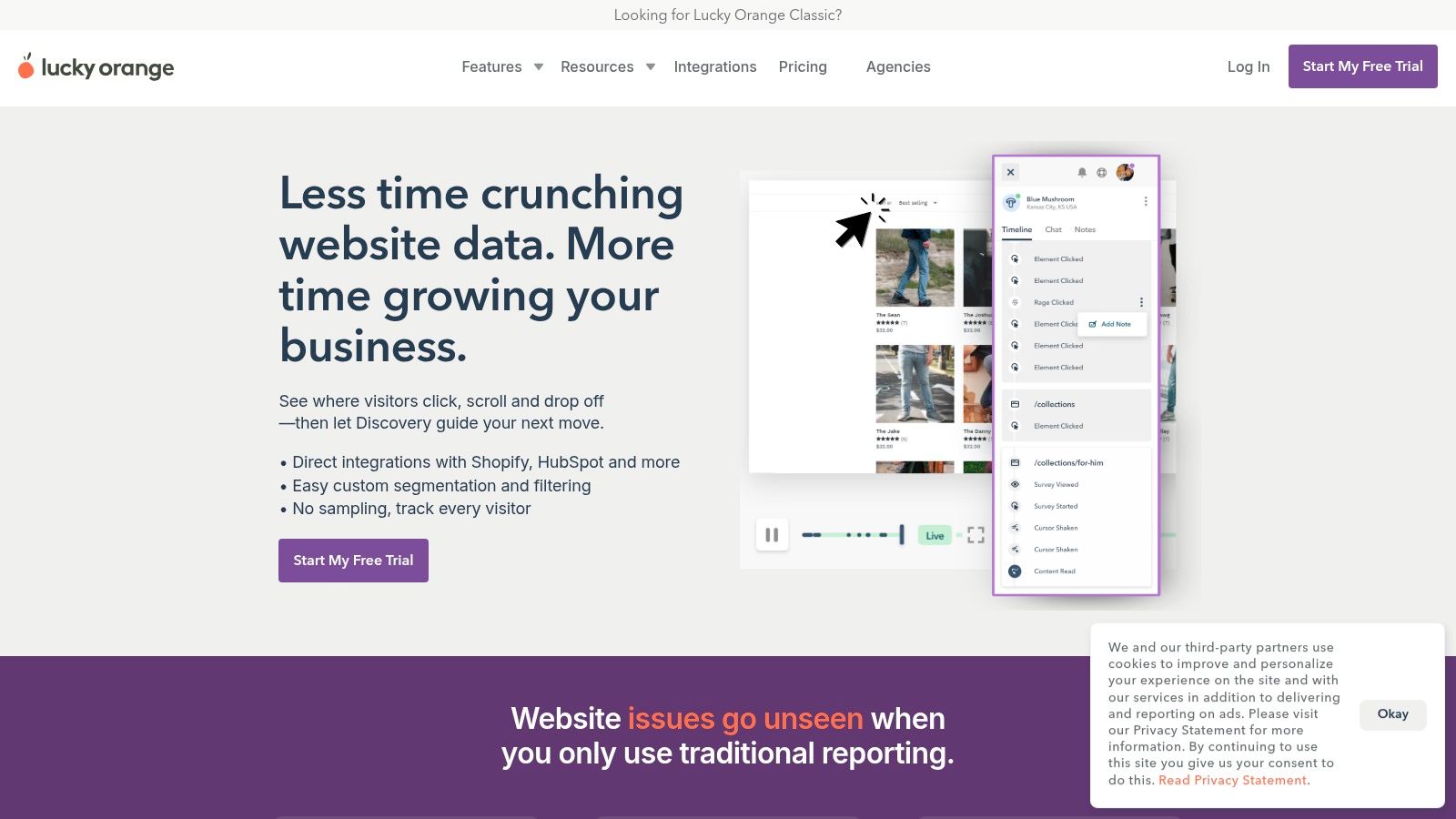
The platform is designed to provide actionable insights by connecting visitor behavior directly to communication channels. For example, you can see a heatmap that shows users aren't engaging with a new feature, then filter session recordings to see why, and finally use a survey or chat to ask them about their experience. This multi-tool approach helps close the loop between identifying a problem and understanding the user’s intent behind it, making it easier to implement effective changes that boost conversions.
Key Details & Features
Feature | Details |
|---|---|
Pricing | Free plan with 100 monthly sessions. Paid plans start at $39/month for 10,000 monthly sessions. |
Best For | E-commerce sites and SMBs that want an all-in-one CRO and support tool. |
Key Features | Dynamic heatmaps (click, move, scroll), session recordings, conversion funnels, live chat, surveys. |
Integrations | Shopify, BigCommerce, HubSpot, WordPress, Google Analytics, and more via Zapier. |
Pros:
Broad Feature Set: Offers a comprehensive suite of tools, including live chat, for a competitive price.
Generous Free Trial: The 7-day free trial provides access to all features without limitations.
Real-Time Engagement: The ability to engage with visitors via chat while watching their session is unique.
Cons:
Low Free Plan Quota: The free plan's 100-session limit is very restrictive for most sites.
Busy Interface: The user interface can feel cluttered and overwhelming for new users.
You can get started at https://www.luckyorange.com.
6. FullStory
FullStory positions itself as an enterprise-grade digital experience intelligence platform, moving beyond simple visualization to offer deep product analytics. While it offers a suite of website heat mapping tools, its primary strength lies in its "autocapture" feature, which records every user interaction automatically. This allows teams to retroactively analyze user behavior without needing to pre-configure event tracking, making it exceptionally powerful for complex applications and product teams.
The platform excels at providing context. Its click and scroll maps are tied directly to page elements, allowing you to see metrics for specific buttons or components across your entire user base. Combined with its robust session replay, you can instantly jump from a high-level heatmap trend to individual user sessions that exhibit that behavior. This makes it ideal for engineering and product teams trying to identify and replicate bugs or friction points in the user journey.
Key Details & Features
Feature | Details |
|---|---|
Pricing | Generous free plan (FullStoryFree) with 30,000 sessions/month. Paid plans are custom-priced for business. |
Best For | Product teams, SaaS companies, and enterprise clients needing deep, retroactive user analytics. |
Key Features | Element-based click and scroll maps, autocapture session replay, product analytics, funnels, AI add-ons. |
Integrations | Jira, Slack, Salesforce, Google Analytics, Optimizely, and a wide range of other enterprise tools. |
Pros:
Powerful Autocapture: Captures all user data by default, enabling retroactive analysis.
Deep Analysis: Goes beyond heatmaps with sophisticated segmentation, funnels, and journey mapping.
Generous Free Plan: The free tier offers a substantial 30,000 monthly sessions and 12-month data retention.
Cons:
Expensive Paid Plans: Custom enterprise pricing can be a significant investment.
Privacy Configuration: Requires careful setup to exclude sensitive user data due to its comprehensive data capture.
You can get started at https://www.fullstory.com.
7. VWO Insights
VWO Insights is part of a broader conversion rate optimization suite, designed for teams that want to connect user behavior insights directly to experimentation. While many platforms offer heatmaps, VWO's strength lies in integrating these analytics with its powerful A/B testing and personalization tools. It stands out as one of the best website heat mapping tools for organizations looking to build a mature, data-driven optimization program within a single, unified platform.
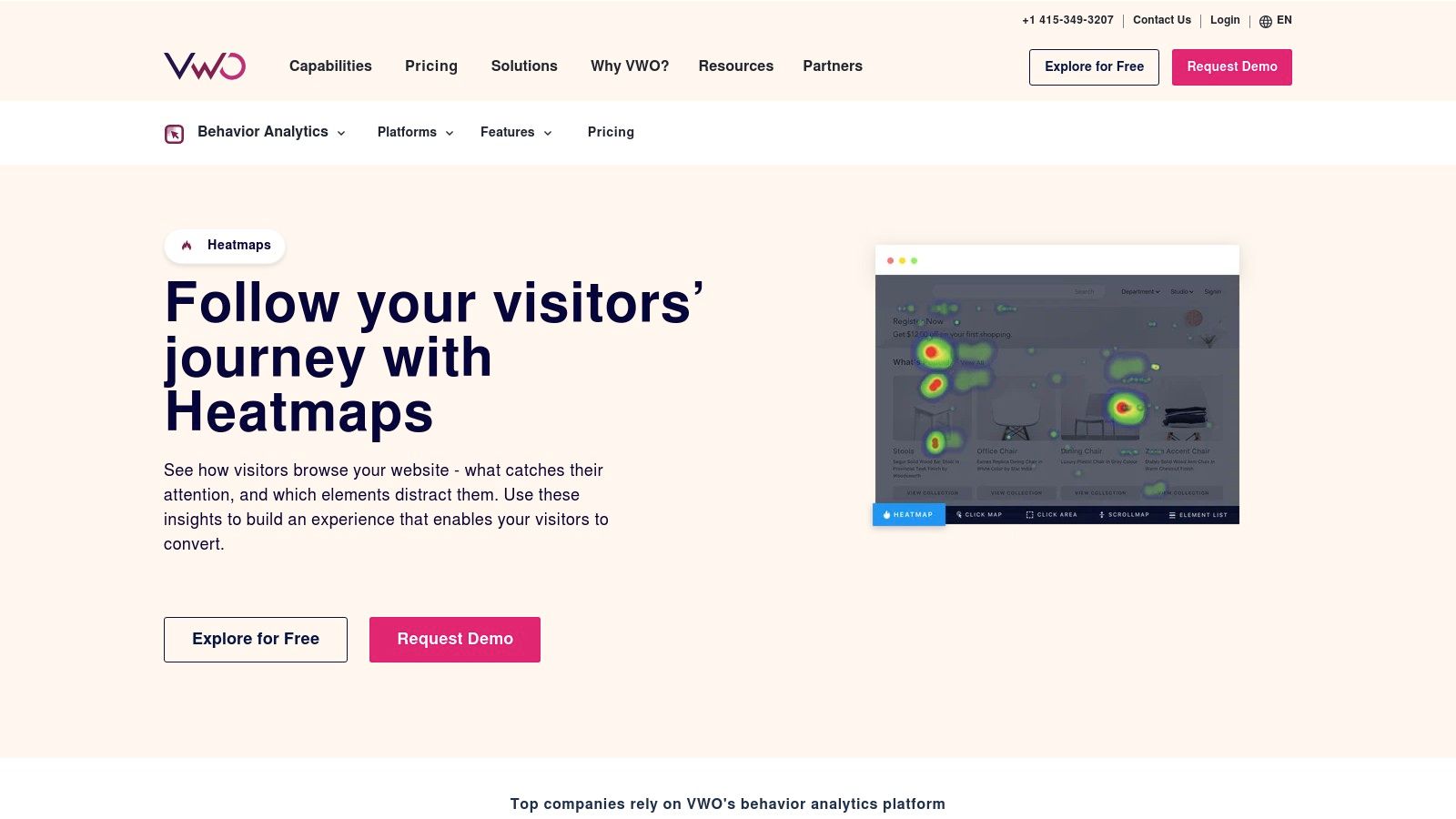
The platform is built for a seamless workflow: you use heatmaps and session recordings to identify a problem area, form a hypothesis, and then immediately launch an A/B test in VWO Testing to validate your solution. This tight loop between observation and action eliminates the friction of using separate tools for research and experimentation. Features like AI-powered summaries for session recordings and zonal heatmaps further accelerate the process of turning raw data into actionable insights for your development and marketing teams.
Key Details & Features
Feature | Details |
|---|---|
Pricing | Free "Starter" plan available. Paid plans are primarily quote-based and tailored to traffic volume and feature needs. |
Best For | Mid-market to enterprise companies and CRO teams needing an integrated testing and analytics platform. |
Key Features | Click, scroll, and zonal heatmaps, session recordings with AI summaries, funnels, on-page surveys, feedback collection. |
Integrations | Google Analytics, Salesforce, Shopify, BigCommerce, WordPress, and an extensive list of other marketing and analytics tools. |
Pros:
Tight Integration: Seamlessly connects heatmap insights with VWO's A/B testing and personalization engines.
Enterprise-Grade: Offers robust security, compliance options, and dedicated support suitable for larger organizations.
Advanced Features: AI summaries and zonal heatmaps provide deeper, more efficient analysis.
Cons:
Opaque Pricing: Most plans require a sales quote, which can be a barrier for smaller teams.
Overkill for Basic Needs: May be too complex and expensive if you only require standalone heatmap functionality.
You can get started at https://vwo.com/insights/heatmaps/.
8. Zoho PageSense
Zoho PageSense is a powerful conversion rate optimization (CRO) and analytics platform designed for businesses looking to get more out of their existing traffic. Part of the broader Zoho ecosystem, it offers a robust suite of tools that go beyond basic heatmaps to include A/B testing, funnel analysis, and session recordings. Its primary advantage is offering a comprehensive feature set at a very competitive price point, making it an excellent choice for small to medium-sized businesses and marketing teams.
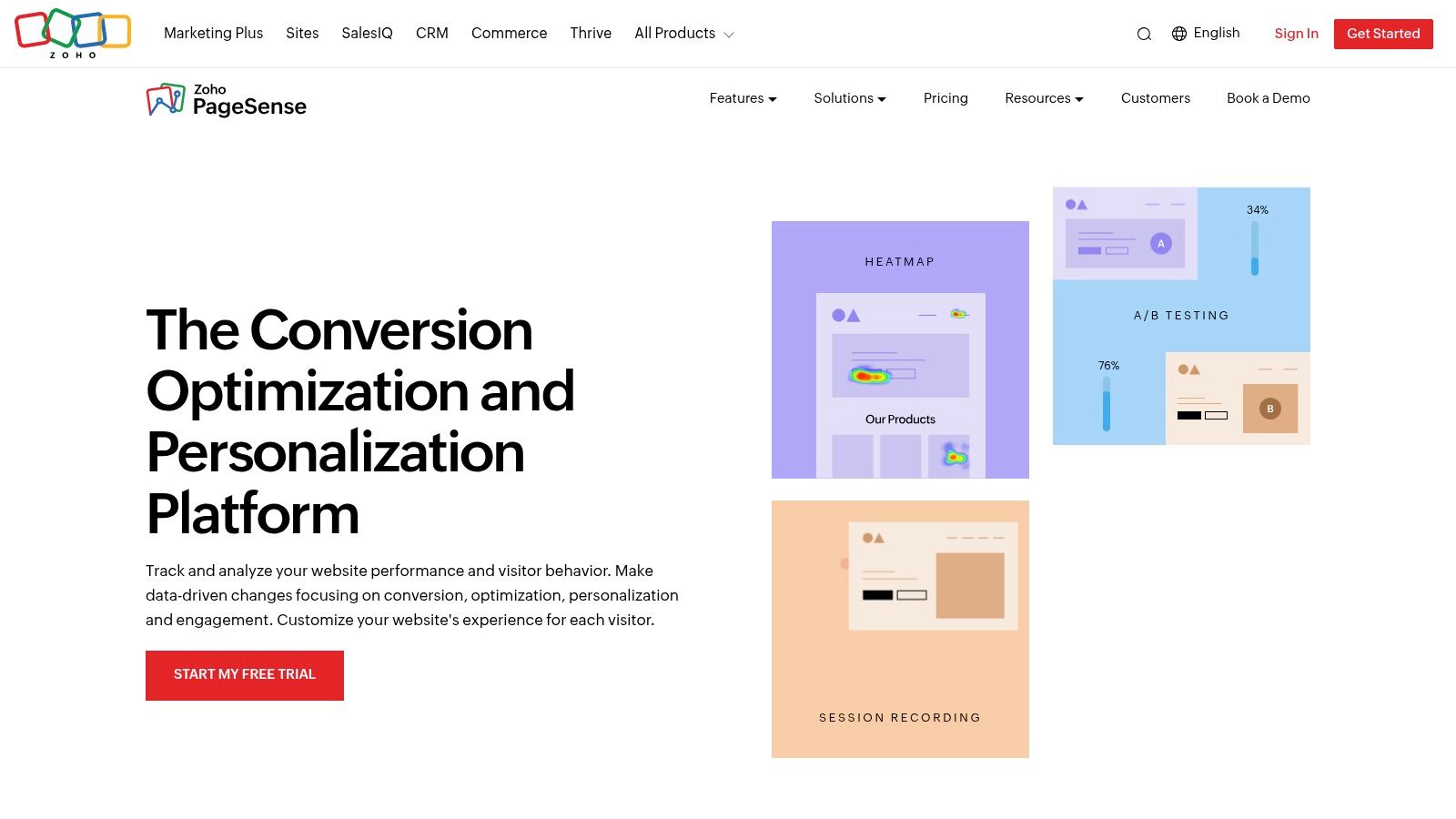
This platform stands out by bundling CRO tools that often require separate subscriptions. You can use its website heat mapping tools to identify where users are clicking and scrolling, then immediately create an A/B test for that same page to validate a design change. This tight integration between identifying a problem and testing a solution streamlines the optimization workflow significantly. For teams already invested in other Zoho products like Zoho CRM or Campaigns, PageSense provides seamless data integration, creating a unified view of the customer journey.
Key Details & Features
Feature | Details |
|---|---|
Pricing | Free plan available. Paid plans start at $12/month for 10,000 monthly visitors. |
Best For | SMBs, marketing agencies, and businesses already using the Zoho software suite. |
Key Features | Heatmaps (click, scroll, attention), session recordings, A/B and split URL testing, conversion funnels, form analytics, polls. |
Integrations | Zoho CRM, Zoho Sites, Google Analytics, Google Ads, Intercom, and more. |
Pros:
Competitive Pricing: Offers a broad, all-in-one feature set for a fraction of the cost of many competitors.
Zoho Ecosystem Integration: Creates a powerful, unified platform for users of other Zoho applications.
Comprehensive CRO Suite: Combines analytics, testing, and feedback tools in one place.
Cons:
Complex UI: The depth of features can make the user interface feel overwhelming for new users.
Visitor-Based Pricing: Quotas are based on monthly visitors, which can require careful planning for high-traffic sites.
You can get started at https://www.zoho.com/pagesense/.
9. Smartlook
Smartlook is a powerful behavior analytics platform that serves both web and mobile applications, making it a versatile choice for cross-platform businesses. It provides a full suite of tools including heatmaps, session recordings, and event tracking, but its standout feature is the ability to generate retroactive heatmaps. This means you can create a heatmap for any page or event you've tracked in the past, even if you forgot to set one up initially, making it one of the more flexible website heat mapping tools available.
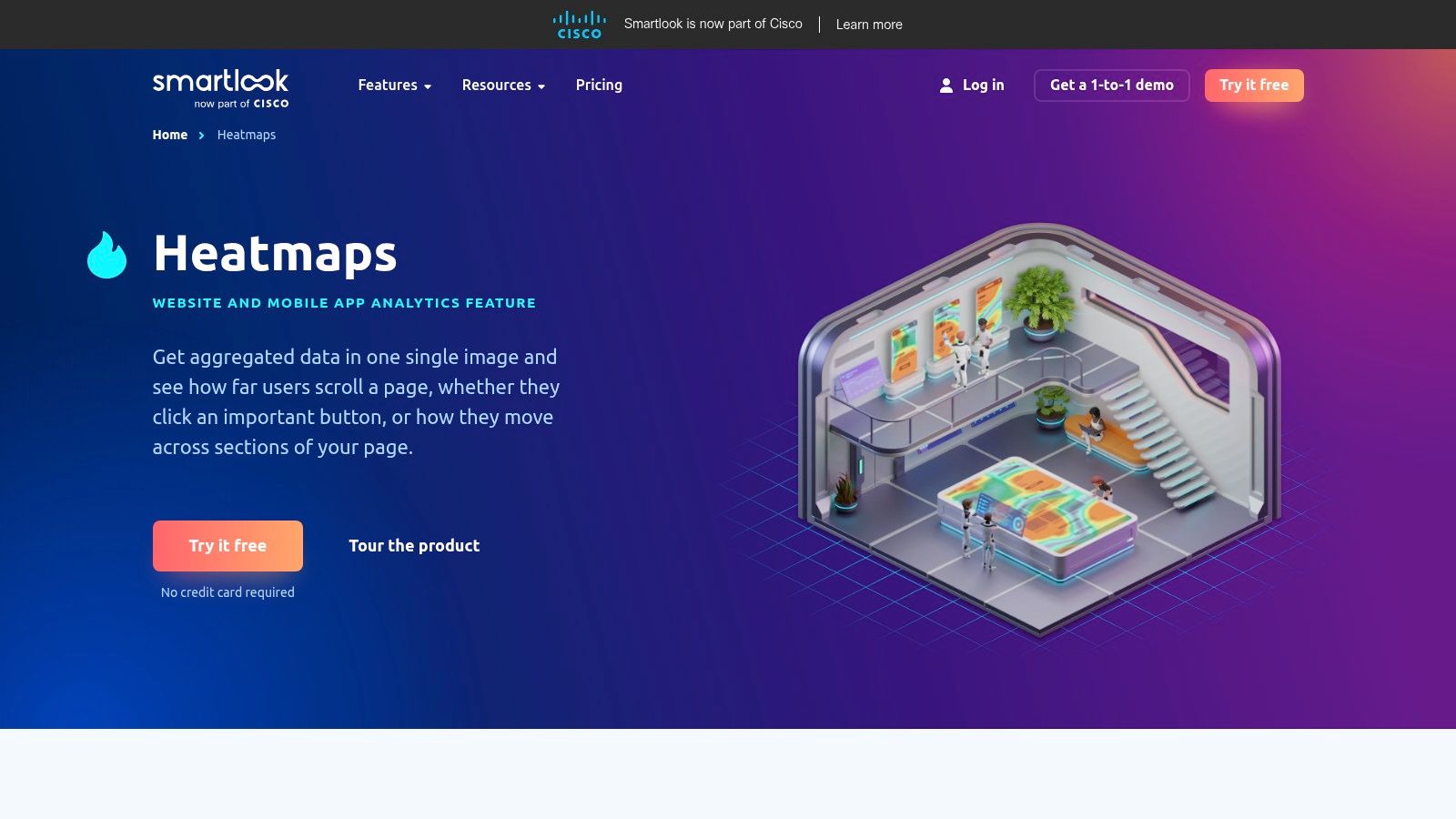
This platform excels at providing insights without requiring extensive pre-planning. For instance, if you notice a sudden drop-off in a conversion funnel, you can retroactively generate a click map for the problematic page to instantly see where users were getting stuck. Smartlook connects this visual data with session recordings, allowing you to filter replays by "rage clicks" or "U-turns" to quickly identify user frustration. This combination of retroactive analysis and qualitative feedback is ideal for teams that need to react quickly to changing user behavior on both desktop and mobile.
Key Details & Features
Feature | Details |
|---|---|
Pricing | Free plan with 3,000 monthly sessions and 3 heatmaps. Paid plans start at $55/month for 5,000 sessions. |
Best For | Teams managing both web and mobile apps, and those who need retroactive data analysis. |
Key Features | Retroactive heatmaps (click, move, scroll), session replays, event tracking, conversion funnels, mobile app analytics. |
Integrations | Google Analytics, Slack, Jira, Intercom, Zendesk, and other popular platforms. |
Pros:
Retroactive Analysis: Generate heatmaps from past data, so you never miss an insight.
Mobile App Support: Provides a unified view of user behavior across web and native mobile apps.
User-Friendly Interface: The platform is easy to navigate, allowing you to find valuable information quickly.
Cons:
Session-Based Pricing: Costs can escalate for high-traffic websites and applications.
Limited Features in Free Plan: The free tier has constraints on heatmap quantity and data retention.
You can get started at https://www.smartlook.com/heatmaps/.
10. Plerdy
Plerdy is a multifunction conversion rate optimization (CRO) platform that bundles several tools into an affordable package. While it offers a suite of features, it stands out as one of the more accessible website heat mapping tools for businesses looking to get more value from a single subscription. Its unique selling point is combining heatmap analysis with SEO utilities and lead generation forms, creating a holistic toolkit for improving site performance and user engagement.
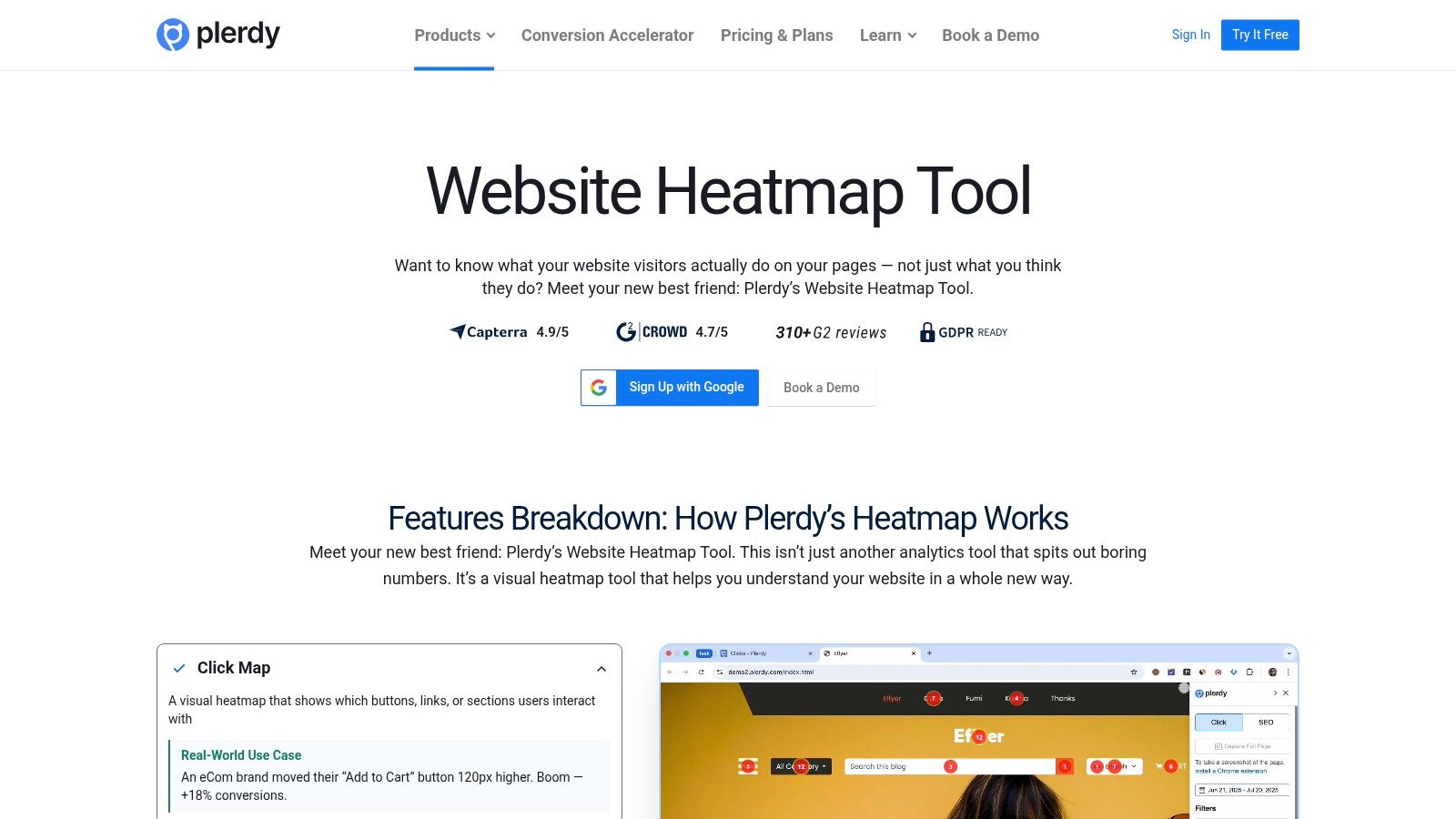
This tool is designed for teams that need to cover multiple bases without investing in separate software for heatmaps, popups, and SEO audits. For example, you can use a click heatmap to identify underperforming page elements and then immediately create a feedback popup to ask users why they aren't engaging with that area. This direct combination of behavior analysis and lead capture within one dashboard streamlines the optimization workflow, making it particularly useful for small marketing teams or solo entrepreneurs.
Key Details & Features
Feature | Details |
|---|---|
Pricing | Free plan available with 2,000 pageviews/month. Paid plans with more features and higher limits start at $23/month. |
Best For | Ecommerce sites, SMBs, and digital marketing agencies needing a cost-effective, all-in-one CRO and SEO solution. |
Key Features | Click and scroll heatmaps, session recordings, conversion funnels, smart pop-up forms, SEO checker. |
Integrations | Shopify, WordPress (WooCommerce), Google Analytics, Google Tag Manager, and more. |
Pros:
Affordable All-in-One Tool: Combines heatmaps, session replays, popups, and SEO features at a competitive price.
Generous Free Plan: The free forever plan provides a solid entry point for small websites to start collecting user data.
Ecommerce Focused: Offers specific features and integrations tailored for online stores.
Cons:
Busy Interface: The number of features can make the dashboard feel cluttered and present a learning curve for new users.
Limited Data on Lower Tiers: The free and entry-level plans have strict limits on pageviews and data storage.
You can get started at https://www.plerdy.com/heatmap/.
11. Inspectlet
Inspectlet offers a suite of user behavior analytics tools designed for teams who need a straightforward, lightweight solution. It provides the core functionalities of session recording and heatmapping, positioning itself as a practical choice among website heat mapping tools for smaller websites or those just beginning their CRO journey. Its key advantage is simplicity, offering fundamental qualitative insights with a minimal learning curve and quick setup.
The platform focuses on essential visualizations, providing clear click, scroll, and mouse movement heatmaps. Where it adds value is by integrating these visual data points with session recordings and, on higher tiers, form and funnel analytics. This allows you to watch exactly how users interact with your forms or navigate through a purchase funnel, pinpointing the specific fields or steps causing friction. For businesses needing to diagnose issues in critical user journeys without the complexity of an enterprise-level platform, Inspectlet delivers clear, actionable information.
Key Details & Features
Feature | Details |
|---|---|
Pricing | Free plan available. Paid plans start at $39/month for 10,000 recorded sessions. |
Best For | Small businesses, startups, and marketing agencies needing fundamental behavior analytics tools. |
Key Features | Session replay, click, scroll, and mouse movement heatmaps, form analytics, funnel analysis, A/B testing capabilities. |
Integrations | Works alongside Google Analytics and integrates with other popular platforms like Optimizely and Unbounce. |
Pros:
Free Starter Plan: Offers a free tier, making it accessible for anyone to start collecting user data.
Simple Setup: The installation process is straightforward and it integrates easily with Google Analytics.
Core Functionality: Provides all the essential tools for basic qualitative user behavior analysis.
Cons:
Basic A/B Testing: The testing and targeting features are less advanced compared to more specialized suites.
Dated Interface: The user interface can feel less modern than some of its main competitors.
You can get started at https://www.inspectlet.com.
12. Ptengine (Shopify App)
Ptengine is a multi-functional analytics and optimization platform specifically tailored for the ecommerce world, with a dedicated Shopify app that simplifies installation. It goes beyond standard website heat mapping tools by integrating heatmaps with real-time analytics, A/B testing, and campaign-focused segmentation. This combination makes it a powerful choice for store owners who need to quickly connect user behavior data to conversion rate optimization efforts without juggling multiple subscriptions.
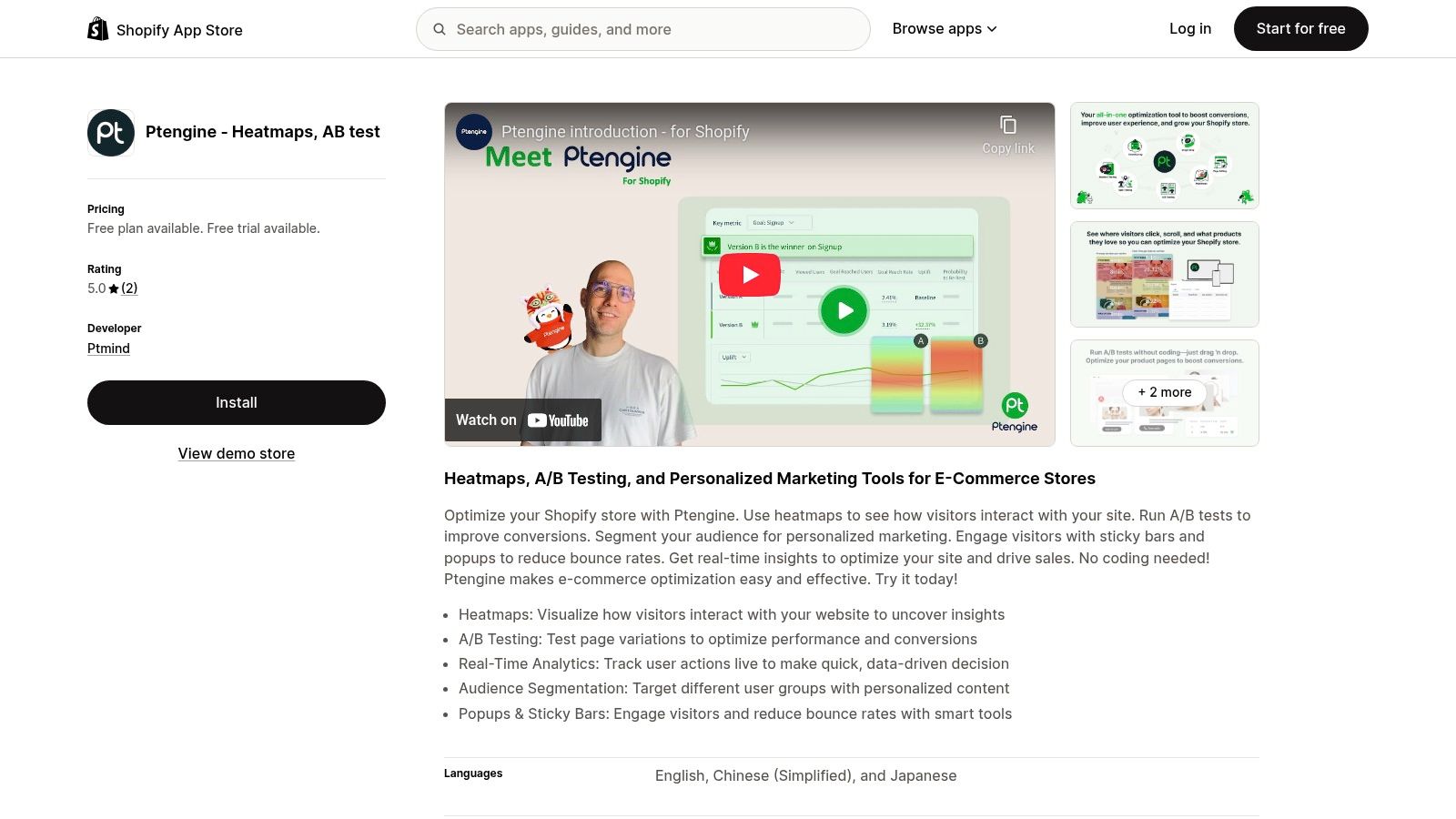
The platform’s key differentiator is its seamless integration into the Shopify ecosystem, allowing for one-click setup and immediate data collection. Ptengine enables you to see not just where users click, but how behavior changes based on traffic source or marketing campaign. For instance, you can create a specific heatmap just for visitors arriving from a Facebook ad campaign to see if the landing page experience aligns with their expectations. This tight loop between acquisition, behavior analysis, and A/B testing is invaluable for ecommerce marketers focused on maximizing ROI.
Key Details & Features
Feature | Details |
|---|---|
Pricing | Plans on Shopify start from a free tier for up to 3,000 pageviews/month. Paid plans scale with traffic, starting around $59/month. |
Best For | Shopify store owners who want an integrated analytics, heatmap, and A/B testing solution. |
Key Features | Heatmaps (click, attention, scroll), real-time analytics, A/B testing, campaign segmentation, session replays. |
Integrations | Primarily designed for deep integration with Shopify; also connects with Google Tag Manager. |
Pros:
Ecommerce-Friendly Deployment: The Shopify app allows for a no-code, one-click installation.
Integrated Toolset: Combines analytics, heatmaps, and A/B testing in a single dashboard.
Campaign-Specific Views: Excellent for analyzing the performance of specific marketing efforts.
Cons:
Higher Cost at Scale: Pricing for high-traffic stores can be more expensive than some alternatives.
Smaller Review Base: Less established in the market compared to larger, more well-known platforms.
You can get started at https://apps.shopify.com/ptengine-heatmaps.
Top 12 Website Heatmap Tools — Feature Comparison
Product | Core features | UX / Quality | Price / Value | Target (👥) | Unique selling point (✨/🏆) |
|---|---|---|---|---|---|
Hotjar | Heatmaps, session replay, funnels, surveys | ★★★★ Quick setup | 💰 Free tier (unlimited heatmaps); scales with traffic | 👥 Startups → mid-market | ✨ Unlimited heatmaps on Free plan; easy to use |
Crazy Egg | Click & scroll maps, recordings, A/B testing | ★★★★ Clear reporting | 💰 30‑day trial; many plans annual | 👥 SMBs evaluating CRO | ✨ Confetti click views; simple setup |
Microsoft Clarity | Auto heatmaps, session recordings, frustration signals | ★★★★ Budget-friendly | 💰 100% free, no traffic caps | 👥 Budget teams / GA complement | ✨ Free with strong privacy/GDPR focus |
Mouseflow | Heatmaps, replay, funnels, form analytics | ★★★★ Comprehensive CRO tools | 💰 Free starter; tiered session limits | 👥 SMBs focused on conversion | ✨ Friction/error detection; journey analytics |
Lucky Orange | Recordings, dynamic heatmaps, live chat, funnels | ★★★★ Feature-rich UI | 💰 Affordable; 7‑day full trial | 👥 SMBs & e-commerce | ✨ Live chat + qualitative toolkit |
FullStory | Element heatmaps, autocapture, product analytics, AI | ★★★★★ Deep analytics | 💰 Generous free tier; paid custom-priced | 👥 Enterprise & product teams | 🏆 Autocapture + governance; powerful analysis |
VWO Insights | Heatmaps, recordings, AI summaries, funnels | ★★★★ Research + experiment focus | 💰 Often sales-quoted enterprise pricing | 👥 Teams wanting A/B stack integration | ✨ Tight integration with VWO experimentation |
Zoho PageSense | Analytics, heatmaps, recordings, A/B testing | ★★★★ Broad feature set | 💰 Competitive; visitor-based pricing | 👥 SMBs / Zoho ecosystem users | ✨ Cost-effective for Zoho customers |
Smartlook | Web & mobile heatmaps, retroactive heatmaps, funnels | ★★★★ Fast to get value | 💰 Free plan; transparent entry pricing | 👥 Teams needing mobile + retro analysis | ✨ Retroactive heatmaps from recorded data |
Plerdy | Click/scroll heatmaps, recordings, popups, SEO checks | ★★★ Simple CRO bundle | 💰 Free-forever plan with limits | 👥 SMBs & e-commerce | ✨ CRO + basic SEO tools bundled; free tier |
Inspectlet | Click/scroll/mouse heatmaps, session replay, funnels | ★★★ Lightweight & straightforward | 💰 Free plan available | 👥 Small websites / simple needs | ✨ Easy GA integration; simple setup |
Ptengine (Shopify App) | Heatmaps, real-time analytics, A/B testing, campaign views | ★★★ Ecommerce-focused | 💰 Shopify-listed pricing; can be high | 👥 Shopify stores / e-commerce | ✨ Easy Shopify app deployment; campaign heatmaps |
From Clicks to Conversions: Making Your Data Actionable
We've journeyed through a comprehensive lineup of the best website heat mapping tools available today, from all-in-one powerhouses like Hotjar and FullStory to free, high-value options like Microsoft Clarity. Each tool offers a unique lens through which to view user behavior, transforming abstract analytics into vibrant, visual stories of clicks, scrolls, and mouse movements. But remember, the ultimate goal isn't just to collect beautiful, colorful maps of your website; it's to turn those visual insights into tangible improvements that boost your bottom line.
The real power of these tools is unlocked when you move from passive observation to active experimentation. The data you gather is the "why" behind your users' actions. It reveals friction points, highlights engaging content, and uncovers missed opportunities that traditional analytics often overlook.
Key Takeaways and Your Path Forward
As you decide which tool is right for you, let’s distill the core principles of using heatmaps effectively:
Start with a Question: Don't just install a tool and wait for insights to appear. Begin with a specific hypothesis. For example, "I believe users are not clicking my primary call-to-action because it's below the fold on mobile," or "I think the navigation menu is too complex, causing users to drop off."
Combine Quantitative and Qualitative Data: Your heatmap data (the qualitative "why") becomes exponentially more powerful when paired with your traditional analytics like Google Analytics (the quantitative "what"). If you see a high drop-off rate on a specific page, use session recordings and heatmaps to understand why users are leaving.
Prioritize Based on Impact: You will uncover dozens of potential improvements. Focus your energy on changes that will have the biggest impact on your key business goals, whether that's increasing sign-ups, reducing cart abandonment, or improving lead generation.
Iterate, Don't Set and Forget: Website optimization is not a one-time task. It's a continuous feedback loop. Implement a change based on your data, measure the results, and then use your heat mapping tools to analyze the new user behavior.
Choosing the Right Tool for Your Needs
Selecting the perfect tool from our list depends entirely on your specific context.
For Startups and Solopreneurs: Microsoft Clarity is an unbeatable starting point. It's completely free and provides a robust suite of features, including heatmaps and session recordings, giving you critical insights without any budget constraints.
For Growth-Focused SMBs: Tools like Hotjar, Crazy Egg, and Lucky Orange offer an excellent balance of features, scalability, and price. They provide the core visualization tools plus valuable extras like feedback polls and conversion funnels to drive your CRO efforts.
For Data-Driven Enterprises: If you need deep, retroactive analysis and have complex digital products, FullStory and VWO Insights are built for you. Their powerful segmentation and data analysis capabilities can uncover user behavior trends at a massive scale.
Ultimately, the most effective strategy involves applying the insights you gain. For instance, data from a tool like Ptengine can be instrumental in creating well-designed Shopify landing pages to maximize conversion, ensuring every element is placed for optimal user engagement and performance. The best website heat mapping tools are those that empower you to take decisive, data-backed action.
Ready to turn your heatmap insights into real website changes, instantly? With Alpha, you can stop creating tickets and start shipping. Simply describe the UI update you need-from changing a CTA button to redesigning an entire section-and our AI generates the code for you in seconds. Pair the "why" from your heatmaps with the "how" from Alpha to create a powerful, agile optimization workflow.
Build beautiful websites like these in minutes
Use Alpha to create, publish, and manage a fully functional website with ease.