





How to Create Website Mockups People Actually Love
Learn how to create website mockups that bridge the gap between idea and reality. Our guide covers tools, principles, and developer handoff.
EXAMPLES
Build beautiful websites like these in minutes
Use Alpha to create, publish, and manage a fully functional website with ease.
Let's be honest: when you're looking for an affordable website builder, it's easy to fall into the "you get what you pay for" trap. But the best options out there have figured out how to balance low monthly costs with genuinely powerful tools, so you don't have to sacrifice quality for a good price. Names like Wix, Squarespace, and GoDaddy pop up all the time because they consistently deliver that value, especially for small businesses and solo entrepreneurs.
How to Choose the Right Affordable Website Builder
Trying to pick the right website builder can feel overwhelming. You’re hit with a dizzying number of options, each promising the world with different features and pricing tiers. My goal here is to cut through that noise and focus on what really matters when you're on a budget but still need a platform that works hard for your business.
We're going to define 'affordable' by looking at the total value, not just the sticker price. After all, your time is money, and a cheap but clunky builder can cost you more in the long run.
Here’s what we’ll consider:
Time Saved: How fast can you actually get a professional site up and running?
Ease of Use: Can you jump in and make changes yourself, without calling in a developer?
Scalability: Will this platform grow with you, or will you hit a wall in six months?
What's Happening in the Website Builder World
The market for these tools has absolutely exploded, which is great news because it means a professional online presence is no longer out of reach. The numbers are staggering—the global market is expected to jump from USD 1.97 billion in 2024 to USD 6.68 billion by 2030. A huge part of that growth comes from small and medium-sized businesses getting into e-commerce.
You can see the dominance of major players like Wix, which currently powers around 8 million sites. They've shaped what most people expect from a website builder.
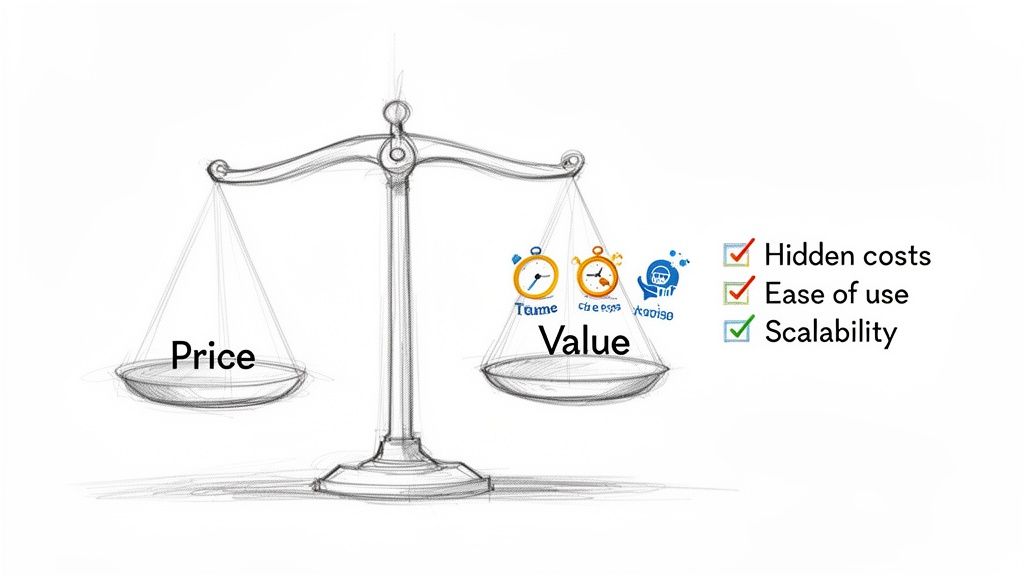
The image above really gets to the heart of it. It’s not just about the monthly fee; it's about the bigger picture—the hidden costs, the time you invest, and whether the platform can keep up with your ambitions.
How We're Judging the Contenders
To make a smart choice, you need a solid framework. We'll be comparing the traditional builders against the new wave of AI-powered solutions, using criteria that directly impact your business’s ability to succeed. Getting a handle on the best platforms to build a website is the first and most important step.
Here's how we'll break it down:
Evaluation Criteria | What We'll Cover | Why It Matters |
|---|---|---|
Total Value | Going beyond the price tag to look at hidden costs and the time you'll have to invest. | Real affordability is about your return on investment, not just the lowest monthly bill. |
Ease of Use | How quickly a non-techie can get comfortable with the platform. | A straightforward interface means less frustration and more time spent on your business. |
Business Features | Must-have tools like SEO, e-commerce, and analytics. | Your site needs to be more than a pretty brochure; it needs to be a tool that drives growth. |
AI Integration | How artificial intelligence helps with design, content, and getting things done faster. | AI is no longer a gimmick; it can seriously speed up the whole process from start to finish. |
How We Picked the Best Affordable Website Builders
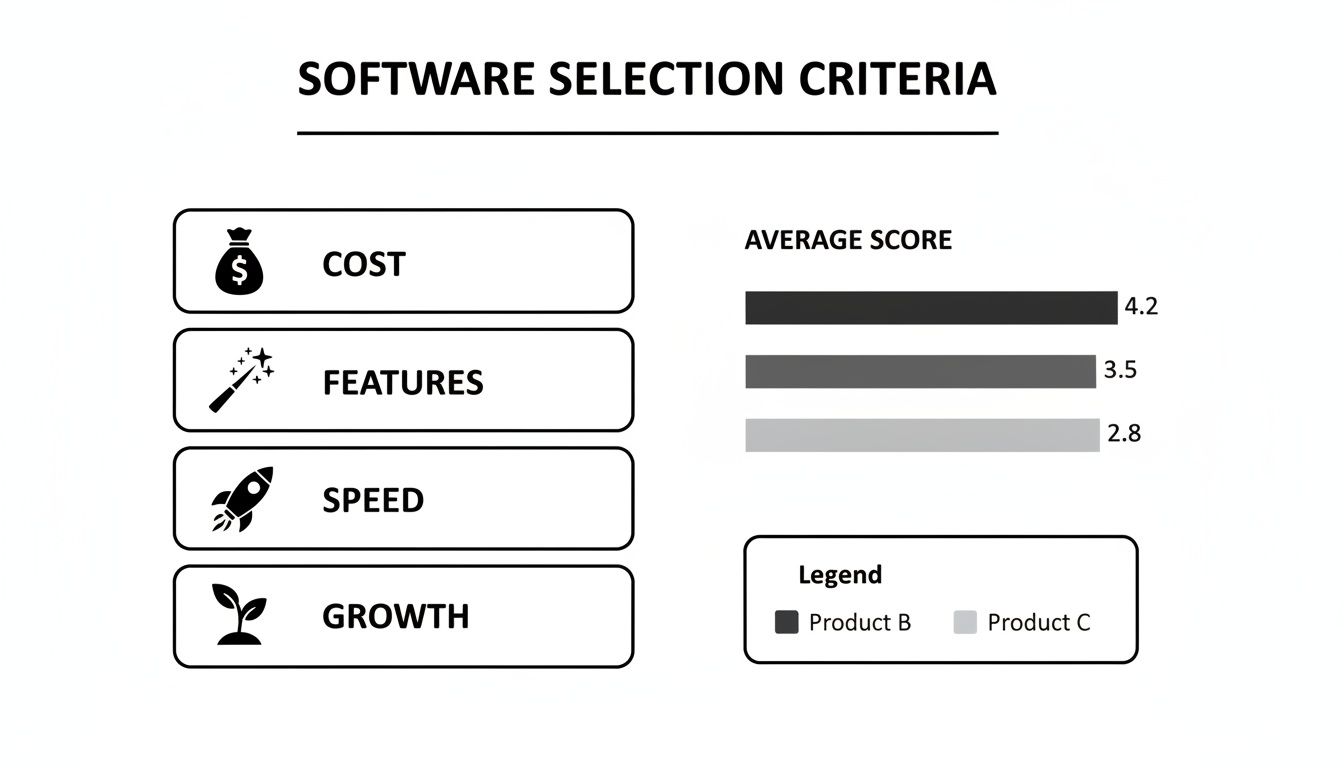
Finding the right website builder isn't just about spotting the lowest price tag. A great "affordable" builder delivers real, long-term value, not just a cheap entry point. To make a practical, real-world comparison, we broke down our evaluation into five essential areas.
First, we looked at the True Cost of Ownership. That advertised monthly fee? It's often just the tip of the iceberg. We dug deeper to uncover hidden costs like domain renewal fees after the first year, transaction fees on sales (which can eat up to 3% of your revenue), and the price of premium apps or plugins. A builder that looks like a bargain at first can quickly become a money pit as you grow.
Ease of Use Versus Customization
Next, we tackled the age-old trade-off: Ease of Use vs. Customization. A simple drag-and-drop editor is fantastic for getting a site up and running in a few hours. But sometimes, that simplicity locks you into a cookie-cutter design that doesn't quite capture your brand's personality.
The sweet spot is a platform that feels intuitive right out of the box but still gives you the power to tweak the details. It’s all about finding a tool that helps you create a professional-looking site without needing to learn code or spend weeks on tutorials.
Essential Business Features
A website should be your hardest-working employee, not just a digital brochure. That's why we made Essential Business Features a core part of our comparison. We focused on built-in tools that help you actually grow your business, whether that means finding new customers, making sales, or connecting with your audience.
Here’s what we looked for:
Built-in SEO tools: The basics, like the ability to customize meta titles, descriptions, and image alt text, are non-negotiable for getting found on Google.
Analytics and Reporting: If you can't track your visitors, you can't make smart decisions.
E-commerce Functionality: Even if you aren't selling anything today, having the option to add products or services later is a huge plus.
A beautiful website that no one can find is just a digital art project. The best affordable website builders integrate core business tools directly into their platform, ensuring your site is an active asset, not a passive expense.
Performance and Mobile Experience
In a world of short attention spans, site Performance and Mobile Experience are everything. Slow-loading pages are the number one reason people click away. That's why we paid close attention to Google’s Core Web Vitals (CWV), which measure how real users experience your site's speed and stability.
This image shows the three main components of CWV: Largest Contentful Paint (LCP), First Input Delay (FID), and Cumulative Layout Shift (CLS). In plain English, they measure how fast your site loads, how quickly it becomes interactive, and whether things jump around on the screen. These factors directly impact how professional your site feels and where you rank in search results.
Good CWV scores are a must. Recent studies from SiteBuilderReport show that top affordable builders like Hostinger (with an 82% desktop score) and GoDaddy (with a 76% mobile score) really deliver. This proves you don't have to break the bank to get a fast, reliable website.
Scalability for Future Growth
Finally, we considered Scalability. Your website needs to be able to grow with your ambitions. We asked the important questions: Can this platform handle a sudden spike in traffic? Can you easily add an online store down the line? What about more advanced features like a membership portal or a booking system?
Picking a builder that can scale saves you from the massive headache and expense of having to switch platforms just when your business is starting to take off.
A Practical Comparison of Popular Website Builders
Navigating the crowded market of website builders means looking past the flashy ads and getting real about how each platform performs. To find the right fit, we need a practical, head-to-head comparison that goes beyond generic pro/con lists and digs into the situational trade-offs you'll actually face.
Let's put three of the biggest names—Wix, Squarespace, and GoDaddy—under the microscope. By looking at them through the lens of common business needs, we can see where each one truly excels and where they might leave you wanting more.
Wix: The All-In-One Powerhouse
Wix has built its reputation on being the ultimate creative sandbox. It offers tremendous design freedom with a true drag-and-drop editor, letting you place any element anywhere on the page for pixel-perfect control.
Imagine a local restaurant that needs a site with online ordering, a reservation system, and an event calendar. The Wix App Market is a huge advantage here, offering hundreds of integrations to add this kind of functionality without touching a line of code. But this level of choice can be a double-edged sword.
For a beginner, the sheer volume of options can feel overwhelming. The unstructured editor also means it's surprisingly easy to create a site that looks great on a desktop but is a mess on mobile if you aren't careful. That's the core trade-off with Wix: it gives you incredible customization but demands a steeper learning curve and more responsibility to keep things looking sharp.
Squarespace: The Curated Design Expert
Squarespace takes a completely different path. It prioritizes beautiful, curated design over limitless tweaking. Its structured, section-based editor naturally guides you toward creating a polished, professional-looking website right out of the gate.
This is a perfect fit for a freelance photographer or a graphic designer building a portfolio. Squarespace templates are visually stunning and built to make images pop. The platform’s focus on clean typography and generous white space keeps the attention squarely on your creative work. If you're a visual creator, it's worth exploring the best DIY website builders that cater specifically to this need.
The visual-first approach is ideal for anyone whose website needs to feel like a high-end gallery. However, this curated experience has its limits. The template structure is more rigid than Wix's, and its extension marketplace is much smaller. If you need a niche function that isn't offered, you might be out of luck.
Key Differentiator: The choice between Wix and Squarespace often comes down to control versus curation. Wix hands you the keys to every design element, while Squarespace acts as your professional design consultant, making sure the final product looks cohesive and elegant.
GoDaddy: The Speed and Simplicity Specialist
The GoDaddy website builder is designed for one thing above all else: speed. It’s for the busy entrepreneur who needs a simple, functional website online yesterday. The editor is incredibly straightforward, using a block-based system that makes it almost impossible to create a bad-looking site.
Think of a local plumber or contractor who just needs a digital business card—a place for services, contact info, and a few testimonials. GoDaddy is perfect for this. Its AI-powered setup can generate a basic site in minutes, and its built-in marketing tools let you manage social media posts and email newsletters from a single dashboard.
The downside is a major lack of design flexibility and advanced features. The templates can feel a bit generic, and there's no app store to add new capabilities. If your business plans to scale with a large e-commerce store or a complex booking system, you'll likely outgrow GoDaddy's builder in a hurry. It's a fantastic tool for simple needs but falls short for more ambitious projects.
Affordable Website Builder Feature Showdown
To help you see the differences at a glance, here’s a quick breakdown of where each builder stands on the most important factors for a small business.
Builder | Starting Price (Annual) | Ideal For | Ease of Use | Key Differentiator |
|---|---|---|---|---|
Wix | $17/month | Businesses needing deep customization & specific features | Moderate | Total creative control and a massive app market |
Squarespace | $16/month | Creatives, bloggers, and portfolio-driven businesses | Easy | Award-winning templates and a curated, design-first approach |
GoDaddy | $11.99/month | Service-based businesses needing a simple site fast | Very Easy | Speed of setup and integrated marketing tools |
This table highlights the core trade-offs: Wix offers power at the cost of complexity, Squarespace provides beauty with some limitations, and GoDaddy delivers speed by sacrificing depth.
Making the Right Choice
Each of these platforms represents a different philosophy. Your decision should boil down to your specific priorities and how comfortable you are with the tech.
Choose Wix if: You have a clear vision and want total creative control, plus access to a huge ecosystem of apps for specialized functions.
Choose Squarespace if: Your main goal is a visually stunning portfolio or blog, and you value professionally designed templates over granular control.
Choose GoDaddy if: Your top priority is getting a simple, professional-looking website live in the shortest amount of time, with zero fuss.
This comparison really shines a light on the classic trade-offs between freedom, guidance, and speed. While these builders have served millions, their built-in compromises pave the way for a more modern alternative that aims to deliver both speed and customization, without the steep learning curve.
How AI Website Builders Are Changing the Game
Let's be honest. Traditional website builders made getting online possible for everyone, but they came with a steep, unspoken price: your time. For any busy entrepreneur, the drag-and-drop interfaces on platforms like Wix or Squarespace can feel like a second job. The learning curve, the endless design tweaks, the sheer frustration—it all adds up, turning a simple task into a major project.
This is where a whole new class of tools is making its mark. AI website builders aren't just slapping an "AI content writer" onto an old system. They're rebuilding the entire process from the ground up to solve the biggest headaches: the time sink and the technical frustration. They do the heavy lifting for you.
Instead of forcing you to moonlight as a web designer, these platforms act as your expert assistant. This completely changes what "affordable" means. The best affordable website builders aren't just the ones with a low monthly fee; they're the ones that give you back your time.
Introducing Alpha: The AI-Powered Alternative
Alpha is at the head of this pack, offering a fundamentally different way to build a website. It was created from the ground up to eliminate the common pain points entrepreneurs have with typical builders. Everything about it is built for speed, simplicity, and results, so you can get a professional, high-performing site live in a tiny fraction of the time.
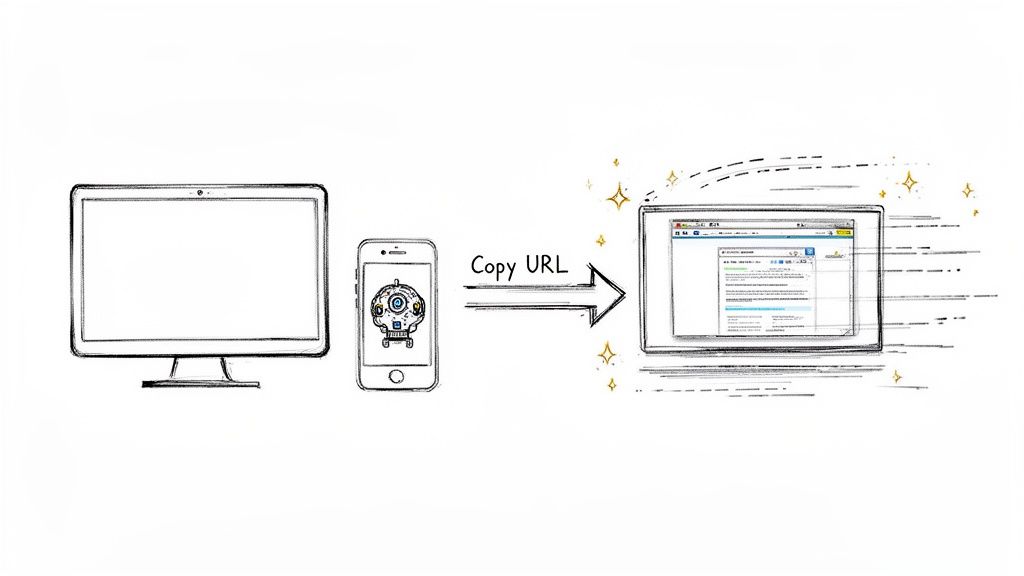
One of Alpha's most talked-about features is its ability to generate a complete website layout from an existing URL. You just find a site you admire, paste its link into Alpha, and the AI builds a unique, fully editable version of it for you in seconds.
This single feature sidesteps hours of manual work. You're not starting from a blank page or a generic template. You’re starting with a proven, professional structure that you can instantly begin to fill with your own content and brand.
“So glad I came across the recommendation on reddit. I have tried so many other "ai" enabled website building apps (Wix, Squarespace and a bunch of upstarts) and they all pretty much suck. Alpha has been super easy and responsive. The website format copying function is a game-changer.”
– Doug Roper, Founder & CTO @ Talent Spring
Editing Your Site with Simple Commands
The real magic of Alpha, though, is what happens when you need to make a change. With other builders, you’re clicking through menus, hunting for settings, and manually nudging elements into place. With Alpha, you just describe what you want in plain English, as if you were talking to a developer.
Want to change the color of your buttons? Just type, "Make all buttons blue." Need a new section for customer reviews? Describe it, and the AI builds it. This command-based editing removes all the technical friction, letting you make instant updates without knowing a single thing about web design.
This simple, powerful approach means your website can finally keep up with your business. You can launch a new sale, update your services, or refresh your look without blocking out an entire afternoon. For any founder whose time is their most valuable resource, this is a massive advantage.
Real-World Results from Real Users
The practical impact of this AI-first approach is clear when you hear from business owners who’ve made the switch. The two things that come up again and again are speed and ease of use.
For instance, getting images to look right is a common struggle with other AI builders. Madeleine O’Carroll, a business owner, found Alpha to be a breath of fresh air: “It's really user friendly and does a great job uploading imagery which I have found with other AI web builders really challenging. The updates are quick to change and apply.”
This focus on the fundamentals—getting your content and visuals onto the page correctly and quickly—is where Alpha pulls away from the competition. The platform isn't just designed to build a site; it's designed to build a useful site that actually helps your business grow. This is part of a larger trend, as seen in how AI SEO software is transforming online retail.
Here's a quick look at how the workflow compares:
Task | Traditional Builder (e.g., Wix) | AI Builder (Alpha) |
|---|---|---|
Initial Design | Pick a template, then drag, drop, and manually adjust every element. (1-4 hours) | Paste the URL of a site you like to get a starting layout. (Under 1 minute) |
Adding a Section | Find the "Add Section" button, browse layouts, insert, and then customize everything by hand. (10-20 minutes) | Type, "Add a three-column section with icons and text for my services." (Under 2 minutes) |
Color Changes | Open the site styles menu, find the color palette, and apply changes site-wide or one by one. (5-15 minutes) | Type, "Change the primary color to #003366 and update all CTA buttons." (Under 1 minute) |
The time savings add up fast, easily totaling dozens of hours. This efficiency is what truly makes AI platforms like Alpha one of the best affordable website builders you can find today. If you want to see how these tools stack up, our guide to the best AI website builders dives even deeper. At the end of the day, Alpha’s ability to deliver a professional, mobile-friendly, and conversion-focused website without the typical time commitment is what makes it a standout choice.
Matching a Website Builder to Your Business Needs
Picking from the most affordable website builders isn't a one-size-fits-all deal. It’s about finding the right tool for the job you need to get done. The perfect platform for a freelance artist, for instance, looks completely different from what a growing online store requires. We need to move beyond features and into real-world scenarios.
To help you decide, let's look at three common business personas. Each one has different goals, skill levels, and time to spare, which completely changes which builder is actually a good value. Before you dive in, it’s also smart to get a handle on the basics by understanding the different types of businesses in Canada, as your company's structure can influence what you need from a website.
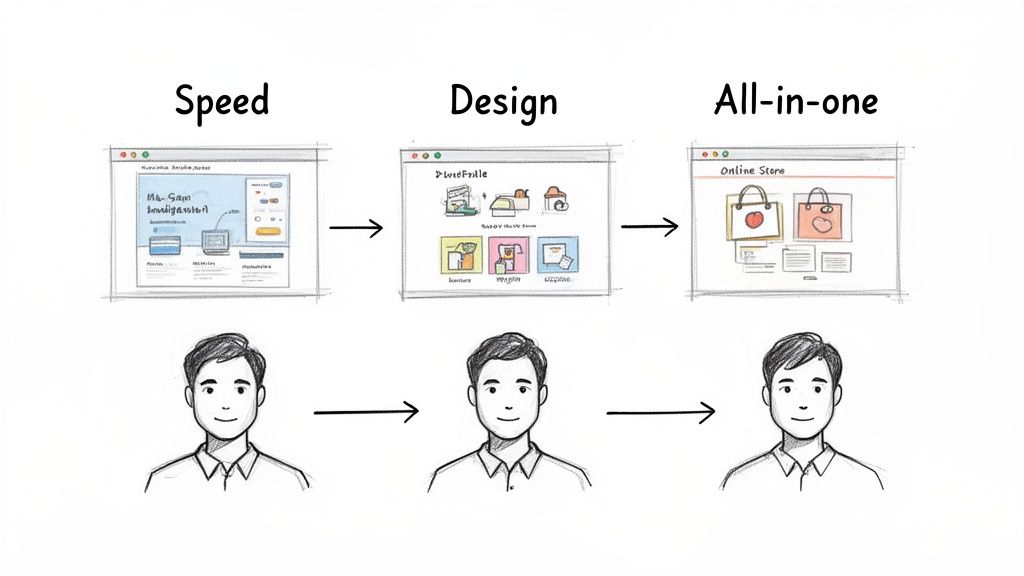
The Solopreneur Who Needs Speed and Simplicity
Think of the busy consultant, coach, or freelancer. Your main goal is to get a professional, lead-generating website up and running yesterday. You don't have time for a steep learning curve; every hour you spend tweaking design settings is an hour you aren't billing a client.
For this persona, a builder like GoDaddy might seem appealing because of its simplicity, but you often end up with a site that looks generic. A much smarter, more modern approach is Alpha. Its AI-powered process is literally built for speed. Instead of scrolling through templates and then spending hours adjusting one, you can generate a complete, professional site in minutes just by giving it a reference URL.
This is where its real value lies. You can launch a polished website in a single afternoon, not over a week. Edits are just as quick—using simple text commands like "add a testimonial section" or "change the button color to green" gets the job done instantly. It completely removes the technical headaches.
The Creative Professional with a Strong Vision
Now, picture a photographer, designer, or artist. For you, a website is more than a digital business card—it’s your portfolio. The visual presentation is everything, and you likely have a very specific look you're trying to achieve.
Traditionally, Squarespace has owned this space. Its templates are undeniably beautiful and make it easy to create an elegant gallery or portfolio. The catch? That highly curated design can feel rigid if your vision doesn't fit neatly into the template's predetermined boxes.
This is where Alpha comes in as a compelling alternative. Instead of being stuck with a template, you can find any website you love online, paste its link into Alpha, and use it as your starting point. This gives you the design sophistication of a custom site but with the simplicity of an AI tool, offering creative freedom that Squarespace’s more structured editor just can't match.
For creatives, the best tool is one that gets out of the way so your work can take center stage. Alpha's ability to replicate and then customize any design means you spend less time fighting with a template and more time perfecting your visual story.
The Small Business Needing an All-in-One Platform
This is your local shop, service-based business, or a growing e-commerce brand. You need more than a simple brochure site; you need a central hub for your entire operation. That means appointment booking, online sales, and marketing tools all have to work together.
Wix is often the go-to for this group because of its huge App Market. You can find an add-on for almost anything you can think of, from advanced e-commerce to restaurant reservation systems. The trade-off is complexity. Managing a feature-packed Wix site can become a serious time sink, and the sheer number of options can be overwhelming.
Alpha positions itself here as a streamlined, conversion-focused alternative. It doesn’t try to replicate every app in the Wix universe. Instead, it concentrates on the core tools a business needs to actually grow: blazing-fast pages, built-in SEO, and layouts designed from the ground up to capture leads. For a business that values efficiency and results over endless bells and whistles, Alpha offers a powerful, less complicated path to growth. You get all the essential features without the bloat.
Common Questions About Affordable Website Builders
When you're looking for a website builder that won't break the bank, a few questions always seem to pop up. It makes sense—you want to be sure you’re getting real value, not just a cheap tool. Let's dig into some of the most common things people ask when they're trying to find that perfect balance between price and performance.
Can You Switch Website Builders Later On?
One of the biggest worries I hear is about flexibility. What happens if your business outgrows your first choice? Can you just pack up and move to another platform?
The short answer is yes, but it’s almost never easy. Switching from one builder to another isn't like moving a file. You can't just copy and paste your site. You have to rebuild it from the ground up on the new platform, which is a manual, time-consuming headache. This is exactly why it’s so critical to pick a builder that can grow with you right from the start.
How Important Are SEO Features, Really?
Another big one is about search engine optimization. Do the built-in SEO tools in an affordable builder actually matter? Absolutely. A website that no one can find on Google isn't much of a website at all.
Your builder needs to give you control over the basics. At a minimum, look for these features:
Customizable meta titles and descriptions: This is the text people see in search results. It’s your first chance to earn a click.
Mobile optimization: More than half of all web traffic comes from phones. If your site isn't mobile-friendly, you're invisible to a huge audience.
Fast loading speeds: Google penalizes slow sites, and visitors will leave if your page takes too long to load.
Sitemap and redirect tools: These are the technical bits that help search engines crawl and understand your site’s structure.
An affordable builder without strong SEO tools is a false economy. You might save a few dollars upfront, but you'll lose out on the organic traffic that every small business depends on.
How AI Website Builders Actually Work
The buzz around AI has a lot of people curious. How does a tool like Alpha really work, and is it any different from a standard drag-and-drop editor? The main difference is how it handles the two most tedious parts of building a site: initial design and ongoing edits.
Instead of making you scroll through templates, Alpha lets you skip that whole process. You can just give it the URL of a website you like, and its AI will analyze the layout and generate a similar, fully customizable design in seconds. This alone cuts out hours of fiddling with design elements.
Editing is where things get even simpler. Forget hunting through menus to change a font or adjust spacing. You just type what you want, like "make the button blue" or "add a section about our services." This command-based editing removes the technical frustration, letting you focus on what you're trying to say, not how to use the tool.
Ready to see how fast you can get a professional site up and running? Alpha helps you build a conversion-focused website in a fraction of the time. Stop fighting with complicated editors and start building the smart way. Get started with Alpha today!
EXAMPLES
Build beautiful websites like these in minutes
Use Alpha to create, publish, and manage a fully functional website with ease.