How to Create Website Mockups People Actually Love
Learn how to create website mockups that bridge the gap between idea and reality. Our guide covers tools, principles, and developer handoff.

Build beautiful websites like these in minutes
Use Alpha to create, publish, and manage a fully functional website with ease.





Building a website is no longer about mastering code; it's about choosing the right digital foundation. With a crowded market of powerful tools, finding the perfect fit for your project can feel overwhelming. Do you need an AI-powered platform for rapid deployment, a pixel-perfect design canvas for your creative portfolio, or a robust e-commerce engine to power your online store? This guide cuts through the marketing noise to deliver clear, actionable analysis.
We've rigorously tested and reviewed the 12 best platforms to build a website, breaking down their true strengths, hidden weaknesses, ideal use cases, and complex pricing structures. Our goal is to move beyond generic feature lists and provide you with insights grounded in real-world application. This comprehensive resource will help you select the platform that aligns perfectly with your specific budget, technical skill level, and long-term business goals. For those exploring even more technical options, it's also worth understanding Static Site Generators, which offer unique advantages in speed and security for certain projects.
Whether you're an entrepreneur launching a startup, a small business owner establishing an online presence, or a solopreneur building a personal brand, this list is your roadmap. Each entry includes detailed analysis, screenshots of the user interface, and direct links to get you started. We’ll help you find the right tool to launch a professional blog, a high-converting landing page, or a full-scale online retail operation efficiently and effectively. Let's find your platform.
1. Alpha
Alpha distinguishes itself as one of the best platforms to build a website by fundamentally changing the creation process from a manual task to an AI-driven conversation. It's engineered for speed and simplicity, making it an exceptional choice for entrepreneurs, service-based businesses, and startups who need a professional online presence without the traditional time investment. Its standout capability allows users to generate a complete, personalized website draft simply by providing a reference URL or describing their vision in plain language.
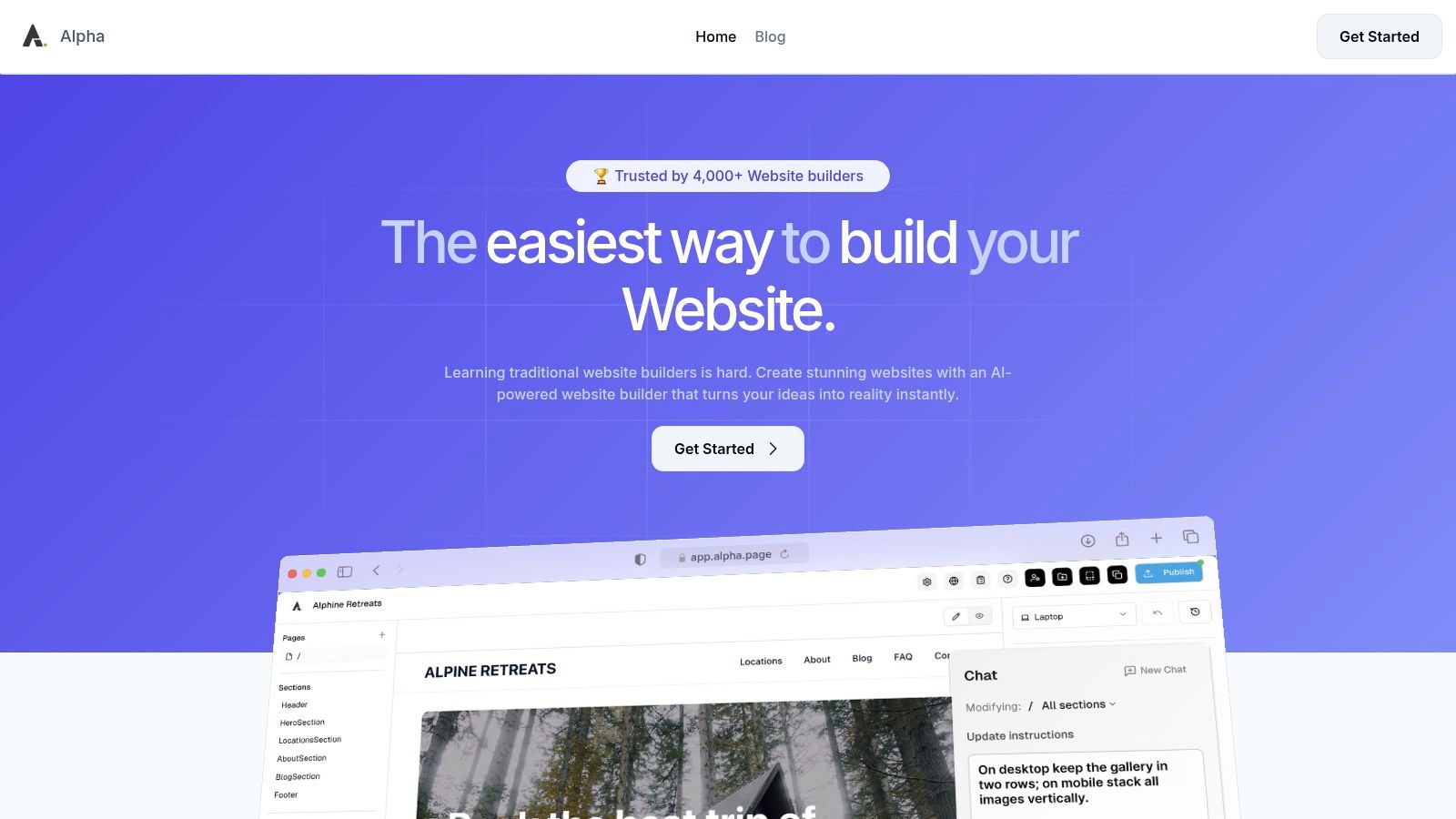
This AI-first approach extends beyond initial creation. Users can iterate on design, tweak layouts, and rewrite copy by issuing simple text commands, effectively eliminating the steep learning curve associated with conventional builders. Alpha is more than just a design tool; it’s a complete solution for launching a business online, bundling conversion-focused templates, integrated forms, and real-time analytics to help capture and understand customer engagement from day one.
Key Strengths & Use Cases
Alpha excels in scenarios where speed and ease-of-use are paramount. Its workflow is ideal for creating high-converting landing pages for marketing campaigns, building polished websites for service professionals (like consultants or freelancers), or launching a startup's first online hub. The platform’s ability to clone and adapt a site's structure from an existing URL is a powerful tool for market research and rapid prototyping, allowing founders to test concepts quickly.
Platform Breakdown
Feature | Alpha |
|---|---|
Primary Use Case | Landing pages, service websites, startup homepages, and small business sites. |
Ease of Use | Excellent. AI-driven, conversational interface requires virtually no technical skill. |
Key Differentiator | AI-powered site generation from a URL or text prompt; natural language editing commands. |
Pricing | Free Starter plan (one page), Mini plan at $9/month, and Basic plan at $25/month. Annual plans offer a 20% discount. |
Customization & Control | High degree of customization through AI commands, though not as granular as code-based platforms. CMS functionality is currently in beta. |
Final Verdict: Alpha is a forward-thinking platform that delivers on its promise of an incredibly fast, intuitive website-building experience. While its current limitations on page counts in lower tiers and a still-developing CMS make it less suitable for large-scale e-commerce or complex enterprise sites, it is an unparalleled choice for solo entrepreneurs and small teams who prioritize efficiency and professional results without the technical overhead.
Website: https://www.alpha.page
2. Wix
Wix stands out as one of the most versatile and user-friendly platforms to build a website, offering true creative freedom through its advanced drag-and-drop editor. This platform empowers users to place any element anywhere on a page, a level of control not always found in grid-based builders. It serves a wide audience, from artists building portfolios to small businesses launching their first online store.
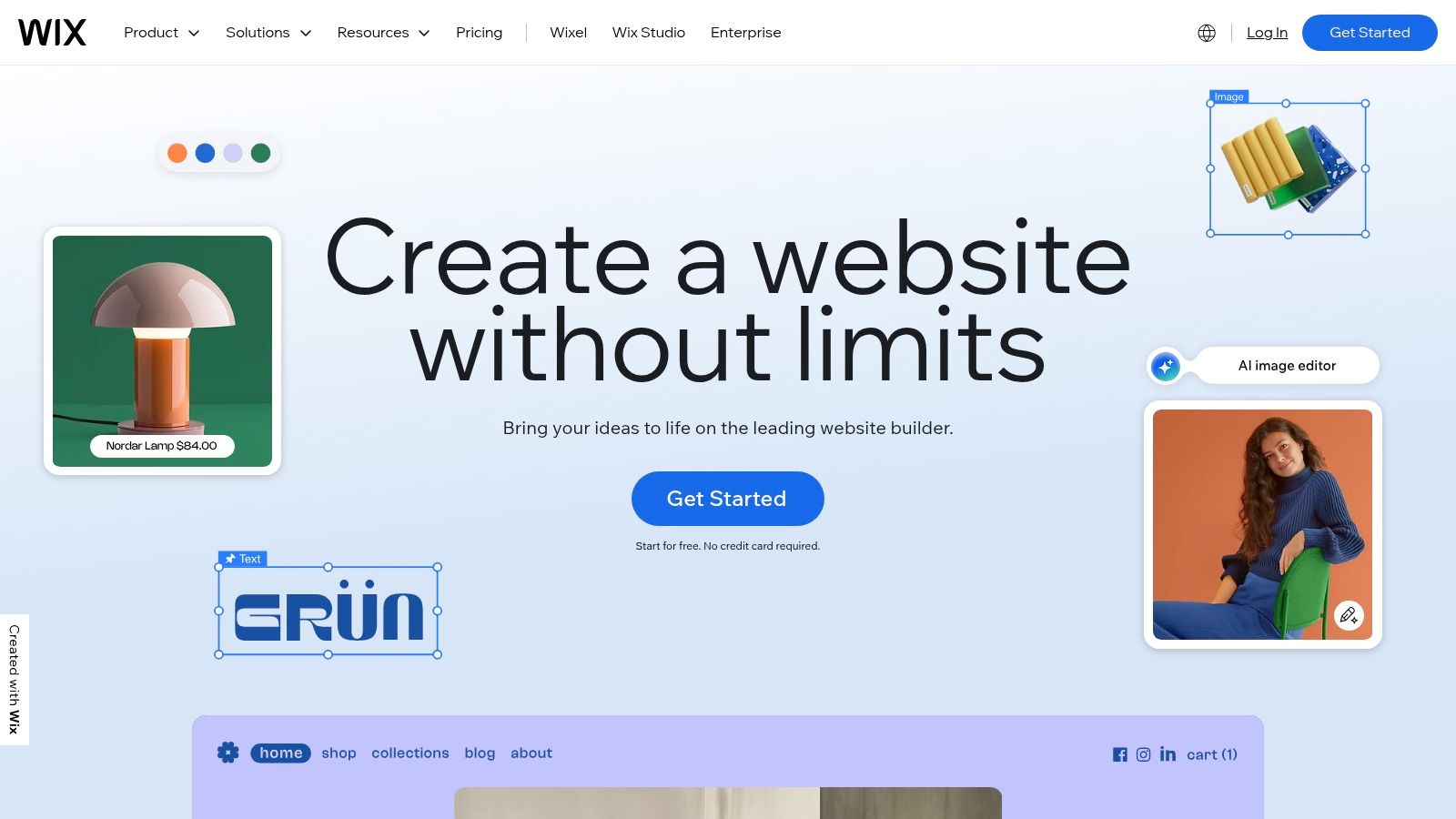
Wix's ecosystem is vast, featuring over 900 designer-made templates and an extensive App Market to add functionality like event bookings, advanced forms, and marketing integrations. For those wanting a faster start, the Wix ADI (Artificial Design Intelligence) can generate a complete website based on a few simple questions. This combination of guided creation and granular control makes it a top choice. For a detailed breakdown of how it stacks up against other entry-level options, explore these best website builders for beginners.
Key Features & Considerations
Wix includes a comprehensive suite of native tools for SEO, marketing, and customer management, reducing the need for third-party subscriptions.
Best For: Beginners, creatives, small businesses, and entrepreneurs needing high design flexibility without code.
Pricing: Offers a free (ad-supported) plan. Paid plans range from $17/month for personal sites to $159/month for enterprise-level ecommerce solutions.
Pros:
Unmatched design freedom with a true drag-and-drop interface.
Massive library of professional templates and a robust app market.
All-in-one platform with hosting, security, and powerful business tools included.
Cons:
You cannot switch to a new template once your site is published.
The sheer number of features can feel overwhelming for absolute beginners.
Site performance can sometimes be impacted by heavy use of apps and media.
3. Squarespace
Squarespace has carved out a niche as the go-to platform for visually driven brands and creatives who prioritize aesthetics and simplicity. It is one of the best platforms to build a website if your goal is an elegant, portfolio-quality design without a steep learning curve. The platform operates on a section-based editor, which offers a more structured and curated building experience compared to free-form drag-and-drop alternatives.
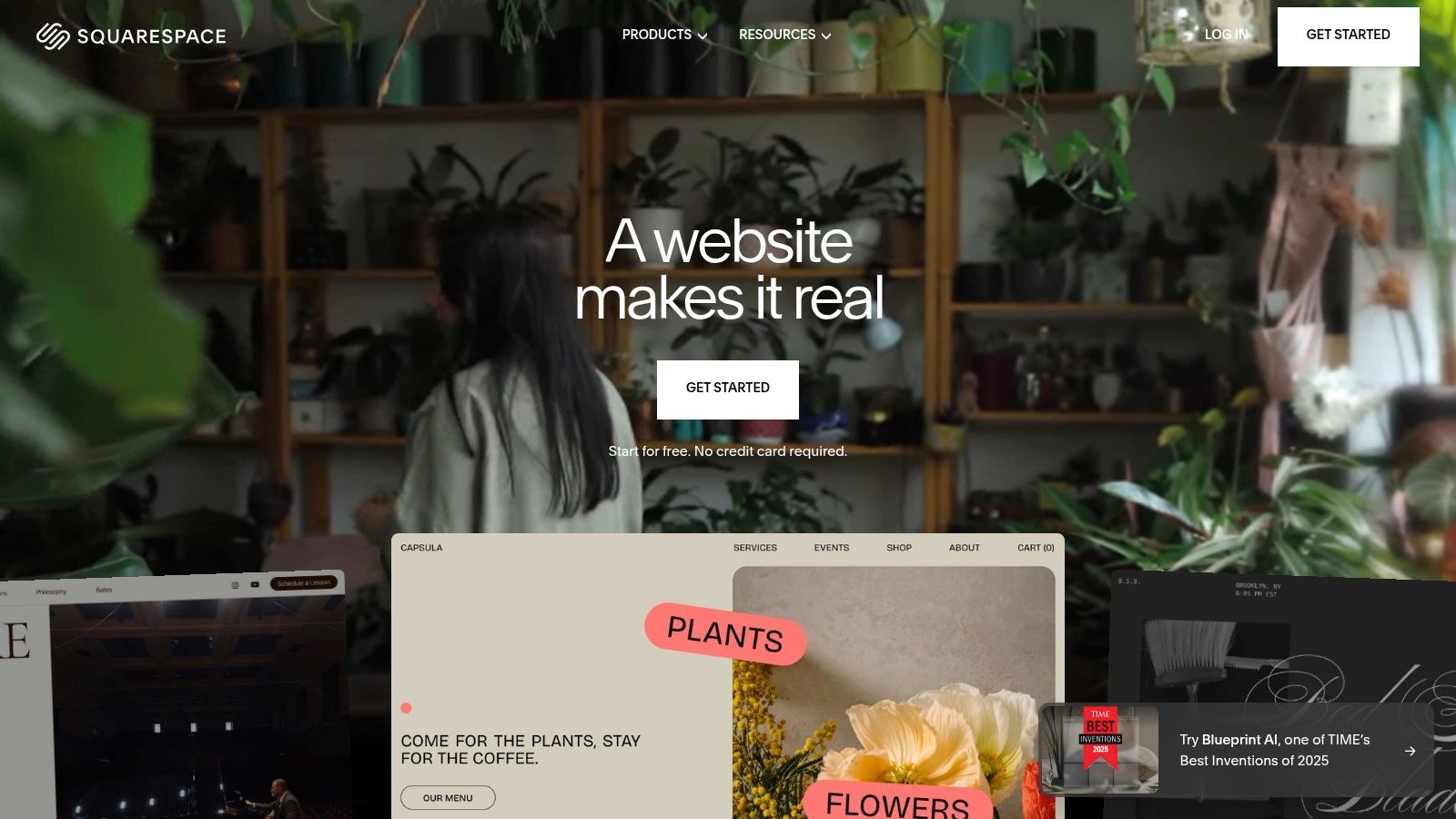
The platform’s strength lies in its award-winning, designer templates that are optimized for stunning imagery and video. Squarespace is an all-in-one solution, bundling hosting, domains, and a powerful suite of integrated tools for commerce, appointment scheduling, and member areas directly into its ecosystem. This integrated approach simplifies site management, making it ideal for solopreneurs and small businesses who value efficiency and a polished final product. The recent introduction of its AI website builder further streamlines the creation process.
Key Features & Considerations
Squarespace excels at providing a cohesive and managed experience, with excellent native tools for analytics and SEO that help users grow their online presence effectively.
Best For: Photographers, artists, designers, bloggers, restaurants, and service-based businesses that need a visually stunning online presence.
Pricing: Plans start at $16/month for a personal website and go up to $49/month for the Advanced Commerce plan.
Pros:
Industry-leading template designs that are modern and fully responsive.
Strong, integrated tools for ecommerce, memberships, and appointment scheduling.
Simple, all-in-one management for hosting, domains, and billing.
Cons:
The section-based editor offers less granular design control than competitors like Wix or Webflow.
The app and extension marketplace is more limited compared to WordPress or Wix.
No free plan is available, only a 14-day free trial.
4. WordPress.com
WordPress.com offers a streamlined, managed hosting solution for the world's most popular content management system. It removes the technical hurdles of self-hosting, allowing users to build a website on the powerful WordPress foundation without managing servers. This makes it an ideal entry point for bloggers, publishers, and businesses who want scalability and content-first features.
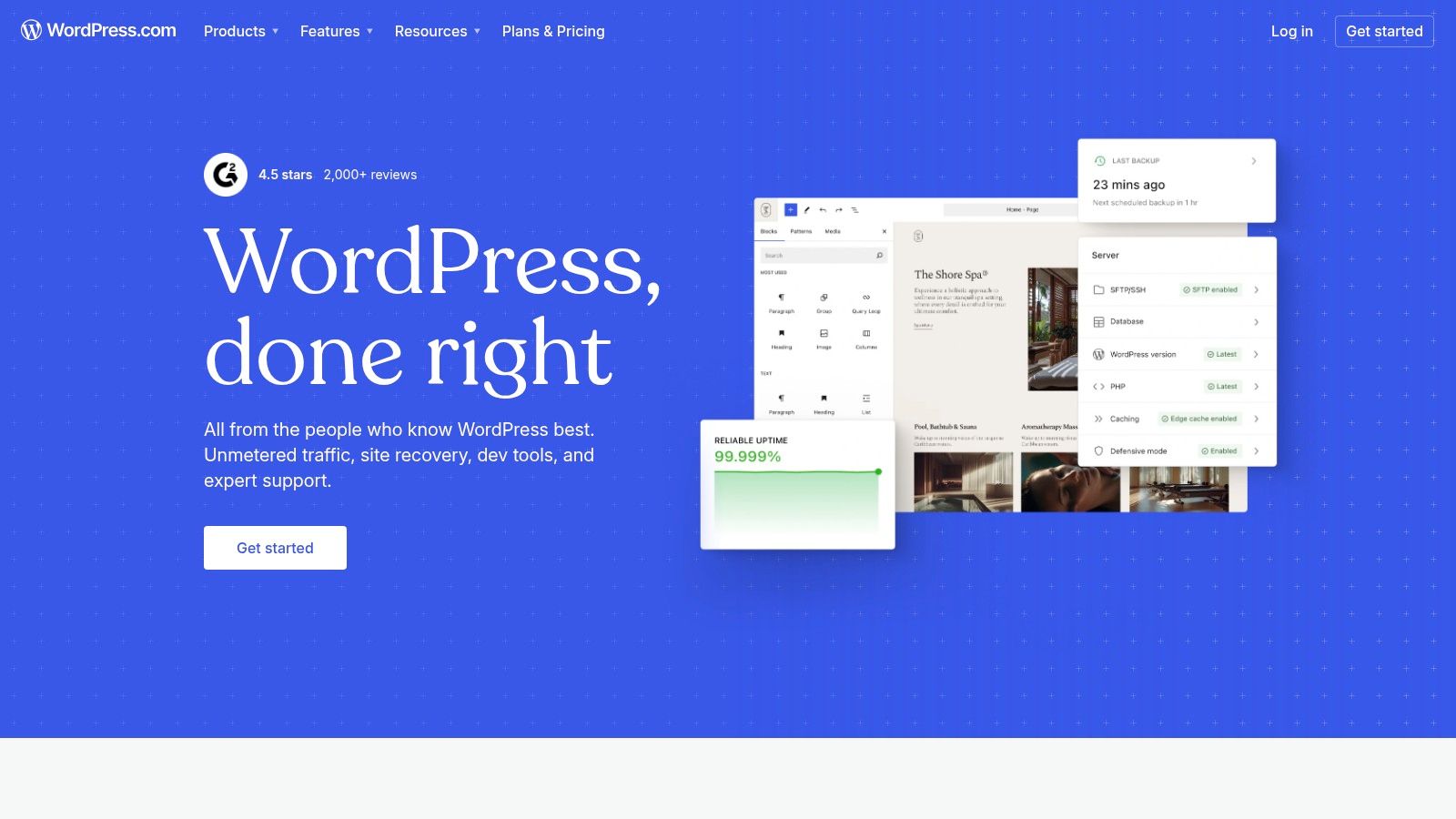
Unlike all-in-one, drag-and-drop builders, WordPress.com provides a structured, block-based editor (Gutenberg) that excels at creating organized, long-form content. While simpler plans are more locked down, higher-tier subscriptions unlock the platform's true potential by allowing custom plugin and theme uploads. This creates a clear growth path, from a simple blog to a full-featured ecommerce store or membership site, making it one of the best platforms to build a website for content-driven projects.
Key Features & Considerations
The platform includes built-in statistics, a global CDN for performance, and robust SEO tools on its premium plans, providing a solid infrastructure for growth.
Best For: Bloggers, writers, publishers, and businesses prioritizing content management and long-term scalability.
Pricing: Offers a free (ad-supported) plan. Paid plans range from $4/month (billed annually) for personal use to $45/month (billed annually) for ecommerce.
Pros:
Excellent for content publishing with a strong SEO foundation.
High ceiling for customization and functionality with plugins on higher plans.
Managed security, backups, and performance without technical overhead.
Cons:
Key features like plugins and advanced tools are restricted to more expensive plans.
Steeper learning curve compared to simple drag-and-drop builders.
Less design freedom on lower-tier plans than competitors like Wix or Squarespace.
5. Webflow
Webflow bridges the gap between no-code website builders and traditional development, offering a visual canvas that writes clean, semantic code. It is the platform of choice for designers, agencies, and businesses that require pixel-perfect, custom websites without being tethered to templates. Its power lies in combining an advanced visual designer with a powerful content management system (CMS) and production-grade hosting.
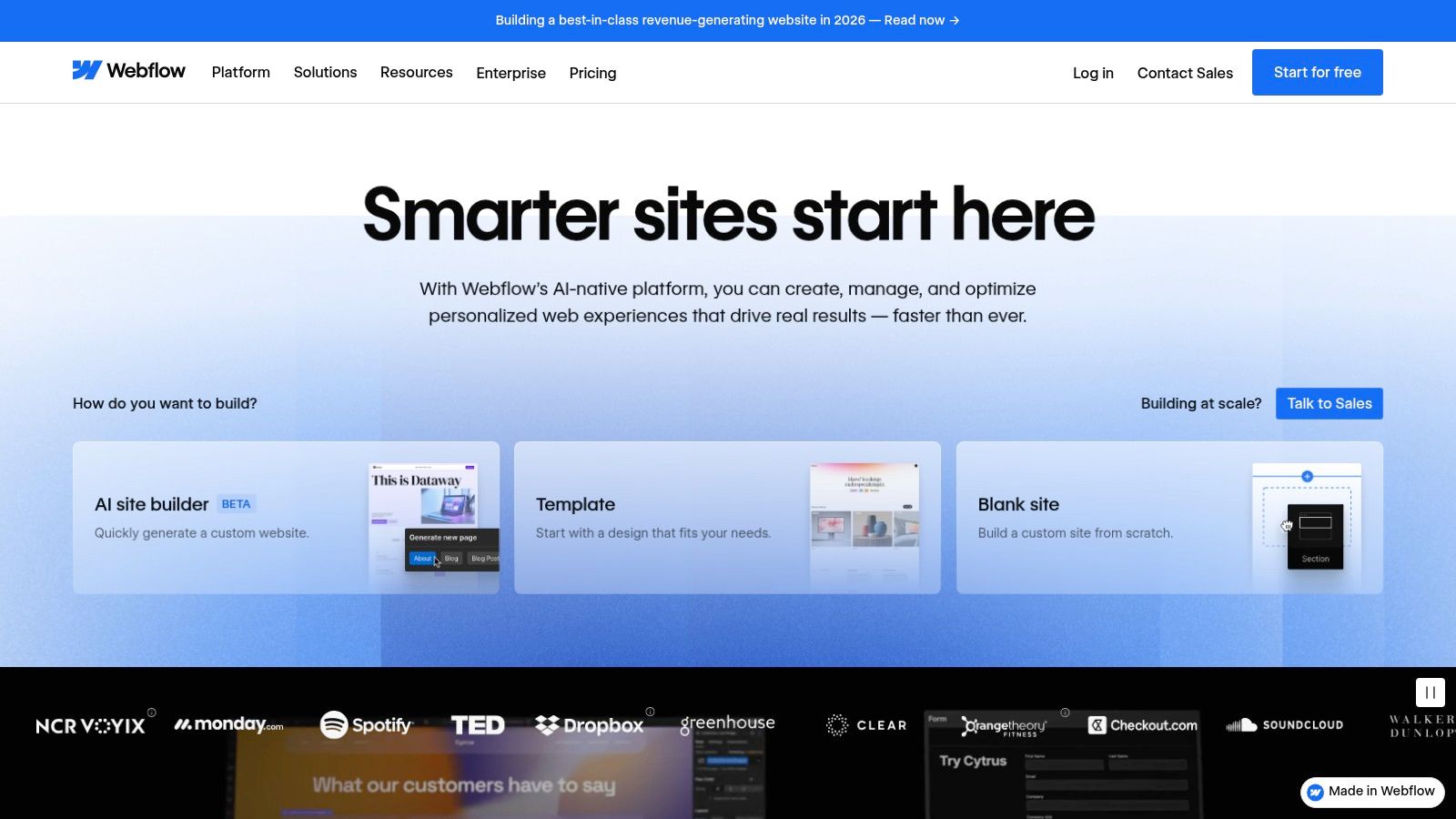
Unlike simpler drag-and-drop tools, Webflow gives you direct control over HTML elements, CSS properties, and complex interactions, making it one of the best platforms to build a website with sophisticated animations and dynamic content. The Webflow CMS allows teams to manage content-driven sites, like blogs and resource centers, with structured "Collections" that can be designed once and populated infinitely. This professional-grade workflow is ideal for creating scalable, high-performance web experiences.
Key Features & Considerations
Webflow's integrated system includes a visual designer, CMS, ecommerce capabilities, and hosting, providing an end-to-end solution for professional web projects.
Best For: Web designers, agencies, and businesses needing complete design control and a powerful CMS without writing code.
Pricing: Offers a free starter plan to learn the platform. Paid plans start at $14/month (billed annually) for basic sites and scale up for CMS, Business, and Ecommerce needs.
Pros:
Unparalleled design control with clean, exportable code output.
Powerful and flexible CMS for creating dynamic, content-rich websites.
Built-in tools for creating sophisticated animations and interactions.
Cons:
Has a significant learning curve compared to template-based builders.
Exported code cannot be re-imported, locking you into the platform for updates.
Pricing can become complex as you add features like site plans, workspaces, and ecommerce.
6. Shopify
Shopify has established itself as the gold standard for anyone serious about launching and scaling an online store. It is a dedicated, all-in-one commerce platform that simplifies the complexities of selling online, from storefront creation to payment processing and fulfillment. Unlike general-purpose website builders, every Shopify feature is designed with the merchant in mind, making it one of the best platforms to build a website focused entirely on ecommerce.

The platform offers a powerful backend to manage products, inventory, and orders, along with an extensive App Store that provides thousands of integrations for marketing, customer service, and logistics. This robust ecosystem allows businesses to grow without ever outgrowing the platform. Once you've built your store, remember the importance of optimizing your Shopify website for search engines to attract customers. For more ecommerce options, see our guide on the best website builders for online stores.
Key Features & Considerations
Shopify’s native tools, including Shopify Payments and discounted shipping rates, provide a seamless operational foundation that lets merchants focus on their products and customers.
Best For: Merchants of all sizes, from dropshippers to enterprise-level brands needing a powerful, scalable, and dedicated ecommerce solution.
Pricing: Plans start with a free trial, then range from $29/month (Basic) to $299/month (Advanced), with enterprise solutions available.
Pros:
Best-in-class ecommerce operations, inventory management, and scalability.
Mature ecosystem of apps, professional themes, and certified experts.
Integrated payment processing and strong fulfillment with discounted shipping rates.
Cons:
Using third-party payment gateways incurs additional transaction fees on most plans.
The theme editor offers less granular design flexibility compared to builders like Webflow.
Core functionality for international sales often requires higher-tier plans or apps.
7. GoDaddy Website Builder
GoDaddy Website Builder is known for its speed and simplicity, making it one of the best platforms to build a website for those who need to get online quickly. It's an all-in-one solution that bundles a domain name, hosting, and an SSL certificate into its plans, removing the technical hurdles for beginners. The platform focuses on goal-oriented site creation, guiding users through a straightforward setup process to launch a professional-looking site in under an hour.
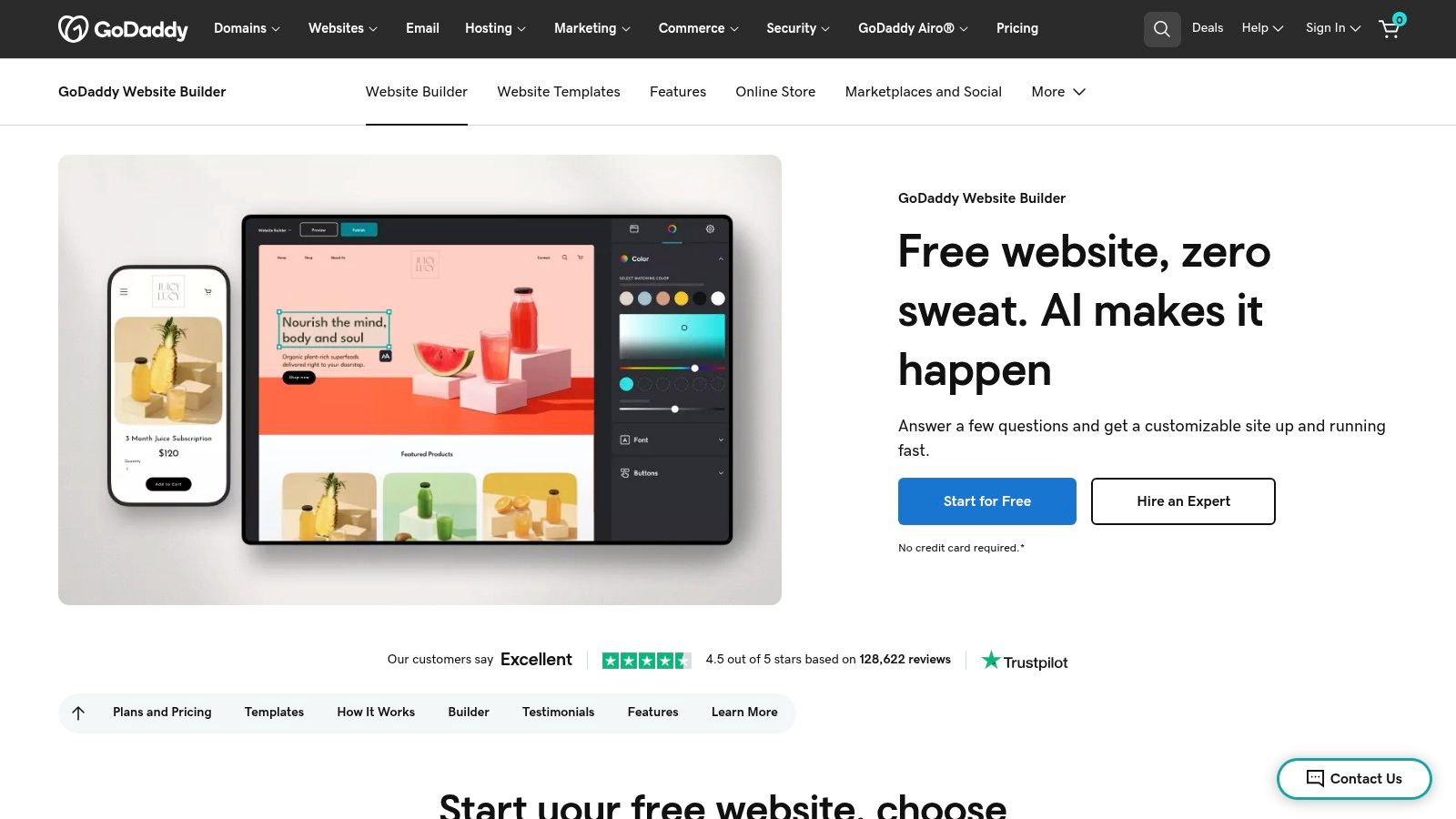
Its core strength lies in its integrated marketing suite. Users can manage their website, email marketing campaigns, social media posts, and even online appointments from a single, unified dashboard. For businesses selling products, the Online Store add-on provides essential ecommerce functionality, including syncing inventory with marketplaces like Amazon and eBay. This centralized approach simplifies the digital presence for busy entrepreneurs.
Key Features & Considerations
GoDaddy's builder uses a section-based editor, which is less flexible than a pure drag-and-drop system but ensures a mobile-responsive design without extra effort.
Best For: Solopreneurs, service-based businesses, and users who prioritize speed and an integrated marketing toolkit over deep design customization.
Pricing: Offers a limited free plan. Paid plans start at $10.99/month for a basic site and go up to $20.99/month for ecommerce features.
Pros:
Extremely fast and simple setup process, with domain, hosting, and SSL bundled.
Central dashboard to manage the website, email marketing, and social media.
Competitive entry-level pricing for an all-in-one package.
Cons:
Limited design flexibility and customization compared to rivals.
Advanced ecommerce features and lower processing fees may require plan upgrades.
SEO tools are functional but less comprehensive than specialized platforms.
8. Square Online
Square Online excels as a platform to build a website specifically for businesses that manage both online and in-person sales. Its true strength lies in its native integration with the broader Square ecosystem, including POS systems, payment processing, and marketing tools. This makes it an unparalleled choice for restaurants, local retail shops, and service-based businesses that need to synchronize inventory, orders, and customer data across all channels seamlessly.
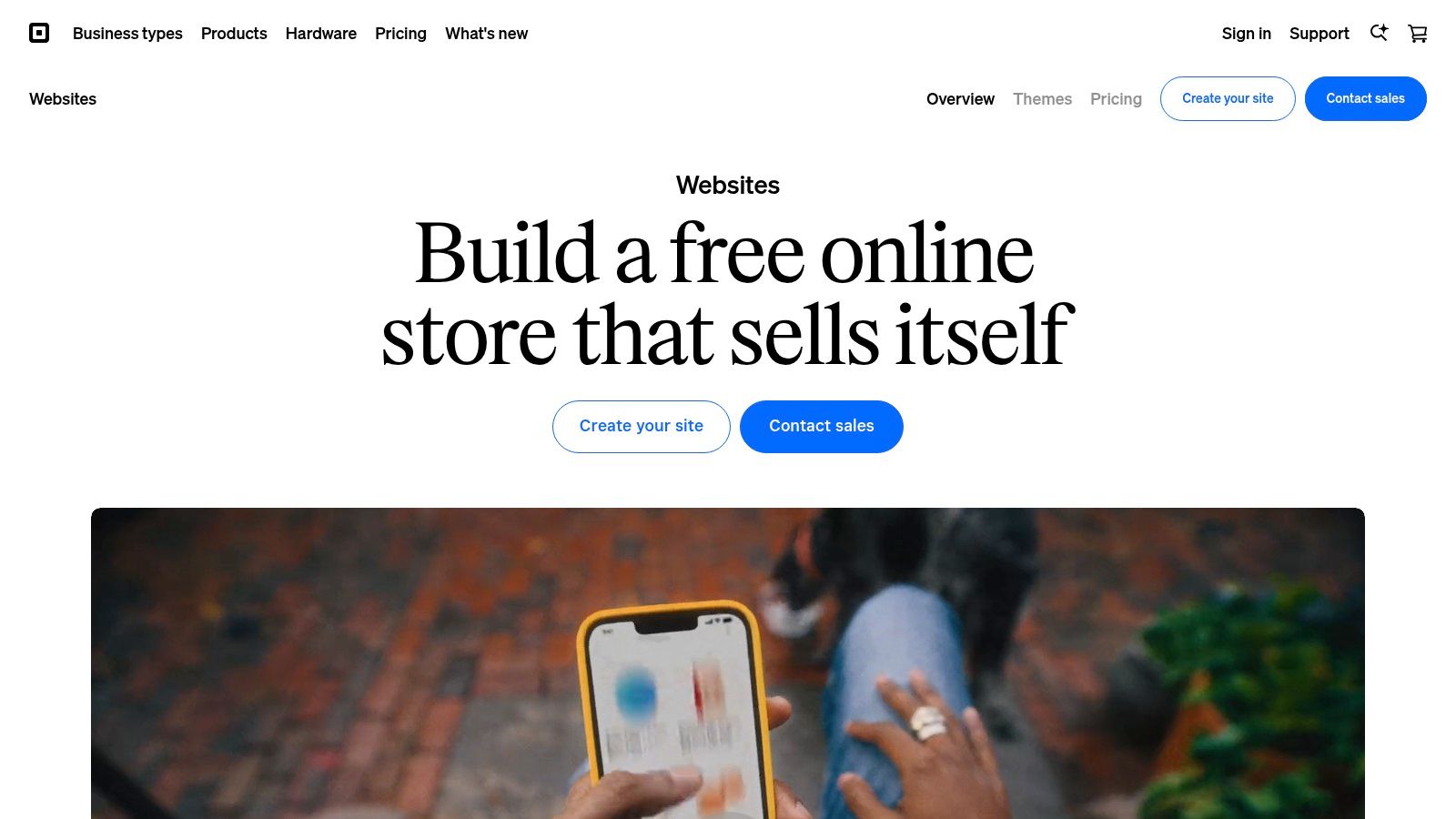
The platform is purpose-built to support modern commerce needs like online ordering for in-store pickup, local delivery, and appointment scheduling. While its design customization is more structured than a builder like Wix, it prioritizes a fast and efficient setup for commerce. Square simplifies the entire process, from creating a site to accepting payments, making it one of the best platforms to build a website for merchants already invested in Square's hardware and services.
Key Features & Considerations
Square Online's unified approach means that business owners can manage their entire operation, from online sales to brick-and-mortar transactions, from a single dashboard.
Best For: Restaurants, retailers, and service providers using or planning to use Square POS for a unified commerce solution.
Pricing: Offers a free plan with basic ecommerce features. Paid plans range from $29/month to $79/month (billed annually) for more advanced capabilities.
Pros:
Seamless synchronization between online and in-person sales, inventory, and customers.
Transparent, flat-rate payment processing built-in.
Excellent features for local businesses, including pickup, delivery, and appointment booking.
Cons:
Design and customization options are less flexible than dedicated website builders.
Feature depth is heavily tied to the Square ecosystem; less ideal as a standalone site builder.
Per-location fees can become costly for businesses with multiple storefronts.
9. Hostinger Website Builder
Hostinger Website Builder enters the market as a powerful, budget-friendly solution that bundles an intuitive builder with its renowned hosting services. It’s an ideal choice for users seeking an all-in-one package that includes a free domain and robust performance without a steep learning curve. The platform is especially effective for quickly launching professional-looking personal sites, portfolios, and small business websites.
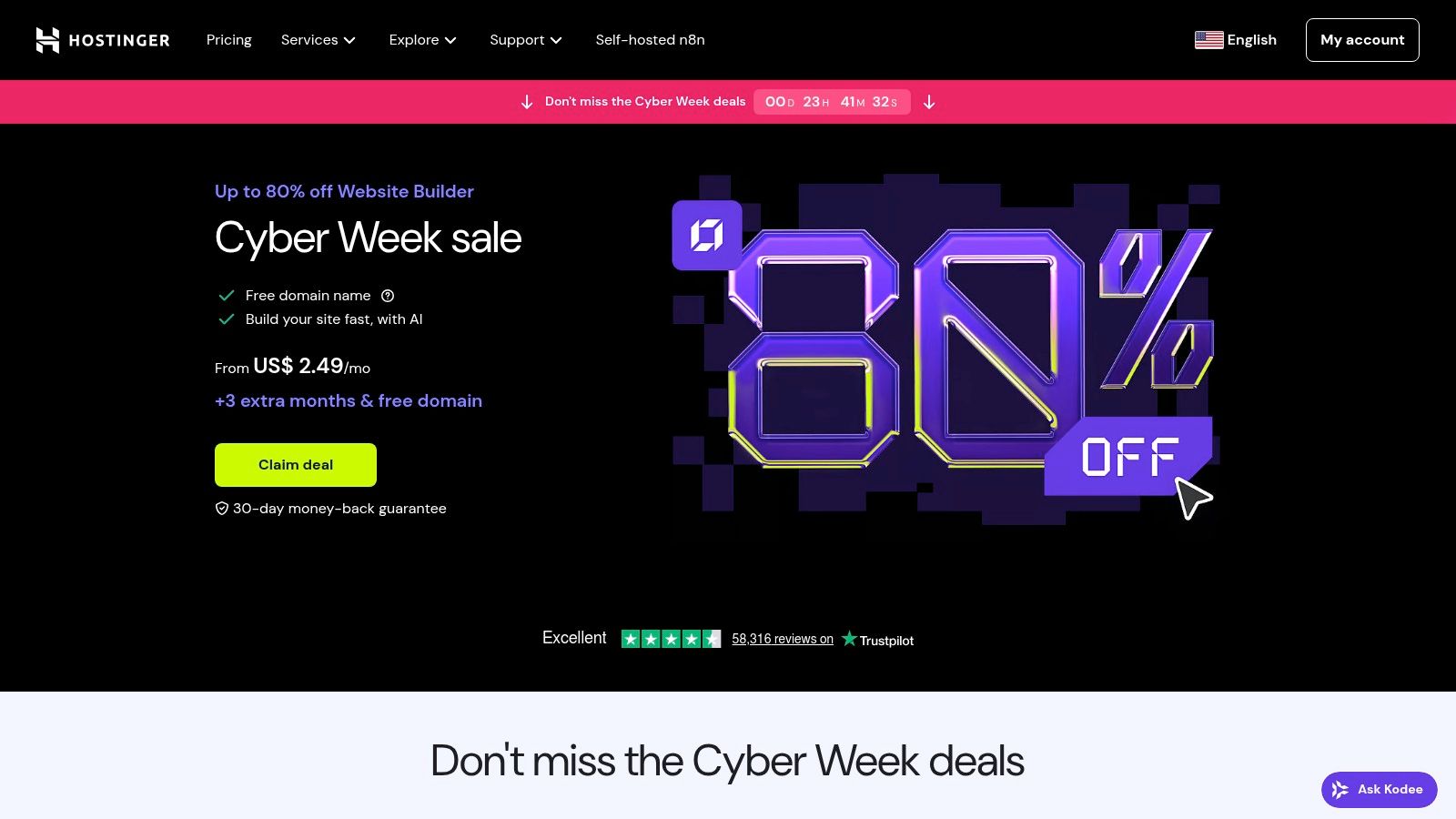
What sets Hostinger apart is its aggressive integration of AI tools, which are designed to streamline the entire creation process. From generating a full website with its AI Site tool to creating content with its text and image assistants, Hostinger removes many common barriers for beginners. This focus on value and efficiency makes it one of the best platforms to build a website for those prioritizing speed and affordability.
Key Features & Considerations
Hostinger’s builder includes built-in SEO tools, email marketing, and ecommerce functionality on its Business plan, offering a surprisingly complete feature set for its price point.
Best For: Beginners, bloggers, and small businesses looking for an affordable, all-inclusive package with hosting and a free domain.
Pricing: Plans are bundled with web hosting, often starting as low as $2.99/month with long-term commitments.
Pros:
Extremely competitive introductory pricing, providing exceptional value.
Comprehensive AI toolkit simplifies site creation, logo design, and content writing.
All-in-one bundle includes hosting, a free domain for one year, and email.
Cons:
Renewal rates are significantly higher than the initial promotional prices.
The app and integration ecosystem is less extensive than dedicated builders like Wix or Shopify.
The editor, while easy, offers less design granularity than platforms like Webflow.
Visit Hostinger Website Builder
10. Framer
Framer has rapidly emerged as a leading design-first platform to build a website, celebrated for its powerful animation capabilities and blazingly fast performance. It blurs the line between a design tool and a web builder, allowing designers and teams to create and publish highly interactive, production-ready sites directly from a visual canvas. This makes it a favorite among startups and marketing teams aiming for a polished, modern web presence without extensive developer handoff.
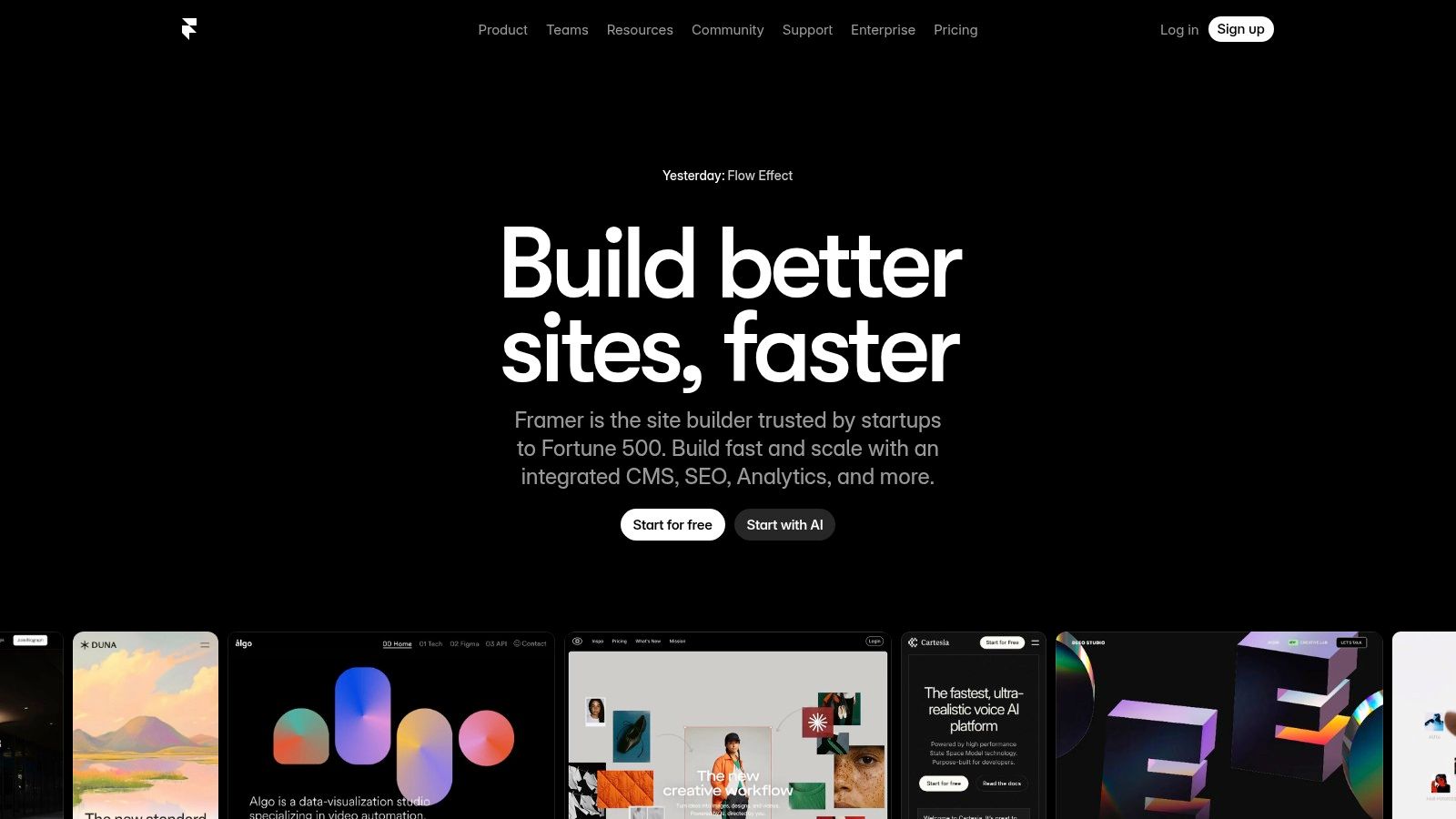
The platform's strength lies in its seamless workflow, built-in CMS for dynamic content, and robust collaboration features. With integrated AI tools, users can generate copy, translate content, and even create entire page layouts from a simple prompt. Framer offers advanced features like staging environments, role-based permissions, and rollback capabilities, providing a professional-grade environment for managing ambitious web projects. This makes it one of the best platforms to build a website for teams that prioritize design fidelity and site speed.
Key Features & Considerations
Framer’s architecture is optimized for performance, with features like a global CDN and automatic image optimization ensuring quick load times.
Best For: Design-led startups, marketing teams, agencies, and individuals wanting to create high-performance, visually stunning websites with complex animations.
Pricing: Offers a free plan for hobby projects. Paid plans start at $10/month per site for the Mini plan, up to $40/month for the Pro plan with more traffic and CMS items.
Pros:
Excellent performance delivering modern, crisp, and fast-loading websites.
Smooth collaboration and staging workflows ideal for team environments.
Powerful visual design canvas with unmatched animation and interaction tools.
Cons:
The plugin and integration ecosystem is smaller compared to WordPress.
Higher-tier plans can have usage-based limits, and some add-ons cost extra.
Steeper learning curve for those not familiar with design tools like Figma.
11. Carrd
Carrd excels at doing one thing exceptionally well: building simple, elegant, and responsive one-page websites. It is the go-to platform for creating personal profiles, link-in-bio pages, landing pages for projects, or online business cards. Its streamlined interface and focused feature set remove the complexity often associated with website building, allowing users to go from idea to live site in minutes.
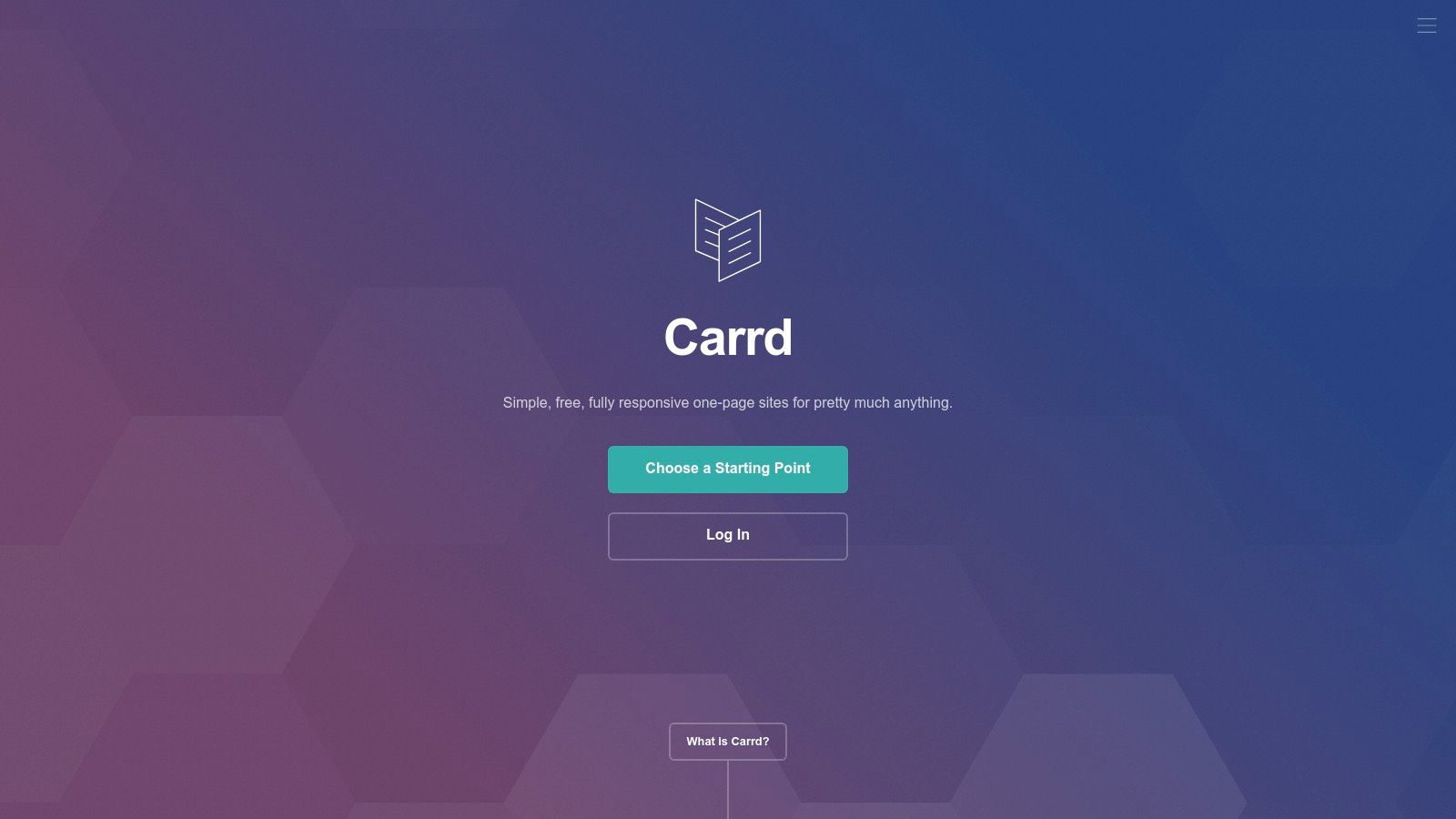
The platform is designed for speed and efficiency, offering dozens of starting templates that can be customized with just a few clicks. Despite its simplicity, Carrd supports advanced features like custom domains with SSL, contact forms, widgets, and embeds from services like Stripe and Gumroad for payments. Its minimalism makes it a favorite among creators who value speed, which is why it often appears in roundups of the best no-code website builders.
Key Features & Considerations
Carrd’s focus on single-page sites results in highly optimized and fast-loading pages, which is a significant advantage for landing pages and personal portfolios.
Best For: Individuals, freelancers, and businesses needing a simple, fast, and affordable single-page website, portfolio, or landing page.
Pricing: Offers a generous free plan for up to three sites. Pro plans are exceptionally affordable, starting from just $19/year for access to premium features and multiple sites.
Pros:
Extremely easy to use with a minimal learning curve.
Incredibly low-cost for pro features and multiple sites.
Produces clean, modern, and fully responsive websites.
Cons:
Strictly limited to single-page websites; not suitable for blogs or complex sites.
Ecommerce functionality is basic and relies entirely on third-party embeds.
Limited customization compared to more comprehensive platforms.
12. Ghost (Ghost(Pro))
Ghost is a powerful open-source platform purpose-built for professional publishers, writers, and creators who want to build a business around their content. As one of the best platforms to build a website focused on publishing, it offers a modern, clean, and fast alternative to traditional CMS solutions like WordPress. Its primary strength lies in its native membership and subscription tools, allowing creators to monetize their audience directly through paid newsletters and premium content without complex third-party plugins.
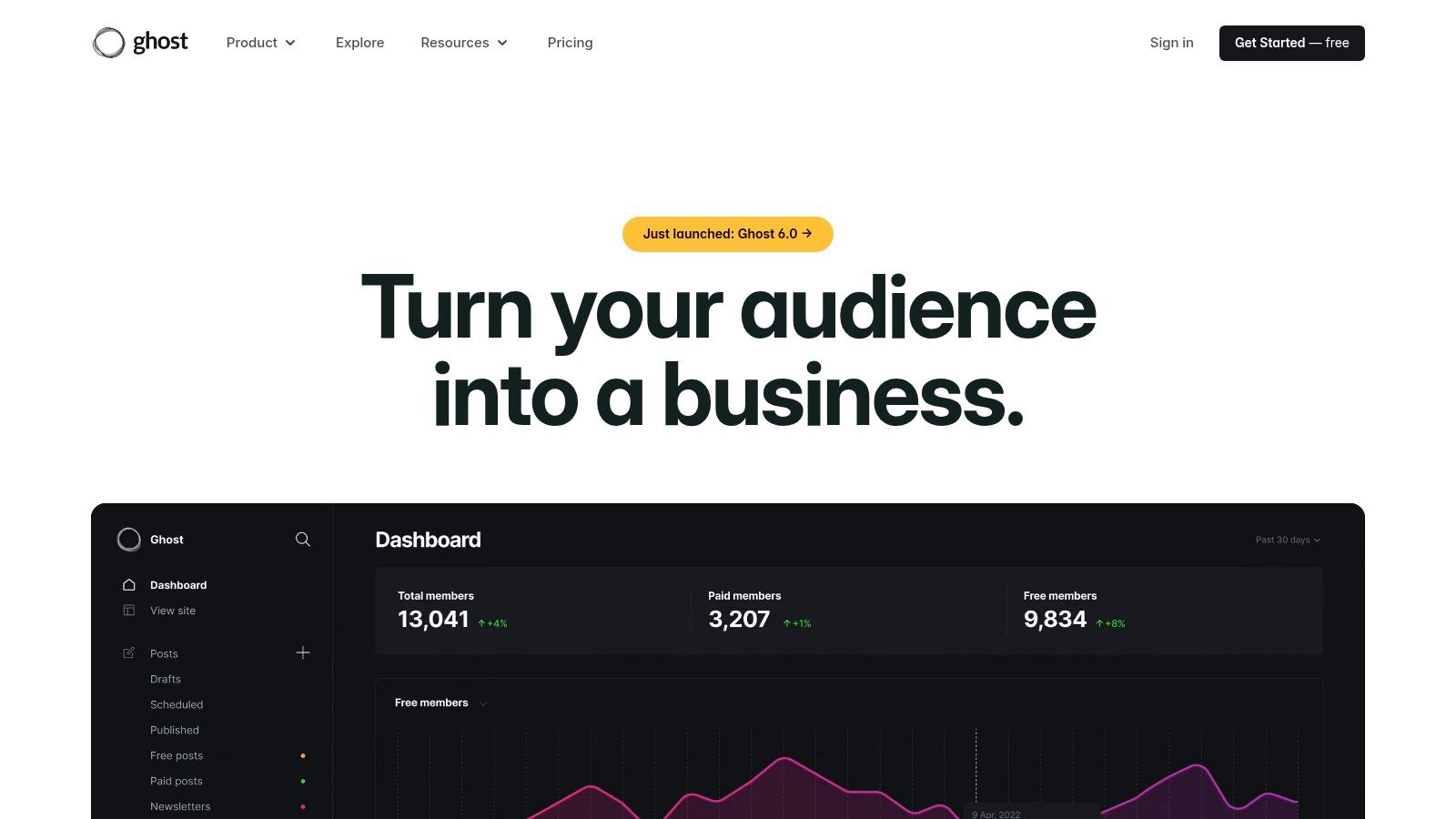
The platform delivers an exceptional writing experience with a minimalist editor that helps you focus on your craft. Ghost(Pro), the official managed hosting service, handles all technical aspects, including performance optimization, security, and updates, ensuring your site is always fast and available. This focus on content and monetization makes it an ideal choice for serious bloggers, journalists, and modern media companies aiming to build a sustainable, independent publication online.
Key Features & Considerations
Ghost is engineered for speed and SEO, with built-in features that help your content rank well and load quickly for a superior user experience.
Best For: Professional bloggers, journalists, newsletter creators, and online publications focused on audience growth and monetization.
Pricing: Ghost(Pro) plans start at $9/month (billed annually) for the Starter plan and scale up to $199/month for the Business plan, based on audience size.
Pros:
Purpose-built for content, with native memberships, newsletters, and paid subscriptions.
Significantly simpler and faster than a full WordPress stack for publishing.
Excellent performance and built-in SEO features right out of the box.
Cons:
Smaller theme and integration ecosystem compared to WordPress.
Not designed for complex ecommerce stores with large product catalogs.
Less overall flexibility for sites that are not content-centric.
Top 12 Website Builders: Side-by-Side Comparison
Product | Core features | UX & Quality (★) | Pricing / Value (💰) | Target (👥) | Unique Selling Point (✨) |
|---|---|---|---|---|---|
Alpha 🏆 | AI design, URL-to-site cloning, forms, SEO, analytics | ★★★★★ — fast, intuitive NL edits | 💰 Free Starter; Mini $9/mo; Basic $25/mo (annual -20%) | 👥 Entrepreneurs, startups, solo founders | ✨ Drop any URL → instant brand‑personalized site; plain‑language edits |
Wix | Drag‑drop editor, 900+ templates, apps, ecommerce | ★★★★ — flexible, designer control | 💰 Free→paid tiers; can get pricey with apps/ecom | 👥 Small businesses, portfolios, DIY builders | ✨ Huge template + app ecosystem |
Squarespace | Designer templates, ecommerce, scheduling, memberships | ★★★★ — polished visuals, less granular control | 💰 $$ All‑in‑one billing; mid‑range plans | 👥 Creatives, brands, visual portfolios | ✨ High‑quality templates & media handling |
WordPress.com | Managed WP, plugins (Business+), CDN, SEO tools | ★★★★ — highly customizable; steeper learning | 💰 Free→Business/Commerce; best value at higher tiers | 👥 Publishers, blogs, scalable sites | ✨ Massive theme/plugin ecosystem & portability |
Webflow | Pixel‑precise design, interactions, CMS, hosting | ★★★★ — agency‑grade control; steeper curve | 💰 $$$ Designer/agency pricing tiers | 👥 Designers, agencies, product marketing sites | ✨ Production‑grade design + code export |
Shopify | Storefront, payments, POS, app store, analytics | ★★★★★ — best‑in‑class ecommerce ops & scale | 💰 $$ Monthly + transaction fees (unless Shopify Payments) | 👥 Merchants, growing ecommerce brands | ✨ Mature ecommerce ecosystem & fulfillment tools |
GoDaddy Website Builder | Template editor, domain/hosting bundle, marketing | ★★★ — very simple, beginner‑friendly | 💰 $ Low entry pricing; add‑ons common | 👥 Beginners, quick business sites | ✨ All‑in‑one domain + hosting setup |
Square Online | Ecommerce, pickup/delivery, POS, loyalty, invoices | ★★★★ — seamless online↔in‑person sync | 💰 $ Transparent flat‑rate processing; per‑location fees | 👥 Local retail, restaurants, service businesses | ✨ Deep Square POS & payment integration |
Hostinger Website Builder | AI site/text/image/logo tools, hosting, free domain | ★★★ — good basics; promo→renewal gap | 💰 $ Very low intro pricing; higher renewals | 👥 Budget small businesses, personal sites | ✨ Value bundle: builder + hosting + domain |
Framer | Design‑first builder, CMS, animations, staging | ★★★★ — modern, high‑performance sites | 💰 $$ Mid→high; some usage‑based add‑ons | 👥 Startups, marketing teams, designers | ✨ Crisp animations, collaboration & staging |
Carrd | One‑page templates, forms, embeds, custom domains | ★★★ — ultra simple & fast | 💰 $ Very low‑cost Pro plans | 👥 Single‑page sites, link‑in‑bio, quick landing pages | ✨ Extremely affordable single‑page builder |
Ghost (Ghost(Pro)) | Managed Ghost CMS, memberships, newsletters, themes | ★★★★ — fast, publishing‑focused UX | 💰 $$ Transparent plans for publishers | 👥 Bloggers, publications, paid newsletters | ✨ Native memberships & paid‑newsletter features |
Your Final Verdict: Making the Right Choice for Your Website
Navigating the landscape of the best platforms to build a website can feel like an overwhelming task. We've explored a dozen powerful contenders, from the all-in-one simplicity of Wix and Squarespace to the developer-centric power of Webflow and the unmatched scalability of a self-hosted WordPress site. Each platform presents a unique combination of features, learning curves, and costs, underscoring a critical truth: the "best" platform is not universal. It is entirely dependent on your specific goals, technical comfort level, and long-term vision.
The sheer volume of choice is a testament to the democratization of web creation. You no longer need to be a seasoned developer to launch a professional, functional, and beautiful online presence. The decision-making process, therefore, shifts from "Can I build a website?" to "Which tool will help me build the right website most effectively?"
Recapping the Core Contenders
Let's distill our findings into a final, actionable summary to guide your choice.
For Maximum Speed and AI-Powered Simplicity: If your primary goal is to get a professional, functional website live in the shortest time possible, Alpha stands out. Its unique AI-driven approach, which can generate a near-complete site from a simple URL, is revolutionary for startups and small businesses needing to establish a digital footprint immediately.
For Creative Freedom and Ease of Use: Wix and Squarespace remain titans in the user-friendly space. Wix offers a near-blank canvas with its drag-and-drop editor, appealing to those who want granular control without code. Squarespace excels with its award-winning templates, ensuring a polished, design-forward look right out of the box, making it a favorite for artists, photographers, and portfolio sites.
For Unparalleled Customization and Scalability: The combination of WordPress.org with a powerful page builder like Elementor or Divi is still the undisputed champion for ultimate control. While it involves a steeper learning curve and more hands-on management, its scalability and vast plugin ecosystem are unmatched for ambitious, content-heavy projects and long-term growth.
For Serious E-commerce Ambitions: If selling products online is your core business function, Shopify is the purpose-built solution. Its robust inventory management, secure payment gateways, and dedicated e-commerce features provide a stable, scalable foundation that other platforms often struggle to replicate.
For Design Professionals and No-Code Enthusiasts: Webflow and Framer bridge the gap between visual design and web development. They offer immense design power, clean code output, and advanced animation capabilities, making them ideal for designers who want to build complex, custom sites without writing code from scratch.
How to Make Your Final Decision
Your journey doesn't end with this article. It begins with a clear-eyed assessment of your own needs. Before you click "Sign Up" on any platform, take a moment to answer these crucial questions. This final self-assessment is the most important step in choosing from the best platforms to build a website.
What is my primary goal? Is it to sell products (Shopify, Square Online), publish content (Ghost, WordPress), generate leads (Alpha, Wix), or showcase a portfolio (Squarespace, Carrd)? Your core objective should immediately narrow the field.
What is my realistic budget? Factor in not just the monthly subscription but also potential costs for themes, plugins, apps, and transaction fees. A platform that seems cheap initially can become expensive as you add necessary functionality.
How much time can I commit? Be honest about your availability. If you have minimal time, an AI-powered tool like Alpha or a template-based system like Squarespace is a smarter choice than a more complex platform like WordPress or Webflow.
What are my future growth plans? Consider where you want your website to be in one, three, or five years. Will you need advanced marketing integrations, membership functionality, or extensive e-commerce capabilities down the line? Choosing a platform that can scale with you will save significant migration headaches later.
By aligning your answers with the detailed breakdowns we've provided, you transform a daunting list of options into a clear, confident choice. The perfect platform for you is waiting. Your task is to match your unique vision with the right tool to bring it to life.
Ready to skip the steep learning curve and launch a professional website faster than you thought possible? Alpha uses powerful AI to build a fully functional, multi-page website tailored to your business in just a few hours. See how quickly you can go from idea to live site.
Build beautiful websites like these in minutes
Use Alpha to create, publish, and manage a fully functional website with ease.