How to Create Website Mockups People Actually Love
Learn how to create website mockups that bridge the gap between idea and reality. Our guide covers tools, principles, and developer handoff.
Build beautiful websites like these in minutes
Use Alpha to create, publish, and manage a fully functional website with ease.





The era of spending weeks wrestling with complex design tools or hiring expensive developers to build a professional online presence is over. The best AI website generator can now transform a simple idea into a fully functional, visually appealing website in mere minutes, not months. These tools handle the heavy lifting of design, layout, and even initial content creation, allowing you to focus on your business.
But with a market flooded with new options, finding the right tool can feel overwhelming. How do you distinguish genuine innovation from mere hype? This guide cuts through the noise. We have rigorously tested and analyzed the top 12 AI website builders available today, including platforms like Alpha, Wix, Squarespace, and Hostinger, to provide a comprehensive comparison. Our focus is on the features that matter most: speed, design quality, customization flexibility, and built-in business tools like SEO and analytics.
Whether you are a startup founder needing to launch a landing page quickly, a small business owner aiming for a conversion-focused site, or a creative professional looking to build a stunning portfolio, this list is your definitive resource. We will provide a detailed breakdown of each platform's strengths, weaknesses, pricing, and ideal use cases. Each review includes screenshots and direct links, helping you find the perfect AI partner to bring your vision online instantly. Let’s dive in and discover which AI builder is the right fit for your specific needs.
1. Alpha
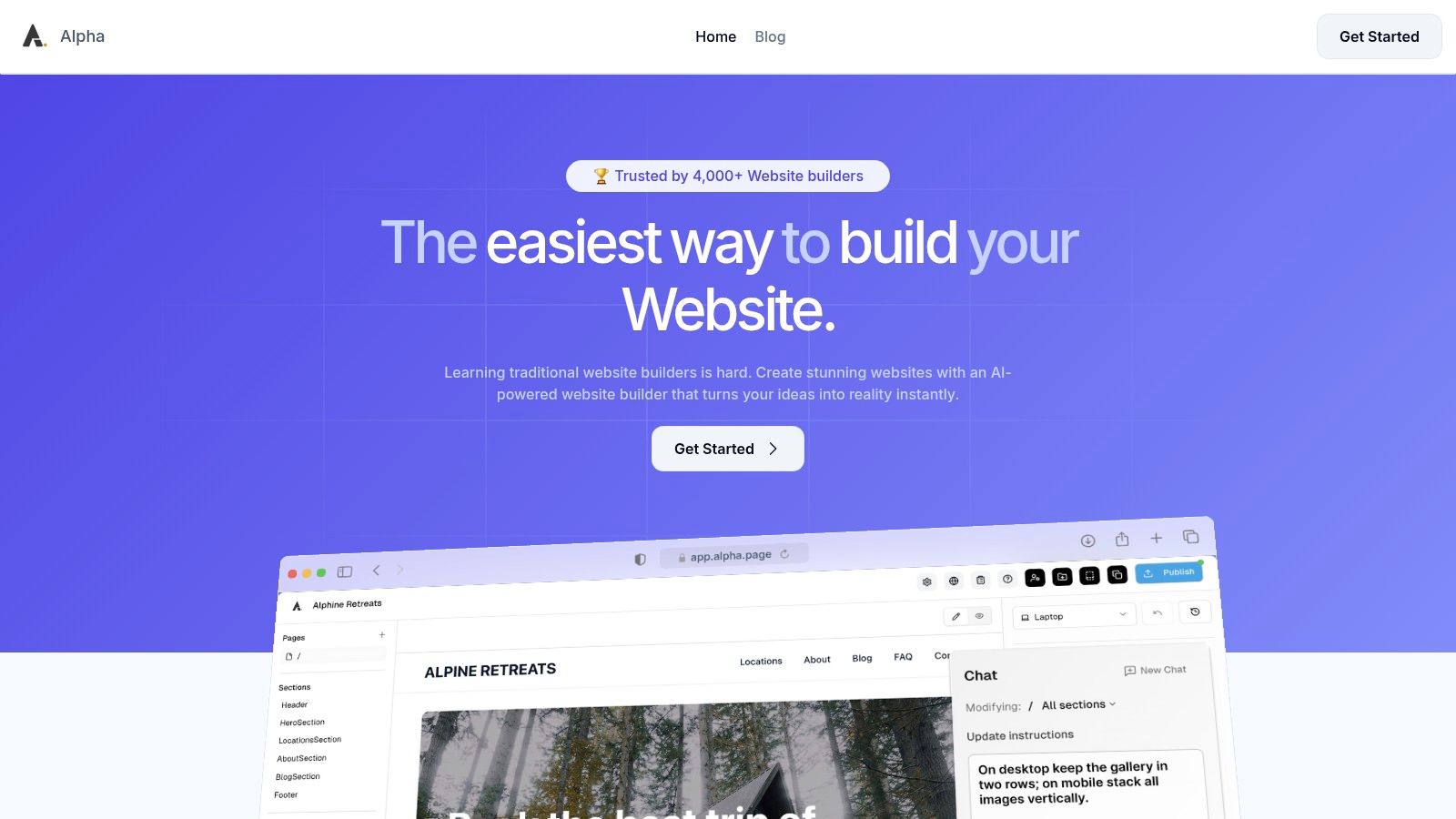
Alpha solidifies its position as a top-tier contender for the best AI website generator by fundamentally reshaping the creation process from a technical chore into an intuitive, design-led workflow. It excels at delivering professional, conversion-focused websites with unprecedented speed, making it an ideal choice for entrepreneurs, startups, and small businesses that need to establish a high-quality online presence without a lengthy development cycle or a steep learning curve.
Its most distinctive and powerful feature is the ability to generate a site design by simply importing the URL of an existing website. Alpha’s AI analyzes the reference site's layout, structure, and aesthetic, then reconstructs it as a customizable template with your own branding and content. This unique capability allows users to draw inspiration from industry leaders or competitors, effectively bypassing the initial design phase and moving directly to personalization.
Key Features & User Experience
Alpha’s user experience is defined by simplicity and conversational interaction. Instead of navigating complex menus, you can edit your site by describing changes in natural language. For instance, you can simply type commands like "change the headline font to something more modern" or "add a two-column section with an image on the left." This chat-based editing significantly lowers the barrier to entry, empowering anyone to make precise design adjustments without prior experience.
The platform comes equipped with essential business tools built-in. Every site is automatically mobile-optimized, and features like integrated forms, SEO settings, and real-time analytics provide a solid foundation for digital marketing and lead generation from day one.
Pros:
Rapid AI-Powered Creation: Build and launch a site in hours using URL import or templates.
Natural Language Editing: Update your site's design and content through simple, chat-based commands.
Integrated Growth Tools: Comes with built-in forms, SEO optimization, and analytics.
Affordable and Scalable: A free plan is available for testing, with paid plans starting at just $9/month.
Strong Social Proof: Trusted by over 4,000 users with testimonials praising its speed and ease of use.
Cons:
Emerging CMS Features: Advanced content management system capabilities are still in beta, which may limit complex workflows.
Plan Limitations: The free plan is restricted to a single page on a branded subdomain, requiring a paid plan for a custom domain.
Pricing and Availability
Starter Plan: Free for one page on an
alpha-ai.pagedomain.Mini Plan: $9/month for a custom domain, two pages, and 100 chat credits.
Basic Plan: $25/month for up to 15 pages, 300 chat credits, and beta CMS access.
Website: https://www.alpha.page
2. Wix – AI Website Builder
Wix has evolved from a traditional drag-and-drop builder into a powerful platform leveraging AI to streamline site creation. Its AI tools, including the original Wix ADI (Artificial Design Intelligence) and newer integrated AI features, are designed to generate a complete, functional website based on a series of user prompts. This approach is ideal for small business owners and solopreneurs who need a professional-looking site without a steep learning curve.
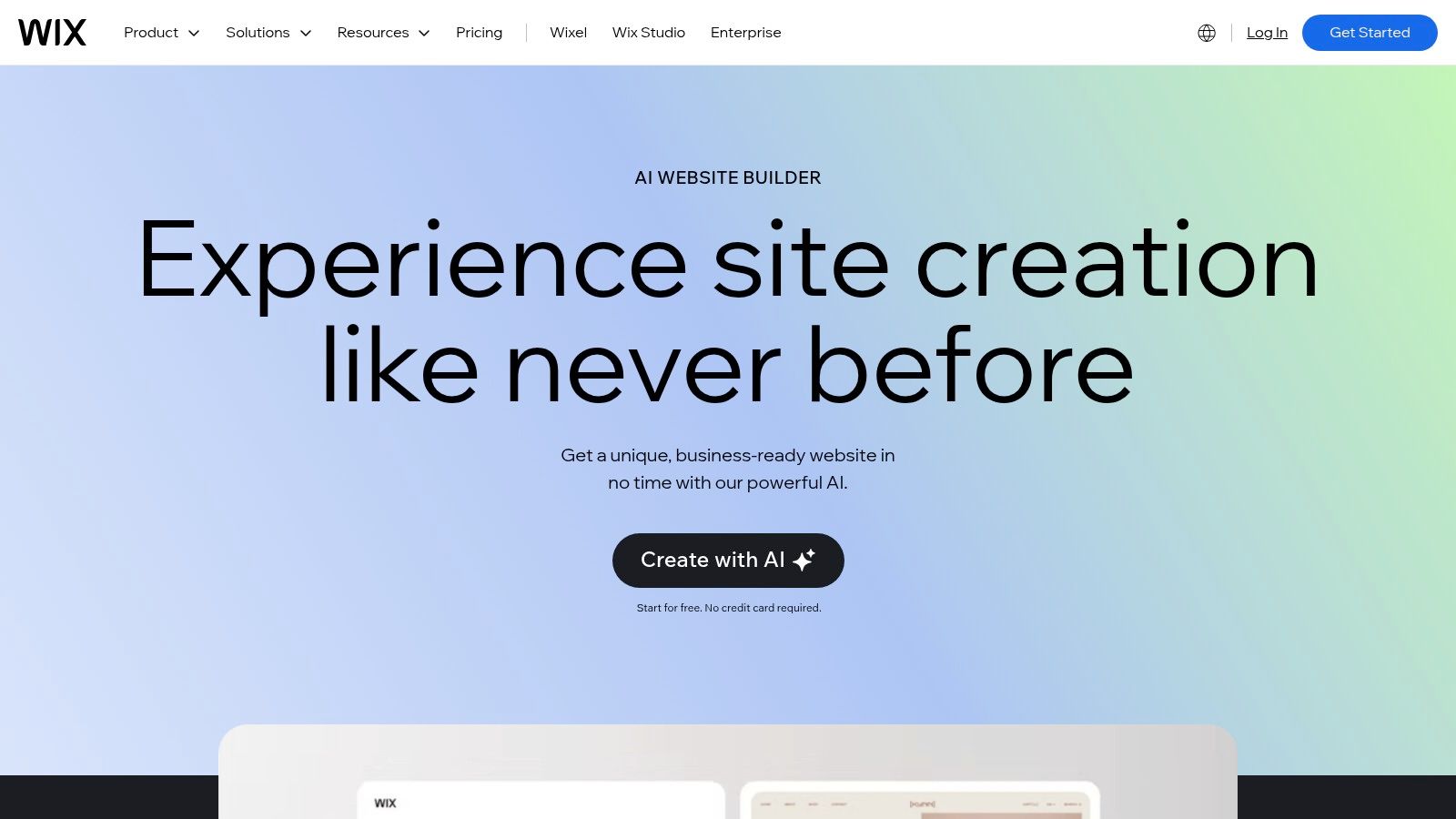
Wix stands out by combining its AI-driven start with one of the most comprehensive editor experiences available. After the initial AI build, you gain full access to the classic Wix Editor, where you can fine-tune every detail, add animations, and integrate apps. This two-step process makes it an excellent choice for users who want the speed of AI generation but refuse to sacrifice deep customization options. It's a mature ecosystem that supports you from initial concept to scaling with robust business tools.
Key Features & Use Case
Best For: Small to medium-sized businesses, e-commerce stores, and service providers (like photographers or consultants) who need an all-in-one solution with integrated business management tools.
AI-Powered Generation: Generates text, images, and full page layouts based on conversational prompts.
Massive App Market: Seamlessly integrates with hundreds of apps for bookings, e-commerce, marketing, and more.
Full Editor Access: Unlike some generators, Wix allows you to switch to its powerful manual editor for granular control post-generation.
Pricing
Wix offers a free plan with Wix branding. Premium plans, which are necessary to connect a custom domain and remove ads, start at $17/month for the "Light" plan and scale up to $159/month for the "Business Elite" plan, which includes advanced e-commerce features.
Pros & Cons
Pros | Cons |
|---|---|
Polished onboarding and high design flexibility | App fees and add-ons can increase the total cost |
Vast library of templates and integrated business apps | The platform can feel heavy or slow compared to lean builders |
Strong, native support for e-commerce, bookings, and blogs | Cannot switch templates after your site is live |
Wix provides a balanced approach, making it one of the best AI website generator options for those who value both AI efficiency and creative freedom. You can find more details about how Wix's AI features compare by checking out this guide on the top AI website builders.
3. Squarespace – Blueprint AI Builder
Squarespace has integrated AI into its renowned design-centric platform with the introduction of Blueprint AI. This tool focuses on generating aesthetically pleasing, cohesive websites through a conversational interface. Users answer a series of questions about their brand, purpose, and desired style, and Blueprint AI assembles a full site structure, including relevant pages, placeholder text, and curated imagery that aligns with a chosen brand personality.
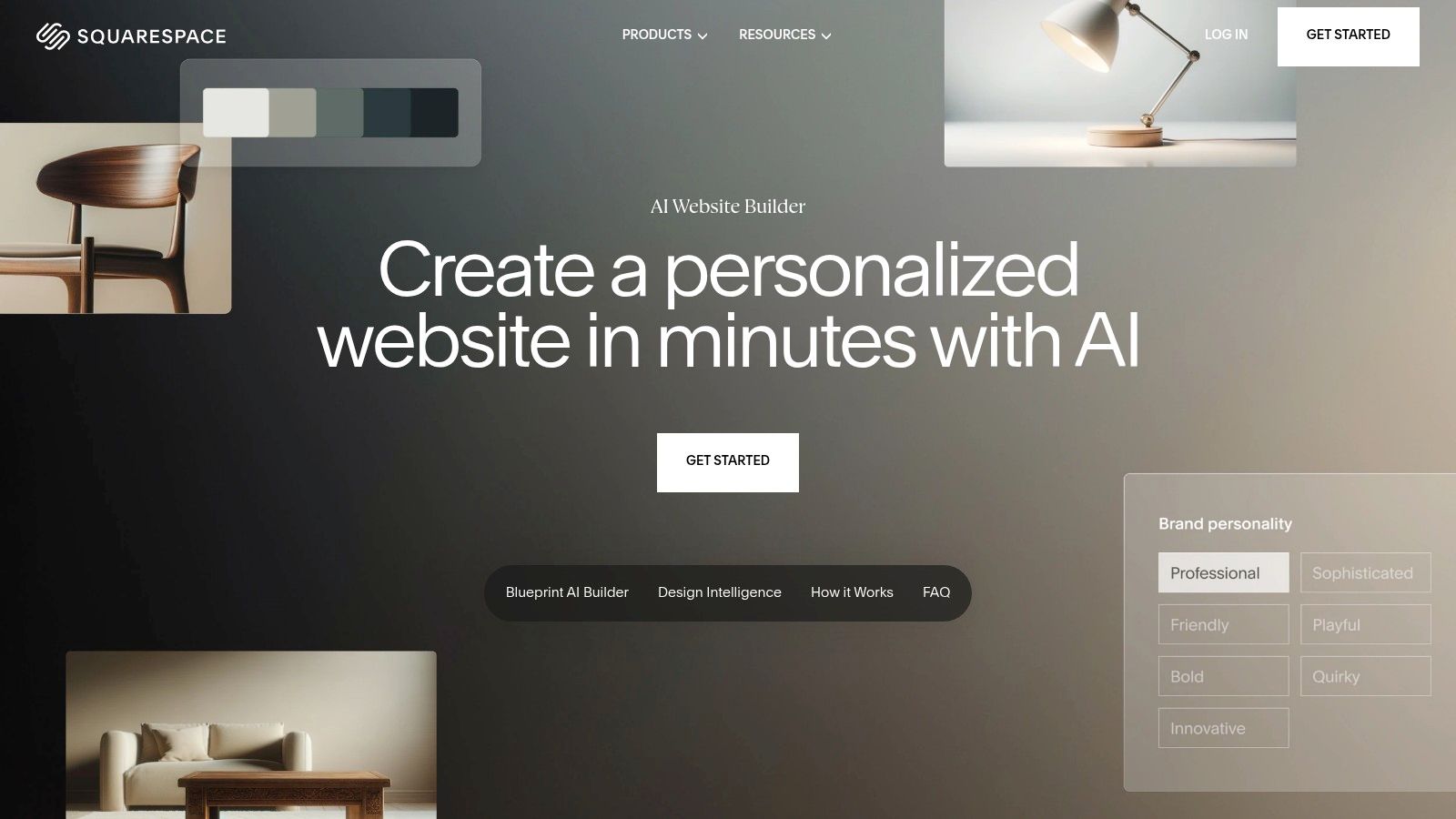
The platform excels at creating a polished, design-forward foundation that feels custom-built. While it offers less granular layout freedom compared to a pure drag-and-drop editor, its strength lies in maintaining brand consistency and visual harmony across the entire site. This makes it an ideal choice for creatives, service-based businesses, and anyone who prioritizes a sophisticated online presence without needing to be a designer. The AI-generated site is fully editable within Squarespace’s award-winning editor.
Key Features & Use Case
Best For: Creative professionals, portfolio sites, service businesses, and online stores that prioritize best-in-class aesthetics and a cohesive brand experience from the start.
Blueprint AI Generation: Creates a personalized website structure, content, and imagery based on conversational prompts and brand personality choices.
Integrated Business Suite: Comes with powerful, built-in tools for e-commerce, appointment scheduling, member areas, and email marketing.
Design-Focused Editing: Utilizes a structured, section-based editor that ensures design consistency and mobile responsiveness remains intact during customization.
Pricing
Squarespace does not offer a free plan, but all annual plans include a free 14-day trial. The "Personal" plan starts at $16/month (billed annually), with business and commerce plans ranging from $23/month to $49/month for advanced features.
Pros & Cons
Pros | Cons |
|---|---|
Best-in-class aesthetics and cohesive out-of-the-box designs | Less low-level layout freedom than some rivals |
Robust built-in commerce and marketing suite | Fewer third-party add-ons than platforms like Wix |
Excellent 24/7 customer support and reliability | No free plan is available |
Squarespace’s Blueprint AI solidifies its position as a top-tier option for users who want a beautiful, functional website with minimal fuss, making it one of the best AI website generator choices for the design-conscious entrepreneur. Explore how its AI-driven process can build your site at Squarespace AI.
4. Hostinger – AI Website Builder
Hostinger enters the market by bundling an easy-to-use AI website generator with its well-known affordable hosting services. The platform is built for speed and simplicity, allowing users to generate a complete website in minutes by describing their business and desired style. This all-in-one approach is particularly appealing for beginners and budget-conscious entrepreneurs who want a single, low-cost solution for hosting, domain, and site creation.
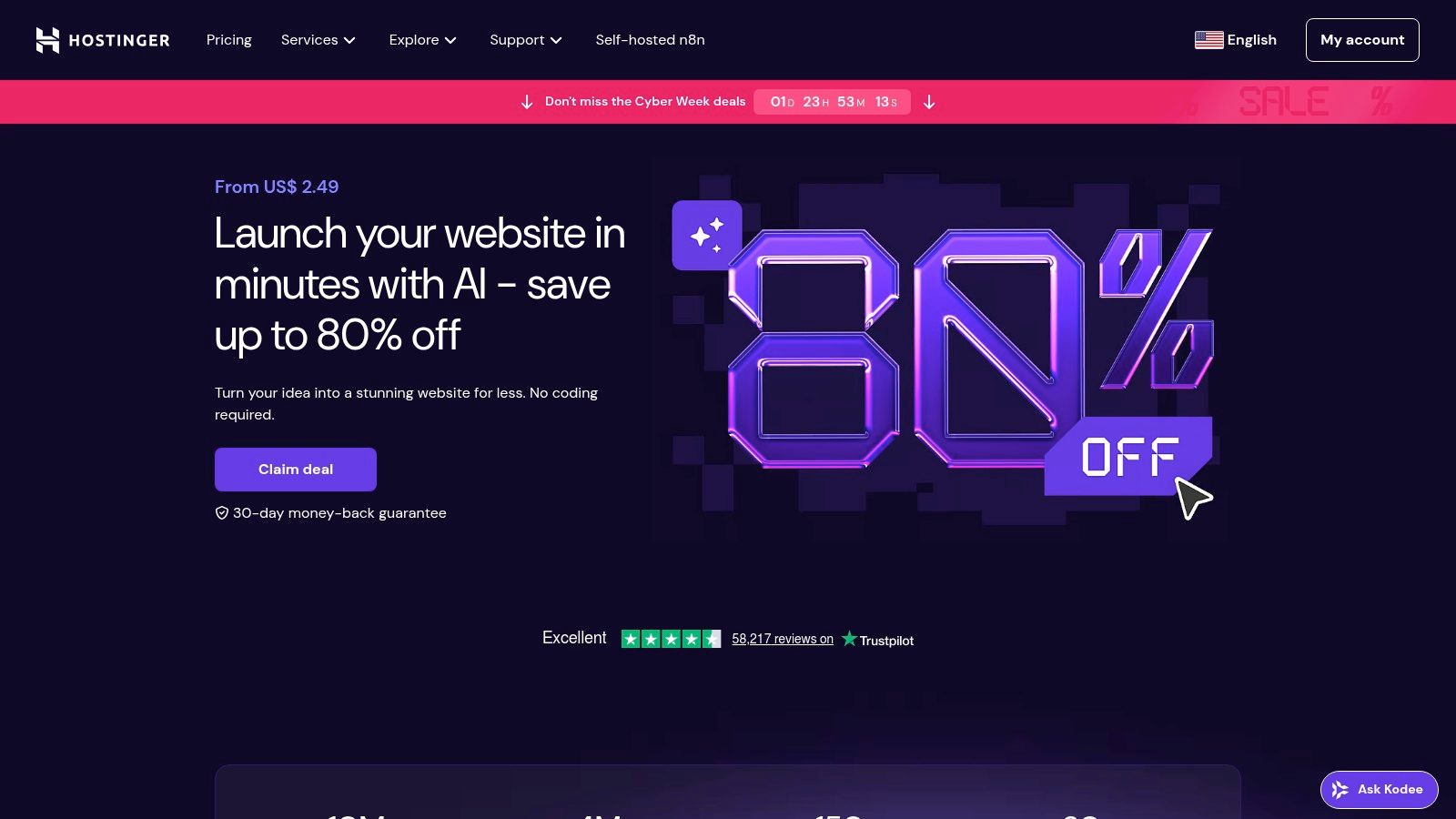
What sets Hostinger apart is its incredible value proposition. The AI builder isn't just a gimmick; it’s a core part of a comprehensive package that includes a free domain for the first year, professional email, and 24/7 support. After the initial AI generation, users can access a straightforward editor to make adjustments. While it may not offer the granular control of more advanced platforms, it provides a full suite of AI tools, including a logo maker, copy generator, and SEO tools, making it one of the best AI website generator options for getting online quickly and affordably.
Key Features & Use Case
Best For: Solopreneurs, freelancers, and small businesses looking for the most cost-effective, all-inclusive package to launch a simple and functional website without prior technical skills.
Prompt-Based Generation: Creates a unique website, including text and stock images, based on a few descriptive sentences about your brand.
Integrated AI Toolkit: Includes complementary tools like an AI Logo Maker, AI Writer for content, and an AI Heatmap to predict visitor behavior.
Bundled Hosting & Domain: Plans come with high-quality hosting, a free domain for one year, and SSL certificates, simplifying the setup process.
Pricing
Hostinger’s pricing is highly competitive, especially with long-term commitments. The "Premium Website Builder" plan, which includes all AI tools and a free domain, often starts at an introductory price of around $2.99/month with a multi-year plan. Standard renewal rates are higher.
Pros & Cons
Pros | Cons |
|---|---|
Market-leading price for a full-featured package | Best prices require a multi-year prepayment, renewal rates jump |
Extremely fast setup from prompt to live site | Editor and design options are less nuanced than competitors |
Bundled hosting, domain, and email offer great value | Fewer third-party app integrations available |
Hostinger delivers a powerful combination of affordability and AI efficiency, making it a top contender for anyone prioritizing budget and speed. You can learn more and get started on their official website.
5. GoDaddy – AI Website Builder
GoDaddy integrates AI into its well-known Websites + Marketing suite, offering a straightforward path for beginners to get online quickly. The platform is designed for simplicity, generating a functional website draft in minutes based on your industry and goals. It’s an ideal solution for those who want an all-in-one package that bundles their website, domain name, and marketing tools from a single, trusted provider.
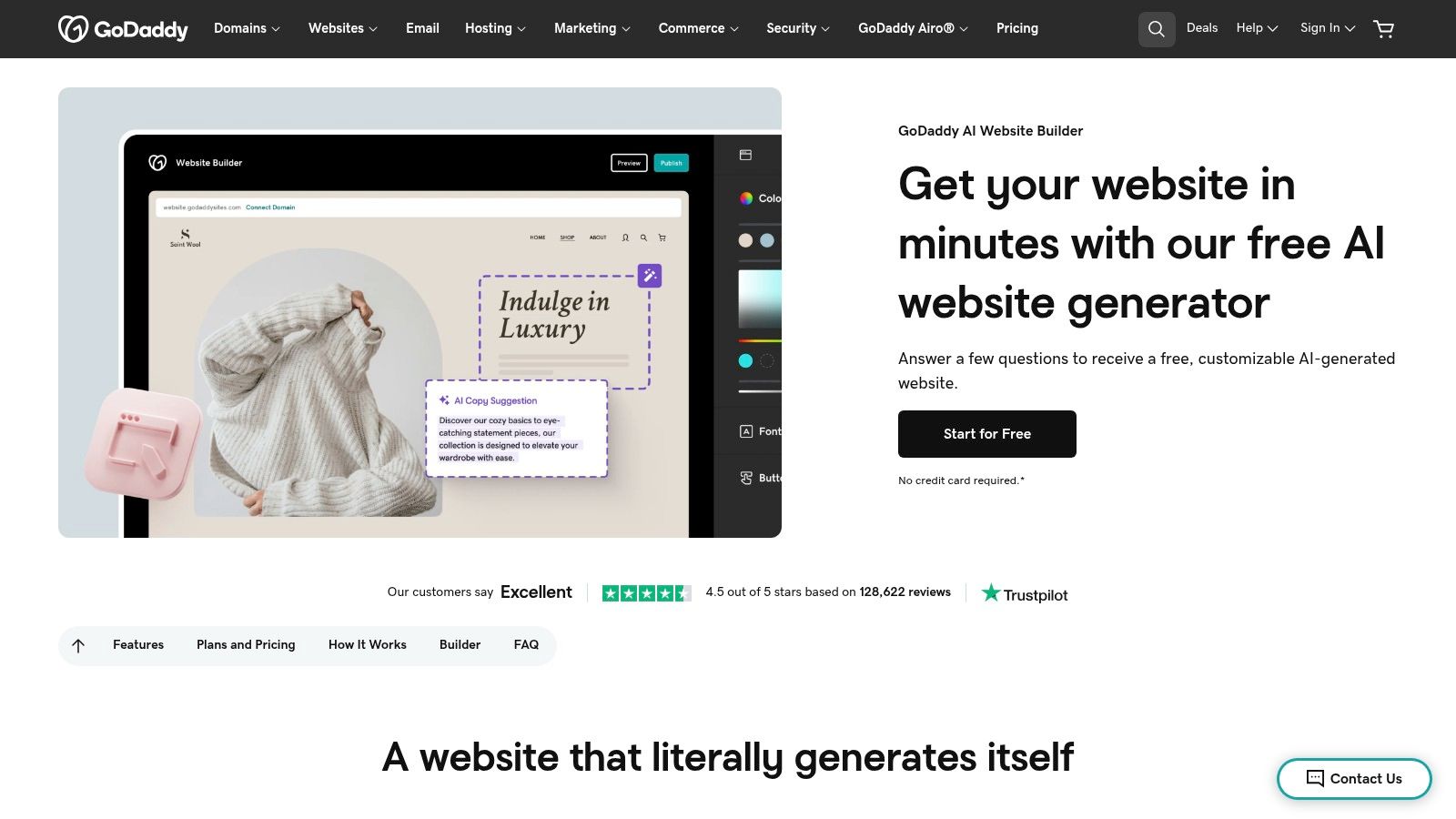
The primary strength of GoDaddy's AI builder is its seamless integration into a broader ecosystem. After the AI creates your initial site with relevant copy and images, you can refine it using a simple drag-and-drop editor. The platform excels at guiding users from creation to promotion with a built-in marketing dashboard, email tools, and basic SEO features. This makes it one of the best AI website generator choices for service-based businesses or entrepreneurs prioritizing speed and ease of use over deep design customization.
Key Features & Use Case
Best For: Service professionals, local businesses, and sole proprietors who need a fast, simple online presence and prefer to manage their domain, email, and website in one place.
All-in-One Onboarding: Combines AI site generation with domain registration and email marketing setup for a streamlined launch.
Built-in Marketing Suite: Includes tools for social media management, email campaigns, and basic SEO to help you grow your business.
Simple Drag-and-Drop Editor: Allows for easy post-generation edits, section additions, and layout adjustments without technical skill.
Pricing
GoDaddy offers a free plan with branding. Paid plans are required for a custom domain and advanced features, starting with the "Basic" plan at $10.99/month, scaling up to the "Commerce" plan at $20.99/month for full e-commerce capabilities.
Pros & Cons
Pros | Cons |
|---|---|
Extremely fast to publish a site from scratch | Design flexibility is more limited than competitors like Wix |
Excellent 24/7 customer support and user-friendly interface | E-commerce features on lower tiers are basic |
Convenient bundling of domain, hosting, and marketing tools | Some advanced features are region-limited |
GoDaddy's platform is a reliable and efficient entry point into the world of AI website creation, perfect for users who value simplicity and an integrated toolset. You can start building your site by visiting the GoDaddy AI Website Builder page.
6. Framer – Framer AI
Framer has carved out a niche as the design community's favorite tool for creating high-fidelity, interactive websites, and its Framer AI features extend this power. Rather than generating a complete site from a single prompt, Framer AI excels at creating entire sections, responsive page layouts, and AI-generated copy directly within its sophisticated editor. This makes it a powerful assistant for designers and marketers who want to speed up their workflow without sacrificing precision.
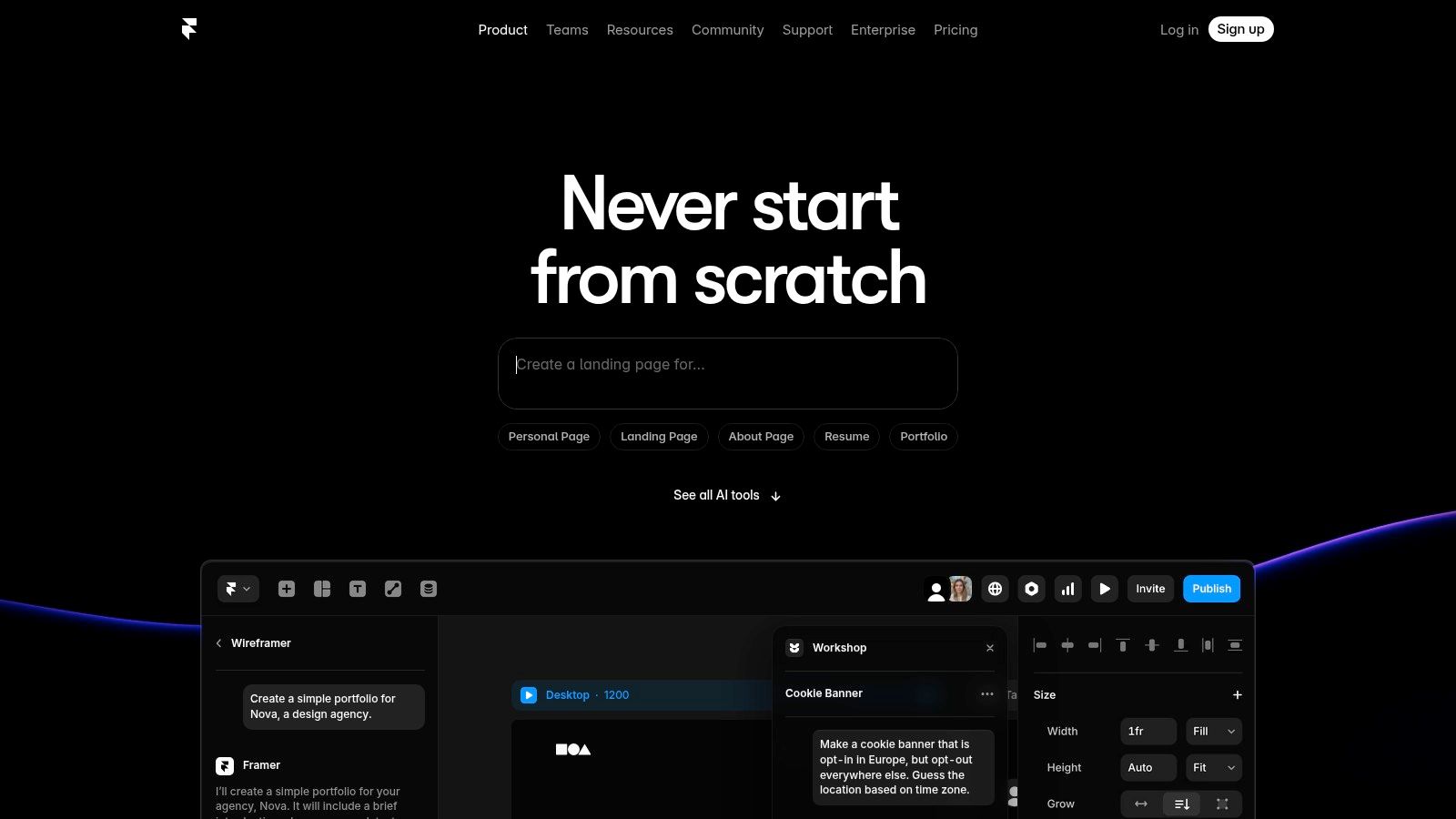
The platform is engineered for visual perfection, allowing you to generate a solid structural foundation with AI and then dive into its advanced styling, animation, and interaction tools to refine every detail. Framer AI is less about a hands-off build and more about augmenting a professional design process. It generates clean, production-ready code in the background, ensuring the final site is not just beautiful but also incredibly fast and responsive, making it a top-tier choice for performance-critical marketing sites and landing pages.
Key Features & Use Case
Best For: Designers, marketing teams, and startups needing pixel-perfect, highly interactive marketing websites and landing pages with unparalleled visual control.
AI 'Wireframer': Generates responsive page structures and layouts from simple text prompts.
Rich Animations & Interactions: Offers granular control over animations and interactive elements that go beyond standard templates.
Integrated CMS: A built-in, user-friendly Content Management System makes it easy to update content like blog posts or case studies.
Pricing
Framer offers a free plan for hobby projects. Paid plans start at $10/month per site (billed annually) for the "Mini" plan, suitable for simple sites. The "Basic" plan at $20/month per site (billed annually) is best for most professional sites, including CMS functionality.
Pros & Cons
Pros | Cons |
|---|---|
Excellent for high-end landing pages and visual polish | Not aimed at large-catalog e-commerce |
Fast publishing and real-time collaboration features | Learning curve for advanced interactions and animations |
Generates clean, optimized, and responsive code | AI is an assistant, not a fully autonomous builder |
Framer's approach makes it the best AI website generator for those who prioritize design fidelity and performance over all-in-one business management features. You can explore its capabilities further at Framer AI.
7. 10Web – AI Website Builder (WordPress-based)
10Web targets a unique segment of the market: users who want the power and extensibility of WordPress without its traditional complexities. It leverages AI to generate a complete WordPress site, including structure, copy, and images, and then hosts it on high-performance Google Cloud infrastructure. This approach is perfect for agencies and WordPress enthusiasts who want AI-driven speed combined with the familiar, plugin-rich WordPress ecosystem.
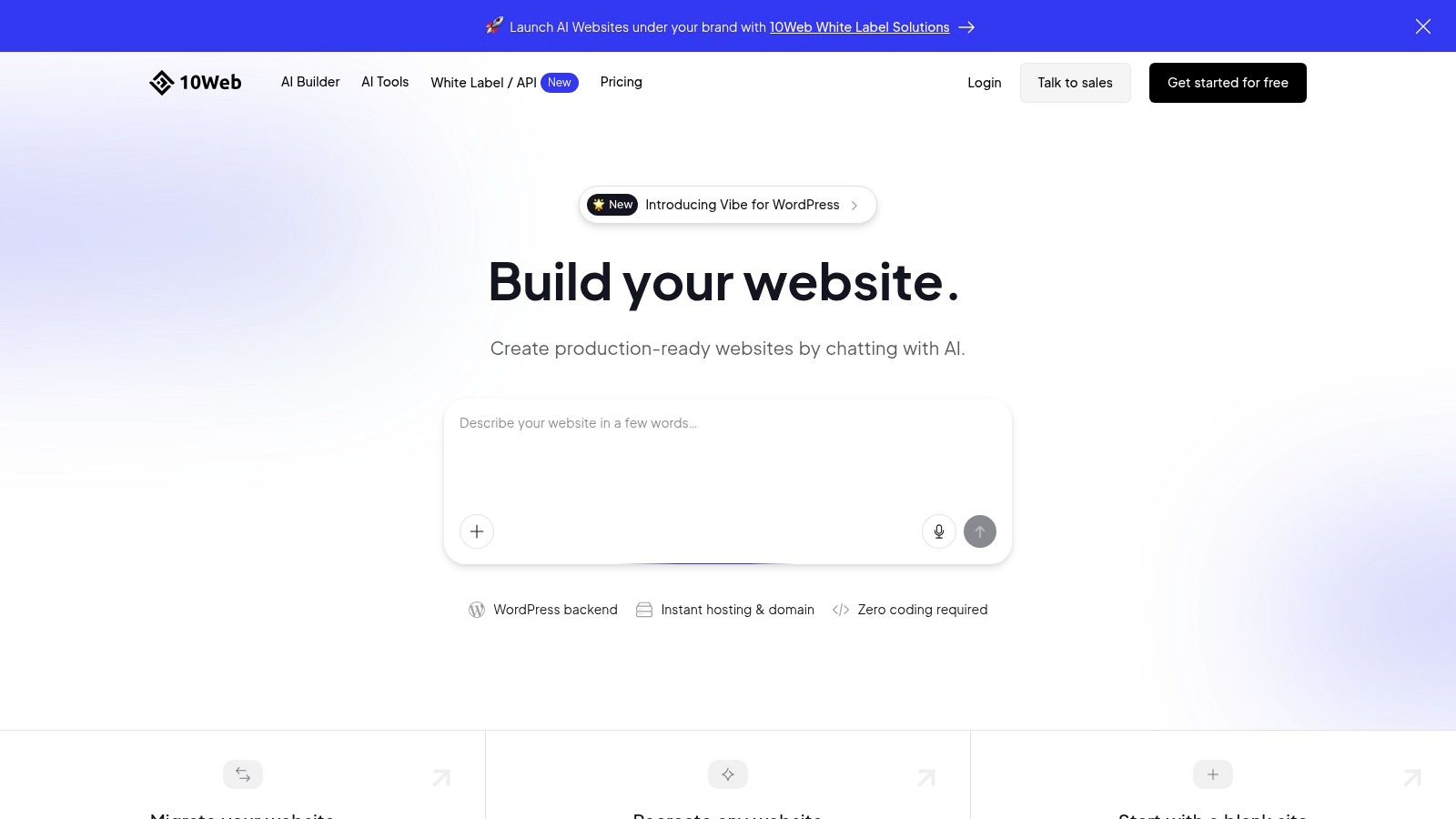
The platform stands out by bridging the gap between automated SaaS builders and the open-source flexibility of WordPress. After the initial AI build, you get a fully functional site powered by an Elementor-based editor, allowing for familiar drag-and-drop customization. For users looking to enhance their site further, it’s easy to add an AI chatbot to their WordPress site for better engagement. This makes 10Web one of the best AI website generator choices for those who refuse to be locked into a proprietary system.
Key Features & Use Case
Best For: WordPress developers, agencies, and businesses that need the flexibility of the WordPress ecosystem but want AI-powered creation and managed hosting.
AI Recreation: Can recreate a webpage from just a URL, converting it into a customizable WordPress theme.
Elementor-Based Editor: Provides a powerful and familiar drag-and-drop interface for post-generation edits.
Managed Hosting: Includes high-performance hosting on Google Cloud with automated backups and security.
Pricing
10Web does not offer a free plan. Pricing starts with the "AI Starter" plan at $10/month (billed annually) for one website. The "AI Premium" plan is $15/month for more resources, and agency plans scale up from there, offering solutions for multiple sites.
Pros & Cons
Pros | Cons |
|---|---|
Combines AI speed with WordPress plugin/theme flexibility | More complex than all-in-one SaaS builders |
High-performance, managed hosting is included | Requires some basic WordPress knowledge for advanced edits |
Excellent AI recreation feature to clone site designs | Elementor-based editor might not be for every user |
For those dedicated to the WordPress platform, 10Web offers a modern, AI-enhanced workflow. You can dive deeper into the general process by exploring how to build a website with AI.
8. Durable – AI Website Builder for small businesses
Durable is engineered for one thing: speed. It targets solo founders and service-based small businesses who need a professional online presence immediately, not next week. The platform generates a surprisingly complete, multi-page website in under a minute, complete with copy, images, and contact forms. This makes it an exceptional tool for validating an idea or getting a service business online with minimal friction.
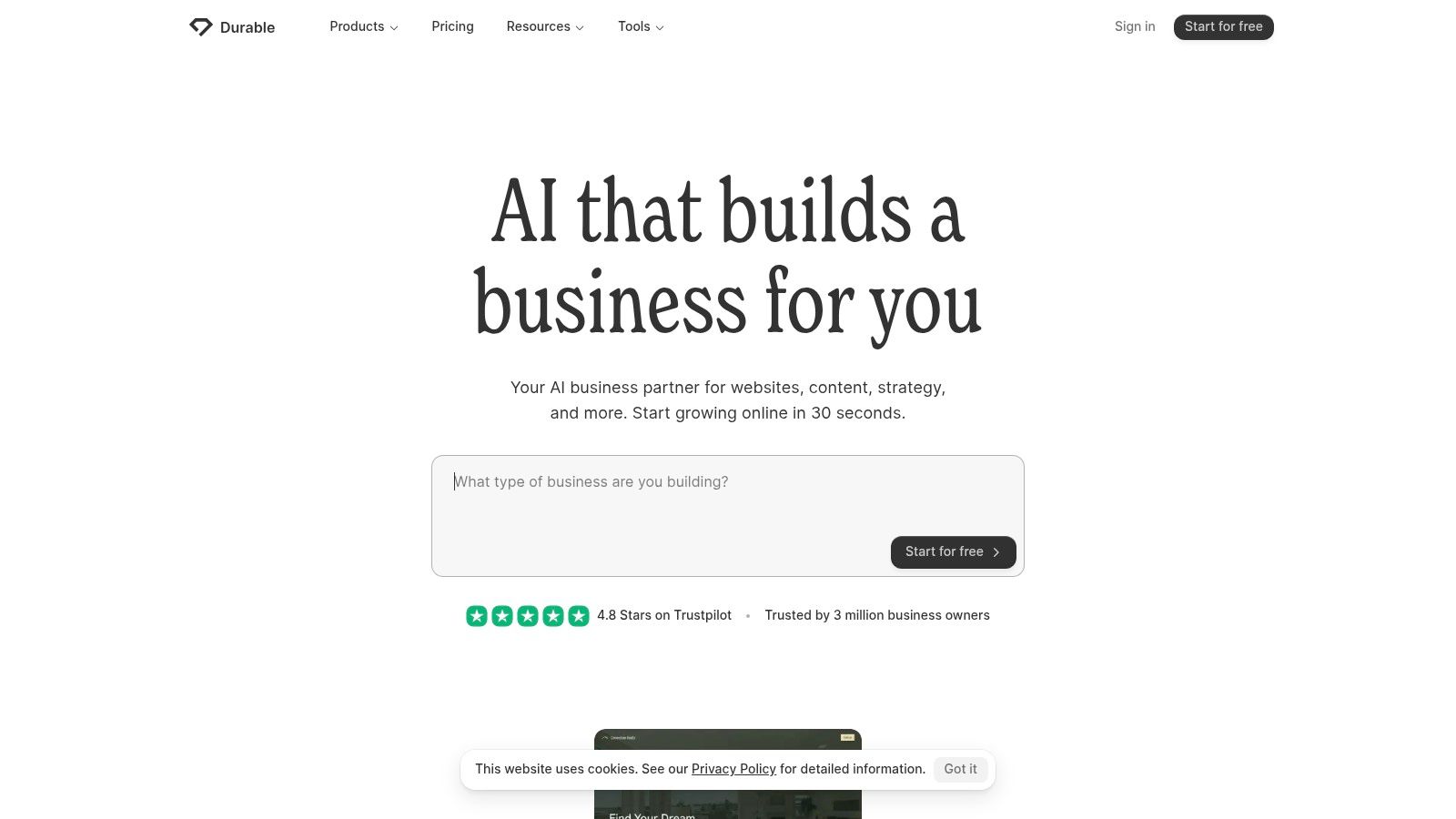
What sets Durable apart is its focus on the "business" part of a small business website. Beyond the site itself, it includes an integrated simple CRM, an invoicing tool, and an AI assistant to help with marketing copy. This all-in-one approach is perfect for entrepreneurs who want to consolidate their essential tools without paying for multiple subscriptions. It trades deep design customization for operational efficiency, making it a practical choice for founders focused on launching and operating their business quickly. For those who need more advanced content generation, you can learn how to create an AI text generator plugin for WordPress to augment your site's capabilities.
Key Features & Use Case
Best For: Service businesses, freelancers, and solo entrepreneurs who need an instant, functional website with built-in business management tools.
Rapid Generation: Creates a multi-page site with a blog, gallery, and contact forms in seconds.
Integrated Business Tools: Includes a simple CRM, invoicing features, and AI-powered business name and ad copy generators.
All-in-One Package: Provides secure hosting, a custom domain, and basic analytics in one subscription.
Pricing
Durable offers a free trial to build your site. The paid plans are straightforward, with the "Starter" plan at $15/month and the "Business" plan at $25/month, which adds more CRM contacts and priority support.
Pros & Cons
Pros | Cons |
|---|---|
Extremely fast from prompt to published site | Less granular design control than design-led tools |
Useful founder-centric utilities beyond just the site | Ecommerce support is basic and still evolving |
Simple, predictable pricing with core tools included | Customization options are more limited than competitors |
Durable is an excellent candidate for the best AI website generator for business owners who prioritize speed and utility over intricate design control. You can explore a broader perspective on using AI to build a website to see how it compares with other approaches.
9. Mixo – AI Site/Landing Page Generator
Mixo is an AI-powered website builder designed for speed and simplicity, making it a go-to tool for entrepreneurs and creators looking to validate a business idea. Instead of building a complex multi-page site, Mixo excels at generating a single, effective landing page from a short prompt. Its core purpose is to help users launch quickly, test market demand, and start collecting customer feedback or email subscribers with minimal effort.
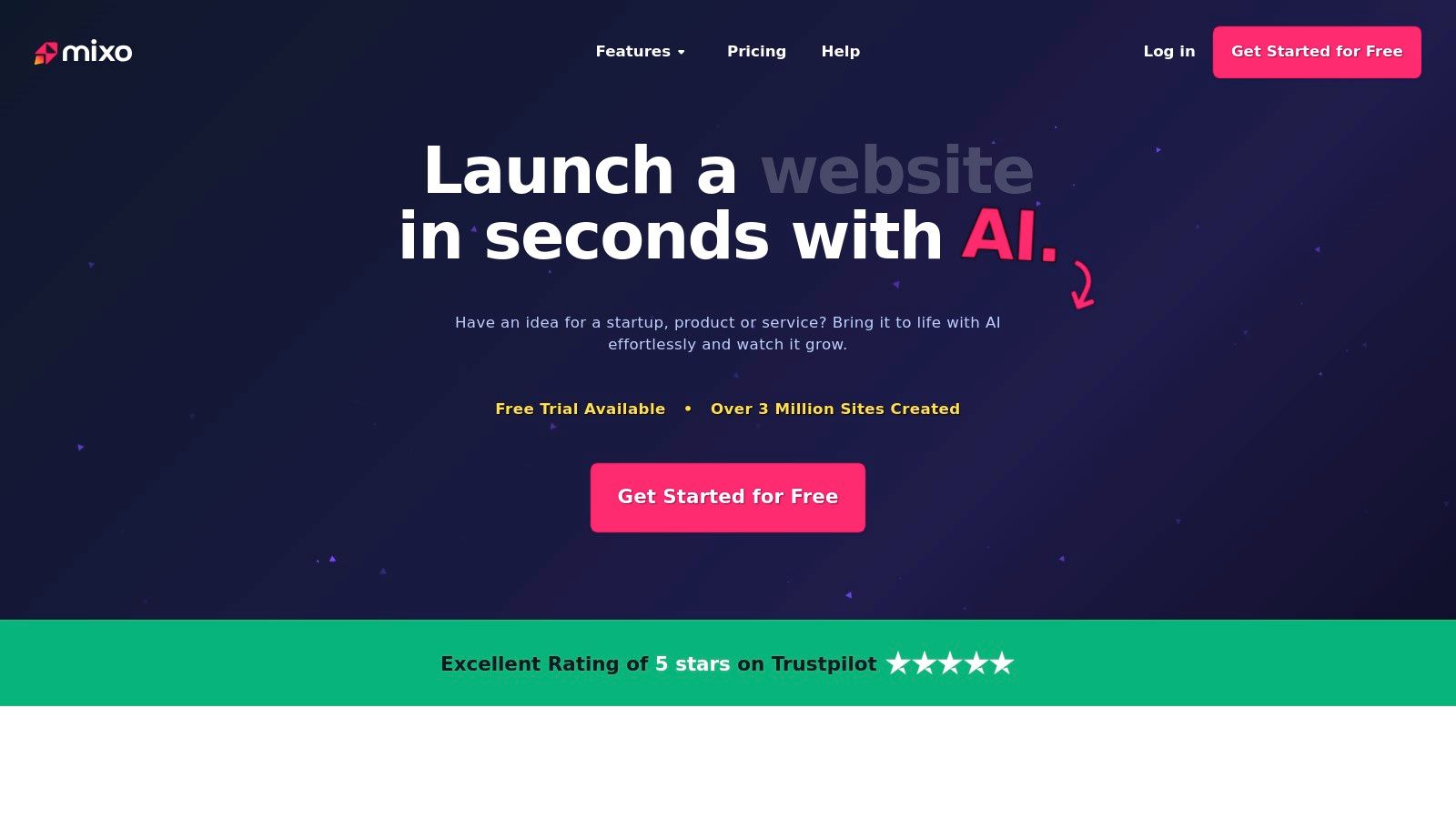
What sets Mixo apart is its laser focus on the pre-launch phase of a startup. It’s not just a page builder; it's an idea validation toolkit. The platform includes built-in features for creating waitlists, managing subscribers through a simple integrated CRM, and even running surveys to gather insights from potential customers. This integrated approach removes the need to stitch together multiple tools, making it one of the best AI website generator options for launching a minimum viable product (MVP).
Key Features & Use Case
Best For: Startups, solopreneurs, and makers who need to quickly create a landing page to test an idea, build a waitlist, or collect leads.
One-Prompt Page Creation: Generates a complete landing page, including copy and images, from a single sentence describing your business idea.
Integrated Subscriber Tools: Comes with built-in waitlist and subscriber management, eliminating the need for third-party email marketing software for initial launch.
Simple No-Code Editor: Allows for easy customization of text, images, and calls-to-action without any technical skills.
Pricing
Mixo offers a free plan to generate a site on a Mixo subdomain. Paid plans start at $9/month for the "Basic" plan, which includes a custom domain and no Mixo branding. The "Growth" plan is $19/month for up to 5 sites, and the "Premium" plan is $39/month for up to 15 sites with more advanced features.
Pros & Cons
Pros | Cons |
|---|---|
Extremely fast for idea validation and pre-launch | Not a full enterprise e-commerce stack |
Lightweight, simple to use, and easy to maintain | Functionality is limited to single or few-page sites |
Built-in tools for subscriber and waitlist management | Tiered page limits and features by plan |
Mixo provides an incredibly efficient solution for getting a project off the ground. You can visit the Mixo website to generate a landing page and see the AI in action.
10. Hocoos – AI Website Builder
Hocoos is an emerging AI website builder focused on simplicity and speed, offering a streamlined path to getting a functional website online. It guides users through a series of eight simple questions to understand their business and brand identity, then generates a complete website with text, images, and a suitable layout. This approach is perfect for solopreneurs or small business owners who prioritize efficiency and ease of use over complex customization.
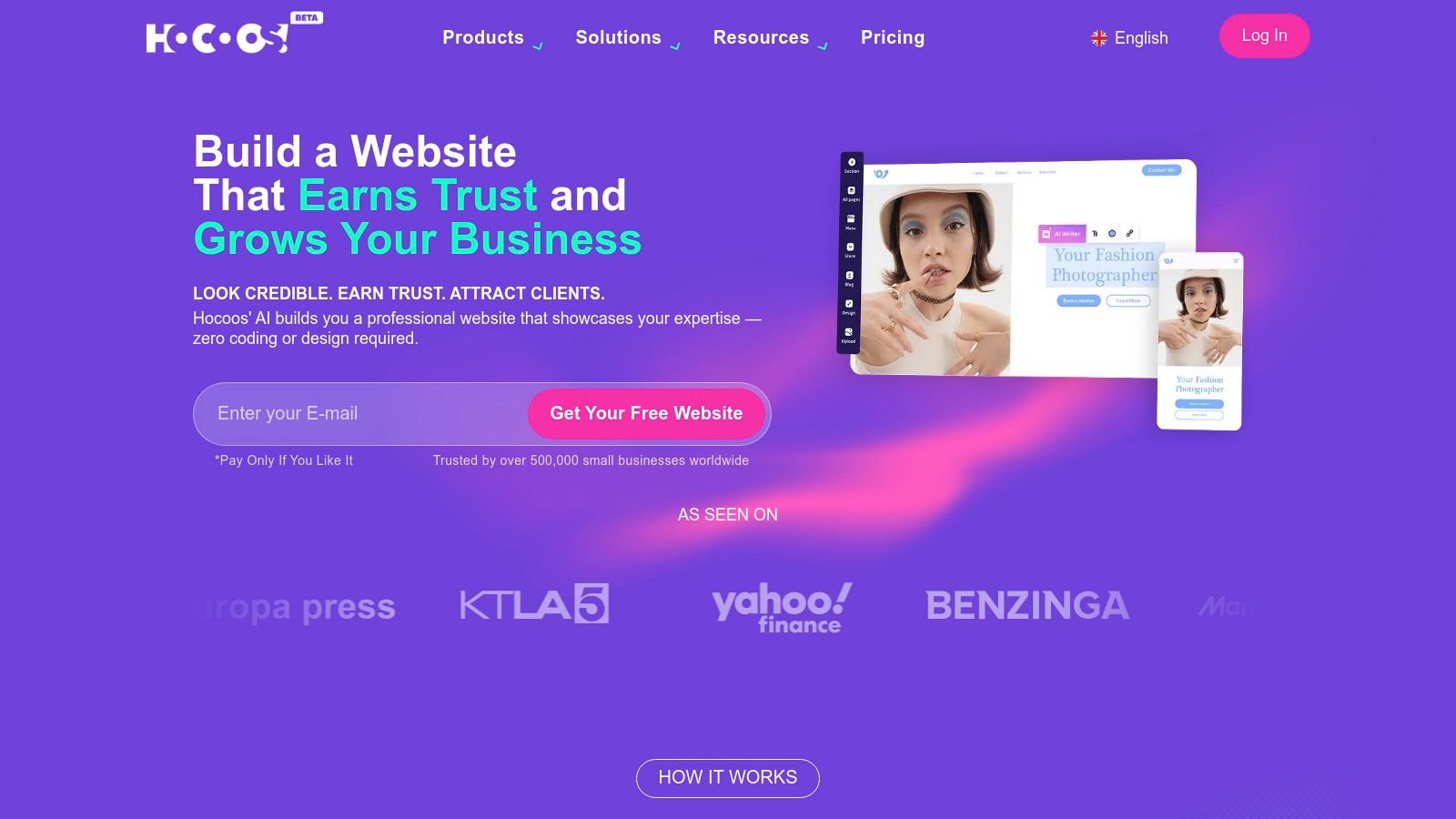
What sets Hocoos apart is its all-in-one value proposition at an accessible price point. After the initial AI generation, users can make edits using a straightforward click-and-choose editor, which keeps the experience from becoming overwhelming. The platform bundles key features like e-commerce, appointment bookings, and marketing integrations into its core offering, preventing the need for costly add-ons. It's a solid choice for those who need a business-ready site without the steep learning curve of more established, feature-heavy builders.
Key Features & Use Case
Best For: Freelancers, consultants, and micro-businesses who need a quick, low-cost, and all-inclusive online presence with minimal technical effort.
Question-Based Setup: Generates a unique website after a short, intuitive questionnaire about your business goals and style.
Integrated Business Tools: Includes built-in support for e-commerce, blogging, bookings, and customer relationship management (CRM).
Simple Editor: Offers a user-friendly editor for making quick adjustments to text, images, and widgets post-generation.
Pricing
Hocoos offers a free plan to get started. Its single premium plan is priced at $15/month and includes a free custom domain for the first year, no Hocoos ads, and access to all business features like the online store and booking system.
Pros & Cons
Pros | Cons |
|---|---|
Very simple pricing and solid value at its paid tier | Smaller ecosystem and fewer integrations than major incumbents |
Extremely quick to launch with a guided, non-technical setup | Fewer advanced design controls compared to premium tools |
All-in-one platform with e-commerce and bookings included | The editor may feel limited for users seeking deep customization |
For those seeking a no-fuss solution, Hocoos presents a compelling package, making it a noteworthy contender for the best AI website generator for new entrepreneurs. You can build your site at Hocoos.
11. Jimdo – AI-assisted Builder for simple sites
Jimdo focuses on simplicity, offering an AI-guided setup designed to get users online in minutes. The platform asks a series of questions about your business and goals, then uses that information to automatically generate an initial website, complete with relevant text and images. This approach is perfect for total beginners or small business owners who feel overwhelmed by complex builders and just need a clean, functional online presence.
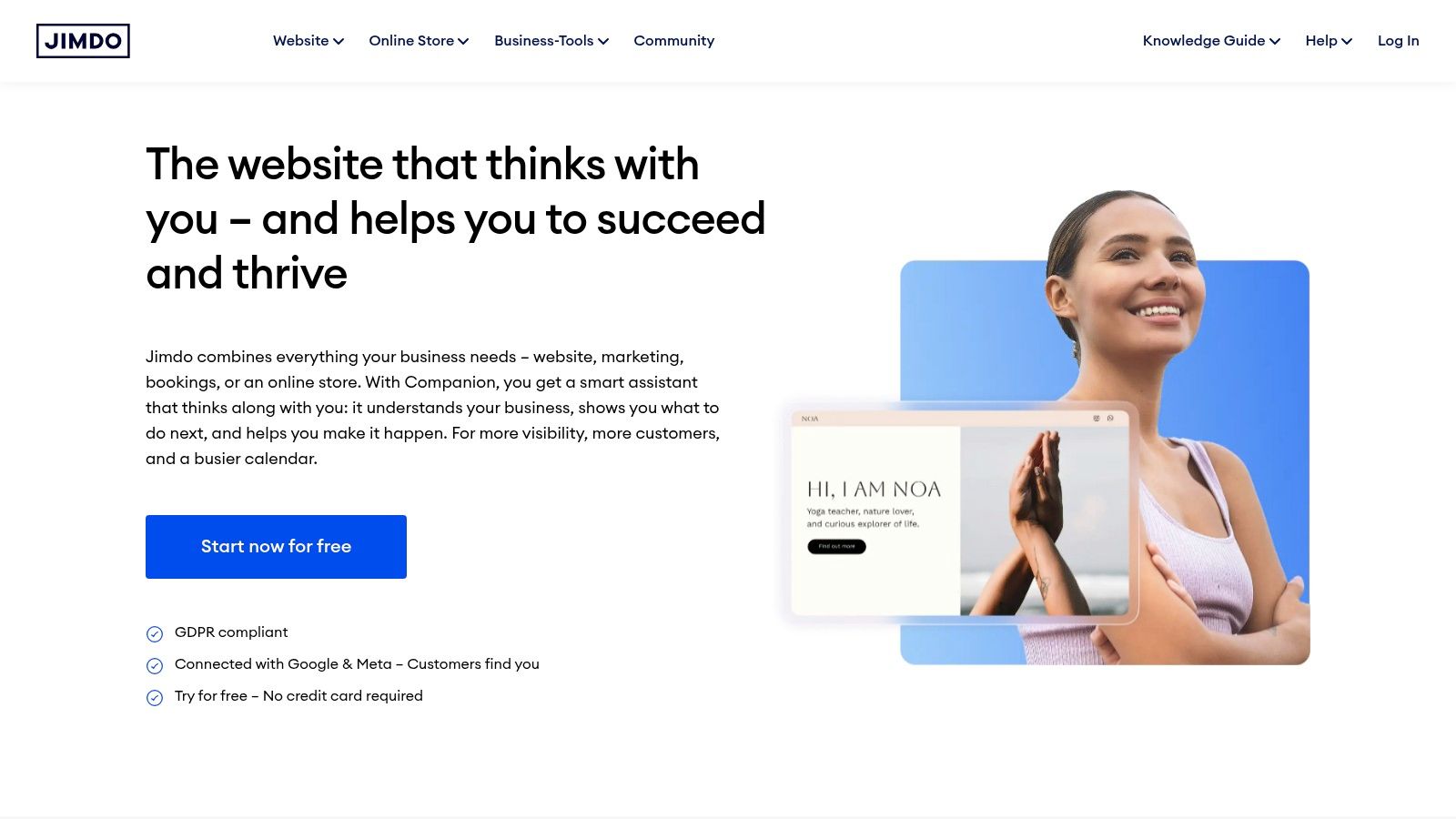
What makes Jimdo stand out is its commitment to an easy, hassle-free experience. The editor is extremely straightforward, removing many of the intricate design choices that can bog down a project. While it may not offer the deep customization of other platforms, it excels at its core mission: enabling anyone to launch a professional-looking site and small online store without needing any technical or design skills. Its built-in, GDPR-friendly legal pages also provide peace of mind for European businesses.
Key Features & Use Case
Best For: Freelancers, local service providers, and small hobby businesses who need a simple, low-maintenance website or a basic online shop.
AI-Guided Onboarding: A question-and-answer process generates the initial website structure, color scheme, and content.
Simple Ecommerce: Provides straightforward tools to sell a small number of products without complex inventory management.
GDPR-Friendly Features: Automatically generates essential legal pages like an imprint and privacy policy, which is crucial for European users.
Pricing
Jimdo offers a free "Play" plan to test the platform. Paid plans start at $9/month for the "Start" plan (for a basic site) and go up to $39/month for the "VIP" plan, which includes unlimited storage and advanced business features. E-commerce plans begin at $15/month.
Pros & Cons
Pros | Cons |
|---|---|
Extremely easy to use with a very gentle learning curve | Design flexibility and template choices are limited |
Clear and affordable pricing with a simple upgrade path | Ecommerce and marketing integrations are quite basic |
Built-in tools for legal compliance (GDPR) | Not suitable for content-heavy sites or complex functionality |
For those seeking the fastest and simplest path to a functional website, Jimdo is a strong contender in the best AI website generator space. You can get started and build your site at Jimdo.
12. IONOS – Website Builder with AI
IONOS offers a budget-focused entry into the world of AI website creation, bundling essential business tools with its builder. Its AI tools assist with generating entire pages, individual text sections, and relevant images, making it a practical choice for small business owners who need an online presence without a significant upfront investment or technical hassle. It’s designed for speed and simplicity, bundling a free domain and business email for the first year.
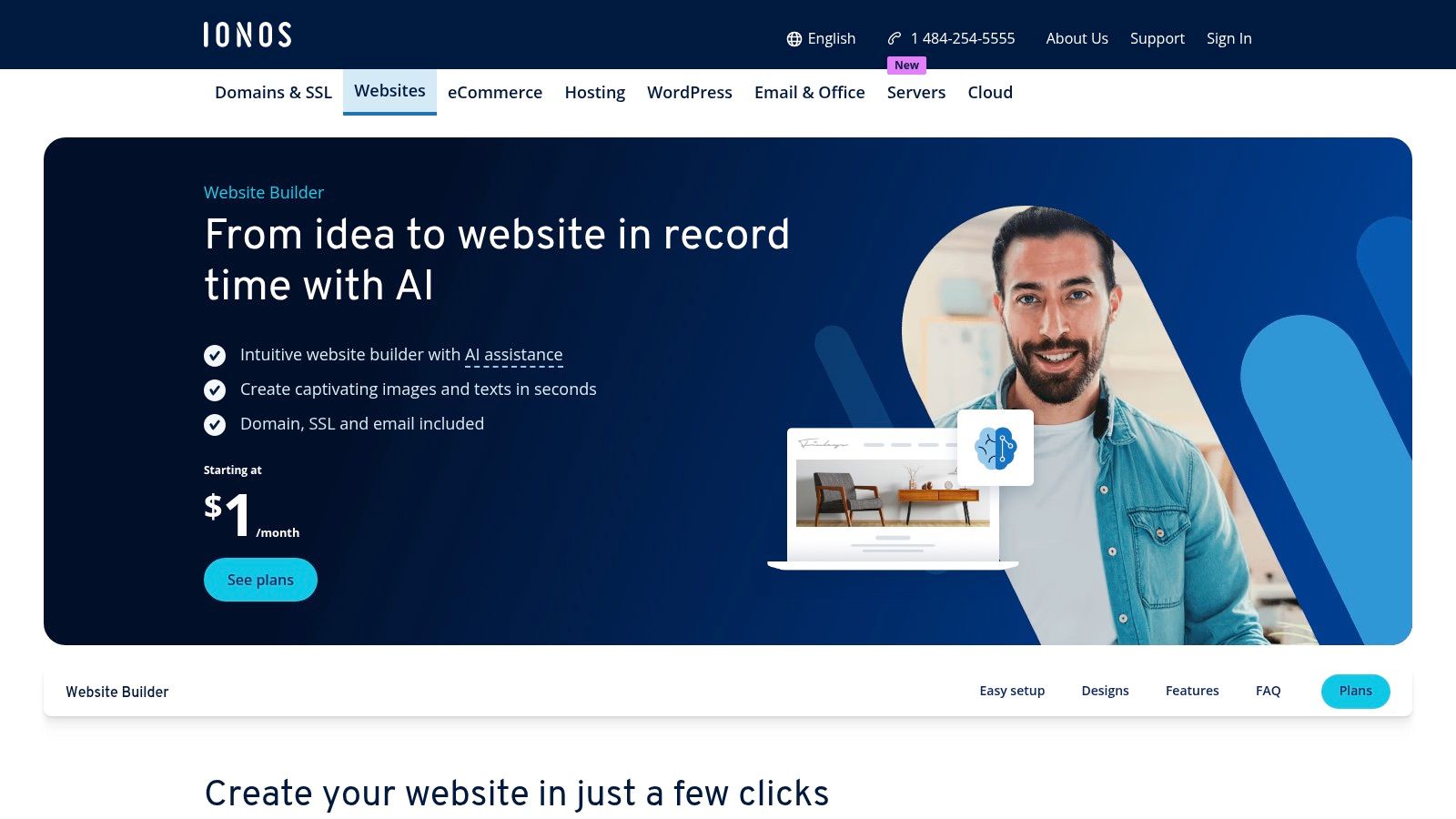
The platform stands out with its aggressive introductory pricing and all-inclusive packages. While the editor is more straightforward than competitors like Wix or Framer, it provides everything a small business needs to get started, including booking tools and basic SEO helpers. IONOS is a strong contender for entrepreneurs who prioritize value and efficiency over complex design customization, offering a direct path to a functional, professional website with US-based support.
Key Features & Use Case
Best For: Budget-minded small businesses, local service providers, and solopreneurs needing a fast, all-in-one web solution with bundled domain and email.
AI-Powered Content: Generates pages, text blocks, and images, plus suggests AI-driven color palettes to match your brand.
Bundled Business Essentials: Includes a free domain (first year), professional email address, and an SSL certificate in its plans.
Integrated Analytics & SEO: Comes with built-in SiteAnalytics and basic SEO tools to help you track performance from day one.
Pricing
IONOS is known for its promotional pricing, often starting as low as $1/month for the first six or twelve months. Standard pricing for its "Starter" plan is $12/month, and the "Plus" plan with AI text generation is $18/month.
Pros & Cons
Pros | Cons |
|---|---|
Aggressive intro pricing and frequent promotions | No free plan available to test the platform |
Simple editing with bundled essentials for small businesses | Fewer design flourishes and a more basic editor than competitors |
Includes domain, SSL, and business email in one package | Some advanced features are gated behind higher-tier plans |
For those looking for an affordable and complete package, IONOS serves as a solid candidate for the best AI website generator, particularly if initial cost is a primary concern. You can explore their offerings directly on the IONOS website.
Top 12 AI Website Generators — Feature Comparison
Product | Core features | UX / Quality ★ | Price / Value 💰 | Target 👥 | Unique / USP ✨ |
|---|---|---|---|---|---|
Alpha 🏆 | AI design, URL import, natural‑language edits, forms, SEO, analytics | ★★★★★ · Fast & intuitive | 💰 Free Starter · $9/mo Mini · $25/mo Basic | 👥 Entrepreneurs, startups, SMBs | ✨ URL import + NL chat edits; conversion-focused templates |
Wix – AI Website Builder | AI site gen, visual editor, apps, ecommerce, AI copy tools | ★★★★ · Flexible, polished | 💰 Free tier; paid plans vary (apps add cost) | 👥 SMBs, creators, ecommerce | ✨ Huge template & app ecosystem |
Squarespace – Blueprint AI Builder | AI site creation, commerce, marketing, brand options, templates | ★★★★ · Design-forward | 💰 Paid plans (trial available) | 👥 Creatives, portfolios, service businesses | ✨ Best-in-class aesthetics & cohesive themes |
Hostinger – AI Website Builder | Prompt AI gen, hosting bundle, AI copy/image/logo, ecommerce | ★★★ · Simple & value-focused | 💰 Very low intro pricing; renewals can jump | 👥 Budget small businesses, startups | ✨ Bundled hosting + free domain year 1 |
GoDaddy – AI Website Builder | AI gen + drag-and-drop, marketing dashboard, domain/email | ★★★ · Very quick publish | 💰 Bundled domain/email; mid pricing | 👥 Beginners, quick-launch users | ✨ All-in-one domain + marketing bundle |
Framer – Framer AI | AI wireframer, animations, CMS, components, plugins | ★★★★ · High visual polish | 💰 Premium; design-focused pricing | 👥 Designers, agencies, marketing teams | ✨ Rich interactions, animations & responsive control |
10Web – AI (WordPress) | AI → WordPress site, Elementor editor, managed Google Cloud hosting | ★★★★ · WP extensible & performant | 💰 Managed WP pricing (hosting incl.) | 👥 WordPress fans, agencies | ✨ Keeps WordPress extensibility + automated hosting |
Durable – AI Website Builder | Instant multi-page gen, CRM, invoicing, analytics | ★★★ · Ultra-fast site builds | 💰 Low–mid plans | 👥 Solo founders, small businesses | ✨ Founder tools (CRM + invoicing) built-in |
Mixo – Landing Page Generator | One-prompt landing pages, waitlist, subscribers, simple CRM | ★★★ · Lightweight & fast | 💰 Affordable; tiered page limits | 👥 Creators, startups, MVP builders | ✨ Built-in waitlist & idea-validation tools |
Hocoos – AI Website Builder | Questionnaire-based AI site, ecommerce, hosting, multilingual | ★★★ · Simple & straightforward | 💰 Low-cost with clear tiers; free trial | 👥 Value-seekers, small stores | ✨ Click-and-choose editor + free hosting option |
Jimdo – AI-assisted Builder | AI onboarding, simple ecommerce, GDPR pages, SEO basics | ★★★ · Very beginner-friendly | 💰 Free → paid upgrade path | 👥 Beginners, small catalogs | ✨ GDPR-friendly setup & easy upgrades |
IONOS – Website Builder with AI | AI page/text/image gen, domain/email, SSL, SEO helpers | ★★★ · Budget-oriented | 💰 Aggressive promo pricing; no free plan | 👥 Budget small businesses | ✨ Promotional pricing + US-based support |
The Future is Instant: Your Next Steps to an AI-Powered Website
We've journeyed through the dynamic and rapidly evolving landscape of the best AI website generator tools. From established giants like Wix and Squarespace integrating sophisticated AI features to specialized powerhouses like Framer AI and ultra-fast builders like Durable, the options are more diverse and powerful than ever before. The core takeaway is undeniable: the barrier to creating a professional, functional website has been effectively dismantled. No longer a months-long project requiring technical expertise, building an online presence is now achievable in a matter of minutes.
The central theme emerging from our deep dive is that the "best" tool is not a one-size-fits-all solution. Your ideal choice hinges directly on your unique circumstances, technical comfort level, and long-term business objectives. The era of manual, block-by-block building is fading, replaced by a new paradigm of AI-driven creation, where your ideas are the primary input and the platform handles the complex execution.
Making Your Final Decision: A Practical Checklist
To help you move from analysis to action, consider these critical factors as you select your AI website generator. This isn't just about features; it's about finding a partner for your digital growth.
Your Primary Goal: Are you looking to launch a simple service business site as quickly as possible? A tool like Durable or Hocoos might be your fastest path. Do you need a robust e-commerce platform with AI assistance? Wix or Hostinger offer integrated solutions.
Level of Customization: If you crave deep design control and want to fine-tune every pixel, Framer AI offers a professional-grade canvas. Conversely, if you prefer a more guided, hands-off experience where the AI makes most design choices, Jimdo or GoDaddy provide a streamlined, simplified process.
Scalability and Ecosystem: Consider where your business will be in a year. Will you need advanced marketing tools, a full blogging platform, or integration with the extensive WordPress plugin ecosystem? A platform like 10Web is built for this, while a simpler tool like Mixo excels at single-purpose landing pages.
The Editing Experience: This is a crucial, often overlooked factor. Do you prefer a traditional drag-and-drop editor, or does the idea of editing your site using plain English commands excite you? This is where a tool like Alpha truly innovates, transforming website management into a simple conversation.
Beyond the Launch: Implementation and Long-Term Success
Choosing the best AI website generator is only the first step. To ensure your new site delivers results, remember that it is a living asset, not a static brochure. Once you've generated your initial design, dedicate time to refining the copy to perfectly match your brand voice. Use the built-in analytics or connect to third-party tools to monitor visitor behavior and optimize your content accordingly.
The most significant advantage of these AI tools is the speed they afford you. Use this saved time wisely. Instead of wrestling with code or design software, you can focus on what truly matters: creating valuable content, marketing your services, and engaging with your customers. The future of web design isn't just about building faster; it's about empowering you to build smarter. The right tool will feel less like software and more like a collaborator, working alongside you to bring your digital vision to life. The technology is here, the opportunity is clear, and your audience is waiting.
Ready to experience the most intuitive and innovative approach to web design? Alpha leverages cutting-edge AI that allows you to generate a stunning, conversion-focused website simply by providing the URL of a site you admire. Move beyond templates and start building with a platform that truly understands your vision. Visit Alpha to generate your professional website in under a minute.
Build beautiful websites like these in minutes
Use Alpha to create, publish, and manage a fully functional website with ease.