How to Create Website Mockups People Actually Love
Learn how to create website mockups that bridge the gap between idea and reality. Our guide covers tools, principles, and developer handoff.
EXAMPLES
Build beautiful websites like these in minutes
Use Alpha to create, publish, and manage a fully functional website with ease.





Finding the right website template for your small business can feel overwhelming. You're not just choosing colors and fonts; you're selecting the digital foundation for your brand. A great template must do more than look good. It has to attract visitors, convert them into customers, and be simple enough to manage without a dedicated IT team.
Many templates promise the world but deliver a complicated, slow-loading site that hurts your search rankings and frustrates users. This guide cuts through the noise. We'll explore 12 of the best sources for website templates for small business, focusing on what truly matters: conversion potential, mobile-readiness, ease of use, and industry-specific features. A high-performing website is a core component of effective strategies for building a strong online presence that get real results.
We’ll analyze each option with a critical eye, highlighting practical use cases and honest limitations. You'll find screenshots and direct links for every resource. Plus, we'll introduce how innovative AI-powered tools like Alpha are revolutionizing the process, allowing you to build a high-performance site from a reference URL, saving you time and money. Let's find the template that will help your business thrive online.
1. Alpha
Alpha establishes itself as a premier choice for small businesses needing a professional, conversion-focused website without the traditional time and cost barriers. Its AI-first approach revolutionizes the design process, making it an exceptional platform for entrepreneurs and startups who prioritize speed and efficiency. Instead of wrestling with complex builders, you can generate a complete, mobile-optimized site in hours.
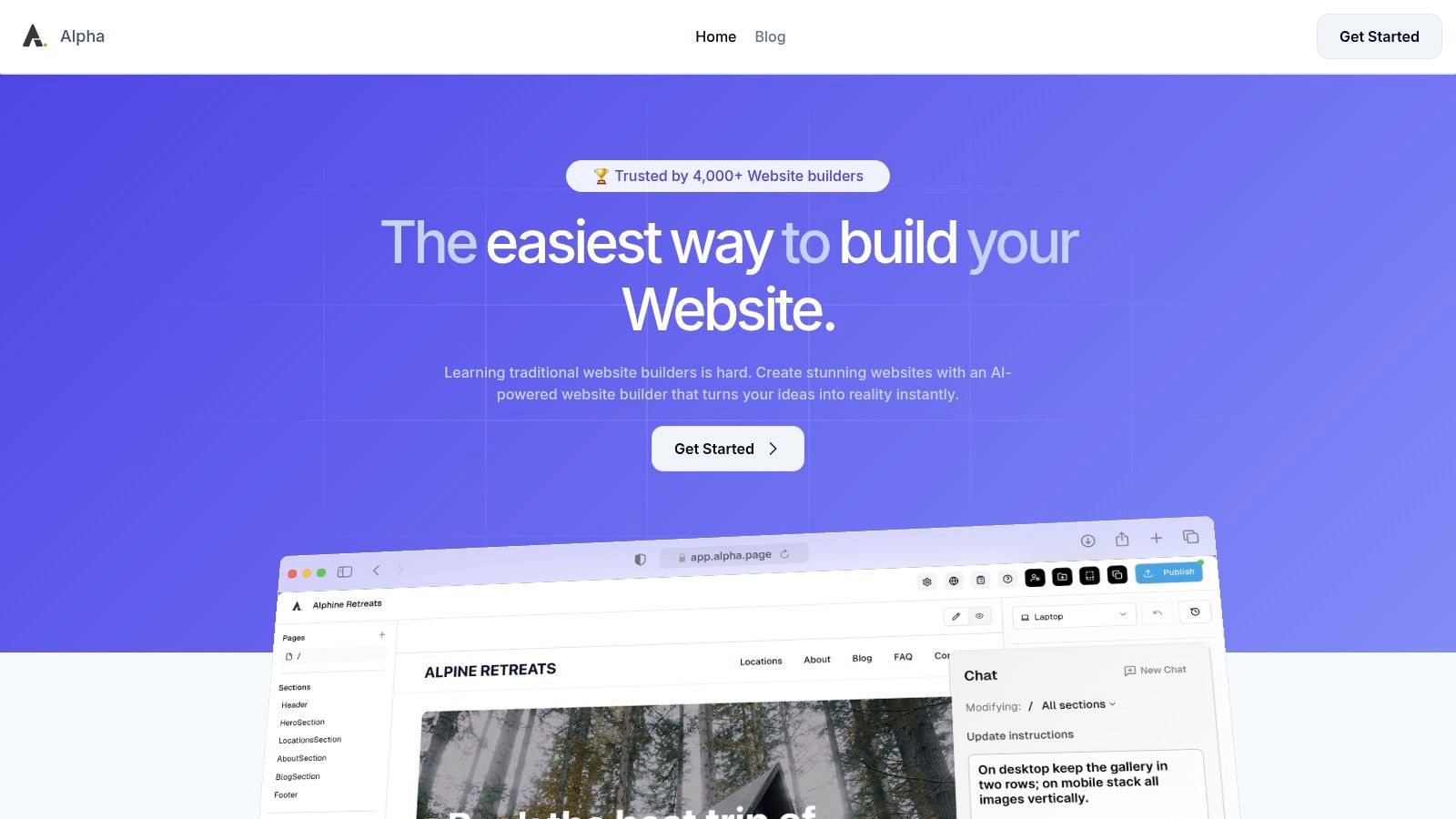
What truly sets Alpha apart is its powerful combination of AI-driven design tools. Its most distinctive feature allows you to input any website’s URL to replicate its layout and style, providing an incredible head start. From there, you can refine the design by describing changes in plain language, a feature that founder Doug Roper calls a “game-changer.” This makes Alpha a standout when searching for effective website templates for small business, as you can effectively create a custom template from any inspiration source online.
Why It’s a Top Pick
Alpha’s entire platform is built around generating tangible business results. The templates and components are specifically engineered for lead capture and sales, integrating forms, analytics, and SEO tools directly into its lightweight interface. For a small business, this means your website isn't just a digital brochure; it’s an active tool for growth from day one. One-click publishing to a custom domain simplifies the launch process, removing technical hurdles that often slow entrepreneurs down.
Pricing Structure
Alpha offers a flexible and highly accessible pricing model suitable for any stage of business:
Plan | Price/Month | Key Features |
|---|---|---|
Starter | Free | 1 page, published on an alpha-ai.page subdomain |
Mini | $9 | Custom domain, 2 pages, 100 chat credits |
Basic | $25 | Up to 15 pages, 300 chat credits, CMS support (beta) |
Pros & Cons
Pros:
AI-Powered Design: Rapidly build and iterate with plain-language edits and a unique site-copying feature.
Conversion-Focused: Integrated forms, analytics, and SEO tools are geared to capture leads.
Affordable: A free tier and low-cost plans make it accessible for new businesses.
Mobile-First: Automatic optimization ensures your site looks great on all devices.
Cons:
Limited Scalability: The Basic plan caps at 15 pages, and the CMS is still in beta, making it less suitable for large, complex sites.
Less Granular Control: Designers seeking pixel-perfect customization may find the AI-driven workflow restrictive.
Visit Alpha to build your site.
2. ThemeForest (Envato Market)
ThemeForest by Envato Market is a massive global marketplace offering tens of thousands of website templates for nearly any platform, including WordPress, Shopify, and static HTML. It stands out for its sheer volume and competitive pricing, making it a go-to resource for small businesses looking for a wide array of design choices without a significant upfront investment. The platform functions like a digital department store where individual creators sell their themes directly to you.
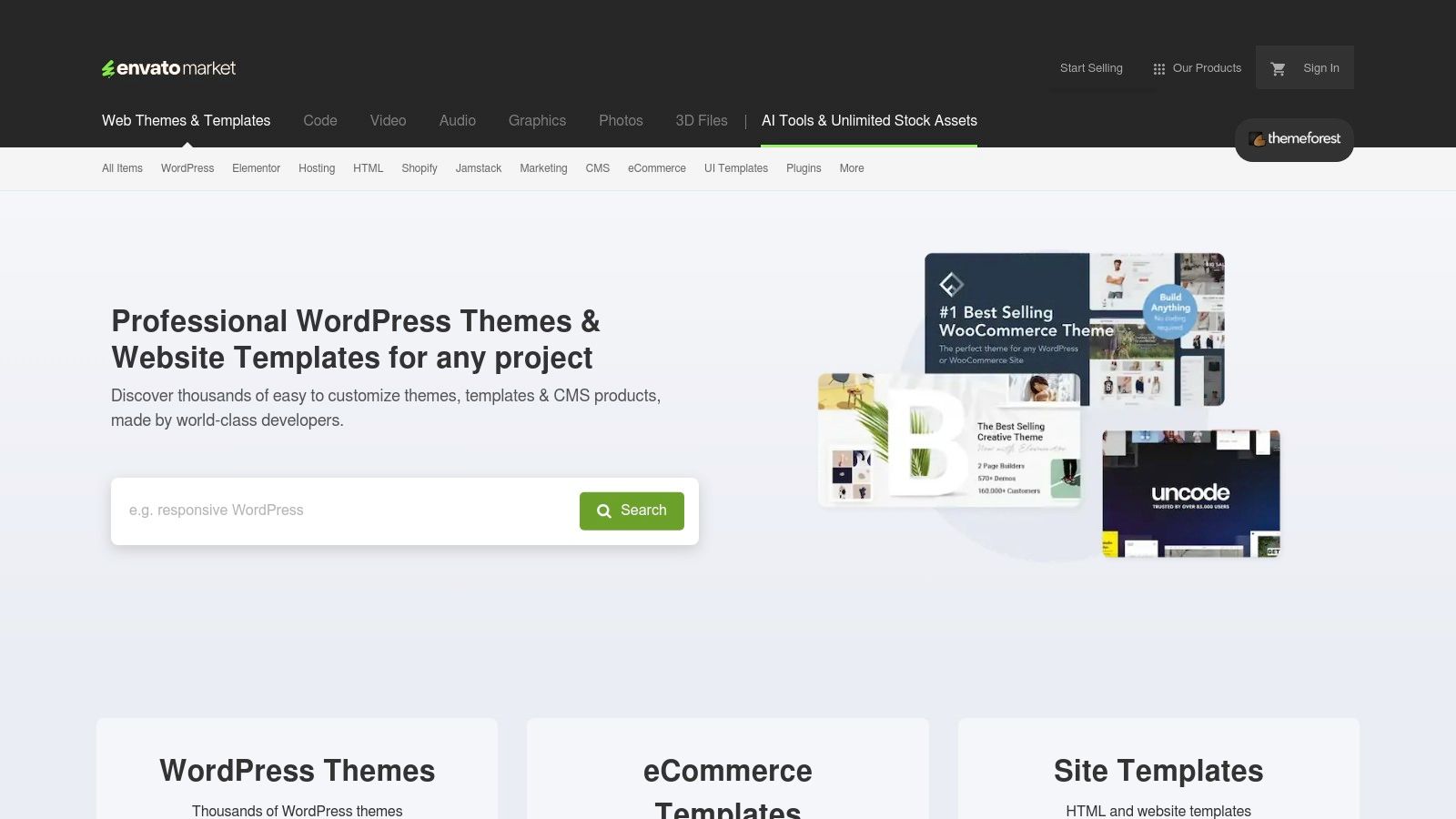
Most WordPress themes are priced between $39 and $69 for a single-site license, which often includes six months of author support. Many best-selling themes also bundle premium plugins and provide one-click importable demo sites, dramatically speeding up the initial setup process. However, the quality and support can vary significantly between authors.
Key Considerations
Best For: Businesses needing platform-specific (especially WordPress) themes with niche-focused designs, like restaurants, real estate agencies, or creative portfolios.
Practical Tip: Always check a theme's reviews, comments, and last update date. A well-supported theme with recent updates is crucial for security and compatibility.
Potential Drawback: Some themes are packed with so many features and bundled plugins that they can become bloated. This can negatively impact your site's performance; for more on this, check out our guide on how to improve website loading speed.
3. TemplateMonster
TemplateMonster is another major digital marketplace offering a diverse catalog of themes for platforms like WordPress, Shopify, and static HTML. It distinguishes itself with curated collections specifically for small businesses and a strong focus on themes built with the popular Elementor page builder, making customization more accessible for non-developers. The platform presents each product with detailed information, including live demos, version changelogs, and clear author support terms.
Similar to other marketplaces, pricing is set by individual authors, with most premium themes falling in the $45 to $85 range for a single-site license. TemplateMonster frequently runs sales and offers bundles, which can significantly lower the cost of acquiring high-quality website templates for small business owners. However, the vastness of its catalog means that product quality and support levels can vary between different creators.
Key Considerations
Best For: Small businesses looking for modern, visually-driven designs, especially those who prefer using the Elementor page builder for easy drag-and-drop customization.
Practical Tip: Pay close attention to the "Last Update" date and customer reviews on the product page. Opting for a recently updated and well-reviewed theme ensures better security and compatibility with the latest platform versions.
Potential Drawback: The sheer volume of options includes some older, less-optimized themes. It's important to filter searches and carefully vet each template to avoid a design that feels dated or performs poorly.
4. Shopify Theme Store
For small businesses focused on e-commerce, the official Shopify Theme Store is the most reliable and integrated source for high-quality online store templates. As the platform’s official marketplace, every theme is rigorously vetted by Shopify to ensure performance, security, and compatibility with its entire ecosystem. This curated approach provides a trustworthy foundation for building a professional and conversion-focused online storefront.
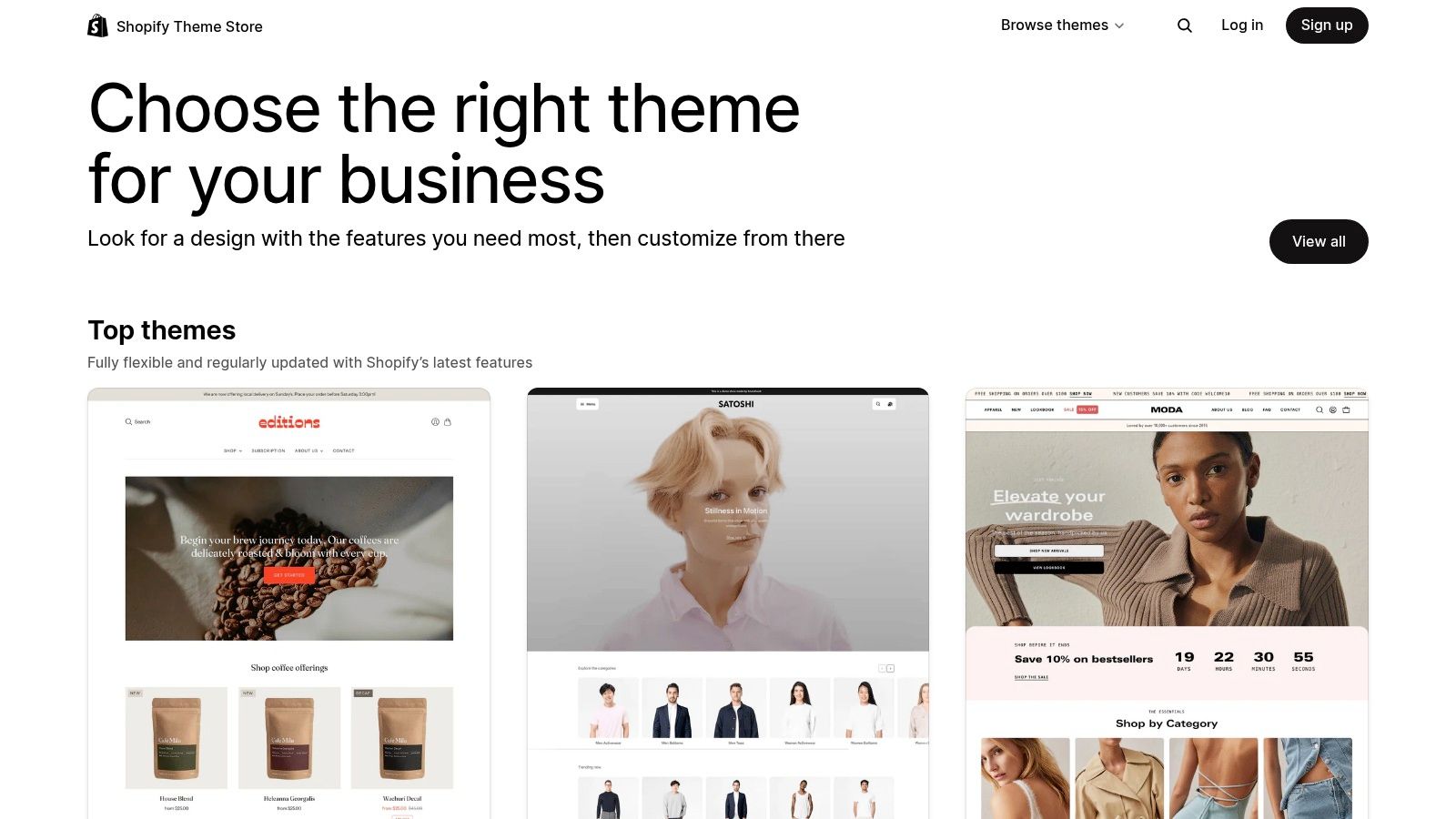
The store offers a mix of free themes developed by Shopify and premium themes from third-party partners, with prices for paid themes typically ranging from $180 to $350. A key advantage is the "try-before-you-buy" feature, allowing you to fully customize a theme with your own products and branding before committing to a purchase. You only pay when you decide to publish the theme live on your store.
Key Considerations
Best For: E-commerce businesses of any size, from startups to established brands, that need a reliable, secure, and conversion-optimized online store.
Practical Tip: Use the robust filtering options to narrow down themes by industry (like food/drink or fashion), catalog size, and specific features such as a sticky header or quick-buy options.
Potential Drawback: While highly customizable through the theme editor, more complex structural changes or unique functionalities may still require hiring a Shopify developer or learning Shopify’s Liquid templating language.
5. Wix Templates
Wix provides a massive library of over 900 professionally designed website templates tailored specifically for small businesses, from service providers and restaurants to local trades and online portfolios. The platform’s key advantage is its all-in-one nature; each template integrates seamlessly with Wix’s intuitive drag-and-drop editor and a suite of built-in business tools for bookings, payments, and marketing. This makes it exceptionally easy for non-technical users to launch a functional, good-looking website quickly.
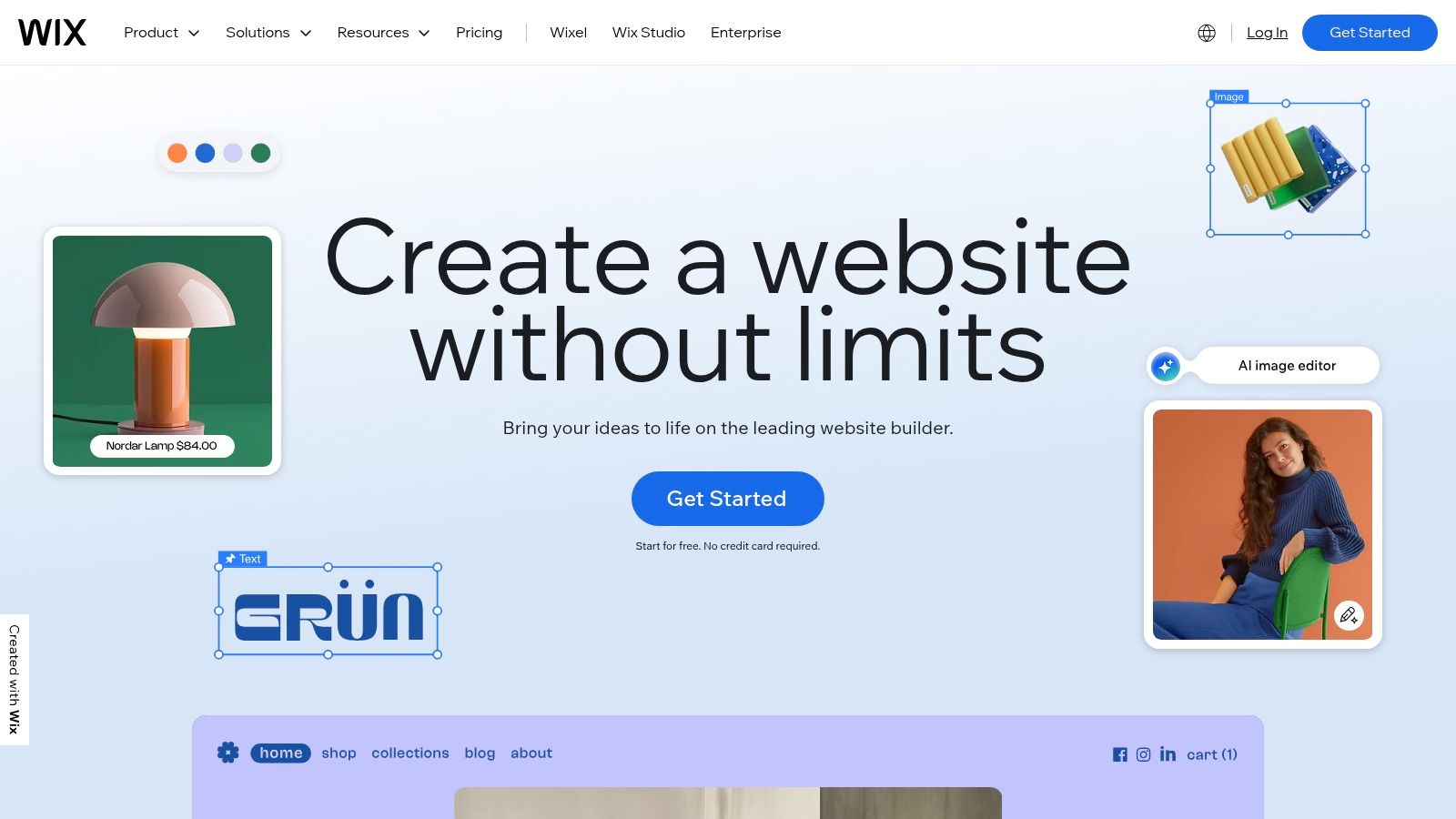
While you can start building for free to test the platform, you'll need a premium plan to connect a custom domain and remove Wix branding. The templates are designed to be mobile-responsive out of the box and include basic SEO features to get you started. However, once you choose a template and begin building, you cannot switch to a different one without losing your content, so choosing the right foundation is important.
Key Considerations
Best For: Service-based businesses (salons, consultants, trainers) and brick-and-mortar shops needing an easy-to-manage online presence with integrated tools like scheduling and payments.
Practical Tip: Use the categories and filters in the template gallery to narrow down options for your specific industry. Preview multiple templates on both desktop and mobile before committing.
Potential Drawback: The inability to switch templates post-selection means you are locked into your initial design choice. For more on how Wix stacks up against other platforms, see our comparison of the best website builders for small business.
6. Squarespace Templates
Squarespace is a hosted, all-in-one website builder renowned for its polished, design-forward templates. It’s an ideal solution for small businesses, creators, and local service providers who prioritize aesthetics and simplicity over deep technical customization. The platform's templates are built on its modern Fluid Engine editor, offering a visually intuitive grid-based system for arranging content, and they come with powerful integrated features like ecommerce, scheduling, and analytics, removing the need for third-party plugins.
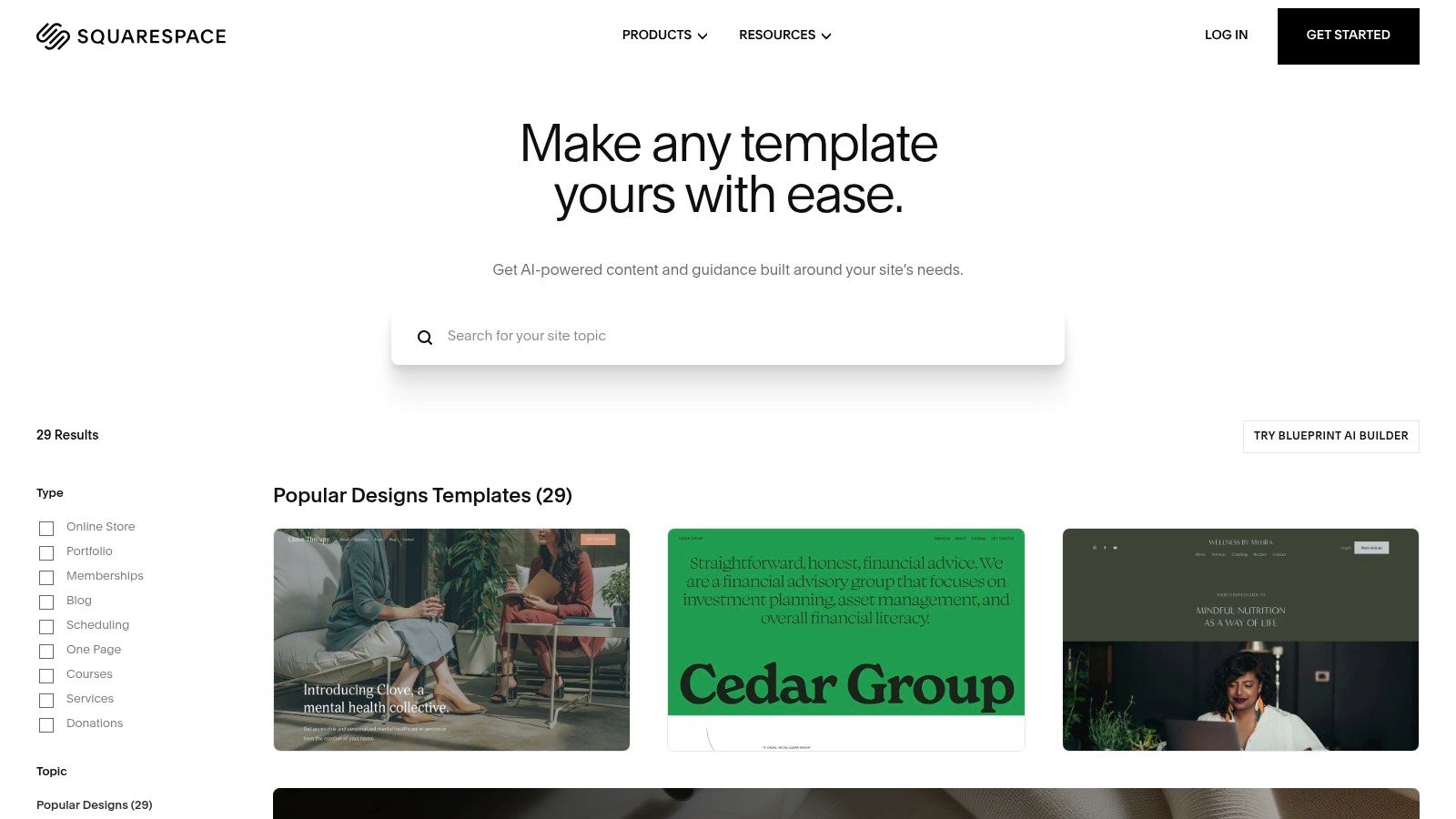
As an all-in-one platform, Squarespace handles hosting, security, and includes a domain credit on annual plans, simplifying the technical side of running a website. Plans start at around $16 per month (billed annually), with more expensive tiers unlocking advanced commerce and marketing tools. This integrated approach ensures that all templates maintain high quality and consistency, a key differentiator from marketplace-style platforms.
Key Considerations
Best For: Creative professionals, service-based businesses, and online stores that need a beautiful, professional-looking website with minimal setup and maintenance.
Practical Tip: Start by choosing a template within your industry category, but don't feel locked in. Squarespace's Fluid Engine allows you to completely transform any template's layout to match your vision.
Potential Drawback: The platform offers less design flexibility than a builder like WordPress and has a smaller selection of third-party extensions. Deep customization often requires custom code injection, which isn't ideal for beginners.
7. Webflow Template Marketplace
The Webflow Template Marketplace offers a curated collection of premium templates that merge professional design with powerful, code-free customization. Unlike simpler builders, Webflow targets users who want granular design control, creating highly polished, interactive websites without writing code. This makes it an exceptional choice for small businesses that need a unique, agency-quality site but lack the budget for a custom development team.
Templates range from free to over $120, reflecting their complexity and design quality. Each listing provides detailed information on responsiveness, features, and author support. The platform’s key advantage is its visual canvas, which allows for deep customization of animations, interactions, and layouts, giving you a truly bespoke feel. The ability to start with a professional template and then refine every detail is a significant benefit for brand-conscious businesses.
Key Considerations
Best For: Design-focused startups, creative agencies, and small businesses wanting a high-end custom look without needing to code.
Practical Tip: Use Webflow’s "Made in Webflow" showcase to find cloneable projects. These are free, community-built sites you can copy directly into your account to learn techniques or use as a starting point.
Potential Drawback: Webflow has a steeper learning curve compared to traditional drag-and-drop builders. While powerful, its interface requires an initial time investment to fully master.
8. WordPress.org Theme Directory
The WordPress.org Theme Directory is the official repository for thousands of free website templates for small business owners using the self-hosted WordPress platform. It is the definitive starting point for budget-conscious entrepreneurs who want maximum control and flexibility. Each theme in the directory is vetted by a review team to ensure it meets basic coding standards and security guidelines, offering a level of trust not always found with other free resources.
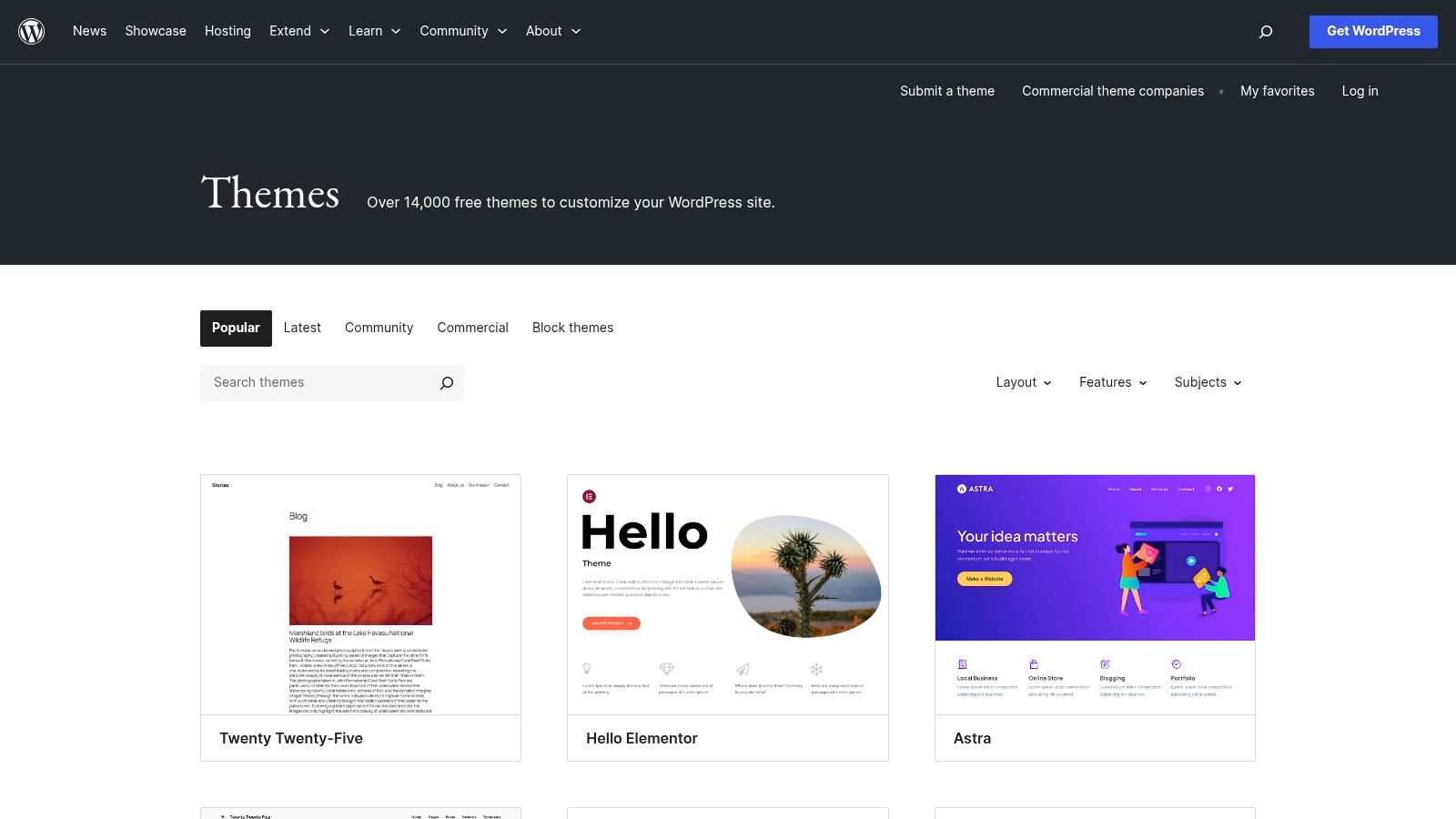
Since every theme is completely free to download and use, the primary investment is your own time and the cost of web hosting. The directory allows you to filter themes by layout, features (like e-commerce readiness), and subject. This makes it easier to find a solid foundation that can be customized with popular page builders like Elementor or integrated with essential plugins such as WooCommerce.
Key Considerations
Best For: Startups and small businesses on a tight budget who are using self-hosted WordPress and need a reliable, no-cost starting point for their website.
Practical Tip: Pay close attention to the "Active Installations," "Last Updated" date, and user reviews. A theme with a high installation count and recent updates is more likely to be secure, well-maintained, and compatible with the latest version of WordPress.
Potential Drawback: The quality, feature set, and support options vary dramatically. Many free themes are intentionally minimalist, requiring you to either purchase a "pro" version or rely heavily on third-party plugins for more advanced functionality.
9. BigCommerce Theme Marketplace
The official BigCommerce Theme Marketplace is a dedicated resource for small businesses serious about scaling their ecommerce operations. Unlike general-purpose builders, these templates are built on BigCommerce’s powerful Stencil framework, designed specifically for robust online stores. They offer built-in support for complex B2C and B2B features, such as advanced product filtering, multi-variant displays, and streamlined checkout processes, making it a powerful choice for stores with many SKUs.
Themes are mobile-first and optimized for conversion right out of the box. Paid themes typically range from $150 to $300, a one-time cost for a template engineered to handle high-volume sales without the need for excessive third-party plugins. All themes are kept up-to-date with the latest BigCommerce platform features, ensuring long-term stability and security for your growing business.
Key Considerations
Best For: Retailers and B2B businesses that need sophisticated ecommerce functionality, such as managing large inventories, advanced search filters, and wholesale pricing.
Practical Tip: Use the "View in your store" feature to preview a theme with your actual products before purchasing. This gives you a realistic look at how the design will function with your brand.
Potential Drawback: The design flexibility is more focused on commerce than creative expression. Businesses prioritizing unique artistic layouts over sales tools may find it more restrictive than a platform like WordPress.
10. Creative Market
Creative Market is a vibrant marketplace where independent creators sell not just website templates, but a full suite of brand assets. This makes it a unique resource for small businesses wanting a cohesive aesthetic from their website to their social media graphics. You can find templates for WordPress, Shopify, and HTML, often alongside matching fonts, logos, and branding kits sold by the same designer.
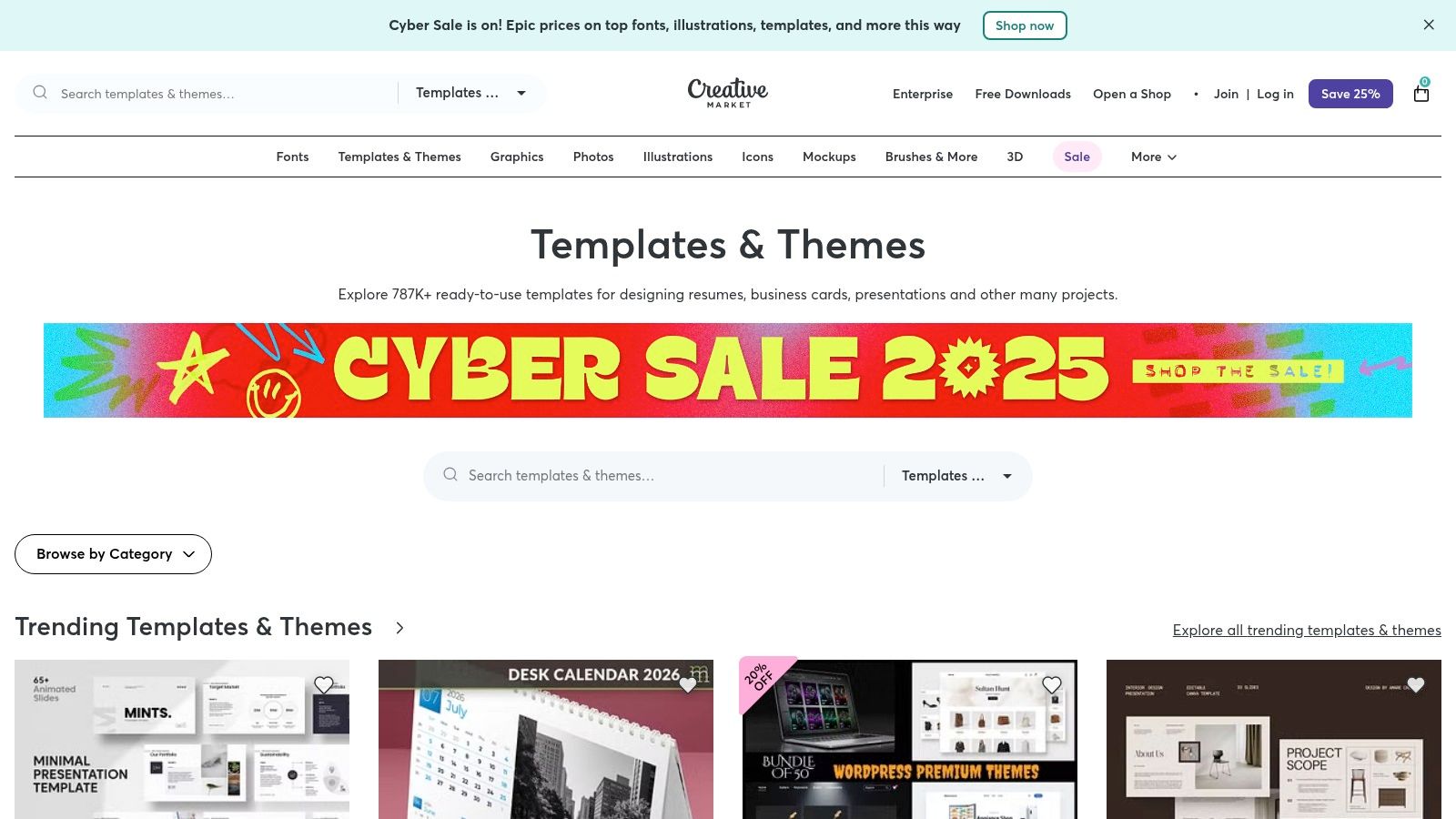
This integrated approach helps new businesses establish a strong visual identity quickly and affordably. Purchases are typically one-off with no subscription required, and prices vary based on the creator and item complexity. The platform excels at offering niche and artist-driven designs that you may not find in larger, more mainstream template stores, making it a goldmine for brands with a specific creative vision.
Key Considerations
Best For: Startups and solopreneurs who need a complete branding package, including a website template, logo, and social media assets, all in a consistent style.
Practical Tip: Pay close attention to the seller's profile, including their support notes and product update history. Since vetting is lighter than official platform stores, confirming recent updates and compatibility is essential.
Potential Drawback: The quality and support level can be inconsistent across different creators. Some templates may be older or less frequently updated, so always verify compatibility with your chosen platform’s latest version.
11. Elegant Themes (Divi)
Elegant Themes is the creator of Divi, one of the most popular WordPress themes and visual page builders in the world. Rather than a marketplace, it’s a membership-based service that provides access to Divi, the Extra theme, and a library of over 300 professionally designed website packs. This all-in-one model provides a powerful, consistent toolkit perfect for small businesses, freelancers, and agencies who manage multiple websites.
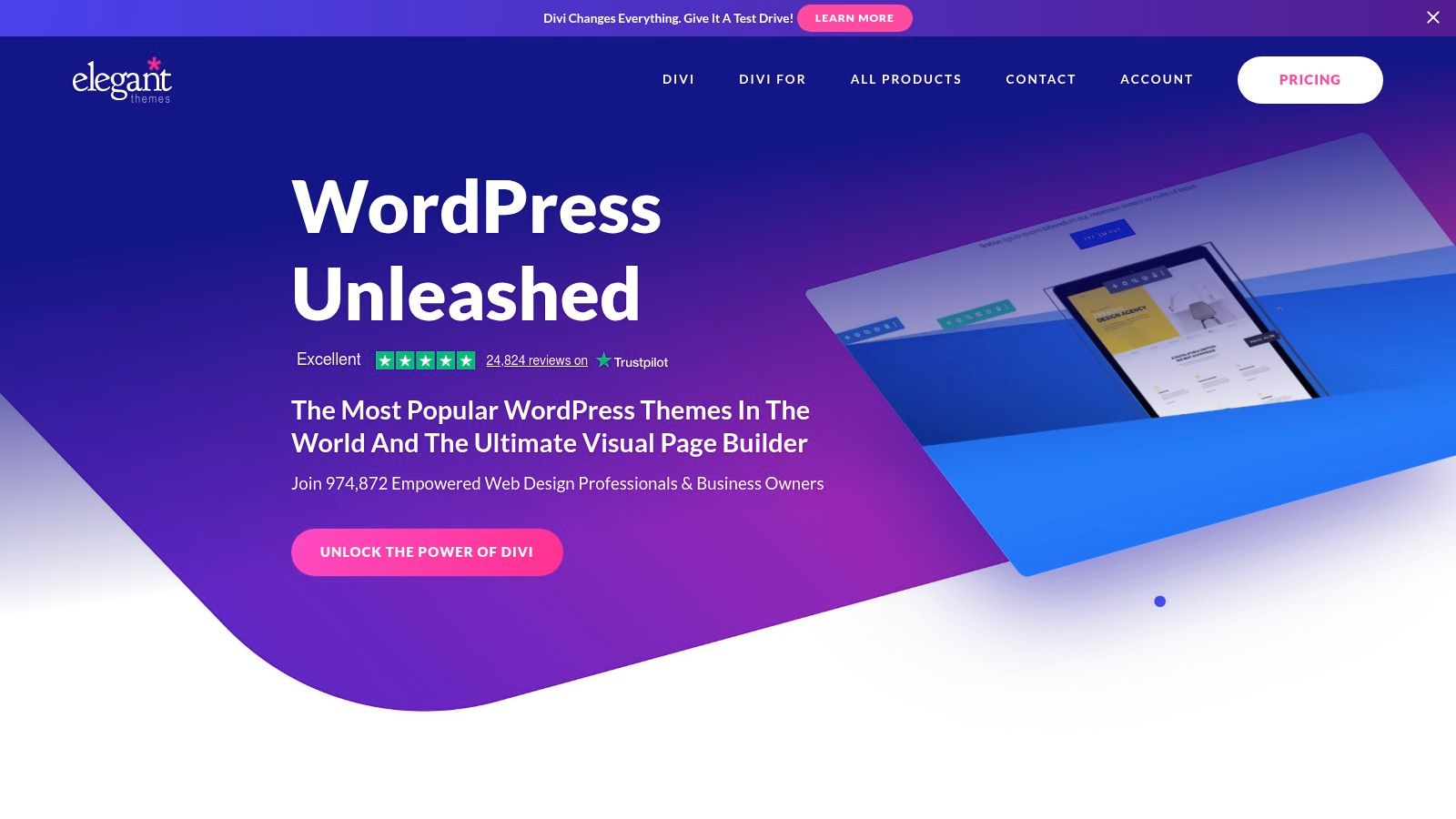
The primary appeal is Divi’s drag-and-drop visual builder, which allows you to design your site on the front end in real-time. A single subscription (annual or lifetime) grants you a license for unlimited websites, making it incredibly cost-effective for serial entrepreneurs or developers. The pre-made layouts cover countless small business niches, from local service providers to online consultants, and can be imported with a single click.
Key Considerations
Best For: Freelancers, agencies, and small business owners who plan to build and manage multiple WordPress websites and want a unified, visual design tool.
Practical Tip: Leverage the Divi Layout Library to save and reuse your own custom-designed sections and modules across different pages or even different websites, massively speeding up your workflow.
Potential Drawback: Divi uses its own system of shortcodes to build pages. This can create a "vendor lock-in" effect, making it difficult to switch to another theme or builder in the future without a significant redesign effort.
12. BootstrapMade
BootstrapMade provides a curated collection of free and premium Bootstrap HTML templates, ideal for startups, one-page sites, and corporate landing pages. It stands out for its clean, lightweight code, offering a direct alternative to complex CMS platforms. For small businesses that need a simple, fast-loading online brochure or portfolio without the overhead of WordPress, BootstrapMade is an excellent starting point. The templates are host-anywhere, giving you full control over your hosting environment.
Free templates are available with an attribution link, while Pro versions remove the credit and add features like PHP/AJAX contact forms and SCSS files. Pro templates are available via a one-time purchase (typically under $25) or through a membership that grants access to all premium items. This model makes it a very cost-effective source for high-quality website templates for small business owners who are comfortable with basic HTML.
Key Considerations
Best For: Technically-inclined small business owners or developers who want a fast, simple, and secure static site without a CMS.
Practical Tip: Use the Pro version's included PHP/AJAX contact form script for an easy way to capture leads without relying on third-party services.
Potential Drawback: As these are static HTML templates, all content updates require editing the code directly. There is no built-in CMS, so adding a blog or e-commerce functionality requires significant custom development. It's crucial to ensure your chosen template is fully responsive; you can get a complete walkthrough in our responsive web design tutorial.
Top 12 Small-Business Website Template Comparison
Product | Core features | UX / Quality (★) | Unique selling point (✨) | Pricing / Value (💰) | Target audience (👥) |
|---|---|---|---|---|---|
Alpha 🏆 | AI design, URL import, plain‑language edits, SEO, forms, analytics | ★★★★☆ fast & responsive | ✨ Import any site by URL; edit by description | 💰 Free / $9 / $25‑mo (transparent) | 👥 Entrepreneurs, startups, SMBs |
ThemeForest (Envato) | Massive theme marketplace, demos, ratings, one‑time licenses | ★★★☆☆ quality varies by author | ✨ Huge niche filters & demo imports | 💰 One‑time ~$39–$69 typical | 👥 Developers, agencies, DIY builders |
TemplateMonster | Multi‑platform templates, live demos, author support | ★★★☆☆ broad catalog; mixed quality | ✨ Curated Elementor packs & frequent bundles | 💰 One‑time; frequent sales | 👥 SMBs wanting premium templates |
Shopify Theme Store | Vetted Shopify themes, try‑before‑buy, regular updates | ★★★★☆ ecommerce‑focused | ✨ Shopify‑vetted + industry presets | 💰 Free → $100–$490 one‑time | 👥 Shopify merchants, online stores |
Wix Templates | 900+ templates, drag‑and‑drop editor, built‑in apps | ★★★★☆ very easy for non‑technical | ✨ Integrated apps (bookings, payments) | 💰 Free plan; premium tiers & apps | 👥 Local businesses, non‑technical SMBs |
Squarespace Templates | Design‑forward templates, hosting, commerce tools | ★★★★☆ polished & consistent | ✨ Fluid Engine + all‑in‑one hosting | 💰 Subscription (no free plan) | 👥 Creators, boutiques, design‑focused SMBs |
Webflow Template Marketplace | Responsive templates, interactions, exportable code | ★★★★☆ professional control | ✨ Clean code export & advanced interactions | 💰 Free & paid templates; premium prices | 👥 Designers, agencies, devs |
WordPress.org Theme Dir. | 7,000+ free themes, plugin compatibility | ★★★☆☆ flexible but DIY | ✨ Free themes + huge plugin ecosystem | 💰 Free (self‑host costs apply) | 👥 Budget DIY site owners, developers |
BigCommerce Theme Market | Mobile‑first Stencil themes, commerce features | ★★★★☆ built for scale | ✨ Commerce features for many SKUs | 💰 Free & paid; higher price tier | 👥 Growing stores, B2B/B2C merchants |
Creative Market | Templates + branding assets, seller portfolios | ★★★☆☆ niche aesthetics; vetting varies | ✨ Bundles & matching brand kits | 💰 One‑off purchases | 👥 SMBs seeking niche/brand assets |
Elegant Themes (Divi) | Visual builder, 300+ packs, unlimited‑site license | ★★★★☆ powerful visual editor | ✨ Lifetime license option & layout packs | 💰 Annual or lifetime license (good value) | 👥 Agencies, freelancers, multi‑site builders |
BootstrapMade | Bootstrap HTML templates, clean/fast code | ★★★★☆ lightweight & fast | ✨ Host‑anywhere static templates; builder | 💰 Free & Pro; membership available | 👥 Developers, static site projects, landing pages |
Choosing Your Template: It's About Strategy, Not Just Style
Navigating the world of website templates for small business can feel overwhelming, but as we've explored, the perfect choice boils down to a strategic alignment of your business goals, technical comfort level, and long-term vision. This listicle has showcased a diverse range of options, from the immense marketplaces of ThemeForest and TemplateMonster to the curated, user-friendly ecosystems of Shopify and Squarespace. We've seen how specialized platforms like BigCommerce cater to ambitious e-commerce ventures, while flexible tools like Divi and Webflow empower those with a desire for deep customization.
The core takeaway is this: a template is more than just a visual skin for your website; it's the foundational framework for your entire digital presence. Your decision impacts everything from user experience and conversion rates to your day-to-day operational workload. A visually stunning template that is slow, difficult to update, or poorly optimized for mobile can actively harm your business, turning potential customers away before they even see your products or services.
Key Considerations Before You Commit
Before making your final selection, step back and evaluate your options against these critical business needs:
Your Primary Goal: Is your main objective to generate leads, sell products directly, showcase a portfolio, or provide information? A lead-generation-focused template from a platform like Alpha will have a different structure than a content-heavy WordPress blog theme.
Technical Resources: Be honest about your team's technical skills and available time. A simple, all-in-one builder like Wix might be a smarter choice than a complex WordPress theme from Creative Market if you don't have the resources for ongoing maintenance and customization.
Scalability: Consider where your business will be in one, three, or five years. Will your chosen template and platform grow with you? Migrating a website is a significant undertaking, so choosing a scalable foundation from the start, whether it's on Shopify or Webflow, is a crucial strategic move.
Performance and SEO: The underlying code of your template directly affects your site's performance. A bloated, poorly coded theme can lead to slow loading times, which hurts both user experience and search engine rankings. Beyond aesthetics, the strategic choice of a template also involves considering its impact on website performance; learning more about how to improve site speed can be beneficial for your small business.
Ultimately, the best website templates for small business are those that act as a business asset, not just a digital brochure. They empower you to connect with your audience, streamline your operations, and achieve your objectives efficiently. By thinking strategically about your needs and carefully weighing the pros and cons of each platform, you can build a powerful online presence that serves as a true engine for growth.
Ready to skip the endless searching and manual setup? Alpha uses AI to generate a high-converting, professionally designed website from just a URL in minutes. Get a strategic foundation built for speed and sales, and focus on what you do best: running your business. Try Alpha today.
EXAMPLES
Build beautiful websites like these in minutes
Use Alpha to create, publish, and manage a fully functional website with ease.